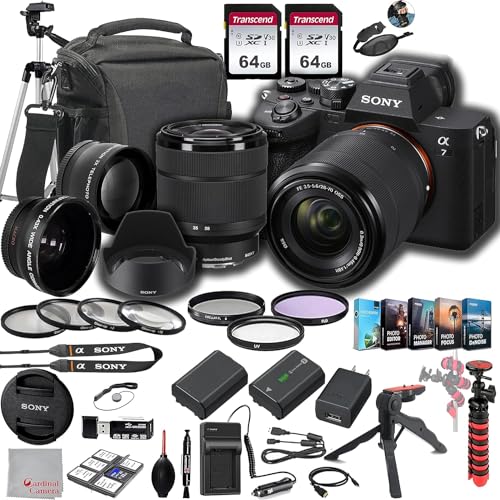
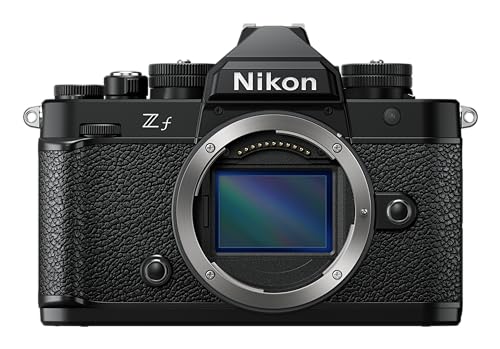
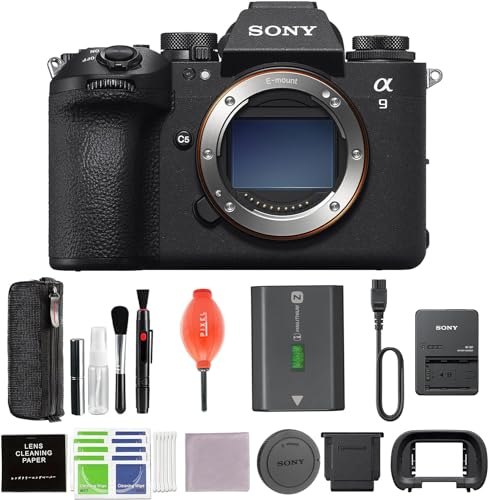
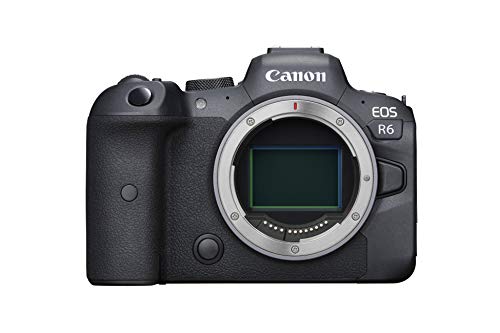
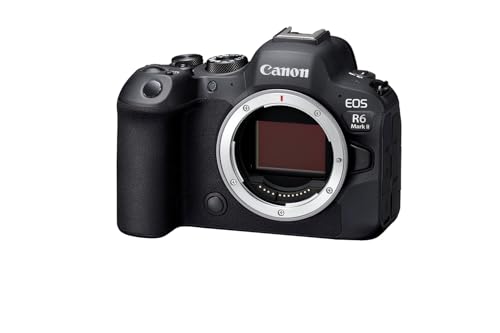
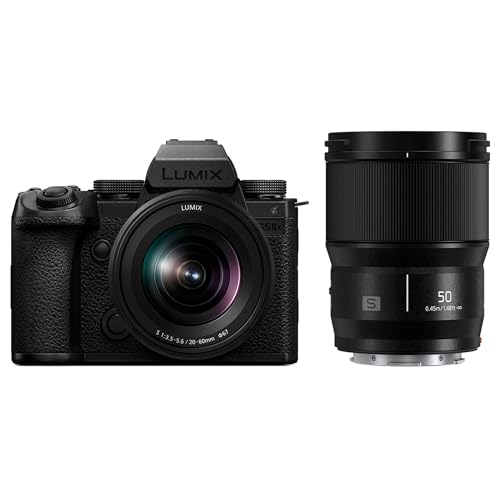
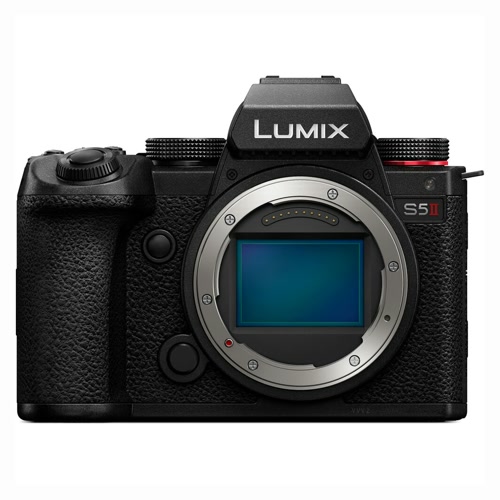
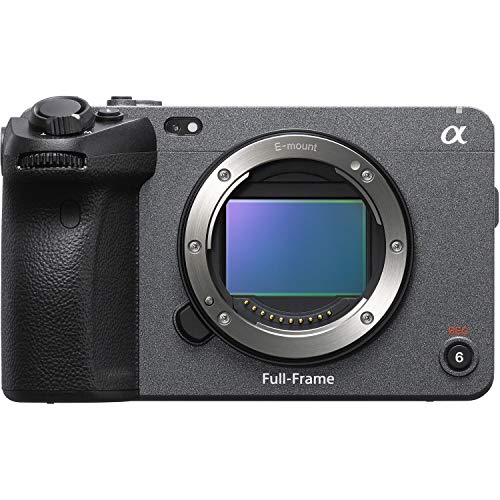
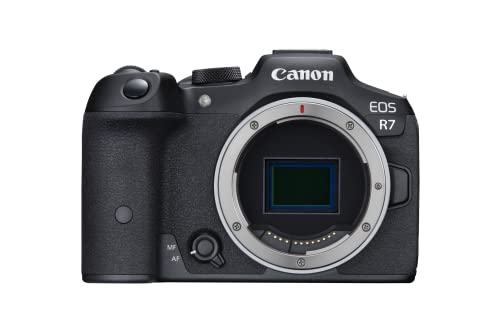
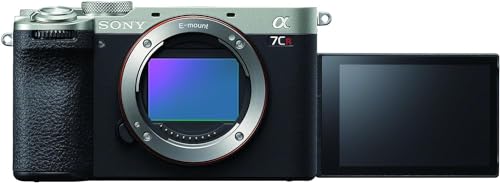
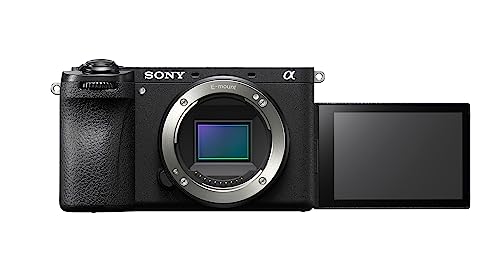
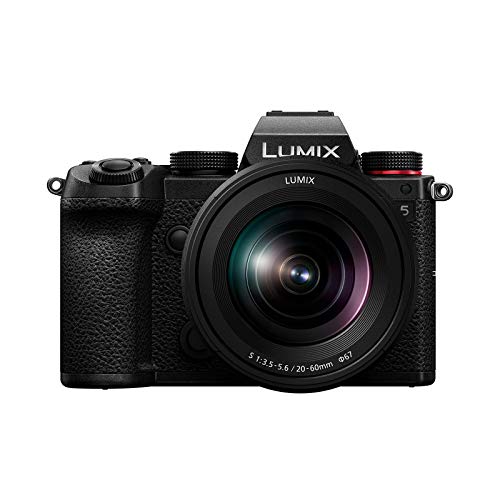
A camera with a flip display is worth buying when the photographer regularly works alone, shoots from awkward angles, or needs to monitor framing while standing in front of the lens. Vlogging, self-portraits, demonstrations, overhead product shots, low-angle street work, and vertical social video all become easier when the screen can face the subject.
A side-hinged fully articulating design offers the greatest freedom and can rotate inward for protection. A top-flipping screen keeps the image near the lens axis but may be blocked by a microphone, flash, or transmitter; a downward-flipping screen can conflict with a tripod or grip.
Check touch focus, brightness outdoors, screen resolution, hinge movement, and whether exposure tools remain visible in the forward-facing position. For video, autofocus, lens width, audio, stabilization, recording limits, and power matter at least as much as articulation.
How useful is a flip display on a camera for vlogging and selfies?
A flip display is extremely useful for vlogging and selfies because it confirms framing, horizon, exposure, recording status, and whether face detection is active. It also makes it easier to position text, products, or another person without repeated test clips.
The lens must remain wide enough after any 4K or stabilization crop. About 20–24 mm full-frame equivalent suits handheld solo framing, while 28 mm can feel tight at arm length. Touch tracking and a clear recording indicator reduce the risk of returning with soft or missing footage.
The screen should not encourage constant eye movement away from the lens. Place it as close to the lens axis as practical, use guides or tally indicators, and monitor audio separately when possible. In bright sunlight, maximum brightness and reflections can limit usefulness even when articulation is excellent.
What are the main limits of cameras with a flip display?
The main limits of cameras with flip displays are as follows:
- Cable obstruction: Microphone, headphone, HDMI, and USB cables can block a side-hinged screen or restrict rotation. Port placement should be checked with the intended accessories attached.
- Accessory conflicts: Top-flipping screens may disappear behind a hot-shoe microphone or wireless receiver, while downward screens can be blocked by a tripod plate or grip.
- Fragile moving parts: Hinges and ribbon cables add mechanical complexity. A screen folded inward is protected, but repeated twisting should still feel firm and controlled.
- Off-axis eye line: Looking at a side screen makes the presenter appear to look away from the viewer. Framing checks should be brief once recording begins.
- Outdoor visibility: Reflections and modest brightness can make a forward-facing screen difficult to read in sunlight. A hood, shade, or external monitor may be needed.
- Heat and battery use: A bright active screen, continuous autofocus, and 4K recording increase power consumption and heat. Articulation alone does not guarantee unlimited recording.
- Incomplete touch control: Some screens support touch focus but not full menu navigation or playback gestures. Test the exact functions needed for solo operation.