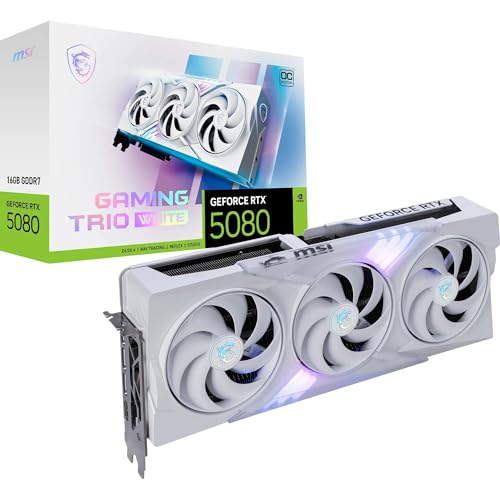
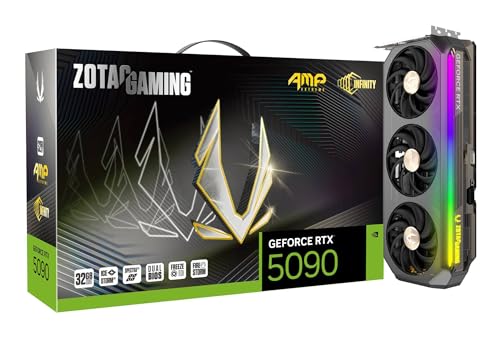
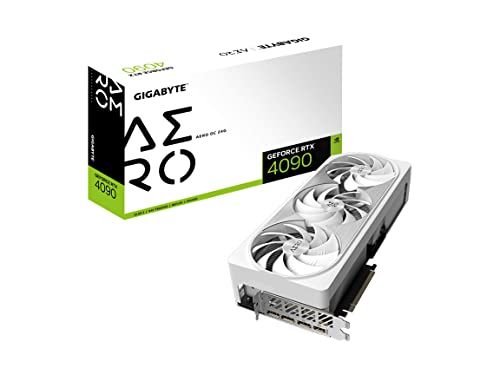
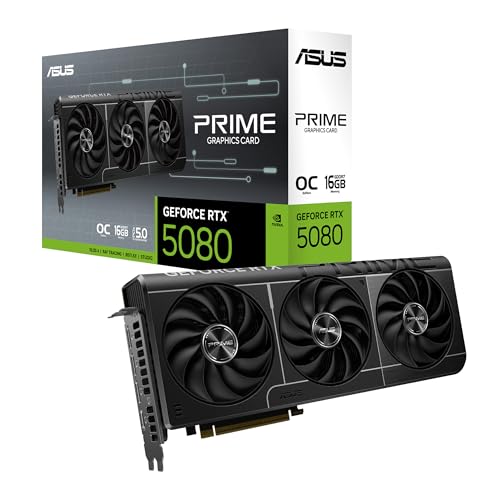
Which brands make the best graphics cards?
The graphics-card brands with the best average overall scores are as follows.
- GIGABYTE (Average overall score: 8.7)
- MSI (Average overall score: 8.7)
- ASUS (Average overall score: 8.7)
The chart below ranks graphics-card brands by average overall score.
[horizontal-chart-01283165569734514194056266735364375113281044803281]
Which graphics card brands have the highest average user ratings?
The graphics-card brands with the highest average user ratings are as follows.
- GALAX (Average user rating: 9.5)
- EVGA (Average user rating: 9.4)
- MSI (Average user rating: 9.4)
The chart below ranks graphics-card brands by average user rating.
[horizontal-chart-18126792634460411521099276762128662447212222964665]
Which graphics card brands offer the best value for money on average?
The graphics-card brands with the best average value-for-money scores are as follows.
- ASUS (Average value-for-money score: 7.6)
- XFX (Average value-for-money score: 7.6)
- GALAX (Average value-for-money score: 7.6)
The chart below ranks graphics-card brands by average value-for-money score.
[horizontal-chart-06397452968763729542034349904558518727473032496469]
How much do the best graphics cards cost?
The best graphics cards in this guide usually cost about £300-£2,200. That is where most serious buying options sit, from strong upper-midrange gaming cards to flagship models. Much cheaper cards are usually older entry-level models, while the very highest prices are often tied to workstation or extreme halo hardware.
Around £300-£600, you are usually looking at strong mainstream cards for 1080p and 1440p gaming. Around £600-£1,300, the market moves into faster high-end models with more VRAM, stronger coolers, and better 4K or ray-tracing performance. Above that, you are mostly paying for flagship gaming cards, creator-focused hardware, or specialist workstation products rather than for what most buyers actually need.
This chart visualizes graphics card prices.
[vertical-chart-13398954090954927040049855093946685534941917058859]
How much VRAM do the best graphics cards have?
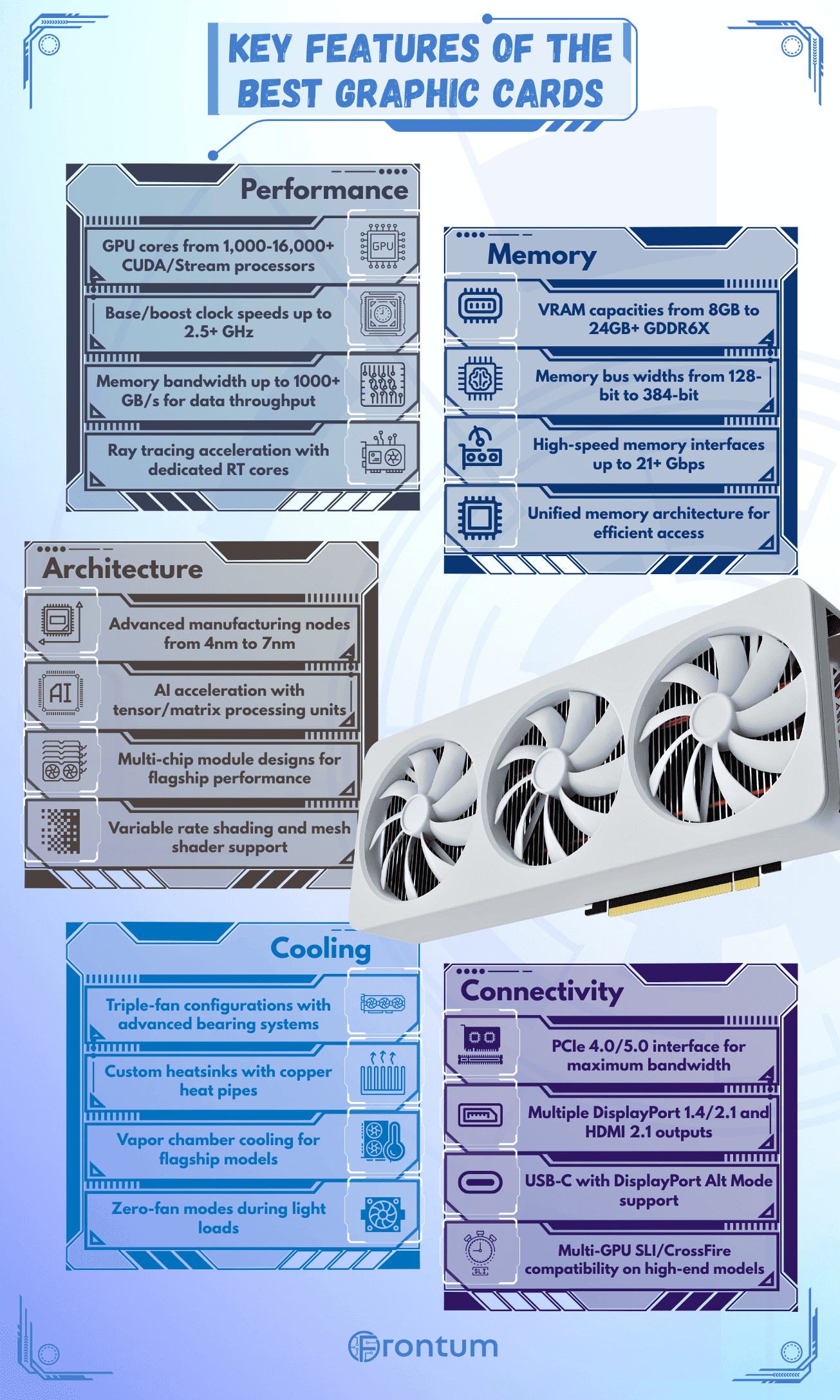
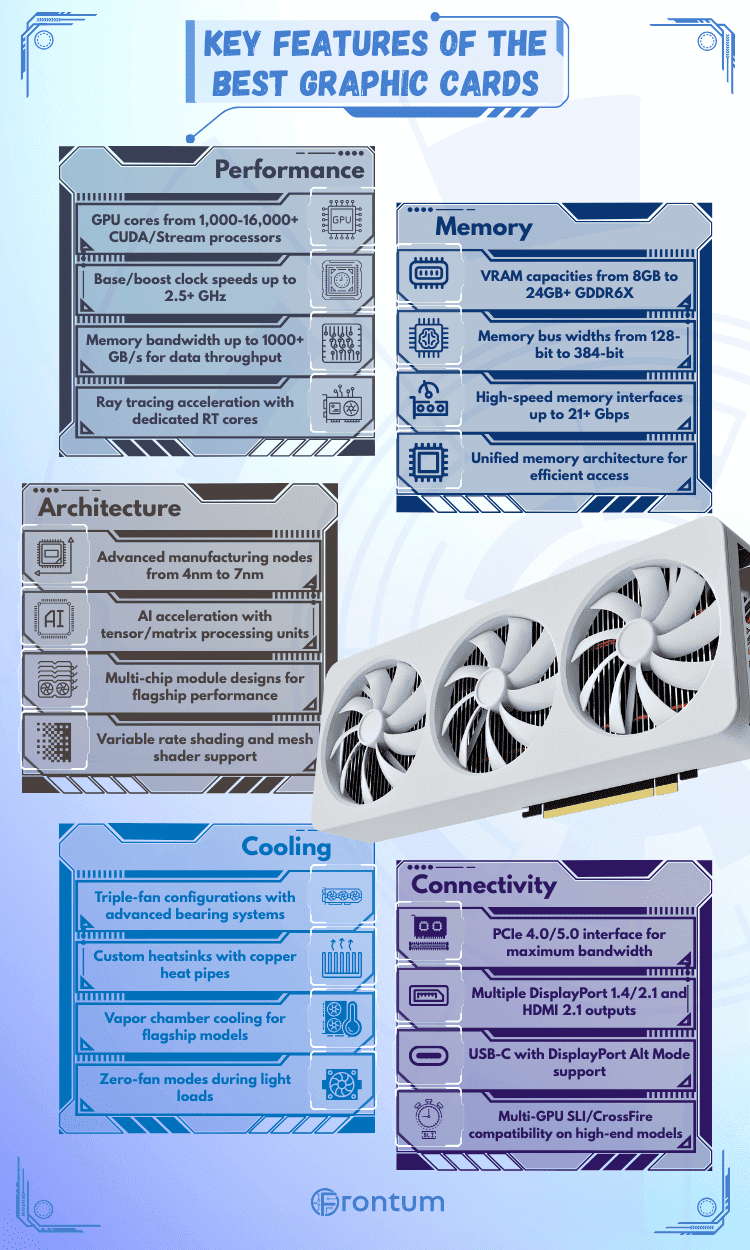
The best graphics cards usually have 8-24 GB of VRAM, with 16 GB now especially common on stronger modern cards. That already shows the split between older value models and newer upper-midrange or high-end hardware.
Most budget and older graphics cards still sit at 4-8 GB. Stronger modern gaming cards much more often move into the 12-16 GB range.
Very large memory pools such as 24 GB or 32 GB are still much more typical of flagship or creator-oriented hardware than of mainstream gaming buys.
In practical terms, VRAM only matters when it matches the rest of the card. Eight gigabytes can still work for lighter 1080p use, 12-16 GB is a safer modern gaming zone, and 24 GB or more usually belongs to premium enthusiast or creator-oriented products where the whole GPU class is already expensive.
How powerful are the best graphics cards?
The best graphics cards range from modest legacy performance to true flagship power, so the gap between the weakest old models and the strongest current GPUs is enormous. At the lower end, some cards are only suitable for basic display use, light esports, or older games, while modern high-tier GPUs are built for demanding 1440p and 4K gaming, heavy creator workloads, and much stronger ray tracing.
That is why performance buying should start with your actual target rather than with the broad graphics-card label alone. If you want modern AAA gaming, workstation rendering, or strong ray tracing, focus on newer high-score cards. If you only need basic esports or a cheap temporary upgrade, many of the top-end metrics simply do not matter.
How good is ray tracing on the best graphics cards?
Ray tracing is now common on modern graphics cards, but the quality of ray-tracing performance still varies a lot by generation and brand. Most current Nvidia RTX cards and newer upper-tier AMD cards support it, while older pre-ray-tracing models do not. Even among supported cards, there is a big difference between basic feature support and the kind of smooth, comfortable ray-traced gaming buyers actually want.
In practical buying terms, ray tracing should matter only if you actually play games or run workloads that benefit from it. If you do, check both raw GPU performance and upscaling support. If you do not, a strong raster card with more VRAM or better value can still be the smarter choice.
How much power do the best graphics cards use?
The best graphics cards can use a lot of power, with visible TDP figures ranging from about 10 W to about 630 W and peak-load readings stretching up to about 800 W.
The serious gaming part of the market sits much higher than old low-end cards. Ratings such as 160 W and 220 W are common around efficient mainstream models, while 250 W, 300 W, and 320 W are very normal once you move into stronger gaming hardware.
Real buying impact comes from the whole platform, not from the GPU alone. Recommended PSU values cluster most heavily around 550 W, 650 W, 750 W, and 850 W, which is a useful reminder that stronger graphics cards often force case, cooling, and power-supply decisions at the same time.
That means power should be treated as a budget and build-planning factor, not just as a spec-sheet footnote. If you are upgrading an existing PC, check the PSU headroom, connectors, airflow, and noise tolerance before assuming a higher-tier card will drop in cleanly.
What connections do the best graphics cards support?
The best graphics cards usually support a very familiar modern connection layout: one HDMI output plus three DisplayPort outputs. That pattern is especially common across modern gaming cards, although some cards provide two HDMI ports and some older or workstation-style designs shift the DisplayPort count.
Legacy outputs such as DVI remain visible mainly on older generations rather than on the newest enthusiast models. USB-C video output exists too, but it is far less standard than HDMI plus DisplayPort. In practical terms, connection choice matters only when it matches your monitor plan, so multi-monitor, high-refresh, VR, or creator setups should always check exact port count and port version before buying.
How large are the best graphics cards and how are they cooled?
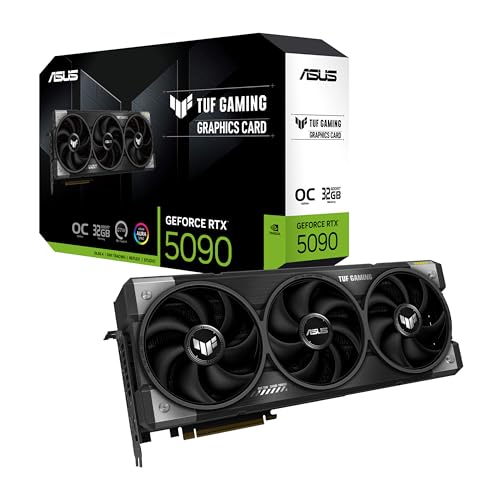
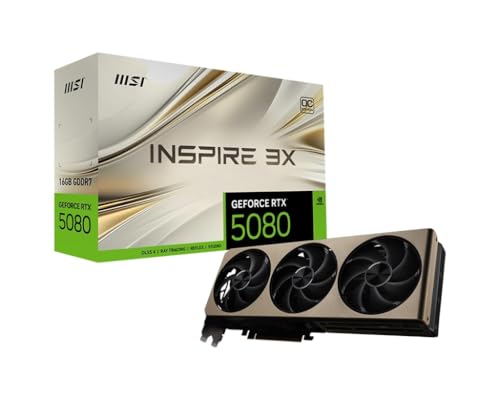
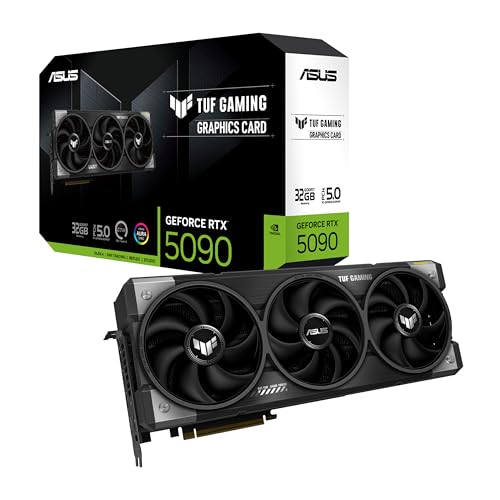
The best graphics cards are often physically large and heavily cooled, with card lengths running from about 144 mm to about 385 mm.
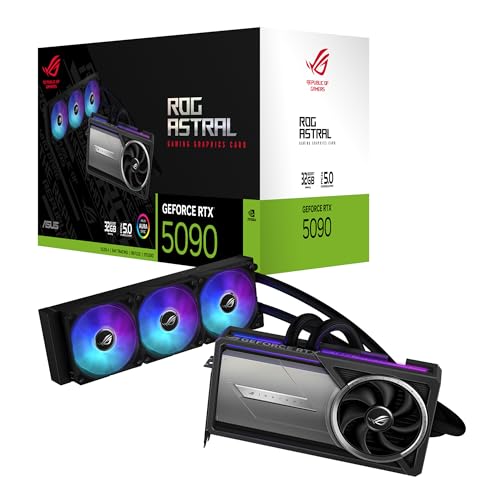
Air cooling overwhelmingly dominates the market, and triple-fan designs are the most common, followed by dual-fan cards. Liquid or hybrid options remain much rarer than standard air-cooled models.
Most modern gaming cards are also 2 to 3 slots thick, which is why fit problems are common in tighter builds even before cable clearance and front-radiator placement enter the picture.
That means physical fit is a real buying constraint, not a small detail. Before choosing a strong graphics card, check case clearance, slot thickness, front-radiator conflicts, and airflow support, because the best-performing option on paper can still be the wrong choice if it does not fit the build cleanly.
What trade-offs should you check before buying a graphics card?
The trade-offs to check before buying a graphics card are as follows:
- GPU tier and target resolution: Match the card to the resolution and frame-rate target you actually want, because a card that feels strong for 1080p can become a compromise at 1440p ultra settings or high-refresh play.
- VRAM and memory bandwidth: VRAM capacity matters, but so do memory bus width and total bandwidth. An 8 GB card can still make sense for balanced 1080p gaming, while heavier 1440p, 4K, mods, texture packs, and creator workloads benefit much more from 12 GB, 16 GB, or a stronger memory subsystem.
- Power draw and PSU fit: Check the card's power requirement, connector type, and the quality of your PSU. A faster GPU often means more heat, more noise, and less room for a weak power supply or a compact case.
- Card size and cooling design: Length, thickness, and cooler style matter more than many buyers expect. A large triple-fan card may run cooler and quieter, but it can block adjacent slots, limit case compatibility, or be unnecessary if your airflow is poor.
- Features versus raw value: Ray tracing, DLSS, FSR, frame generation, AV1 encoding, and stronger creator support can justify paying more, but only if you will actually use them. If not, a simpler card with better price-to-performance can be the smarter buy.
- Current price versus generation age: Older high-end cards can still be fast, but they may bring higher power use, shorter remaining support life, weaker efficiency, and worse value once prices drift too close to newer alternatives.