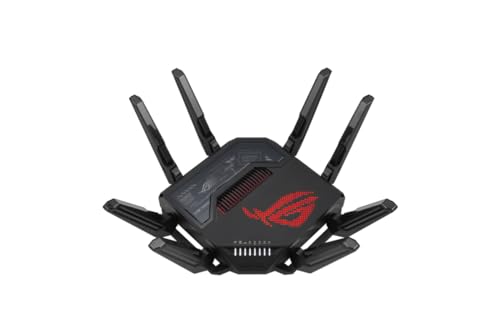
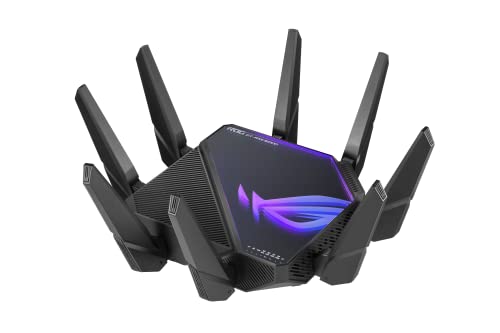
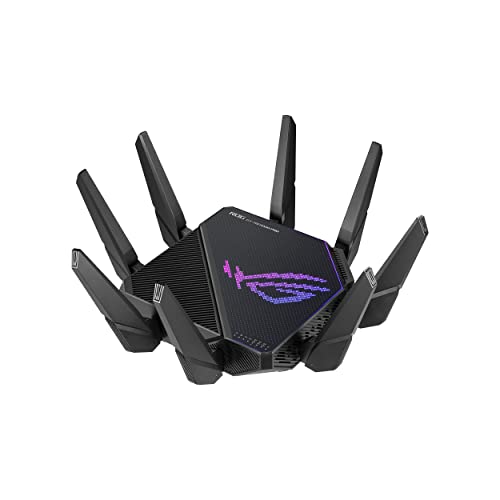
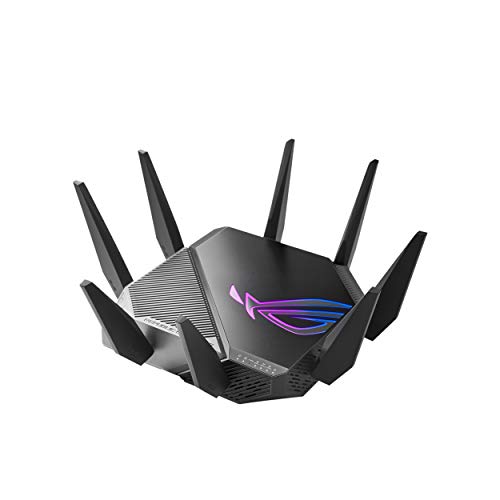
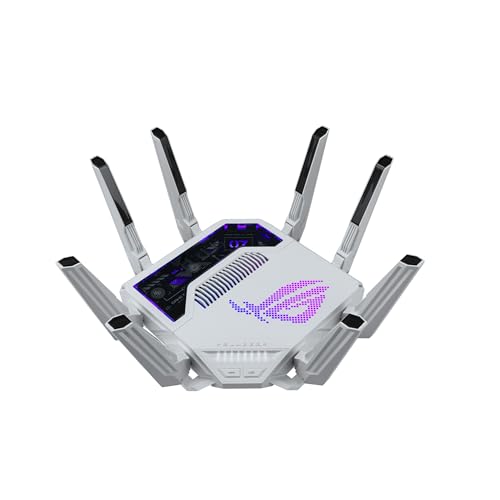
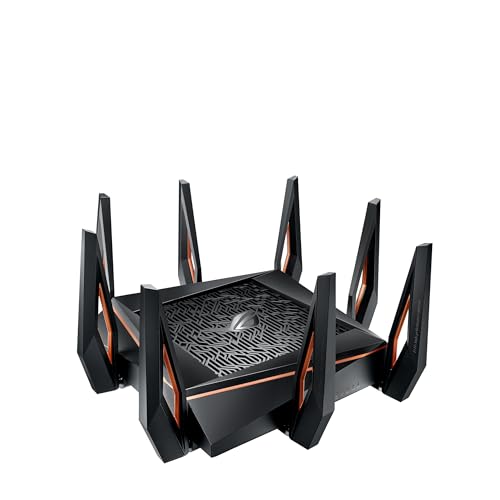
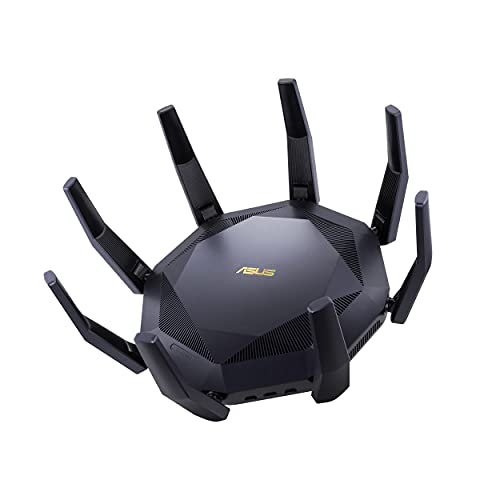
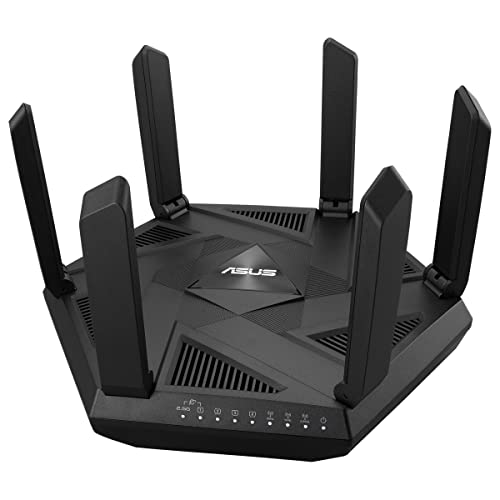
What are the best Wi-Fi router brands?
The best Wi-Fi router brands are as follows.
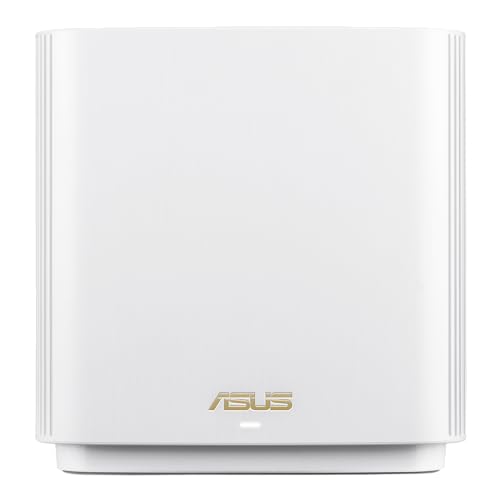
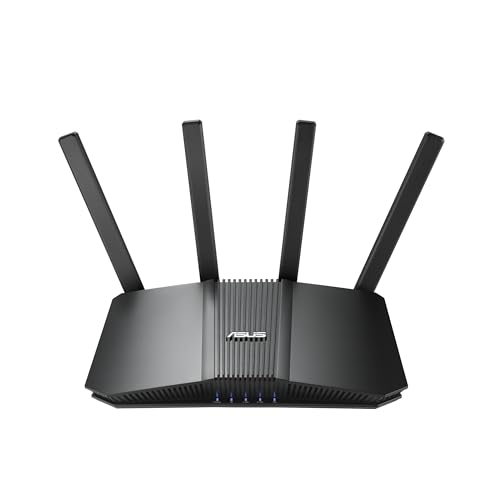
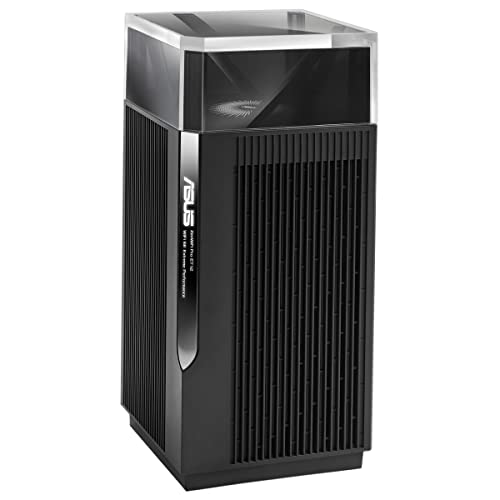
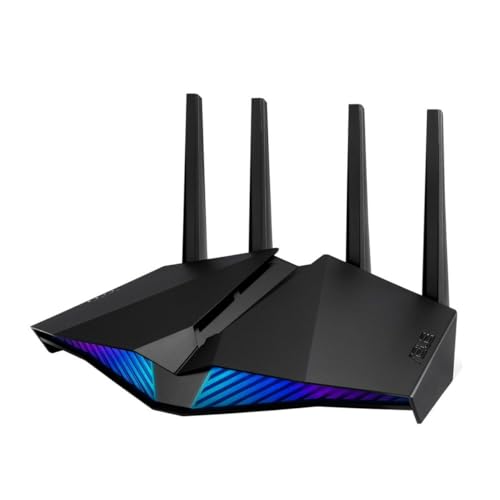
- ASUS (Overall score: 8.6 points)
- Synology (Overall score: 8.1 points)
- AVM (Overall score: 7.9 points)
The chart below ranks Wi-Fi router brands by average overall score.
[horizontal-chart-12358809363490758653123200512821428302133513557861]
Which Wi-Fi router brands have the highest user ratings?
The Wi-Fi router brands with the highest user ratings are as follows.
- AVM (Overall score: 9.6 points)
- Amazon (Overall score: 9.2 points)
- Google (Overall score: 9.1 points)
This chart compares Wi-Fi router brands by average user rating.
[horizontal-chart-17064773214814843943082900859942644996463955031714]
Which Wi-Fi router brands offer the best value for money?
The Wi-Fi router brands with the best value-for-money scores are as follows.
- ASUS (Overall score: 8.7 points)
- Synology (Overall score: 8.6 points)
- AVM (Overall score: 8.4 points)
The following chart ranks Wi-Fi router brands by average value-for-money score.
[horizontal-chart-12927671765313566806035544314620003884241773328018]
How much do the best Wi-Fi routers cost?
The best Wi-Fi routers cost between £130 and £430, depending on speed, range, and advanced features.
Entry-level high-performance models sit closer to £130, while premium devices with the latest Wi-Fi 6E or Wi-Fi 7 standards and tri-band setups often reach £340 to £430.
Routers in the mid-range segment (around £170 to £260) usually deliver strong speeds, wide coverage, and reliable performance for most households. Top-tier models push the price higher because they include multi-gigabit ports, powerful processors, and enhanced antenna designs that maximize throughput and stability.
The following chart shows the price distribution of Wi-Fi routers.
[vertical-chart-05066730116529809771020776451155041310890311966258]

What Wi-Fi standards do the best routers support?
The best routers support the latest Wi-Fi standards such as Wi-Fi 6 (802.11ax) and Wi-Fi 6E, and some now include Wi-Fi 7 (802.11be). These standards improve speed, reduce latency, and handle more devices compared to older versions like Wi-Fi 5 (802.11ac) or Wi-Fi 4 (802.11n). Wi-Fi 6 and Wi-Fi 7 also use advanced technologies such as OFDMA and MU-MIMO, which let multiple devices share the same channel efficiently.
Wi-Fi 6E extends Wi-Fi 6 into the 6 GHz band, so it adds extra channels and reduces congestion when many devices are active in one area. Wi-Fi 7 further increases bandwidth, introduces wider 320 MHz channels, and uses multi-link operation, so a device can connect on different bands at the same time.
Older standards like Wi-Fi 5 and Wi-Fi 4 are still common and many devices remain compatible with them, but the best routers support several generations at once.
How fast are the best Wi-Fi routers?
The best Wi-Fi routers are very fast and can reach speeds over 10 Gbps with Wi-Fi 6E and Wi-Fi 7 standards. These routers use wider channels (up to 320 MHz), advanced modulation schemes like 4096-QAM, and multi-band operation that combines 2.4 GHz, 5 GHz, and 6 GHz frequencies. The result is much higher throughput and lower latency than older routers.
Real speeds in homes are lower because distance, interference, and the number of connected devices reduce performance. Still, premium routers reach multi-gigabit speeds in practice, which supports streaming in 8K, cloud gaming, and simultaneous use by dozens of devices.
Some models also include multi-gig Ethernet ports so the wired side of the network does not limit the wireless speed.
How many devices can the best Wi-Fi routers handle?
The best Wi-Fi routers can handle between 100 and 250 devices at the same time, depending on their hardware capacity and wireless standards. This includes smartphones, laptops, tablets, smart TVs, consoles, and smart home devices, all of which compete for bandwidth.
High-end routers with Wi-Fi 6, Wi-Fi 6E or Wi-Fi 7 support more devices than older Wi-Fi 5 models because they use advanced technologies such as MU-MIMO and OFDMA that split the connection more efficiently.
In real use, the maximum number depends on how demanding each device is. A router might connect 200 devices in theory, but if many of them stream video, play online games, or transfer large files, the effective limit drops. Smaller devices like smart bulbs or sensors consume far less bandwidth, so a router can handle more of them at once without slowing down.
What range do the best Wi-Fi routers cover?
The best Wi-Fi routers cover a range of about 30 to 45 meters indoors and up to 90 to 100 meters outdoors. Walls, furniture, and other physical barriers reduce the coverage inside a house, so the effective range is usually smaller than the maximum distance that manufacturers list.
Routers with multiple antennas and Wi-Fi 6 or Wi-Fi 6E support achieve stronger coverage because they use advanced beamforming and higher frequency bands.
A 2.4 GHz band reaches farther but with lower speeds, while 5 GHz and 6 GHz bands carry faster data but at shorter distances. That means the actual range depends on which band you use and how many obstacles stand between the router and the connected device.
Mesh systems extend the range far beyond a single router, as they link multiple access points in one network. This setup keeps the same SSID and spreads strong signals across larger houses or offices where one router would not be enough.
What processors and memory do the best Wi-Fi routers use?
The best Wi-Fi routers use high-performance processors and large memory to handle heavy traffic and multiple devices at once.
Most premium models rely on multi-core CPUs (dual-core, quad-core, or even higher) that run at speeds from around 1 GHz up to more than 2 GHz. These processors handle data encryption, packet routing, and advanced features such as Quality of Service or parental controls without slowing down your connection. A stronger processor also reduces latency when many devices connect at the same time.
Memory is just as vital as the processor because it stores routing tables, device connections, and firmware processes. The best routers include between 512 MB and 1 GB of RAM, while some top models go up to 2 GB.
Flash storage usually ranges from 128 MB to 512 MB, which holds the operating system and system updates. Higher memory capacity improves stability during peak loads, so you avoid drops when many users stream, game, or work online.
What security features do the best Wi-Fi routers include?
The best Wi-Fi routers include the following security features.
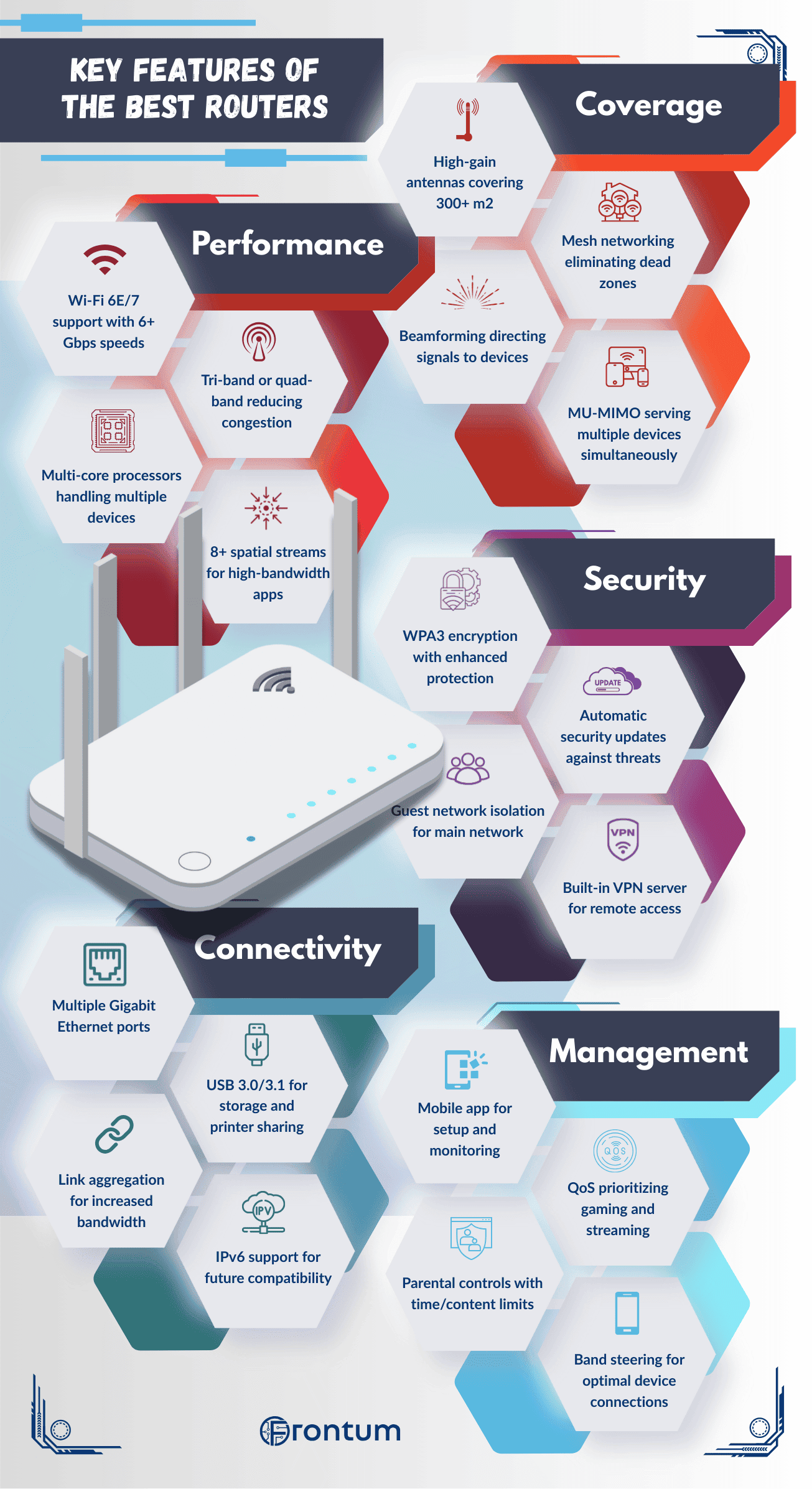
- WPA3 encryption: Protects your wireless network with stronger data encryption and resistance against brute-force attacks.
- Guest network isolation: Keeps guest devices separate from your main network so they cannot access your files or connected devices.
- Firewall protection: Blocks unauthorized traffic and filters harmful data packets before they reach your network.
- Automatic firmware updates: Installs the latest security patches and fixes to defend against new threats.
- VPN support: Encrypts internet traffic across all connected devices and hides your online activity.
- Parental controls: Restricts access to websites and manages screen time for connected devices.
- Intrusion detection system: Monitors unusual activity and alerts you if suspicious devices or connections appear.
What ports and connectivity options do the best Wi-Fi routers offer?
The best Wi-Fi routers usually include the following ports and connectivity options.
- LAN ports: Most strong models include multiple Gigabit Ethernet LAN ports for PCs, TVs, consoles, and other wired devices that need the most stable connection.
- WAN port: At least one dedicated WAN port connects the router to the modem or fiber terminal, and better models often move from Gigabit to 2.5G or 10G WAN support.
- Multi-gig Ethernet: Premium routers may add 2.5G, 5G, or 10G Ethernet ports so they can handle faster broadband plans, NAS traffic, or high-speed wired backhaul.
- USB ports: USB 3.0 or USB 3.2 ports let the router share external storage, printers, or backup drives across the network.
- Wireless connectivity: Dual-band, tri-band, and mesh-ready wireless setups determine how well the router handles phones, laptops, smart-home devices, and whole-home coverage at the same time.
The best Wi-Fi routers also include extra features such as the following:
- QoS (Quality of Service): This function prioritizes certain types of traffic such as gaming, streaming, or video calls. It reduces lag and buffering so your most demanding activities run smoothly even when the network is crowded.
- Beamforming: The router directs Wi-Fi signals toward specific devices instead of broadcasting in every direction. This increases signal strength and improves stability for devices at greater distances.
- Mesh compatibility: Extra nodes connect together to form one unified network with the same SSID. This expands coverage across larger homes or offices where a single router would leave dead zones.
- Smart home integration: Many routers work with platforms like Alexa or Google Assistant. You can adjust Wi-Fi settings with voice commands or automate network functions as part of your smart home system.
- OFDMA and MU-MIMO: These technologies split channels so multiple devices can use the same frequency at once. They increase efficiency and keep speeds consistent when dozens of devices connect.
- App-based control: A dedicated smartphone app lets you manage the router easily. You can monitor traffic, set parental controls, create guest networks, and troubleshoot without needing a computer.
- Advanced antenna design: Premium routers use high-gain or multi-antenna setups to improve range. They deliver stronger signals through walls and maintain stability in larger spaces.
- Traffic monitoring and analytics: Built-in tools show which devices consume the most bandwidth. This helps identify slowdowns, manage heavy users, and optimize performance across the network.