
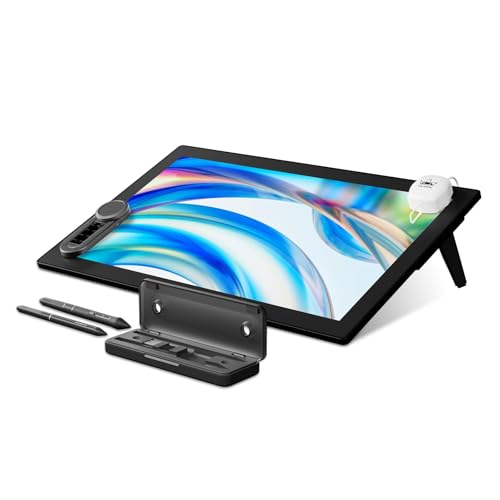
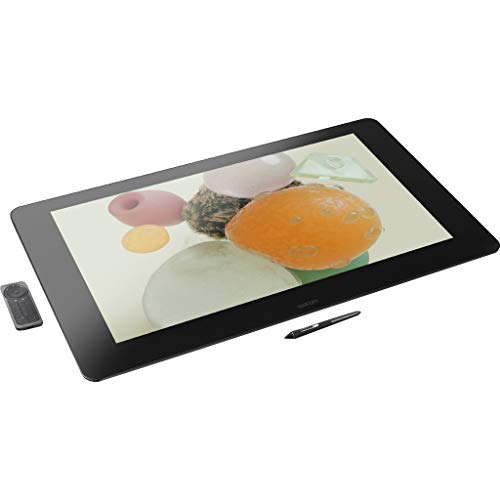
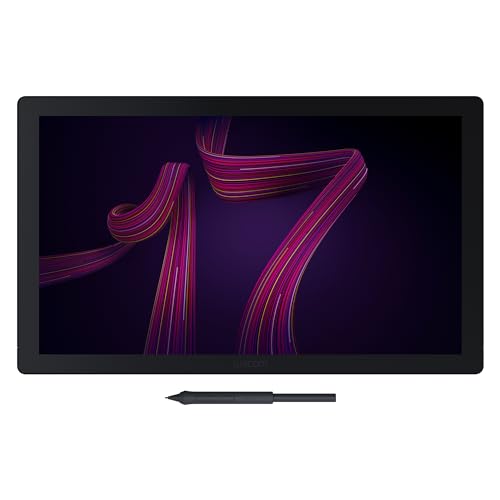
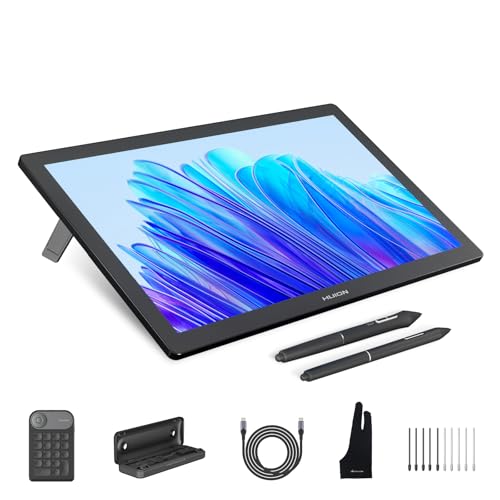
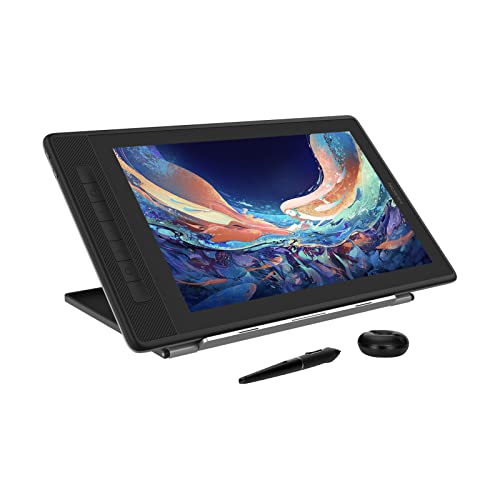
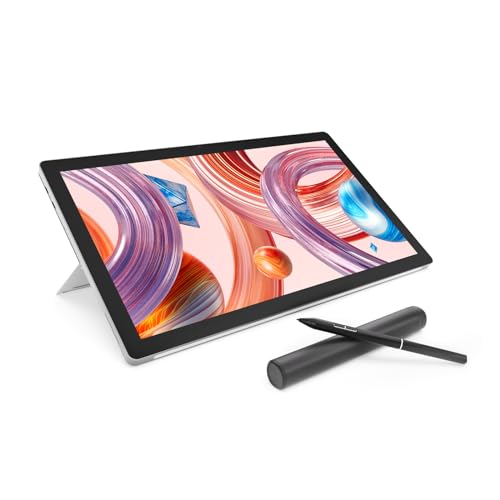
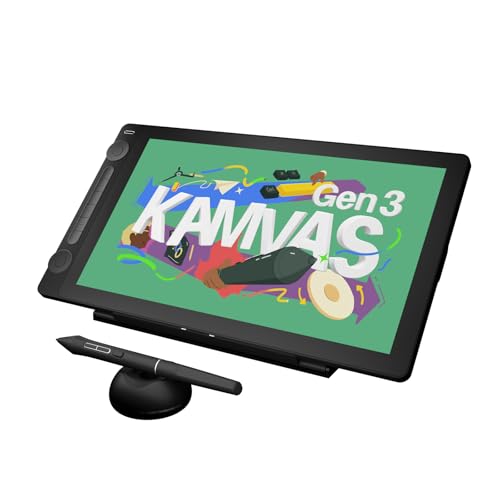
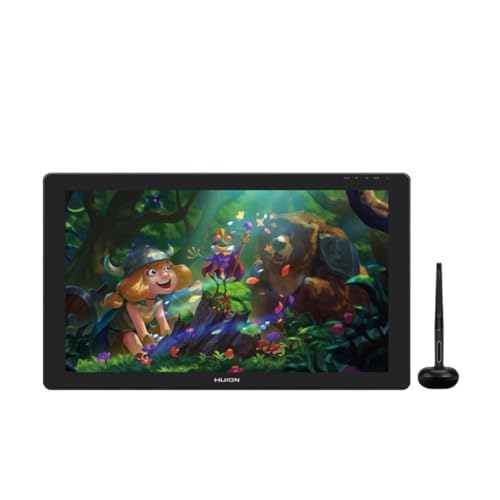
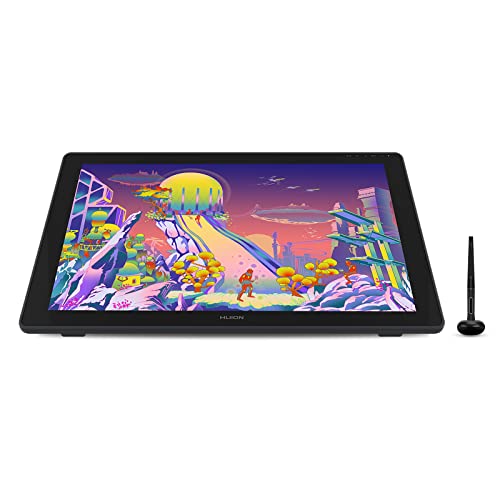
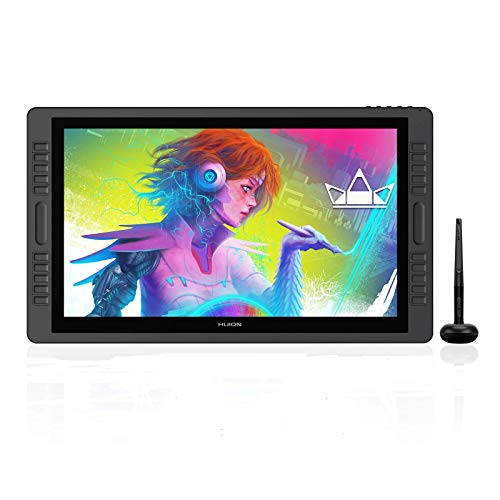
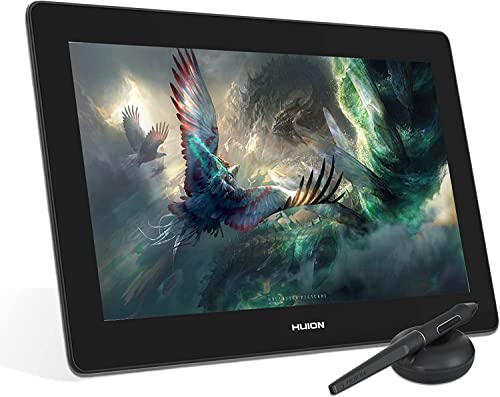
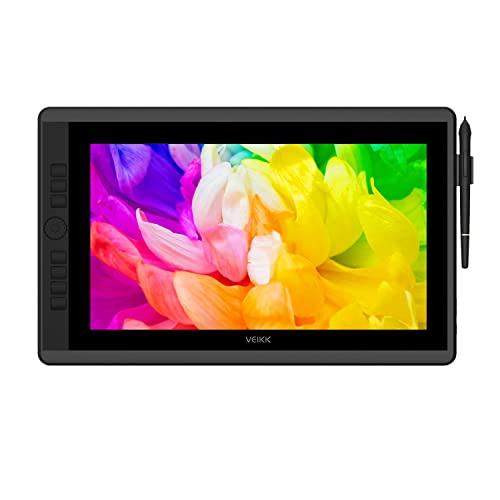
What are the best drawing tablet brands in 2026?
The best drawing tablet brands are as follows:
- HUION (Average overall score: 7.8)
- Wacom (Average overall score: 7.8)
- XP Pen (Average overall score: 7.3)
- Xencelabs (Average overall score: 7)
The chart below compares drawing tablet brands by average overall score.
[horizontal-chart-08051336327100176140083205511039624666222915896643]
Which drawing tablet brands have the highest user ratings?
The drawing tablet brands with the highest user ratings are as follows:
- Wacom (Average user rating: 9.3)
- VEIKK (Average user rating: 9.1)
- UGEE (Average user rating: 9.1)
- HUION (Average user rating: 9.1)
The chart below compares drawing tablet brands by average user rating.
[horizontal-chart-17465619839174647087099640649737630693541783705173]
Which drawing tablets offer the best value for money?
The drawing tablet brands with the best value for money are as follows:
- VEIKK (Average value-for-money score: 7.8)
- HUION (Average value-for-money score: 7.8)
- UGEE (Average value-for-money score: 7.7)
- GAOMON (Average value-for-money score: 7.6)
The chart below compares drawing tablet brands by average value-for-money score.
[horizontal-chart-01309562925903796635158829622897148621233475884907]


How much do the best drawing tablets cost?
The best drawing tablets usually cost about £220 to £1,000, with most worthwhile options for hobbyists and serious artists landing between £300 and £690. At the lower end you can find reliable pen tablets and a few smaller display models, while the higher end is mostly made up of larger screens, sharper displays, better color accuracy, and more premium build quality.
Price climbs fastest when you move from a basic pen tablet to a laminated display tablet with a larger working area and better calibration. For most buyers, the sweet spot is in the mid-range, where you get strong pen performance, enough shortcut controls, and a screen or surface that feels much more natural to draw on without paying top-tier money for studio-focused extras.
The graph below shows how prices are distributed across drawing tablets.
[vertical-chart-07312724091946006563117064540010301203530141144369]
What types of drawing tablets are available?
The main types of drawing tablets available today are the following:
- Screenless pen tablets: These models give you a pressure-sensitive surface without a built-in display. They are usually lighter, cheaper, and easier to carry, but you need to look at your monitor while drawing.
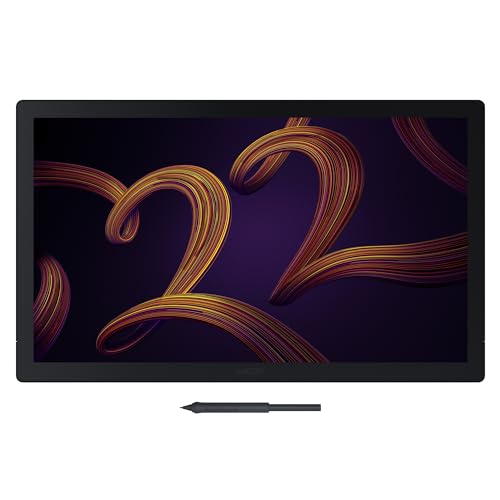
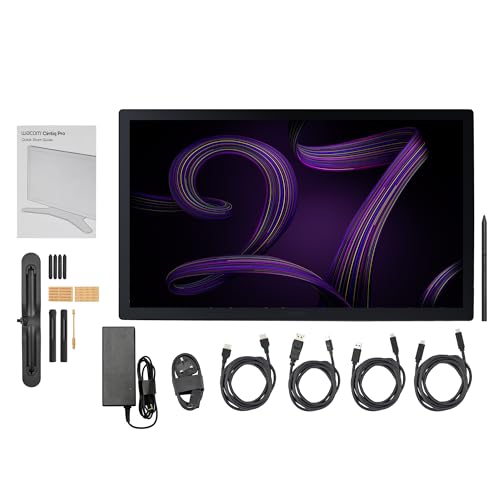
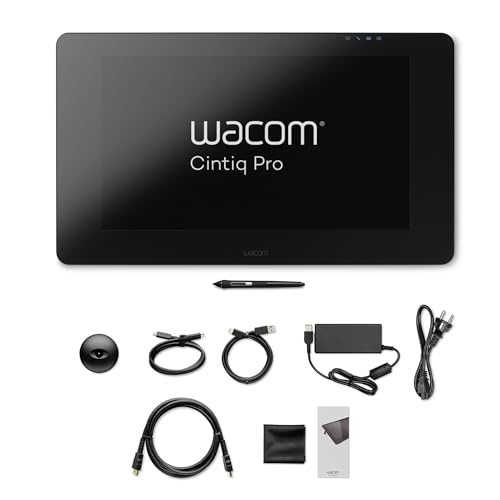
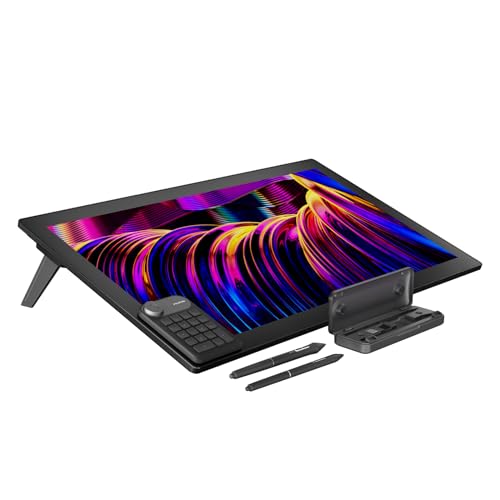
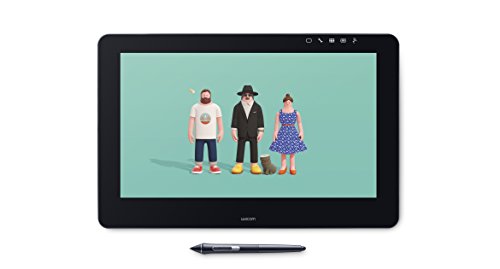
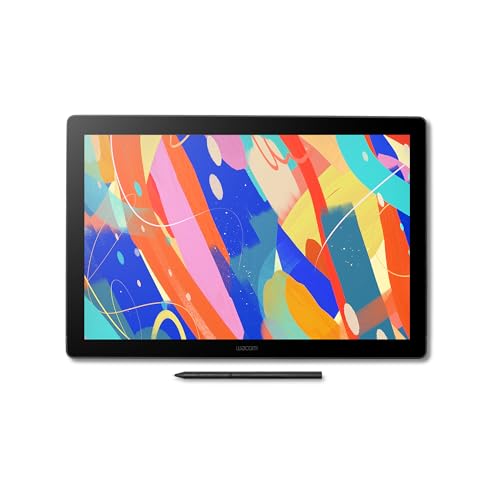
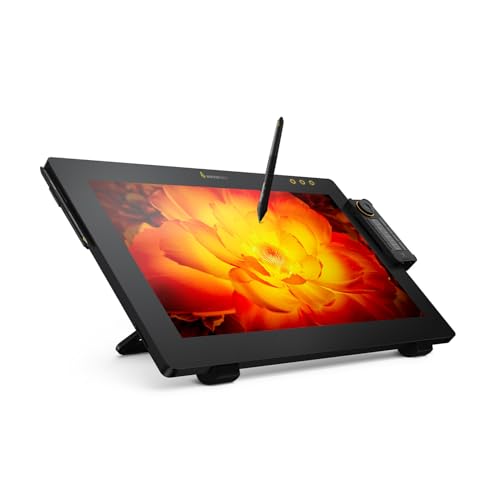
- Pen displays: These tablets include a screen that lets you draw directly on the image. They feel more natural for illustration and photo work, but they cost more and are usually heavier.
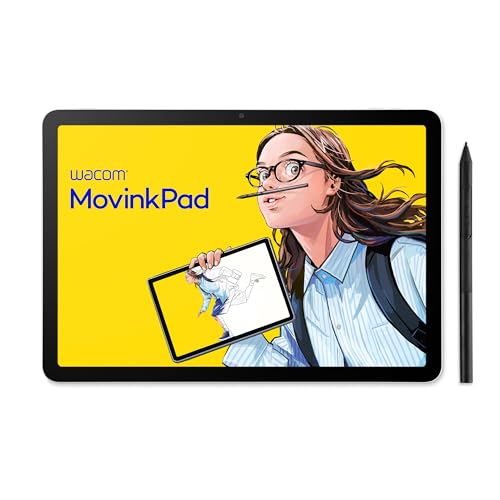
- Standalone drawing tablets: A smaller part of the market works more like a self-contained computer with its own operating system. They are useful if you want to draw without staying connected to a PC, but they sit in a much higher price range.
- Compact travel tablets: Some models focus on portability, with a smaller active area and a simpler cable setup. They are practical for note-taking, mobile work, or very limited desk space.
- Large desktop tablets: These versions prioritize a broader working area, more arm movement, and better comfort for longer illustration sessions, but they take up more room and are less travel-friendly.
The graph below shows the distribution of drawing tablet types.
[pie-chart-12284164045167964445022673146225322385963609356641]
Should you choose a drawing tablet with screen or without one?
You should choose a drawing tablet with a screen if you want the most direct and natural drawing experience, especially for illustration, retouching, and more detailed creative work. Seeing the pen tip directly on the artwork reduces the hand-to-eye coordination gap and usually feels easier for beginners to understand.
A screenless tablet makes more sense if you want lower cost, lower weight, and a larger working area for the money. These models are often the better value for note-taking, photo editing, casual design work, and artists who already feel comfortable drawing while looking at a monitor.
The right choice mostly depends on budget, portability, and how much you value direct pen-on-image feedback. If comfort and immersion matter most, a pen display is usually the stronger option. If efficiency, desk simplicity, and value matter more, a screenless tablet is often the smarter buy.
How large is the active area on the best drawing tablets?
The active area on the best drawing tablets ranges from compact formats around 6 to 8 inches wide up to larger desktop formats around 13 to 16 inches or more, depending on whether you are looking at a screenless tablet or a pen display. Smaller models are easier to carry and suit note-taking or limited desk space, while larger ones give you more arm movement and a less cramped feel for illustration.
On screenless tablets, a larger active area often improves comfort for longer sessions because your strokes map more naturally to a monitor. On display tablets, screen size and active drawing area usually move together, so paying more often buys a broader canvas as well as better ergonomics.
The best size is not automatically the biggest one. It is the size that matches your desk, monitor setup, and drawing style without making the tablet awkward to position or too small to control precisely.
How accurate and responsive are drawing tablet pens?
The best drawing tablet pens are usually very accurate and responsive, with modern models commonly offering 8192 pressure levels, pen resolution around 5080 LPI, and report rates near 200 RPS or higher. In practice, that means cleaner tracking, smoother line variation, and less lag between your hand movement and what appears on the screen.
The better pens also keep initial activation force low, so lighter strokes register more naturally, and many add tilt support for shading and brush-angle work. That matters more in illustration and painting than in simple handwriting or note-taking.
Raw numbers still do not tell the whole story. Driver quality, cursor stability near the edges, and how natural the pen feels over longer sessions can matter just as much as pressure sensitivity on paper.
What compatibility do the best drawing tablets support?
The best drawing tablets commonly support the following compatibility options:
- Windows and macOS: This is the main compatibility baseline, and the strongest models usually offer mature drivers, mapping controls, and stable creative-software support on both platforms.
- Android support: Many newer tablets also work with Android phones or tablets through USB-C, although the feature set is often more limited than on a full computer.
- Major creative apps: Better tablets tend to work smoothly with software such as Photoshop, Illustrator, Clip Studio Paint, Krita, Blender, and Lightroom.
- Multi-monitor setups: On PC and Mac, stronger driver packages usually make it easier to map the tablet to one display or switch across multiple screens without awkward cursor behavior.
- Older or niche systems: ChromeOS, Linux, and mobile workflows are less consistently supported, so they need a closer compatibility check before you buy.
What trade-offs should you check before buying a drawing tablet?
The main trade-offs to check before buying a drawing tablet are the following:
- Screen versus value: A pen display feels more direct, but a screenless tablet usually gives you more working area for the same money.
- Size versus portability: Larger tablets are more comfortable for broad arm movement, while smaller ones are easier to carry and fit on tighter desks.
- Pen quality versus price: Stronger pens track more naturally, handle lighter pressure better, and often add tilt support, but those refinements usually raise cost.
- Display quality versus simplicity: Screen models can add better color, lamination, and brightness, but they also bring more weight, more cables, and more setup demands.
- Driver features versus ease of use: Tablets with more shortcuts, display mapping options, and advanced customization can be more powerful, but they can also be more frustrating if the software is weak or inconsistent.
- Platform support versus flexibility: A tablet may list several systems, yet the real experience can still vary a lot between Windows, macOS, Android, and multi-monitor setups.