
Are Canon cameras good for vlogging?
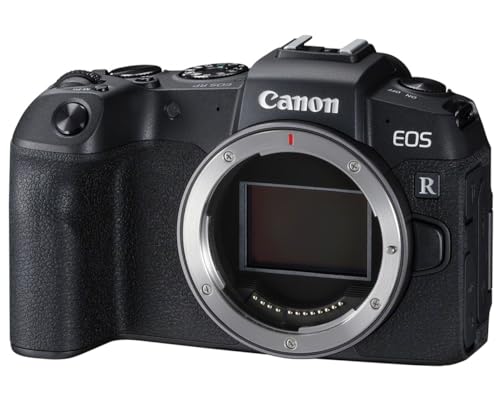
Canon cameras are good for vlogging because recent EOS R and PowerShot V models pair dependable face and eye tracking with self-facing screens and responsive touch controls. The R50 is approachable for desk, travel, and vertical content, but its 18 mm kit setting is about 29 mm equivalent before digital-stabilization crop, so the RF-S 10–18 mm is better for walking vlogs. Full-frame R8 or stabilized R6 bodies work well with a wide RF lens, while PowerShot V10/V1 and G7 X Mark III provide fixed-lens alternatives.
Canon still has meaningful limitations. The R50, R10, and R8 lack in-body stabilization, digital stabilization narrows the frame, and only selected bodies provide a headphone socket or unlimited thermal headroom. The older M50 Mark II is compact and familiar but uses a heavy 4K crop and loses its best Dual Pixel behavior in that mode, while advanced R5-class or Cinema EOS cameras demand more power, media, storage, and rigging than most solo vloggers need.
Which Canon cameras are best for vlogging?
The main Canon cameras and model families for vlogging are as follows:
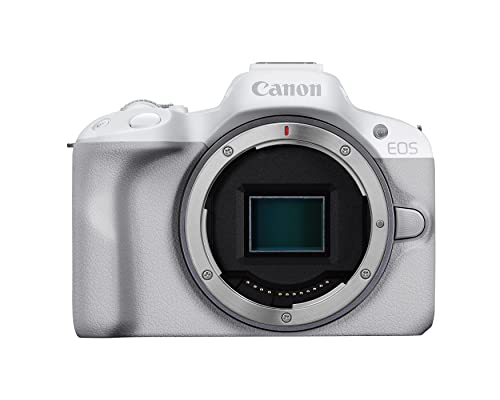
- EOS R50: The R50 is the most accessible current interchangeable-lens Canon vlogging body, with APS-C image quality, Dual Pixel subject tracking, a fully articulating touchscreen, microphone input, oversampled 4K, and creator-oriented automatic modes. It has no in-body stabilization or headphone output, and the RF-S 18–45 mm kit lens can be too tight for handheld walking footage once stabilization crops the frame.
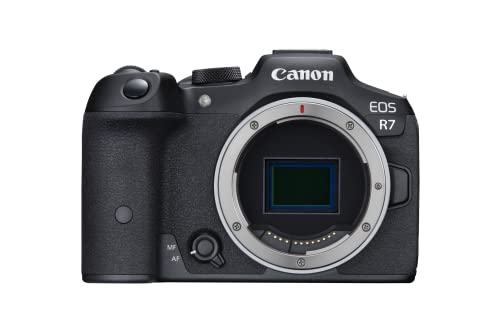
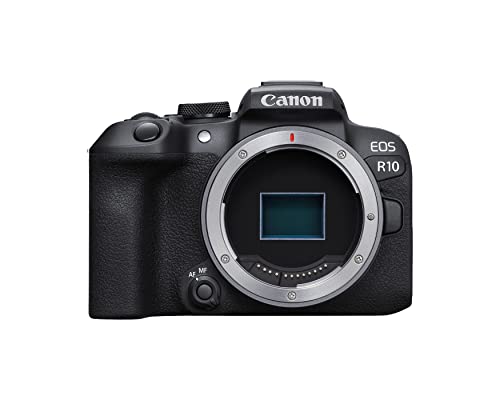
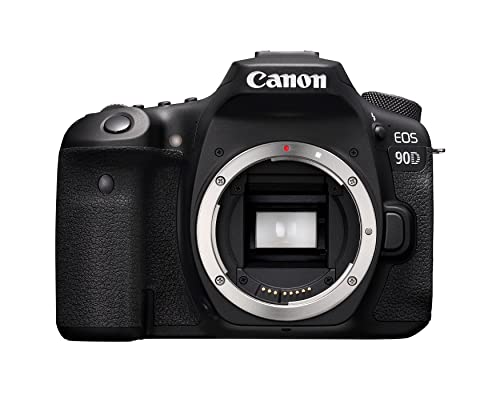
- EOS R10 and R7: The R10 adds stronger controls, bursts, and a more enthusiast-oriented body than the R50 but still lacks in-body stabilization. The R7 adds sensor-shift stabilization, a larger battery, dual card slots, and stronger production safeguards; both benefit from the RF-S 10–18 mm for arm's-length work and from checking rolling shutter and heat behavior in the intended 4K mode.
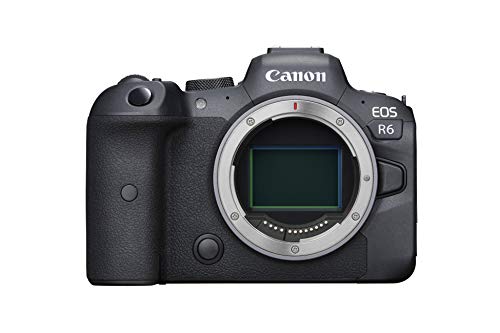
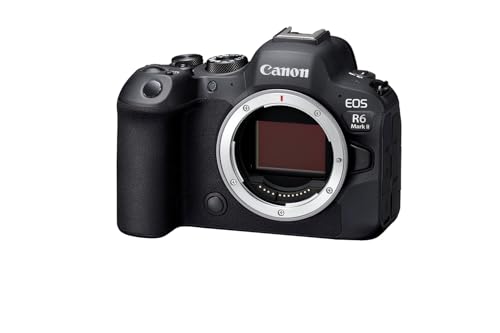
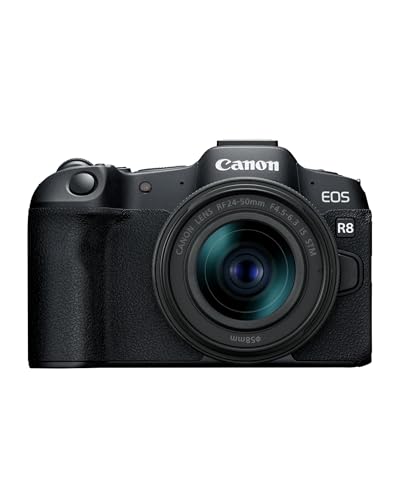
- EOS R8 and R6 family: The R8 provides full-frame image quality, strong Dual Pixel autofocus, and a fully articulating screen in a light body, but it lacks in-body stabilization and uses a smaller battery. R6-class bodies cost and weigh more but add stabilization, stronger batteries and controls, and better all-round hybrid handling, making them more suitable for professional travel, interviews, and paid creator work.
- PowerShot V10 and V1: The V10 is a simple upright creator camera with a built-in stand and very wide fixed lens for quick self-recording. The V1 is a more advanced video-first compact with a larger sensor, wide zoom, Dual Pixel autofocus, optical and digital stabilization options, microphone and headphone connections, and active cooling, making it a stronger self-contained choice for longer or more demanding production.
- PowerShot G7 X Mark III: The G7 X Mark III combines a 1-inch-type sensor, bright 24–100 mm-equivalent zoom, tilting selfie screen, microphone input, and 4K recording in a pocketable body. Its autofocus is less sophisticated than current Dual Pixel EOS R or PowerShot V1 tracking, and it lacks a headphone socket and interchangeable wide-angle options.
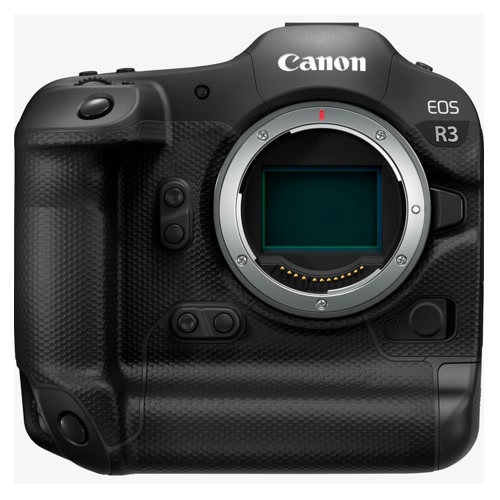
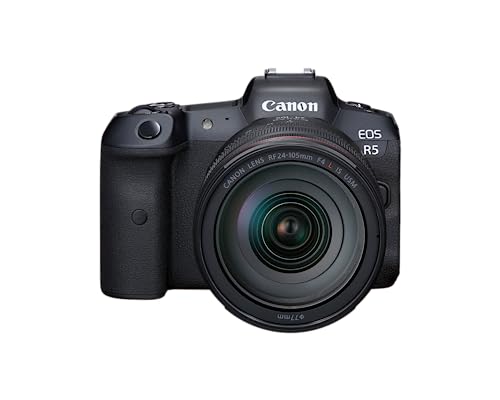
- EOS R5 C and Cinema EOS C70: These are production cameras rather than casual handheld vloggers. Active cooling, advanced codecs, professional audio and monitoring options, and long-form reliability make them useful for studio channels, documentary teams, and commercial creators, but power demand, media costs, rigging, weight, and workflow complexity are far higher.
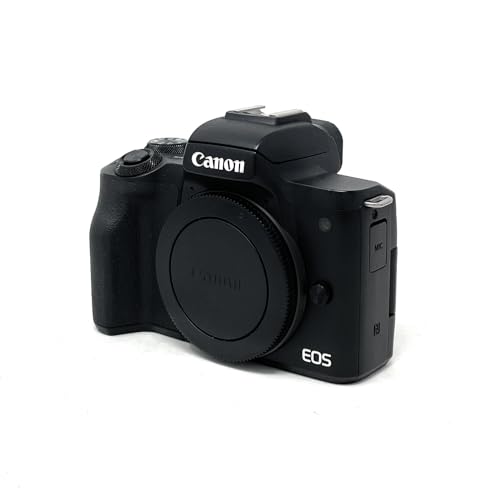
- EOS M50 Mark II: The M50 Mark II remains historically important because its small body, flip screen, microphone input, and simple 1080p Dual Pixel autofocus made it popular with creators. Its EF-M system is discontinued, 4K applies a substantial crop and uses weaker autofocus, and EF-M lenses cannot move to EOS R, so it is not the preferred long-term new-system choice.

How much do Canon cameras for vlogging cost?
Current new Canon vlogging cameras generally cost about £390-£3,900, but most solo creators can build a capable kit for roughly £700-£2,200. The relevant price is the complete recording setup—camera, wide lens or fixed zoom, microphone, support, batteries, power, cards, and storage—not the body alone.
At the entry level, the PowerShot V10 is around £390-£470, while an EOS R50 kit commonly sits around £600-£800. The R50 becomes a better walking-vlog package with an RF-S 10–18 mm lens, adding several hundred euros but producing a much wider arm’s-length view than the 18–45 mm kit zoom after crop and stabilization. A G7 X Mark III or PowerShot V1 generally falls around the £730-£950 tier as a self-contained premium compact.
EOS R10 or R7 setups typically reach £1,000-£1,700 with a wide lens, battery, and audio; R8 kits cost about £1,300-£1,900, and an R6 body plus lens often £2,200-£3,400. The premium buys stronger low-light performance, IBIS on R6-class bodies, better controls, batteries, and hybrid reliability. Production-focused R5 C or C70 kits can exceed £3,400-£6,000 after lenses, power, media, audio, and rigging. Allow another £200-£900 for a microphone, wind protection, grip, batteries, USB power, cards, lighting, and storage.
Do Canon cameras for vlogging have good autofocus and flip screens?
Yes, current Canon EOS R and PowerShot V cameras generally provide good autofocus and genuinely useful self-facing screens, but the exact behavior depends on the model and recording mode. Dual Pixel CMOS AF on cameras such as the R50, R10, R7, R8, and R6 family tracks faces and eyes directly on the imaging sensor, producing smooth transitions and reliable presenter focus in both photos and video. The PowerShot V1 brings a similar modern creator-focused approach to a fixed-lens compact.
Screen design and recording mode still need checking. EOS R bodies use side-hinged screens, but side cables can obstruct rotation; G7 X Mark III tilts upward and V10 uses a creator-oriented display, each interacting differently with microphones or cages. Older models also vary: M50 Mark II uses Dual Pixel in 1080p but weaker contrast autofocus under a heavy 4K crop, while G7 X Mark III trails current EOS R and V1 tracking. Test the intended 4K frame rate, lens, stabilization crop, screen position, audio cable, heat, and working distance together—sharp focus cannot fix a tight or unstable frame.
What should you consider while choosing the best Canon camera for vlogging?
Consider the following points while choosing a Canon camera for vlogging:
- Calculate the final field of view: Start with the lens's 35 mm-equivalent width, then account for the APS-C 1.6× crop, any 4K crop, and digital-stabilization crop. The R50's RF-S 18 mm kit setting is about 29 mm equivalent before extra cropping, while the RF-S 10–18 mm provides roughly a 16 mm-equivalent starting point and is much easier at arm's length.
- Check autofocus in the exact video mode: Confirm Dual Pixel face and eye tracking, touch-target changes, low-light behavior, product demonstration switching, and whether autofocus changes at 4K/60p or in cropped modes. Older models such as the M50 Mark II can provide good 1080p AF yet revert to weaker contrast detection in 4K.
- Choose the screen mechanism for the rig: A side-hinged screen is flexible but can conflict with HDMI, microphone, or USB cables, while a tilting screen can be blocked by a top-mounted microphone. Test visibility with the actual cage, tripod, cold-shoe adapter, and vertical-video orientation.
- Separate optical, in-body, and digital stabilization: The R50, R10, and R8 have no IBIS, so they depend on an IS lens, digital stabilization, a gimbal, or careful technique. Digital stabilization crops the image, while IBIS in the R7/R6/R5 tiers reduces shake but can still produce edge warping with very wide lenses during walking footage.
- Inspect audio connections and monitoring: A microphone input is the minimum for serious work, but a headphone socket is needed to detect interference, clipping, or a disconnected cable during recording. Also check preamp controls, wind protection, hot-shoe audio support, cable placement, and whether the screen remains unobstructed.
- Verify heat and recording endurance: Oversampled 4K, 4K/60p, high ambient temperature, and a compact body can shorten continuous recording time. Check thermal limits, recovery time, card capacity, file splitting, and whether the camera can remain powered over USB without exhausting or charging the battery too slowly.
- Plan power for the full session: Small bodies often use smaller batteries, and autofocus, stabilization, bright screens, Wi-Fi, and 4K recording increase consumption. Confirm USB-PD support, dummy-battery options, external power behavior, spare-battery cost, and whether the battery door remains accessible on the intended tripod plate.
- Compare video quality beyond resolution: Check oversampling, crop, rolling shutter, 10-bit and Canon Log availability, frame rates, slow motion, exposure tools, and skin-tone handling. A sharp 4K image is not automatically easier to grade or more stable during movement than a lower-resolution mode with better readout.
- Price the complete lens and support kit: Include a genuinely wide lens, microphone, wind protection, grip or tripod, ND filter solution, batteries, cards, power bank, light, and storage. A cheaper body can become more expensive than a fixed-lens PowerShot once the necessary wide lens and accessories are added.
- Match the camera to the production scale: A V10, V1, G7 X Mark III, or R50 suits solo travel and desk content; R7/R8/R6-class bodies offer more hybrid flexibility; and R5 C/C70 systems make sense for commercial channels needing cooling, professional codecs, audio, and rigging. Buying above the workflow adds weight, file size, and complexity without improving the story.