
Which brands make the best eReaders?
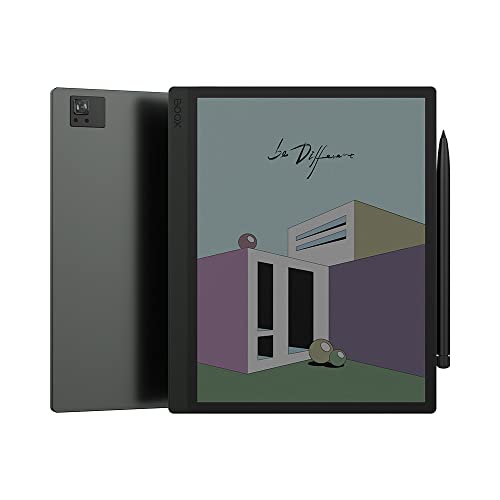
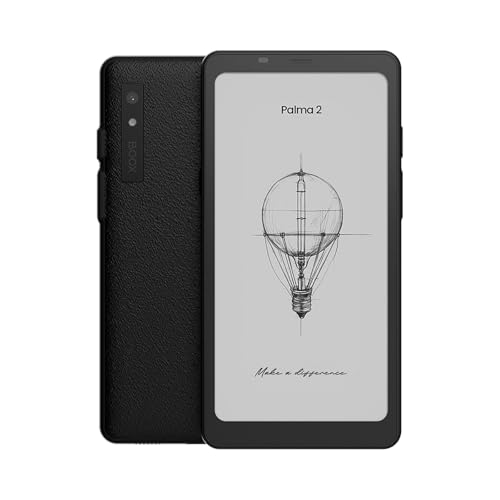
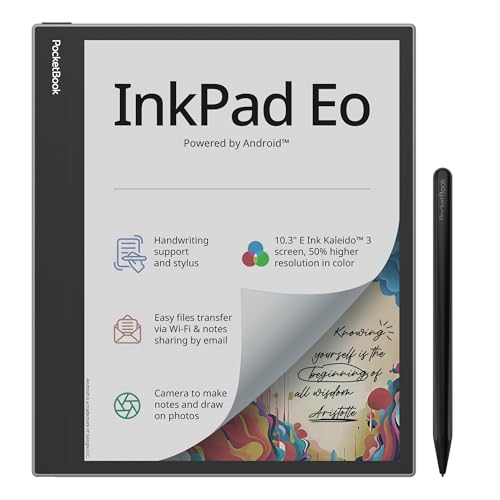
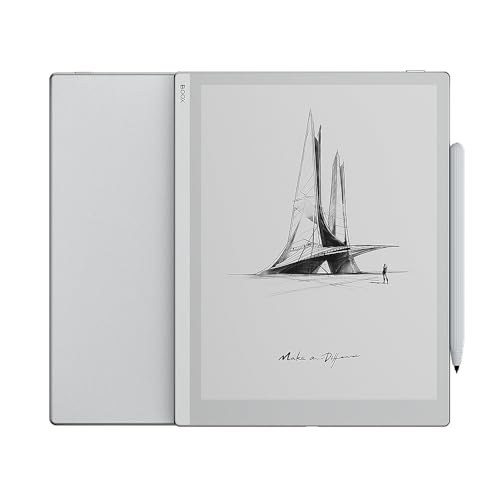
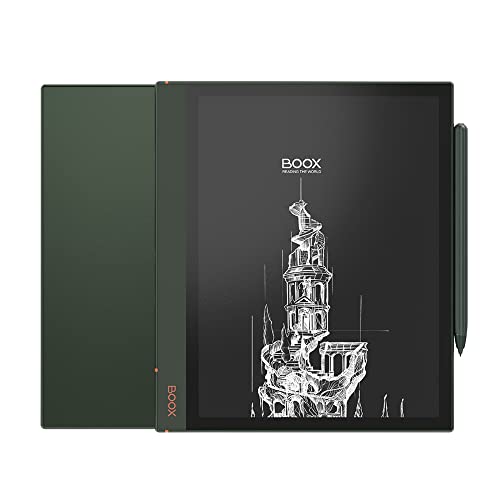
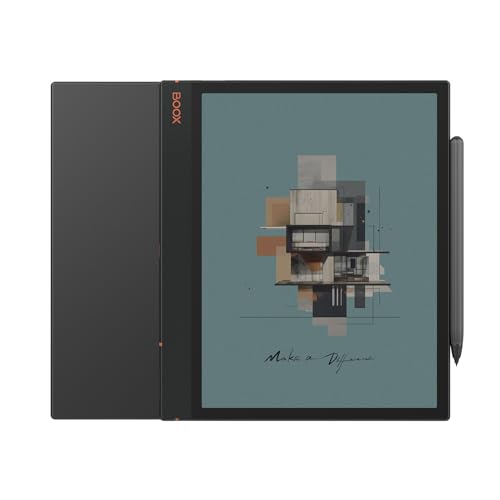
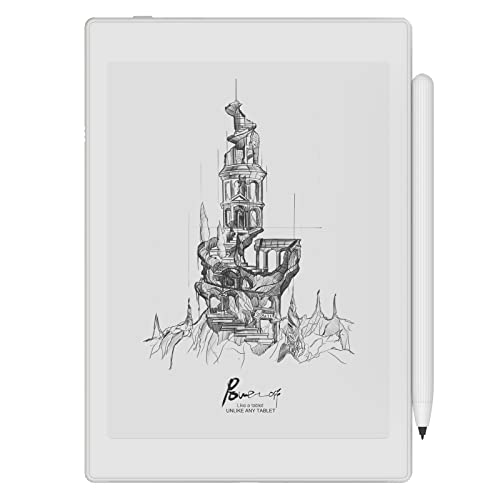
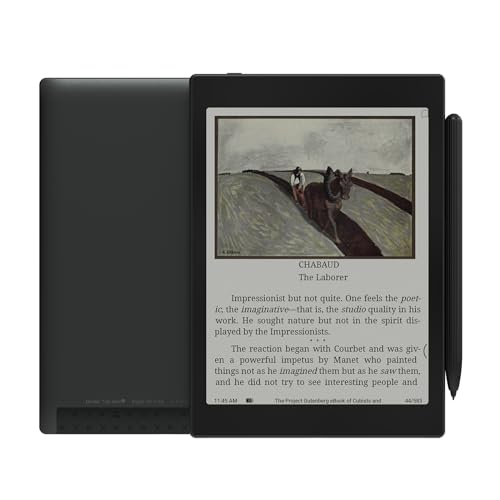
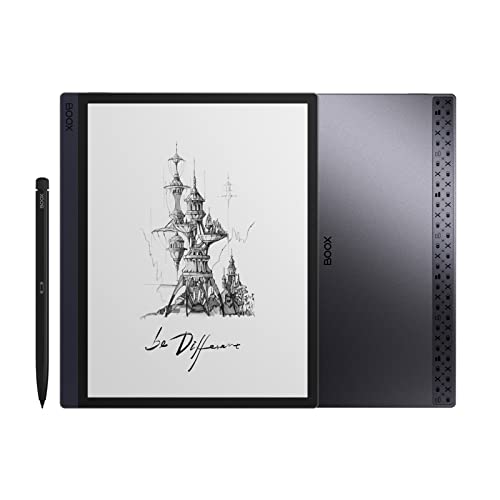
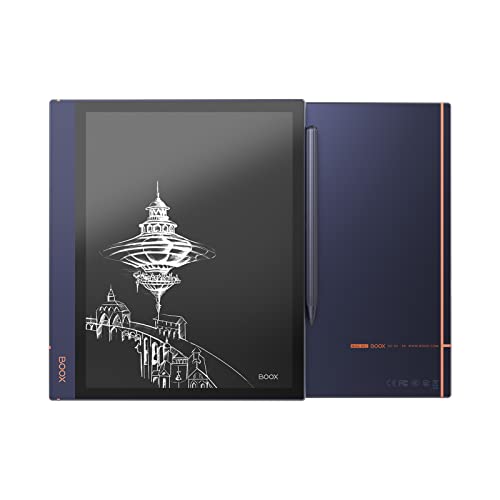
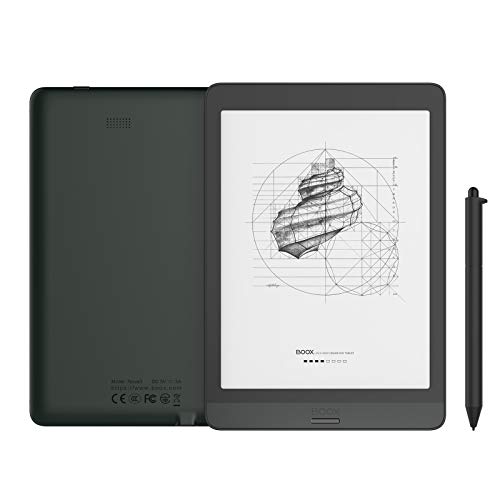
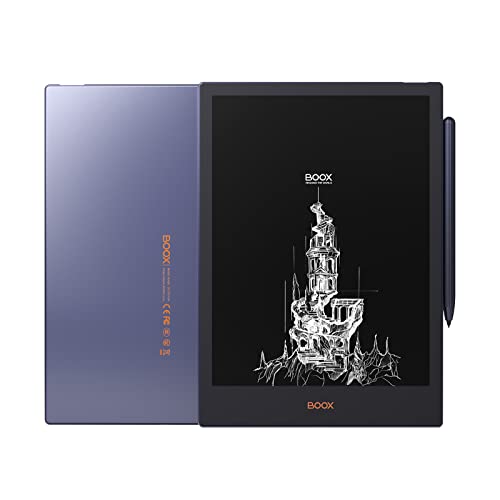
The best eReader brands are as follows:
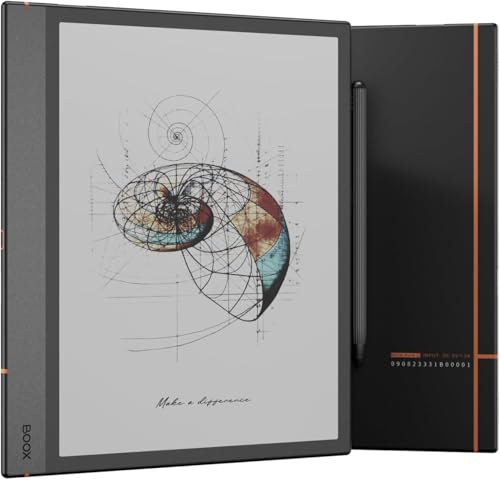
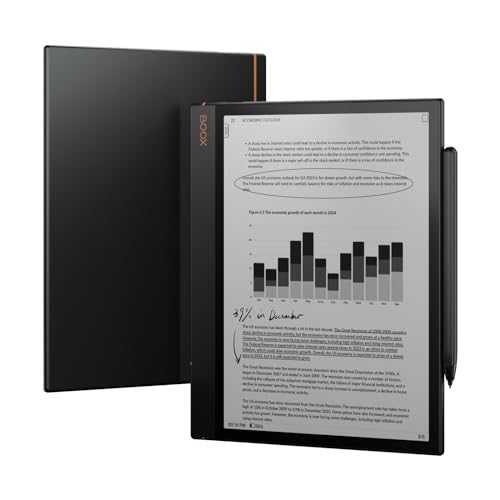
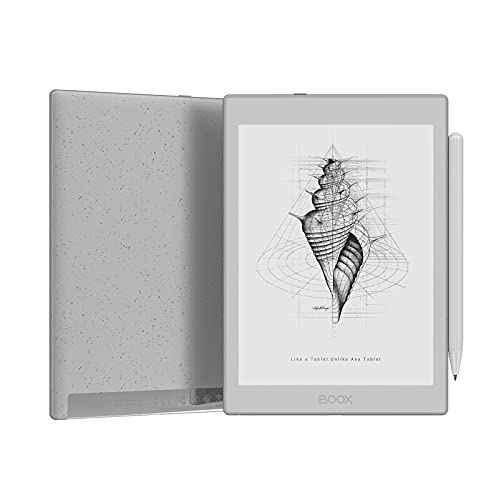
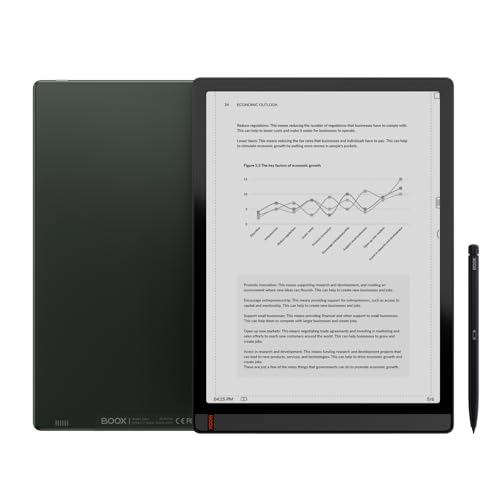
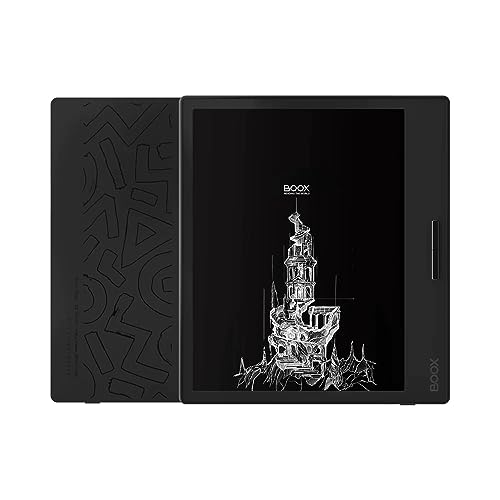
- Onyx (Average overall score: 7.9)
- Pocketbook (Average overall score: 7.2)
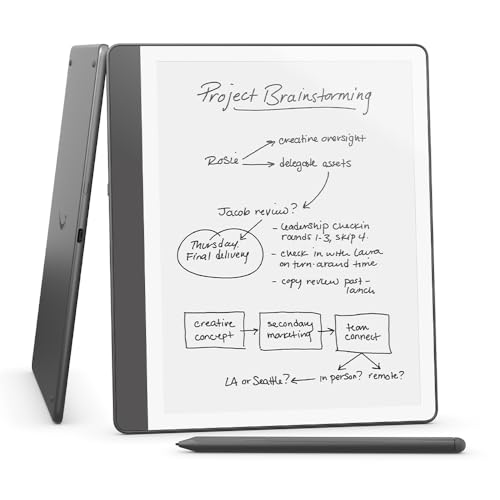
- Amazon (Average overall score: 6.3)
The following chart ranks eReader brands based on their overall scores.
[horizontal-chart-03443204806401273189021830265755694920453923569808]
Which eReader brands have the highest user ratings?
The eReader brands with the highest user ratings are as follows.
- Amazon (Average user ratings: 9.4)
- Kobo (Average user ratings: 9.2)
- Barnes (Average user ratings: 8.6)
eReader brands are ranked by user ratings in the following chart.
[horizontal-chart-07695057141598497715038322306456772007811780116783]
Which eReader brands offer the best value for money?
The eReader brands with the best quality-price ratio are as follows:
- Onyx (Average ratio quality-price score: 8.1)
- Pocketbook (Average ratio quality-price score: 7.8)
- Amazon (Average ratio quality-price score: 7.3)
eReader brands are compared by quality-price ratio in the chart below.
[horizontal-chart-01061504763044271742069025629053375394560243341242]

How much do the best eReaders cost?
The best eReaders cost between £130 and £340, depending on the features and build quality.
Models at the lower end of this range usually focus on strong core functions such as sharp displays and long battery life, while higher-end devices add premium materials, larger storage capacity, and advanced reading technologies. Price differences often reflect display resolution, screen size, lighting technology, and waterproofing, which push the cost higher.

What display and resolutions do the best eReaders use?
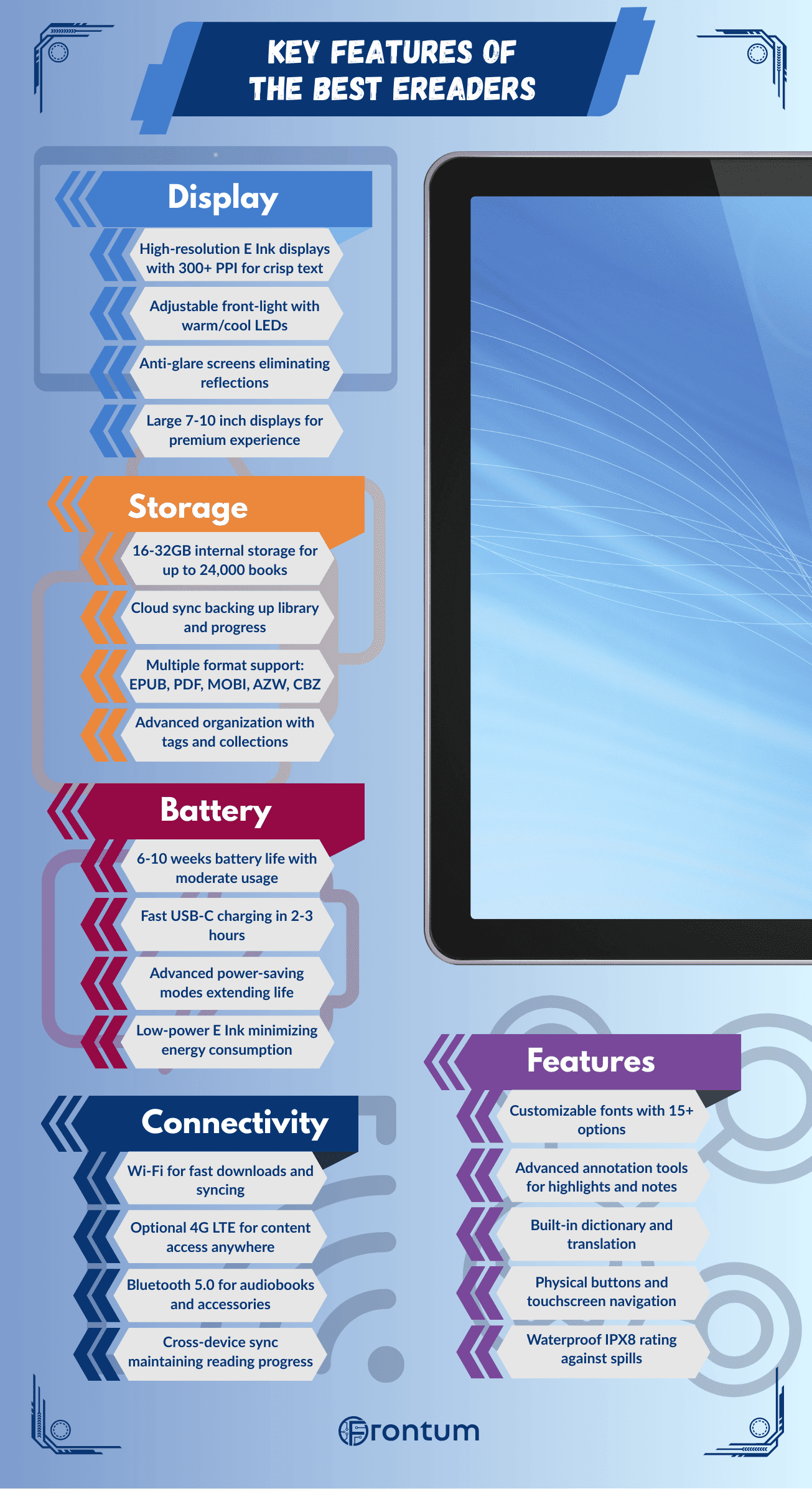
The best eReaders use E Ink displays with high resolutions that reach up to 300 pixels per inch (PPI). This level of sharpness creates text that looks close to print on paper, so letters appear crisp and easy to read even in small font sizes.
Most top models use Carta or Carta HD panels, which improve contrast and reduce glare. These displays work well under direct sunlight because they reflect ambient light instead of emitting it like LCD or OLED screens.
Resolutions vary based on screen size, but the best eReaders typically feature 1448 × 1072 or 1872 × 1404 pixels on 7–8 inch displays. Larger 10-inch screens can reach 1600 × 1200 or higher, which keeps clarity consistent across different formats. The pixel density matters more than raw resolution, as a 6-inch screen at 300 PPI will look sharper than a 10-inch screen with lower pixel density.
The following chart shows how E-Ink technologies are distributed across eReader models.
[pie-chart-07896099779581618182091921971592646575021666904266]
How long does the battery last on the best eReaders?
The battery life on the best eReaders typically lasts between 6 to 8 weeks with regular use, though this can extend even longer with lighter usage patterns.
Premium models like the Kindle Oasis and Kobo Libra achieve approximately 6 weeks of battery life when reading for about 30 minutes daily with wireless connectivity disabled and brightness set to moderate levels. Mid-range devices such as the standard Kindle and Kobo Clara often deliver 4 to 6 weeks under similar conditions, while budget models generally provide 3 to 4 weeks of usage.
Battery life is distributed across eReader models in the following chart.
[vertical-chart-09733867281304429295154843559880034756771552402297]
How much storage do the best eReaders have?
The best eReaders have storage that usually starts at 8 GB and often goes up to 32 GB or more, which is enough to keep thousands of eBooks. Since text files take little space, even 8 GB is more than enough for most users. Larger capacities (16 GB, 32 GB, or higher) are more common in high-end models, which support large digital libraries, PDFs, comics, and audiobooks that require more space.
Storage in the best eReaders is fixed, so you cannot expand it with memory cards in most cases. This is why higher capacities matter if you plan to keep many graphic-heavy files or audiobooks.
Some devices also include cloud sync, which lets you manage your library without depending only on internal space.
The chart below illustrates how internal storage capacities are distributed among eReader models.
[vertical-chart-12354240064656064623098608410612380485512665136522]
The best eReaders support a wide range of formats that cover eBooks, documents, and sometimes images. The most common are EPUB and PDF, which you find on almost all high-end models. Many also read MOBI, AZW, and TXT files, so you can access books from different stores and free sources.
Compatibility usually extends to formats like HTML, RTF, and DOC, which means you can load personal documents as well as books. Some eReaders also support CBZ and CBR for comics, which expand their use beyond standard eBooks.
In addition to text formats, many devices also handle image files such as JPEG, PNG, GIF, or BMP, and some models support MP3 or AAC for audiobooks and text-to-speech. This flexibility means you can use the same device for reading, listening, or viewing illustrations.
What connectivity do the best eReaders include?
The best eReaders include Wi-Fi connectivity as standard, which lets you download books directly and sync your library across devices. Many models also support mobile data (3G or 4G) for access to online stores and cloud libraries without Wi-Fi, so you can keep your collection updated anywhere. Bluetooth is common as well, and it is used to connect wireless headphones or speakers, which helps when you listen to audiobooks.
Some eReaders include a USB-C port for charging and data transfer, while older ones may still use micro-USB. Devices with cloud sync support usually pair with companion apps through Wi-Fi or mobile data, so you can manage notes, highlights, and reading progress across platforms.
What else should you consider while choosing the best eReader?
The following factors matter most while choosing the best eReader.
- Waterproofing and build quality: You need a durable device that can handle daily use. Kobo Clara Colour and Kindle Paperwhite models come with IPX8 ratings that allow submersion up to 6 feet for 60 minutes. This protection matters if you read near water, travel often, or want a device that handles spills better than a basic plastic reader.
- Performance: A faster processor improves page turns, menu navigation, and handling of image-heavy PDFs or graphics. Higher-end Kindle and Kobo models use upgraded chipsets that reduce lag, while Android-based models such as the Onyx Boox Go Color 7 add more raw processing power for heavier file handling. Better performance matters most if you switch apps often, read large documents, or annotate regularly.
- Ecosystem and store access: The ecosystem determines where you buy books, how you borrow library titles, and how easily you move files across devices. Kindle ties you to Amazon's bookstore more tightly, while Kobo supports OverDrive library borrowing and more open EPUB-based workflows. This is one of the most important long-term checks because changing ecosystems later is less convenient than changing reading settings.
- Physical design: Weight, grip, bezels, and page-turn controls affect long reading sessions more than spec sheets suggest. Kobo Libra models add physical buttons and auto-rotation, while slimmer flat-front models may look cleaner but rely entirely on touch input. The better design depends on whether you want one-handed comfort, lower weight, or a more minimal body.
- Customization: Strong reading software should let you adjust font size, line spacing, margins, contrast, and front-light warmth. These settings matter if you read for hours, switch between day and night reading, or want to fine-tune the page for visual comfort. A device with fewer adjustment tools can still read books well, but it gives you less control over long-session comfort.
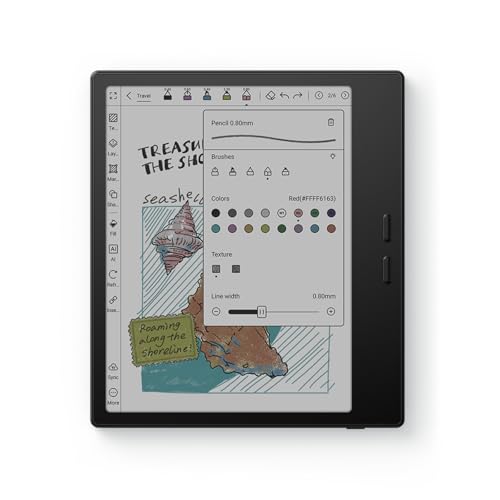
- Stylus support and notes: Some eReaders support highlighting, handwritten notes, and PDF annotation, while many standard models do not. Kobo Libra Colour and larger note-focused devices can turn the reader into a more active study tool instead of a passive reading screen. This feature matters most for students, researchers, and document-heavy workflows rather than for simple novel reading.