
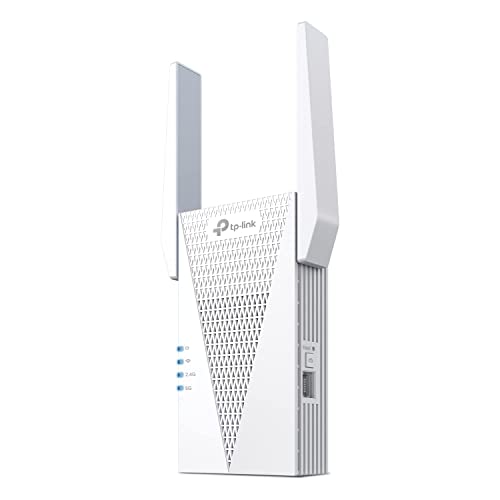
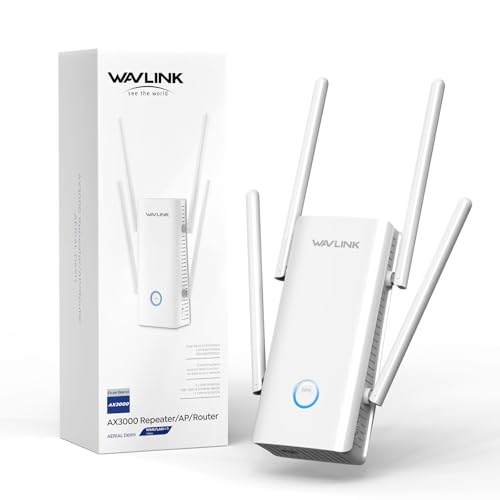
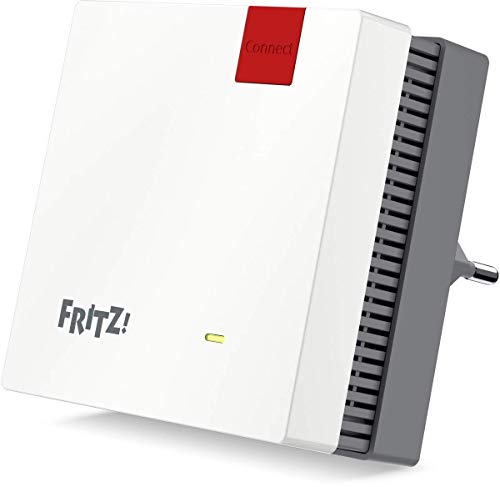
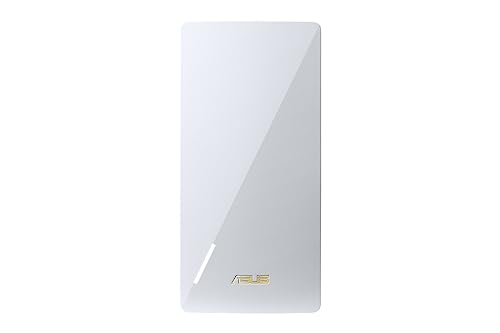
What are the best Wi-Fi extender brands in 2026?
The best Wi-Fi extender brands in 2026 are as follows:
- Zyxel (Average overall score: 8.9)
- AVM (Average overall score: 8.8)
- D-Link (Average overall score: 8.2)
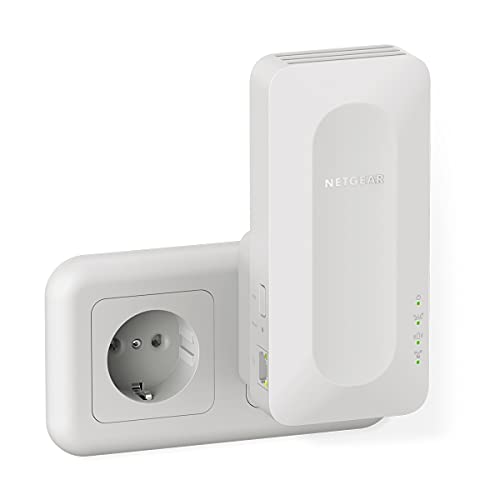
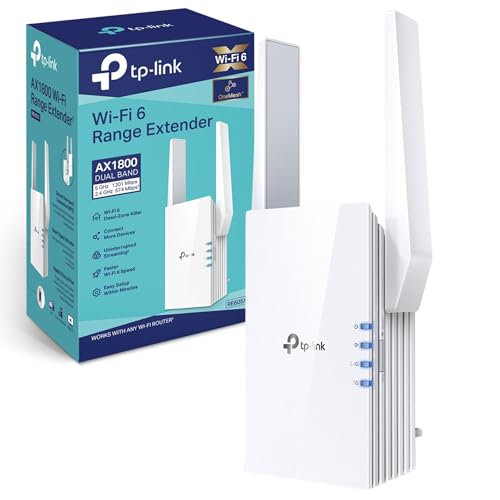
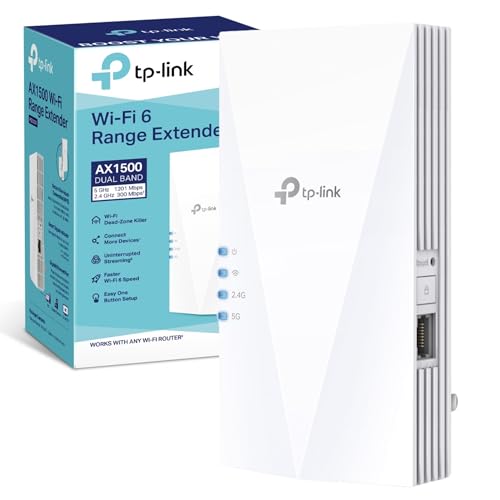
- TP-Link (Average overall score: 7.6)
Wi-Fi extender brands and their average overall scores are presented in the chart below.
[horizontal-chart-10142674921665018098172531868163716079840930872242]
Which Wi-Fi extender brands have the highest user ratings?
The Wi-Fi extender brands with the highest user ratings are as follows:
- AVM (Average users rating: 9.3)
- TP-Link (Average users rating: 8.8)
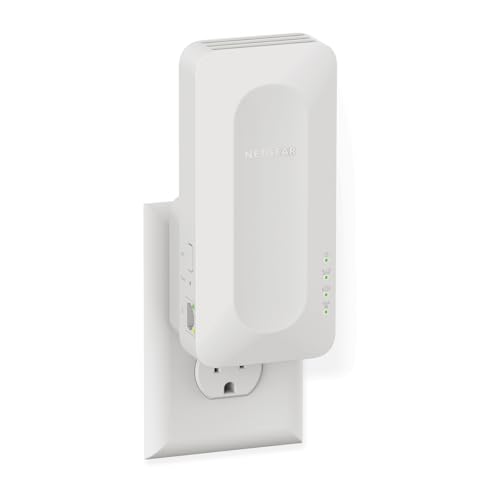
- Netgear (Average users rating: 8.5)
- Linksys (Average users rating: 8.5)
Wi-Fi extender brands and their average users rating are presented in the chart below.
[horizontal-chart-17935200644604945731053006368834358172662012456750]
Which Wi-Fi extender brands offer the best value for money?
The Wi-Fi extender brands with the best value for money are as follows:
- Zyxel (Average value-for-money score: 9.2)
- AVM (Average value-for-money score: 9.1)
- D-Link (Average value-for-money score: 8.8)
- TP-Link (Average value-for-money score: 8.8)
The chart below ranks Wi-Fi extender brands by average value-for-money score.
[horizontal-chart-05461562789408039135155302200085399441671271037818]


How much do the best Wi-Fi extenders cost?
The best Wi-Fi extenders usually cost between £45 and £130, while premium models can go past £170.
Below about £35, most models are basic fixes for a small dead zone and often stay in the slower 300 to 750 Mbps part of the market. Between about £45 and £130, you usually get the strongest balance of speed, stability, and features, often with AC1200, AC1900, or Wi-Fi 6 hardware and a useful LAN port. Above that, you are mostly paying for faster Wi-Fi 6 or Wi-Fi 7 hardware, better mesh support, or stronger performance in larger and busier homes.
This chart visualizes Wi-Fi extender prices.
[vertical-chart-00192222622820879449115884744160949841891924711310]
How much range can the best Wi-Fi extenders add?
The best Wi-Fi extenders usually claim about 110-260 m² of coverage, with around 140 m² being one of the most common published figures.
That number should still be treated as rough guidance rather than a directly comparable spec, because coverage claims are not standardized especially well. In practice, a good extender is usually there to clean up 1-3 weak rooms, an upstairs area, or a home office, and placement still matters more than the biggest printed range number.
How fast are the best Wi-Fi extenders?
Most good Wi-Fi extenders sit in the AC1200 to AX3000 range, and in real home use that usually translates into something broadly like 50-300 Mbps depending on placement, walls, and the link back to the router. The mainstream sweet spot is still Wi-Fi 5 and Wi-Fi 6 hardware rather than the very cheapest 300 Mbps or 750 Mbps units.
That is enough for normal streaming, work calls, browsing, and multi-device use, but only when the extender is placed well. In practice, the better models lose less speed once distance and interference start to matter, while the weaker low-end ones can fall off quickly outside a simple one-room fix.
This chart visualizes Wi-Fi extender speed classes.
[vertical-chart-09153840436151064352175218919660094382403689815024]
What features matter most on a Wi-Fi extender?
The Wi-Fi extender features that matter most are as follows:
- Wi-Fi generation and speed class: Wi-Fi 5 and Wi-Fi 6 are still the safest starting point for most buyers. Very low-end classes like 300 Mbps or 750 Mbps can work for light browsing, but they run out of headroom much faster once broadband speed, streaming quality, or device count rises.
- Upstream link quality: An extender is only as good as the signal it receives from the main router. Better radios, cleaner band management, and stronger real-world backhaul behavior usually matter more than a small theoretical jump in the printed maximum speed.
- LAN ports: Most Wi-Fi extenders still give you 1 LAN port, a smaller group has 2, and some have none at all. That matters immediately if the weak room also needs to feed a TV, console, desktop, printer, or access-point-style connection.
- Mesh and roaming support: Mesh support is now common, which makes it more realistic to build a smoother whole-home network instead of a simple one-room patch. That matters more if you move around the house a lot with phones, tablets, or laptops.
- QoS and traffic handling: QoS support is also fairly common now, and it becomes more useful once the extender has to deal with gaming, video calls, or several active devices at the same time.
- Placement-friendly design: Plug-in models are simple, but they are not always the easiest to place well. Desktop units, external antennas, and a more flexible power or stand design can matter if the best signal spot is awkward.
- Setup and control quality: A clean app or browser interface, useful signal guidance, and clear status feedback can save more frustration than a slightly higher paper spec. A strong extender should help you place it correctly, not just pair once and leave you guessing.
How easy are Wi-Fi extenders to set up?
Most Wi-Fi extenders are physically easy to install, but the real setup difficulty is usually placement and ecosystem fit, not the first pairing click.
Newer models are often easier because mesh-capable and app-led designs are now common, especially in the stronger mid-range and upper-range part of the market. Brand-matched mesh models are usually simpler than older budget extenders that rely mostly on basic WPS or manual browser setup.
The part that still decides success is placement. Even an easy-to-pair extender performs badly if it is installed where the router signal is already weak.
What compatibility should you check on a Wi-Fi extender?
The first compatibility check is Wi-Fi generation. In practice, most buyers are choosing between Wi-Fi 5 and Wi-Fi 6 extenders, so a very old model can become the bottleneck quickly if it is paired with a faster modern router.
The second check is wired fit. Most models have 1 LAN port, some have 2, and some have none, so port count can eliminate many options immediately if you need to wire a TV, console, desktop, or access point.
The third check is ecosystem behavior. Mesh support is common, which is useful if you want smoother roaming, but cross-brand mesh behavior is not guaranteed. Check the exact ecosystem or standard before assuming full mesh compatibility.
What trade-offs should you check before buying a Wi-Fi extender?
The biggest trade-off is price versus capability. Wi-Fi extenders can run from about £10 to about £340, but the practical mainstream sits much closer to £45-£130. Very cheap models can work for a small weak spot, but they are more likely to top out at older speed classes like 300 Mbps or 750 Mbps.
The second trade-off is convenience versus flexibility. Mesh-capable extenders can feel smoother in a brand-matched setup, but a simpler non-mesh model can still be the better value if you only need one fixed coverage boost.
The third trade-off is marketing versus real use. Coverage figures are not standardized especially well, and many models are still limited to just 1 LAN port, so buyers should focus more on placement, useful speed class, and wired fit than on the biggest headline claim.





