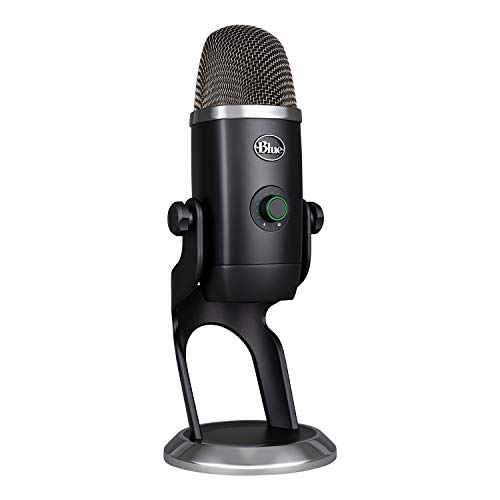
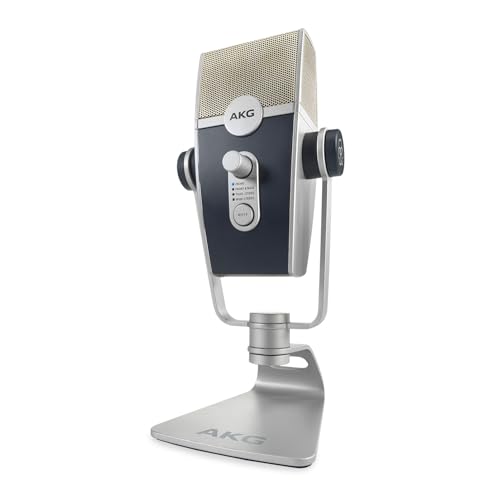
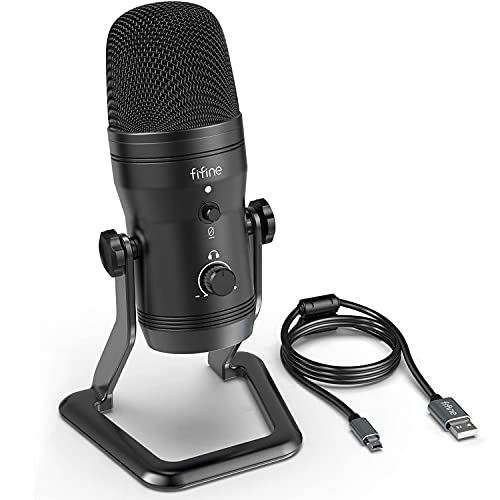
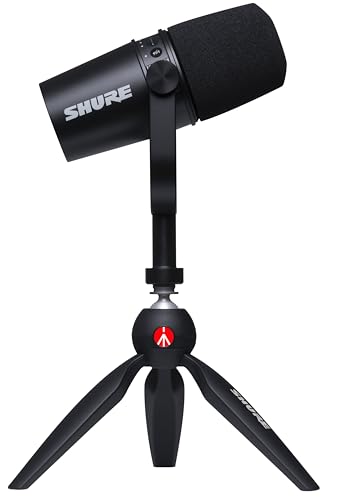
What are the best microphone brands in 2026?
The best microphone brands in 2026 are as follows.
- HyperX (Average overall score: 8.3)
- JLab Audio (Average overall score: 8.1)
- Blue (Average overall score: 8)
The chart below compares microphone brands by average overall score.
[horizontal-chart-17722261969187988942009596606811630445561412665918]
Which microphone brands have the highest user ratings?
The microphone brands with the highest average user ratings are as follows.
- HyperX (Average user rating: 9.6 points)
- Shure (Average user rating: 9.6 points)
- Elgato (Average user rating: 9.5 points)
The chart below compares microphone brands by average user rating.
[horizontal-chart-08368646481917787758103542468754019803953807387722]
Which microphone brands offer the best value for money?
The microphone brands offering the best average value for money are as follows.
- HyperX (Average value-for-money score: 8.8)
- JLab Audio (Average value-for-money score: 8.6)
- JBL (Average value-for-money score: 8.5)
The chart below compares microphone brands by average value-for-money score.
[horizontal-chart-08953602842838828417013373905750608890690862065442]
How much do the best microphones cost?
The best microphones usually cost about £40-£260, although capable budget models start near £20-£45 and specialist studio microphones can exceed £860.
Below £45, the strongest options are normally straightforward USB desktop microphones or basic dynamics for calls, gaming, entry-level streaming, and uncomplicated voice recording. The broad £70-£170 range is where many buyers find the best balance, adding better capsules, stable mounting, direct monitoring, hardware gain or mute, hybrid USB/XLR connectivity, and stronger accessories.
From roughly £170 to £650, the market moves toward professional broadcast designs, lower noise, higher SPL handling, and established studio families. Four-figure flagship condensers are specialist purchases: room treatment, preamp quality, placement, and technique must already be strong before the extra cost produces a worthwhile audible benefit.
Which microphone types are best for different uses?
The main microphone types and their best uses are as follows:
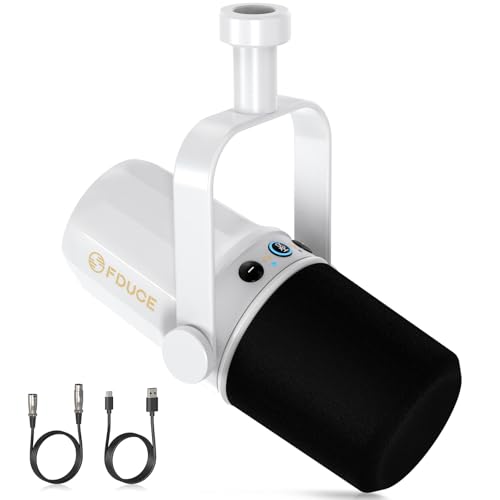
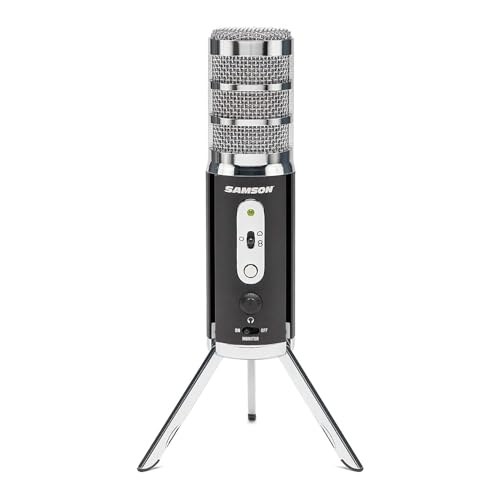
- USB microphones: Best for straightforward PC or Mac recording, gaming, calls, podcasting, and streaming without a separate interface. They combine the capsule, preamp, and digital converter in one unit, so setup is simple but future signal-chain upgrades are limited.
- XLR microphones: Best for studios, live vocals, broadcast chains, and buyers who want to choose their own preamp or audio interface. They are more flexible and easier to integrate into professional systems, but they require extra hardware and more setup knowledge.
- Hybrid USB/XLR microphones: Best for users who want immediate USB convenience with the option to move into an XLR setup later. They are particularly useful for podcasting and streaming because one microphone can serve both beginner and more advanced workflows.
- Condenser microphones: Best for detailed vocals, acoustic instruments, voice-over, and controlled studio rooms. Their sensitivity captures nuance well, but it also exposes room reflections, keyboard noise, traffic, and poor placement more readily.
- Dynamic microphones: Best for live vocals, untreated rooms, loud sources, and close-miked speech. They are durable and usually reject more surrounding sound, although some models need more clean preamp gain than a typical USB input can provide.
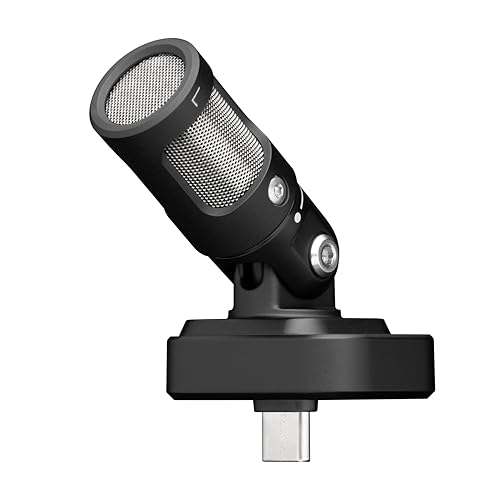
- Wireless microphones: Best for presentations, mobile video, interviews, and performance situations where cable freedom matters. Wireless reliability, battery management, operating band, receiver compatibility, and latency should be checked before purchase.
Are USB or XLR microphones better for most users?
USB microphones are better for most users who want a simple desk setup, while XLR microphones are better for buyers who want an expandable or professional recording chain.
A USB microphone contains its own preamp and analog-to-digital converter, so it can connect directly to a compatible computer or mobile device. That makes it the easier choice for gaming, calls, streaming, podcasting, and home voice-over, especially when direct monitoring, mute, and gain controls are built into the microphone. The limitation is that the internal electronics define the available conversion quality and upgrade path.
An XLR microphone sends an analog signal to an external interface, mixer, or preamp. This adds cost and complexity, and condenser models may also need 48 V phantom power, but it lets you select better preamps, add multiple microphones, route signals more flexibly, and replace one component without replacing the whole setup.
For most first-time buyers, USB is the more practical answer. XLR becomes the better investment when room treatment, recording technique, multiple inputs, live use, or long-term expansion matter more than plug-and-play convenience; a hybrid USB/XLR model can bridge both paths.
What polar patterns matter most on the best microphones?
The main microphone polar patterns to understand are as follows:
- Cardioid: The best general-purpose choice for speech, vocals, streaming, and many instruments because it focuses on sound from the front and reduces sound from behind. Placement still matters, and side noise is not eliminated completely.
- Omnidirectional: Captures sound from all directions and works well for round-table discussion, room ambience, or natural group recording. It also captures more room reflections and background noise, so it is less forgiving in an untreated space.
- Bidirectional or figure-eight: Captures the front and rear while rejecting much of the sound from the sides. It is useful for face-to-face interviews, mid-side recording, and certain stereo techniques, but it needs careful positioning.
- Supercardioid and hypercardioid: Provide a narrower front pickup area than regular cardioid and can improve separation in noisy or live environments. They usually have a small rear pickup lobe, so monitor, speaker, and room placement must be considered.
- Selectable multi-pattern designs: Let one microphone switch between cardioid, omnidirectional, bidirectional, and sometimes stereo modes. This versatility is valuable for changing recording jobs, although a fixed-pattern microphone can be simpler and less expensive.
How good is sound quality on the best microphones?
Sound quality on the best microphones ranges from very good to genuinely studio-grade, but microphone choice, placement, room acoustics, and gain staging matter more than one headline specification.
For digital models, 24-bit recording gives useful level-setting headroom and 48 kHz is sufficient for speech, streaming, podcasting, and music production; 96 or 192 kHz can support specialist editing but cannot rescue a weak capsule or noisy room. The microphone must also suit the source: loud vocals and instruments benefit from roughly 120-140 dB SPL handling, while quiet speech needs low self-noise, controlled sensitivity, and a response that avoids harsh sibilance or rumble. A close dynamic can outperform a sensitive condenser in an untreated room, and correct distance, stable mounting, pop protection, sensible gain, and basic acoustic control often improve a mid-priced microphone more than an expensive model used badly.
What accessories matter most when buying a microphone?
The most useful microphone accessories to check are as follows:
- Stand or boom arm: A stable stand keeps distance and angle consistent, while a boom arm frees desk space and makes positioning easier for streaming or podcasting. Check the thread size, desk-clamp clearance, load capacity, and whether the microphone needs a separate adapter.
- Shock mount: Isolates the microphone from desk knocks, keyboard vibration, footsteps, and stand movement. A model-specific mount usually fits more securely than a generic elastic suspension, especially with heavier microphones.
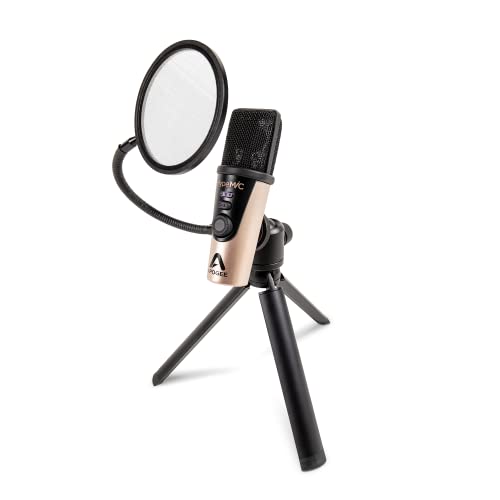
- Pop filter: Reduces plosive air bursts from consonants such as p and b during close speech or vocal recording. External fabric or metal filters are adjustable, while built-in filters are convenient but may not control strong plosives as effectively.
- Windscreen: Helps control air movement outdoors and can reduce breath noise during close use. Foam covers suit light indoor or outdoor airflow, while furry windscreens are more effective for stronger wind during camera and field recording.
- Correct cable and adapters: XLR microphones need a balanced XLR cable, while USB and mobile microphones may depend on USB-C, Lightning, OTG, or host-specific adapters. Verify that the cable carries audio data rather than charging only and that any adapter preserves microphone input support.
- Headphones for monitoring: Closed-back headphones help you catch clipping, hum, background noise, and plosives while recording. A microphone with direct or zero-latency monitoring is especially useful because it avoids the distracting delay created by software monitoring.
- Carrying case: Protects the capsule, grille, connectors, and small adapters when the microphone travels. It matters most for handheld, wireless, camera, and mobile recording kits that are assembled and packed repeatedly.
What trade-offs should you check before buying a microphone?
The main microphone trade-offs to check are as follows:
- Connection and upgrade path: USB microphones are quick to deploy and include their own preamp and converter, while XLR systems support replaceable interfaces, multiple inputs, and hardware routing. A hybrid model can bridge both approaches, but confirm which controls and monitoring features work in each mode.
- Capsule type, room, and gain: Condensers capture detail but reveal reflections and background noise; close-address dynamics are often cleaner in untreated spaces. Low-output dynamics may also require roughly 55–65 dB of clean interface gain or an inline booster.
- Pickup pattern and placement: Cardioid is the safest general choice, while omnidirectional, figure-eight, supercardioid, and hypercardioid patterns solve more specific jobs. Directionality cannot remove transmitted vibration or all room sound, and narrow patterns make angle and rear-lobe placement more critical.
- Source level, sensitivity, and noise: Loud drums, amplifiers, and forceful vocals need high maximum SPL, while quiet speech and acoustic detail benefit from suitable sensitivity and low self-noise. Match these specifications to the source rather than treating one extreme as universally better.
- Recording resolution and signal chain: Twenty-four-bit recording at 48 or 96 kHz is sufficient for most work. Capsule quality, analog electronics, room acoustics, placement, and gain staging usually matter more than moving from 96 to 192 kHz.
- Controls and monitoring: Hardware gain, mute, headphone volume, direct monitoring, and a mic/playback mix control reduce mistakes during calls, performance, and live broadcasts. They matter less when a mixer or interface already provides the same functions.
- Platform and application compatibility: A USB or 3.5 mm connector does not guarantee support for every computer, phone, tablet, or console. Check the exact operating system, application, driver, adapter, receiver, power path, and whether essential functions operate without companion software.