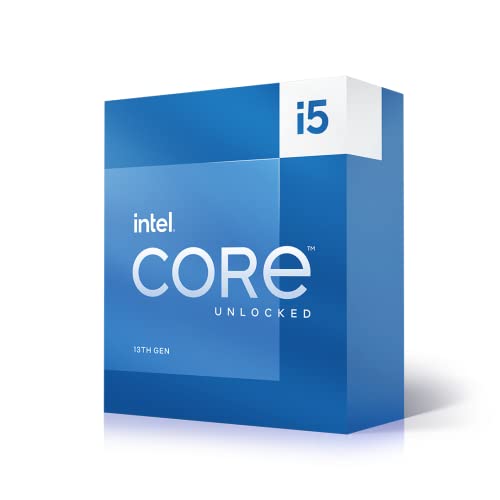
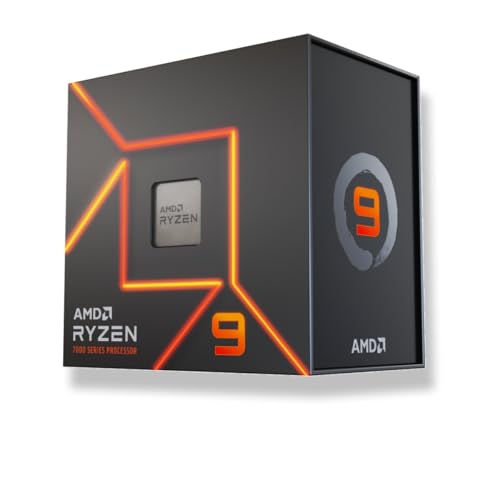
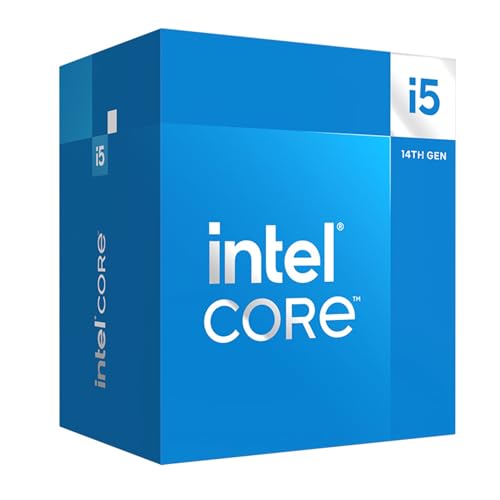
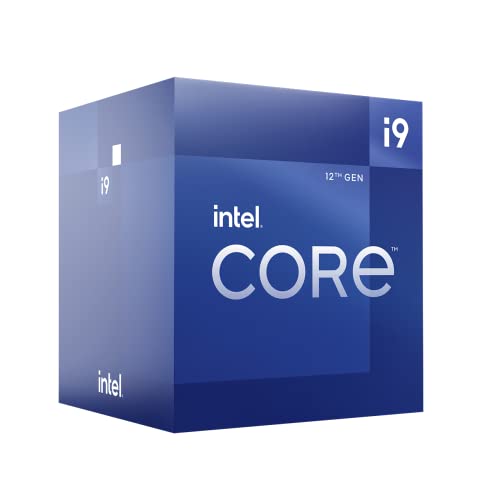
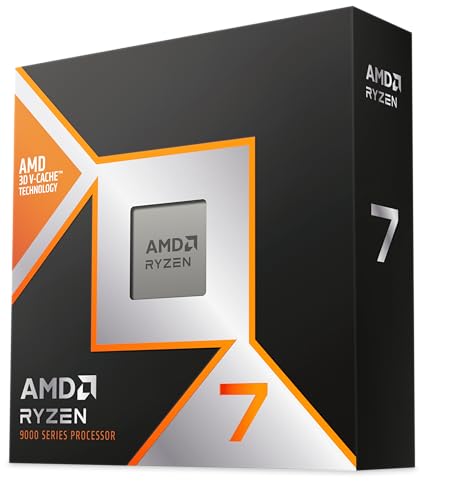
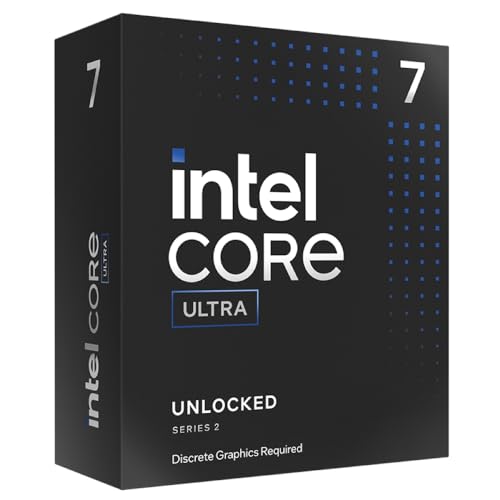
What are the best desktop CPU brands of 2025?
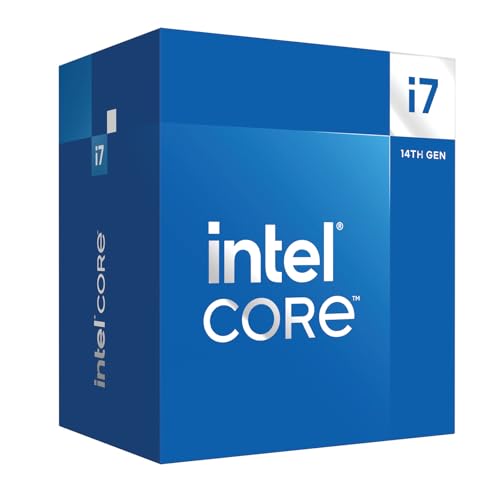
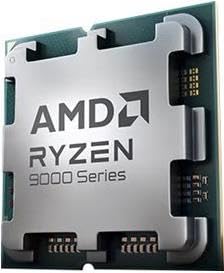
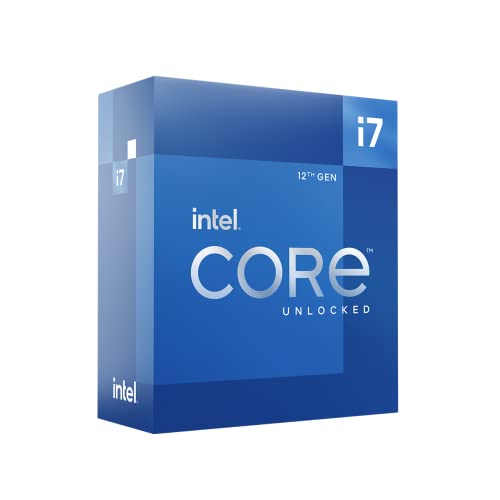
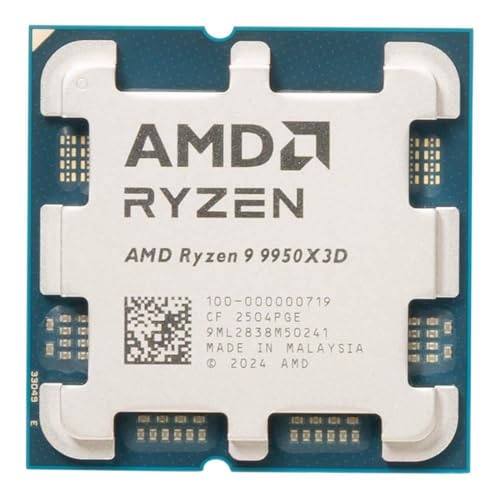
The best CPU brands are as follows.
- Intel (Overall score: 9 points)
- AMD (Overall score: 9 points)
The chart below ranks desktop CPU brands based on their overall scores.
[horizontal-chart-06802393908296403033133376232222594687581319382507]
Which desktop CPU brands have the highest user ratings?
The CPU brands with the highest user ratings are as follows.
- AMD (Overall score: 9.7 points)
- Intel (Overall score: 9.6 points)
Desktop CPU brands are ranked by user ratings in the following chart.
[horizontal-chart-09926494934042816226010662940460910147850840051158]
How much do the best desktop CPUs cost?
The best desktop CPUs usually cost between £430 and £1,100 depending on the model and performance tier.
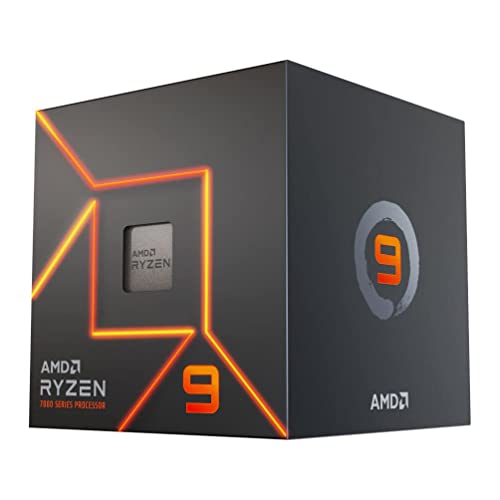
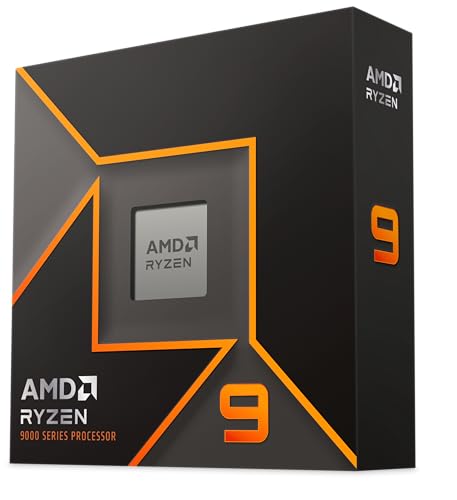
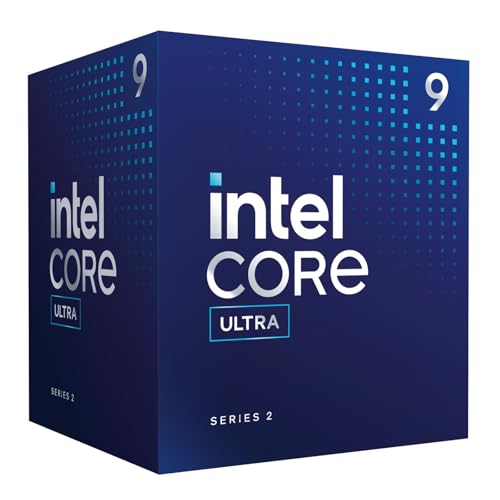
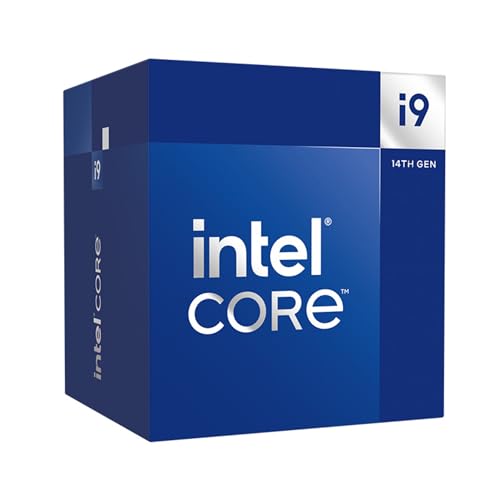
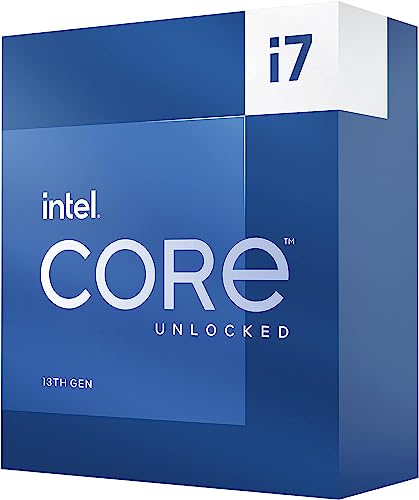
In gaming and general enthusiast use, premium desktop CPUs such as Ryzen 9 or Intel Core i9 models often sit around £550-£650, which is a typical flagship range for high-end consumer desktop chips.
At the top, creator-oriented high-end desktop CPUs like Ryzen Threadripper can move well past £850 because they offer far more cores, threads, and cache for heavy rendering, compiling, and workstation-class desktop workloads.
The chart below shows the price distribution of desktop CPUs.
[vertical-chart-10669707918656917248104521569548778154600850653969]
What architectures do the best desktop CPUs use?
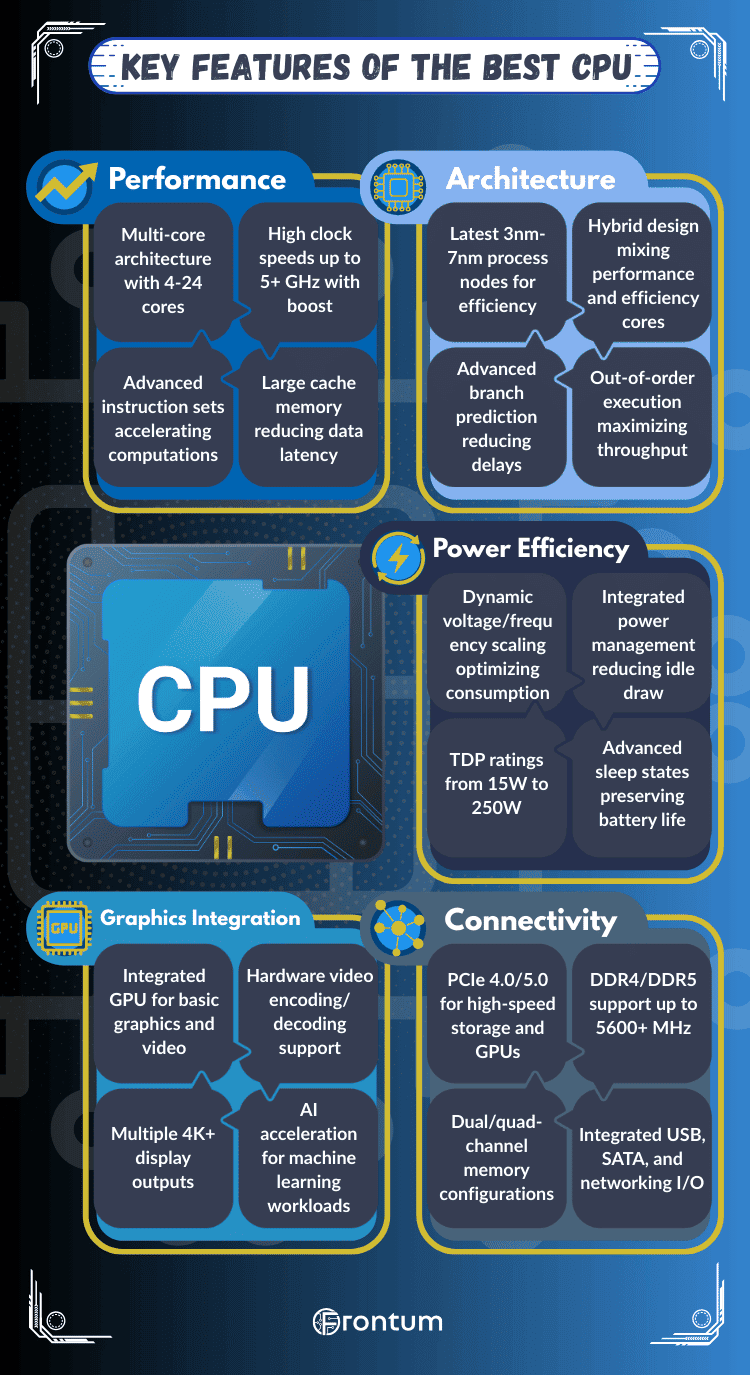
The best desktop CPUs use advanced architectures that combine strong single-core speed, high multi-core throughput, and efficient cache design.
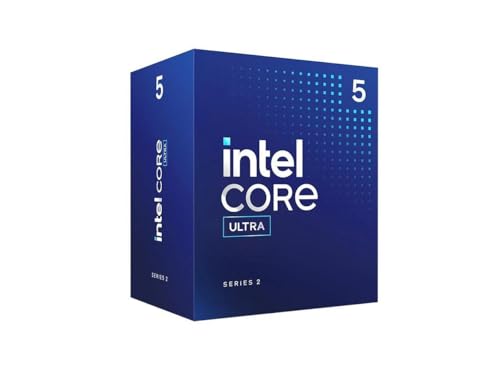
Intel relies on hybrid desktop architectures with Performance cores and Efficient cores, while AMD uses Zen-based chiplet designs that scale core counts and cache capacity effectively across desktop tiers. Both approaches are built to improve gaming responsiveness, creator performance, and platform longevity on current desktop sockets.
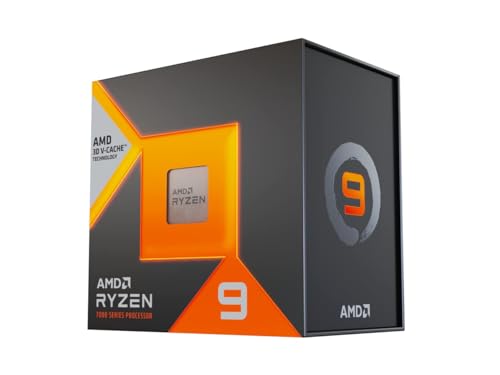
These desktop architectures also optimize memory access and cache behavior. AMD uses 3D V-Cache on some desktop CPUs to reduce gaming latency, while Intel pushes frequency and scheduling improvements to keep performance high across both lightly threaded and heavily threaded desktop workloads.
What clock speeds do the best desktop CPUs reach?
The best CPUs reach clock speeds of around 5.5 GHz on boost, while base frequencies usually range from 3.5 to 4.5 GHz.
Clock speed measures how many cycles a processor completes per second, so higher values translate into faster execution of instructions and quicker response in demanding tasks. Modern CPUs use boost technology, which adjusts frequency dynamically based on workload and thermal limits.
Top-tier models from both Intel and AMD push their peak clock speeds above 5.0 GHz. For example, gaming-oriented processors often reach between 5.0 and 5.3 GHz under load, while workstation CPUs balance slightly lower frequencies with higher core counts.
The following chart compares CPU boost clock speeds among desktop CPUs.
[vertical-chart-09159432850423683570155043796183229373342729405014]
How many cores and threads do the best desktop CPUs have?
The best desktop CPUs usually have between 8 and 24 cores, with 16 to 32 threads in mainstream flagship models and much higher counts in high-end desktop creator chips.
Top consumer desktop processors, such as Intel Core i9 and AMD Ryzen 9 models, often pair high boost clocks with 12 to 24 cores and 24 to 32 threads. Higher-end desktop workstation-oriented chips like Threadripper scale further for heavily parallel desktop workloads.
Cores and threads determine how many tasks a desktop CPU can process at the same time. More of them help with rendering, compiling, content creation, and heavy multitasking, while gaming often benefits most from a balanced mix of strong per-core speed and enough total cores.
The following chart compares the number of physical cores in desktop CPUs.
[vertical-chart-13976654930180701144137192152754982187960857738021]
How much cache memory do the best desktop CPUs use?
The best desktop CPUs use large amounts of cache memory to keep gaming and productivity workloads fed with data at low latency. High-end desktop chips often pair 32 KB instruction cache and 32 KB data cache per core with 512 KB to 1 MB of L2 cache per core and L3 cache totals that range from roughly 16 MB to well above 100 MB depending on the model.
Modern desktop platforms show this clearly. High-end Ryzen desktop CPUs can carry 64 MB to 128 MB of L3 cache, especially in X3D models, while top Intel Core desktop CPUs usually sit lower in total L3 cache but balance that with very high clock speeds and strong hybrid scheduling.
This cache hierarchy reduces reliance on slower system memory and helps desktop CPUs maintain strong responsiveness in gaming, compiling, content creation, and multitasking.
What socket types do the best desktop CPUs support?
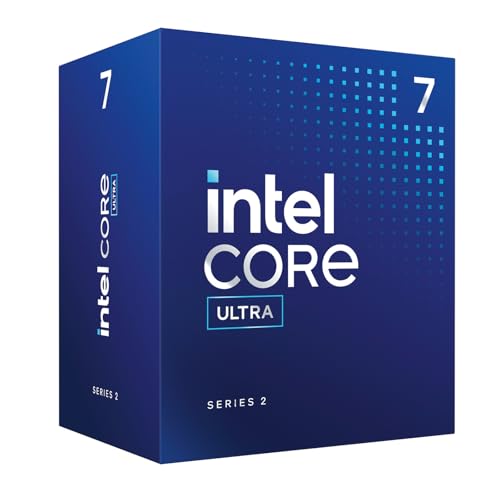
The best desktop CPUs currently center on socket types such as AM5, LGA1700, and newer Intel desktop platforms like LGA1851.
AMD's strongest current desktop CPUs use AM5, while Intel's recent enthusiast desktop generations use LGA1700 and then LGA1851 as the platform moves forward. These sockets matter because they determine motherboard compatibility, DDR5 support, PCIe lane availability, and the upgrade path of the whole desktop build.
Choosing the right socket is one of the first desktop CPU decisions because it locks in motherboard compatibility and affects how far the platform can scale over time.
The chart below shows which CPU sockets desktop CPUs support.
[pie-chart-05793659238331258212067729038763659584782396745757]
What RAM types do the best desktop CPUs support?
The best desktop CPUs today are centered mainly on DDR5, although some still sit in platforms where DDR4 remains relevant for value-oriented desktop builds. The exact RAM type depends on the CPU generation and socket, but DDR5 is now the normal direction for stronger new desktop platforms.
This matters because memory support affects both platform cost and long-term flexibility. A desktop CPU that supports DDR5 usually fits a more modern build path, while DDR4-compatible CPUs can still make sense when the goal is maximizing value or reusing existing hardware.
Do the best desktop CPUs have integrated graphics?
Some of the best desktop CPUs include integrated graphics, but it is not universal across the category. Many stronger desktop CPUs aimed at gaming or high-performance builds either rely on dedicated graphics cards in practice or come in variants where integrated graphics is not the main focus.
For buyers, integrated graphics is mainly about flexibility. It can simplify troubleshooting, allow a desktop build to run before a dedicated GPU is installed, and make sense in office or creator systems that do not need high-end graphics power from the start.
The chart below shows how often desktop CPUs include integrated graphics.
[pie-chart-07120661111217912335121080369570801501670034377150]
Do the best desktop CPUs support overclocking?
Many of the best desktop CPUs do support overclocking or tuning, but the level of freedom depends on the platform. Intel typically reserves full multiplier-based overclocking for specific unlocked desktop chips and matching chipsets, while AMD desktop CPUs often allow broader tuning access across stronger Ryzen models and boards.
That said, overclocking matters less than it used to for many buyers because modern desktop CPUs already push high automatic boost behavior. It still matters most to enthusiasts who want extra manual control over clocks, voltage, cooling, and memory tuning.
The chart below shows how often desktop CPUs support overclocking.
[pie-chart-10280071023327721034123334530419536406064226233675]
How much power do the best desktop CPUs use?
Power use varies widely across desktop CPUs. Mainstream desktop chips can stay relatively manageable, while higher-core-count and higher-clocked models can draw much more power under sustained heavy work. The strongest desktop CPUs therefore need to be judged together with cooling, motherboard quality, and the kind of workload they will run most often.
In practice, desktop CPU power matters not only for electricity use but also for noise, thermals, and case design. A more power-hungry desktop CPU can deliver much stronger peak performance, but it usually also demands a better cooler and a stronger overall platform setup.
The following chart compares TDP values in desktop CPUs.
[vertical-chart-17808952932009622611072596387845903632120828420450]