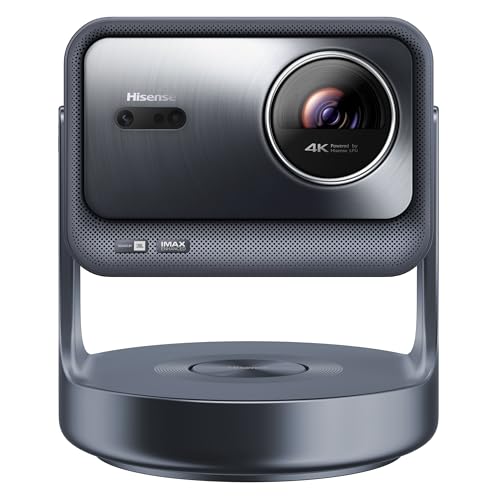
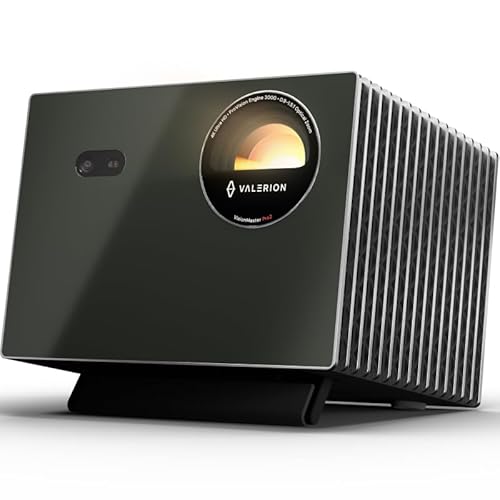
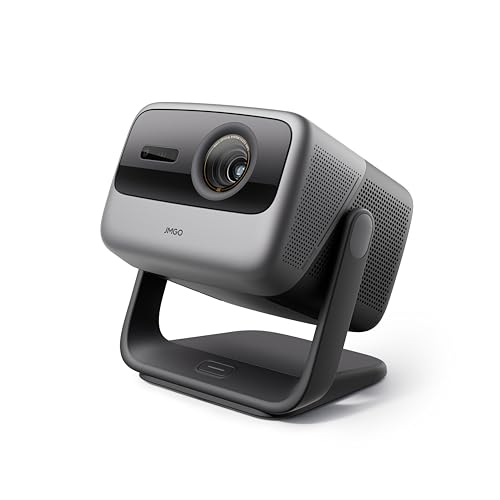
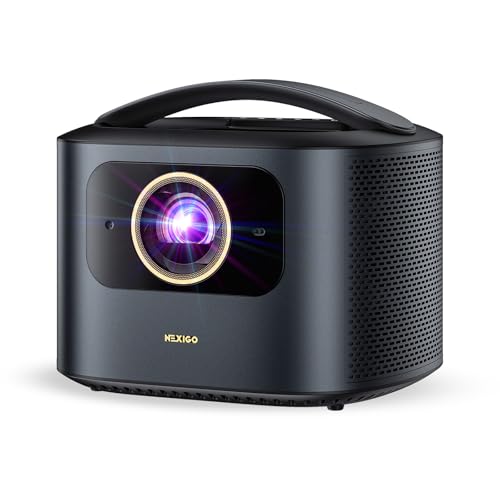
What are the best projector brands in 2026?
The best projector brands in 2026 are as follows.
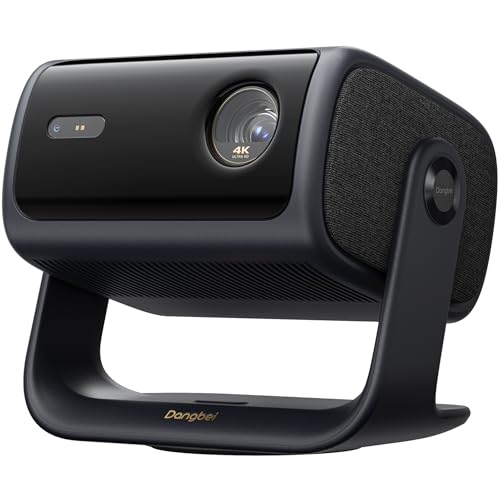
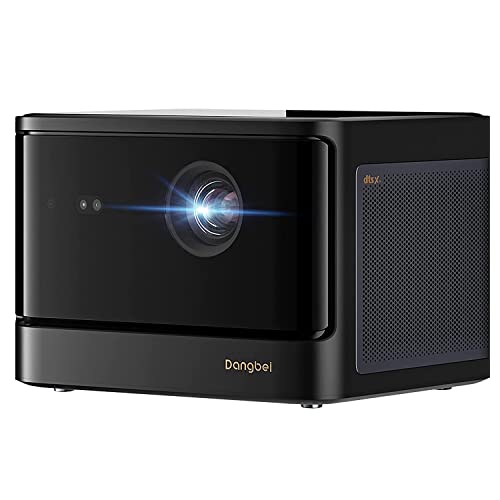
- Dangbei (Average overall score: 8.1)
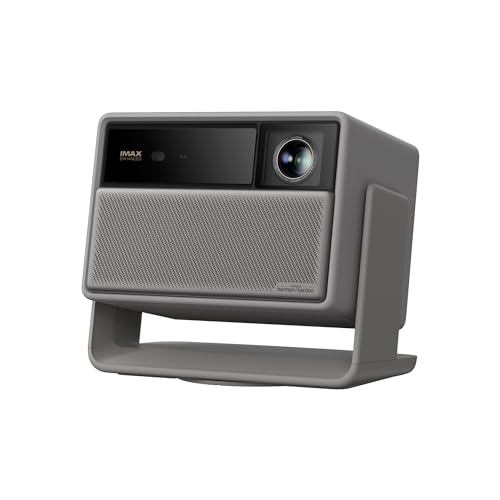
- Hisense (Average overall score: 8)
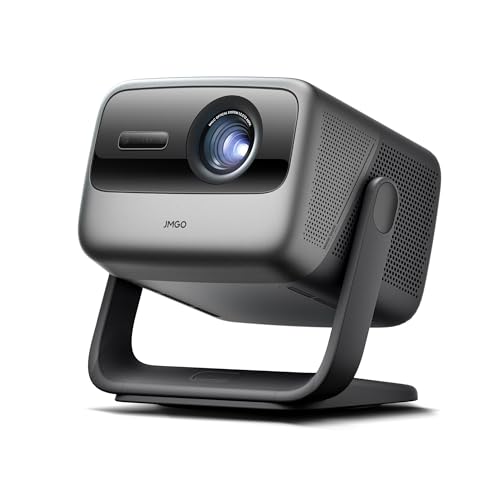
- JMGO (Average overall score: 7.9)
The chart below compares projector brands by average overall score.
[horizontal-chart-06222294491359464560168876188160252806382230551488]
Which projector brands have the highest user ratings?
The projector brands with the highest average user ratings are as follows.
- Epson (Average user rating: 9.2)
- Yaber (Average user rating: 9)
- BenQ (Average user rating: 9)
The chart below compares projector brands by average user rating.
[horizontal-chart-10462775940922178374157023950847303515932802786786]
Which projector brands offer the best value for money?
The projector brands offering the best average value for money are as follows.
- Magcubic (Average value-for-money score: 7.7)
- XGIMI (Average value-for-money score: 7.4)
- Aurzen (Average value-for-money score: 7.4)
The chart below compares projector brands by average value-for-money score.
[horizontal-chart-10795666193242515550100116603279058010930943895234]
How much do the best projectors cost?
The best projectors usually start around £600 and that lower band is where you find decent 1080p models plus some entry 4K options. They can still look very good in the right room, but black levels, lens shift, fan noise, and HDR handling are usually more compromised than on stronger models.
\n
For most buyers, the sweet spot sits around £860 to £1,700. This is where brightness, sharper 4K-style detail, better color, lower input lag, and more reliable setup features start to come together, so you are less likely to feel that you bought a projector with one obvious weakness.
\n
Once you move beyond roughly £2,200 to £2,600 you are mostly paying for refinement rather than just a bigger picture. Extra spend usually buys better contrast, quieter operation, stronger lens controls, and a more convincing home cinema image, especially if you care about dark-room movie performance.
How bright are the best projectors?
The best projectors usually deliver about 2,000 to 4,000 ANSI lumens, which is the range where a projector starts to feel flexible rather than fragile about room conditions. Around 1,500 to 2,000 ANSI lumens can still work well for films in a dark room, but once you want a larger screen, a bit of ambient light, or more daytime use, output closer to 2,500 to 3,500 ANSI lumens becomes much easier to live with.
Brightness also needs to be judged in context. A projector used on a 90-inch screen at night can look comfortably bright with much less output than one trying to fill 120 to 150 inches in a living room, so the useful question is not just how many lumens a model claims, but how much screen size and ambient light it can handle without the image looking flat.
It is also worth remembering that raw brightness does not automatically mean the best-looking image. A projector with strong contrast, better color accuracy, and a cleaner optical path can look more convincing in a dark room than a brighter but harsher model, so for most buyers the best projector brightness is the level that matches the room and screen size rather than the highest number on the box.
What resolution do the best projectors offer?
The best projectors usually offer either Full HD 1920 × 1080 or 4K-class 3840 × 2160 output, with 1080p still making sense for cheaper, smaller, or more casual setups and 4K being the stronger fit for larger cinema-style screens. On a projector image, the jump in pixel detail can be easier to notice than it is on a modest TV, especially once screen size moves well beyond 100 inches.
Resolution also depends on the projector type behind the headline spec. Some models deliver native 1080p, some deliver native 4K, and many midrange 4K projectors rely on pixel shifting to get much closer to a 4K-looking image without the cost of full native 4K panels. In real use, a good pixel-shifted 4K projector can still look very sharp, but not every '4K' label means the same thing at the hardware level.
Even so, resolution should never be judged in isolation. Lens quality, contrast, motion handling, and brightness all affect how sharp the final image feels, so a well-balanced 1080p projector can still beat a weak 4K one in everyday viewing. If you want the most convincing large-screen movie image, though, 4K-class projection is where the strongest models now sit.
What throw types do the best projectors use?
The best projectors use the following throw types:
- Standard throw: This is still the most common layout, and it usually needs a few metres of distance to create a big image. It works well when you have normal living-room space and flexible placement.
- Short throw: Short throw models can make a large picture from much closer to the wall, often with throw ratios below about 0.7:1. They are especially useful in smaller rooms where a standard projector would sit too far back.
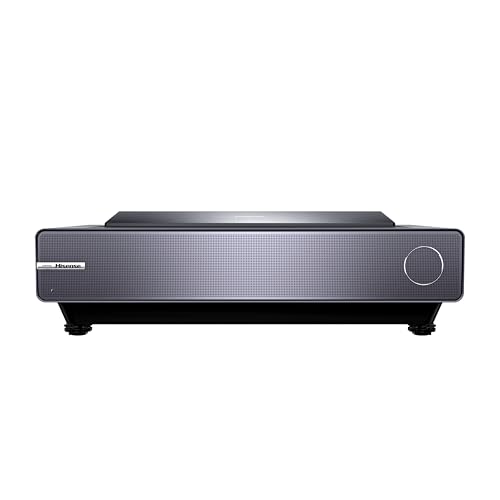
- Ultra-short throw: UST projectors sit very close to the wall or screen and are designed more like a TV replacement. They are convenient for bright living spaces, but they are usually more expensive.
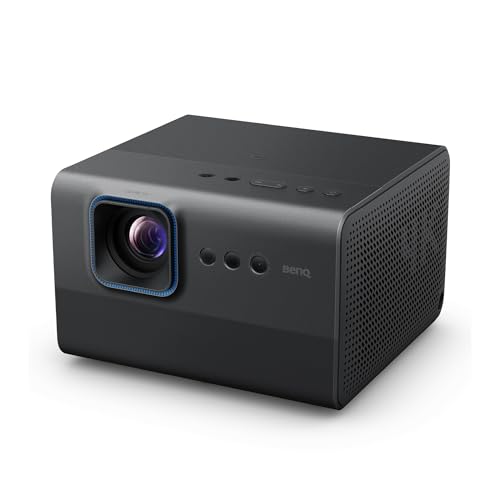
- Portable low-distance setups: Some compact projectors are not true short throw models, but they still work reasonably well from shorter distances because they are meant for casual, flexible placement rather than permanent installation.
What connections do the best projectors support?
The best projectors usually support the following connections:
- HDMI: This is the core connection for streaming boxes, consoles, Blu-ray players, and laptops. Better models often give you two HDMI ports so you do not need to keep swapping cables.
- USB: USB ports are common for media playback, powering a streaming stick, or basic service tasks. They are convenient, but they do not replace HDMI for full-quality video sources.
- Wi-Fi and Bluetooth: Wireless support makes it easier to stream, mirror a phone, or pair speakers and headphones without extra cables. It matters most on living-room and portable models.
- Audio output: A 3.5 mm jack, optical output, or HDMI ARC support is useful if you want better sound than the built-in speakers can provide.
What smart features do the best projectors offer?
The best projectors usually offer the following smart features.
- Built-in streaming systems: Android TV, Google TV, or another integrated smart platform lets the projector run major video apps without needing a separate streaming stick. This is useful for simple living-room use, but software quality still varies a lot between brands.
- Wireless casting and mirroring: Support for Chromecast, AirPlay-style casting, Miracast, or similar tools makes it easier to send video from a phone, tablet, or laptop. In practice, this matters most for casual viewing and presentations rather than the highest-quality movie playback.
- Automatic image setup: Autofocus, auto-keystone correction, obstacle avoidance, and screen-fit features make setup much faster, especially on portable and lifestyle projectors. They improve convenience, but they do not fully replace careful manual placement if you want the cleanest geometry.
- Smart-home and app control: Many stronger projectors support remote-control apps, voice assistants, or basic smart-home integration, which can make input switching and setup easier in daily use. These are convenience features rather than picture-quality features, but they matter if the projector is replacing a living-room TV.
The main thing to watch is that smart features age faster than core projection hardware. A projector can keep a usable lens and light source for years, while its built-in interface may become slow, lose app certification, or fall behind streaming-device support, so some buyers are still better off treating smart features as a bonus rather than the center of the purchase decision.
What trade-offs should you check before buying a projector?
The main trade-offs to check before buying a projector are as follows.
- Brightness versus black level performance: Higher ANSI lumen output helps in brighter rooms, but it does not automatically mean a more cinematic image. Many brighter living-room projectors still look flatter in dark scenes than lower-output models with stronger native contrast or better light control.
- Throw flexibility versus optical complexity: Standard throw projectors are often simpler and better value, but they need more placement distance. Short throw and ultra-short throw models solve room-layout problems, yet they usually cost more and can be more sensitive to alignment, screen flatness, and furniture height.
- Keystone convenience versus image integrity: Digital keystone correction is useful for awkward placement, but stronger correction can soften the image and reduce geometric accuracy. Optical lens shift is usually the cleaner solution when available, because it moves the image without the same resolution penalty.
- Portability versus picture quality: Compact projectors are easier to carry and quicker to set up, but they often sacrifice brightness, fan control, zoom range, optical quality, and speaker performance compared with larger home models.
- Smart all-in-one design versus long-term speed: Built-in streaming platforms, autofocus, and auto-keystone make a projector easier to use out of the box, but cheaper smart systems can age badly, run slowly, or lose app support sooner than an external streaming device.
- Gaming speed versus cinema processing: Low input lag and high refresh support are valuable for gaming, but some cinema-oriented projectors prioritize motion processing, contrast tuning, and film presentation instead. The best choice depends on whether you care more about controller response or movie-room refinement.
- Upfront price versus total setup cost: A projector can look affordable until you add a proper screen, ceiling mount or stand, external audio, longer HDMI runs, or blackout treatment for the room. In practice, the full-system cost matters more than the projector price alone.