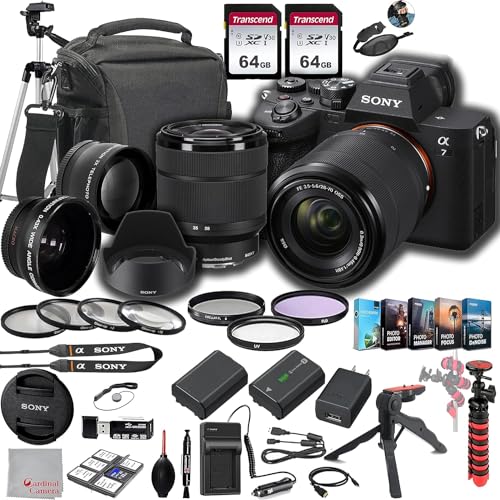
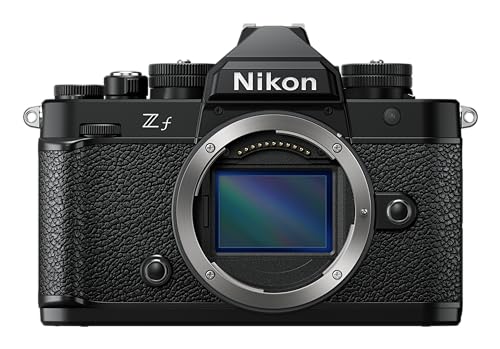
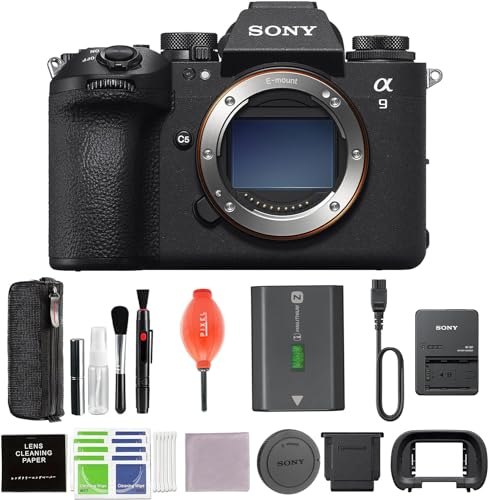
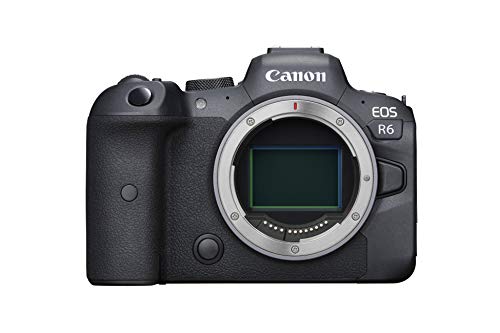
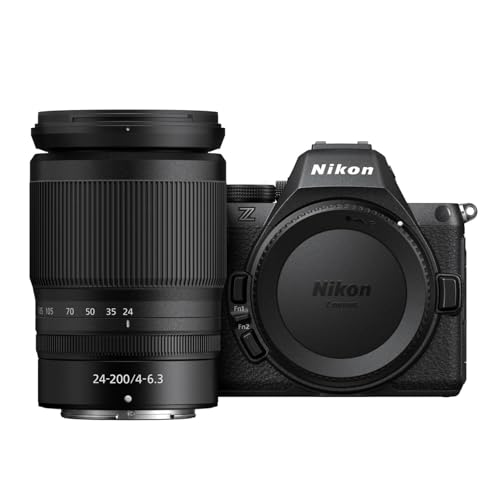
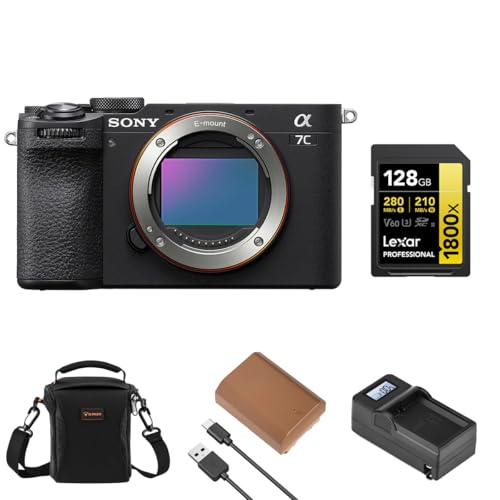
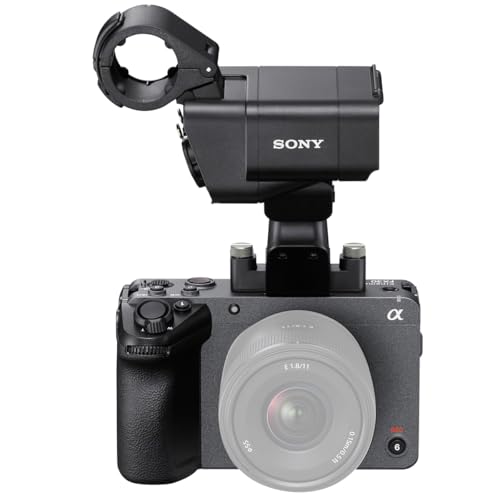
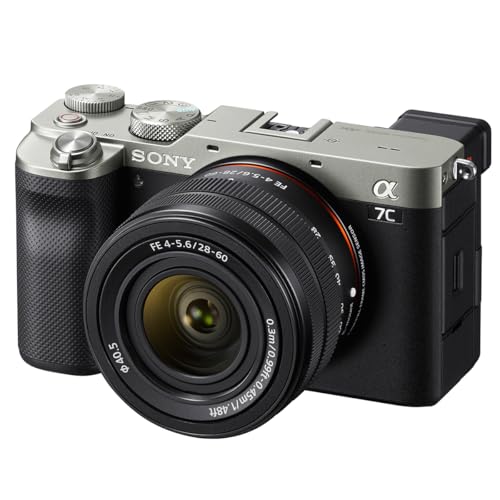
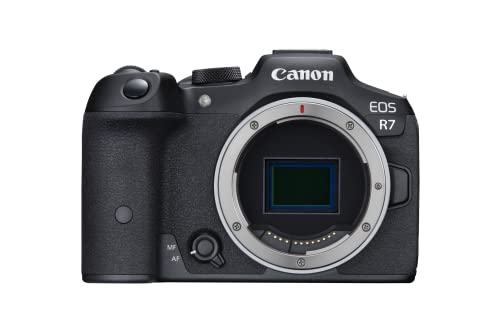
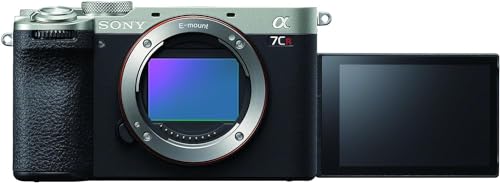
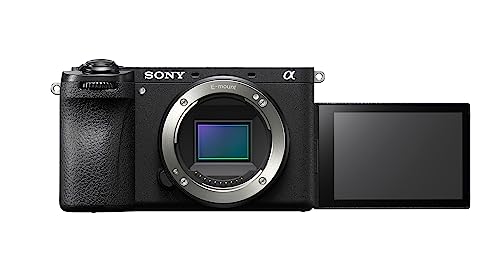
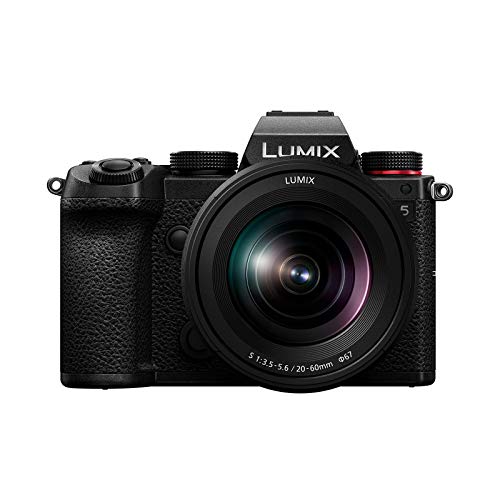
A camera is suitable for YouTube when it can record sharp, well-focused video and intelligible audio reliably for the full length of the intended production. A front-facing screen and microphone input cover solo framing and external sound, while predictable autofocus, exposure, color, and heat behavior reduce failed takes.
For desk videos, interviews, tutorials, and podcasts, look for continuous power, recording limits long enough for the format, a headphone output, clean HDMI or USB webcam support, and ports that do not obstruct the screen. Clean 4K at 24/25/30 fps is a strong baseline because it allows reframing in a 1080p timeline, but a stable 1080p workflow can still be preferable for live streams and rapid publishing.
Run-and-gun channels need a different balance: a lens around 16–24 mm full-frame equivalent for handheld presentation, useful optical or in-body stabilization, weather tolerance, and manageable battery and media demands. Editing also matters; common H.264 or H.265 long-GOP files save space, while intraframe and 10-bit options offer more grading flexibility but require faster cards, greater storage, and a stronger computer.
How important is autofocus on a camera for YouTube?
Autofocus is extremely important on a camera for YouTube because a solo presenter cannot continuously verify or correct focus while recording. Reliable face and eye tracking should hold the nearest eye through normal head movement, glasses, temporary obstruction, and changes in distance.
Test autofocus in the exact recording mode used by the channel. Some cameras perform differently at 4K 50/60 fps, with electronic stabilization, in dim studio light, or when outputting over HDMI; lens focus motors and adapted lenses can also change speed and noise.
For product reviews, adjustable subject-shift sensitivity and a product-priority mode can move focus from the presenter to an item held near the lens. The transition should be smooth rather than abrupt and should return consistently to the face afterward. Interviews and multi-person scenes benefit from touch selection or a dependable way to prioritize one subject.
Manual focus is still useful for locked desk shots, overhead demonstrations, and scripted marks. Focus peaking and magnification simplify setup, but for unscripted presentation and live broadcasts, accurate continuous eye autofocus prevents more unusable footage than a small gain in resolution.
Do cameras for YouTube need flip screens and microphone inputs?
Yes, a practical YouTube camera should have both a front-facing flip screen and a microphone input, especially for a solo production. The screen confirms composition, focus, exposure, recording state, and remaining battery, while the 3.5 mm input supports a directional, lavalier, or wireless microphone placed much closer to the speaker than the built-in microphones.
For long-form work, audio monitoring is almost as important as the input itself. A headphone output reveals interference, clothing noise, clipping, or a disconnected receiver before an entire interview is lost; if the camera lacks one, use a microphone or recorder with monitoring and watch the on-screen meters. Check port placement because HDMI, USB power, and microphone cables can block a side-hinged display, and confirm that touch controls and brightness remain usable while recording.