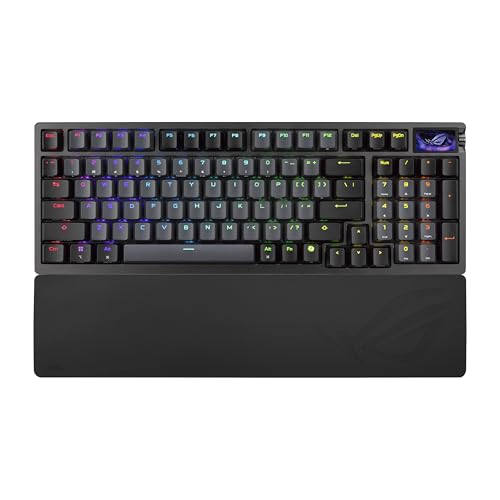
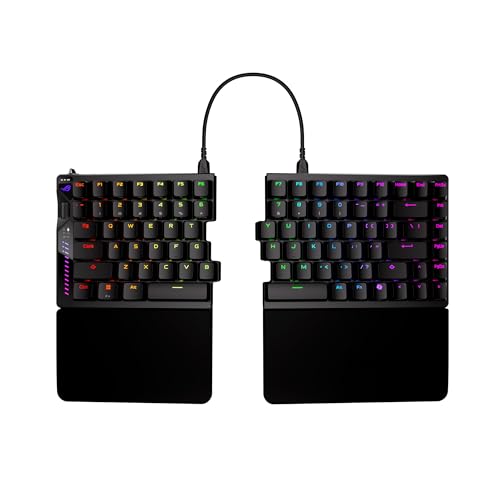
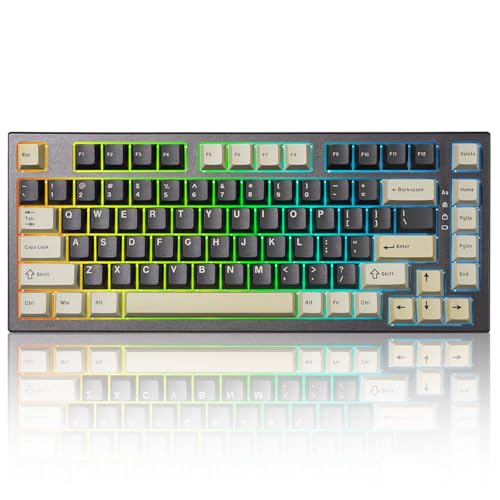
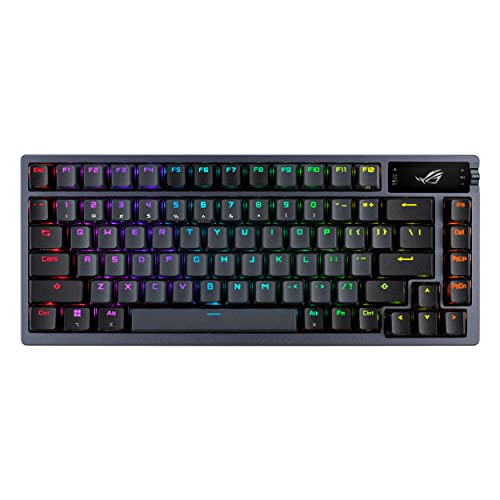
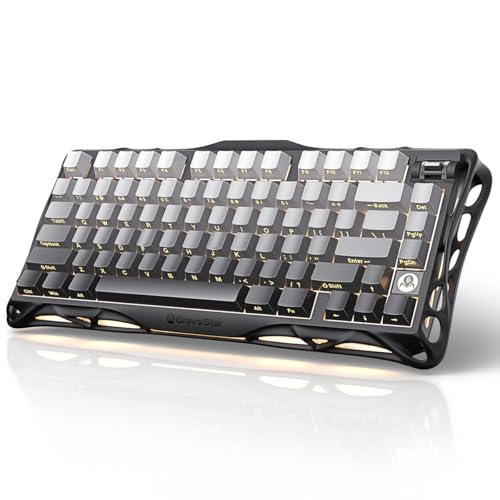
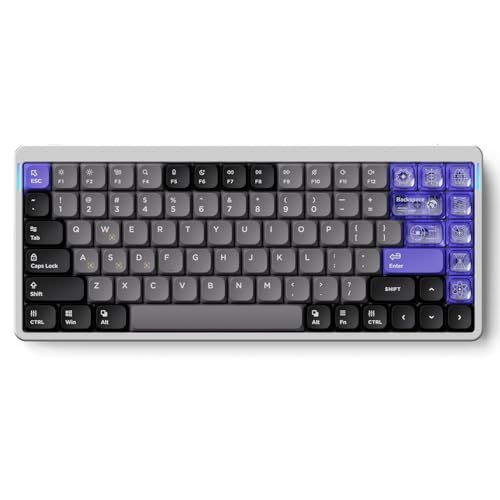
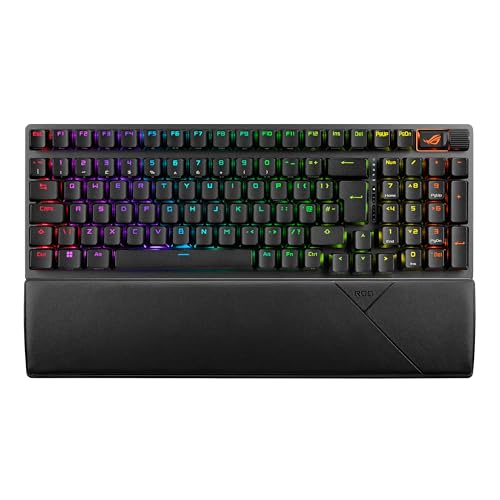
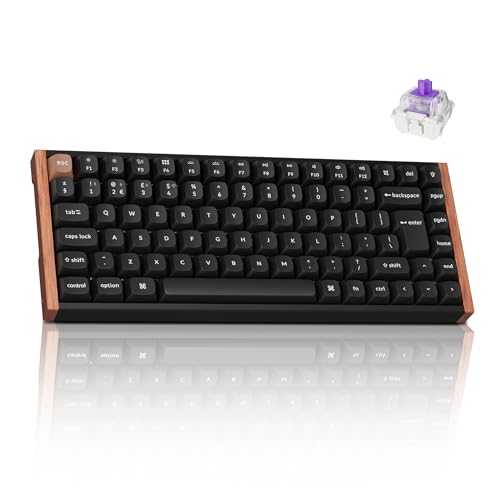
Which brands make the best QWERTY keyboards?
The best QWERTY keyboard brands are as follows.
- NuPhy (Average overall score: 7.8)
- Keychron (Average overall score: 7.6)
- ASUS (Average overall score: 7.5)
The chart below ranks QWERTY keyboard brands by average overall score.
[horizontal-chart-18036325987969256302069471793857151141542224589446]
Which QWERTY keyboards have the highest user ratings?
The QWERTY keyboard brands with the highest user ratings are as follows.
- HyperX (Users rating: 9.4 points)
- Yunzii (Users rating: 9.4 points)
- SteelSeries (Users rating: 9.3 points)
This chart compares QWERTY keyboard brands by average user rating.
[horizontal-chart-12044488816505048180022025444612533741270256204398]
What is a QWERTY keyboard?
A QWERTY keyboard is a keyboard whose main letter row starts with Q-W-E-R-T-Y. It is the standard layout most English-language users learn first, and it remains the default choice for general typing, office work, coding, and gaming.
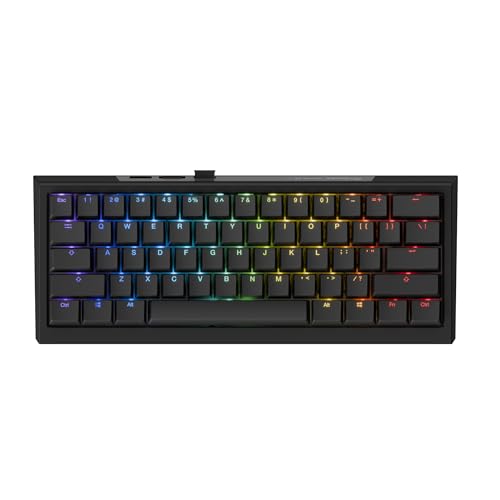
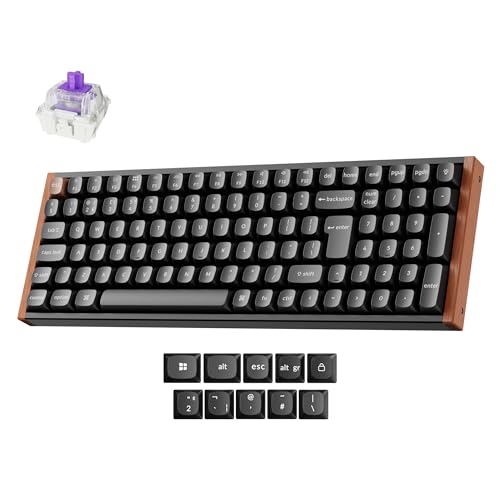
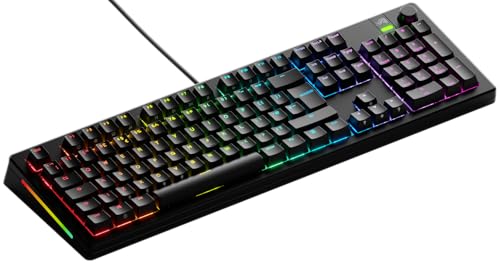
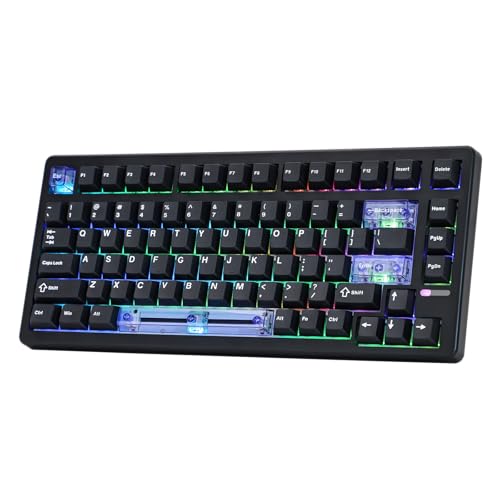
QWERTY describes the letter arrangement, not the physical shell by itself. A QWERTY board can be full-size, TKL, 75%, 65%, or smaller, and it can also use either ANSI-style or ISO-style key geometry depending on region.
In practice, most currently listed keyboards in this category follow the mainstream ANSI side of the market, so a QWERTY guide overlaps heavily with the broader enthusiast and gaming keyboard market. The real decision is usually not whether QWERTY works, but which size, switch type, and connection setup fit your typing habits best.
Who should consider buying a QWERTY keyboard?
QWERTY keyboards are the right default for anyone who already types in English or uses software, shortcuts, and games built around the standard Latin-letter layout. That includes most office users, students, programmers, and competitive players who want familiar key reach without relearning muscle memory.
QWERTY is also the safer choice if you switch often between laptops, desktops, and shared workstations. Consistent letter placement makes shortcut-heavy work easier, especially for coding, spreadsheet work, editing, and games that rely on standard WASD-style hand positions.
A different layout can make more sense if your daily language needs favor another national standard, but for broad compatibility QWERTY remains the least restrictive option. If you want one keyboard that works predictably across work, study, and play, it is usually the layout to start with.
How do QWERTY keyboards differ from other layouts?
QWERTY keyboards differ from AZERTY, QWERTZ, and other national layouts mainly in where the letters, punctuation keys, and symbol combinations sit. The biggest practical effect is muscle memory: touch typists, shortcut users, and gamers tend to feel immediately faster on the layout they already know.
That difference matters most in the left side of the board and the number row, where many typing habits and software shortcuts live. Even small changes in A, Z, Y, M, or symbol placement can slow down coding, spreadsheet work, passwords, and game commands until your hands adapt.
Physical form is a separate issue from letter layout. A QWERTY board can still be full-size, TKL, 75%, 65%, split, wired, or wireless, so switching away from QWERTY is not mainly about hardware quality. It is about whether a different language-specific layout improves your daily typing more than standard compatibility does.
How much do the best QWERTY keyboards cost?
The best QWERTY keyboards usually cost about £110-£260, while enthusiast flagships can rise to roughly £340-£490. That is the range where build quality, switch consistency, firmware support, and wireless flexibility become meaningfully better.
More affordable QWERTY boards around £60-£130 already cover a large part of the market and can be excellent value if you mainly want solid typing feel or straightforward gaming use. Prices climb when you move into aluminum cases, Hall effect switches, tri-mode wireless, premium keycaps, better stabilizers, and deeper customization support.
What should you consider while choosing a QWERTY keyboard?
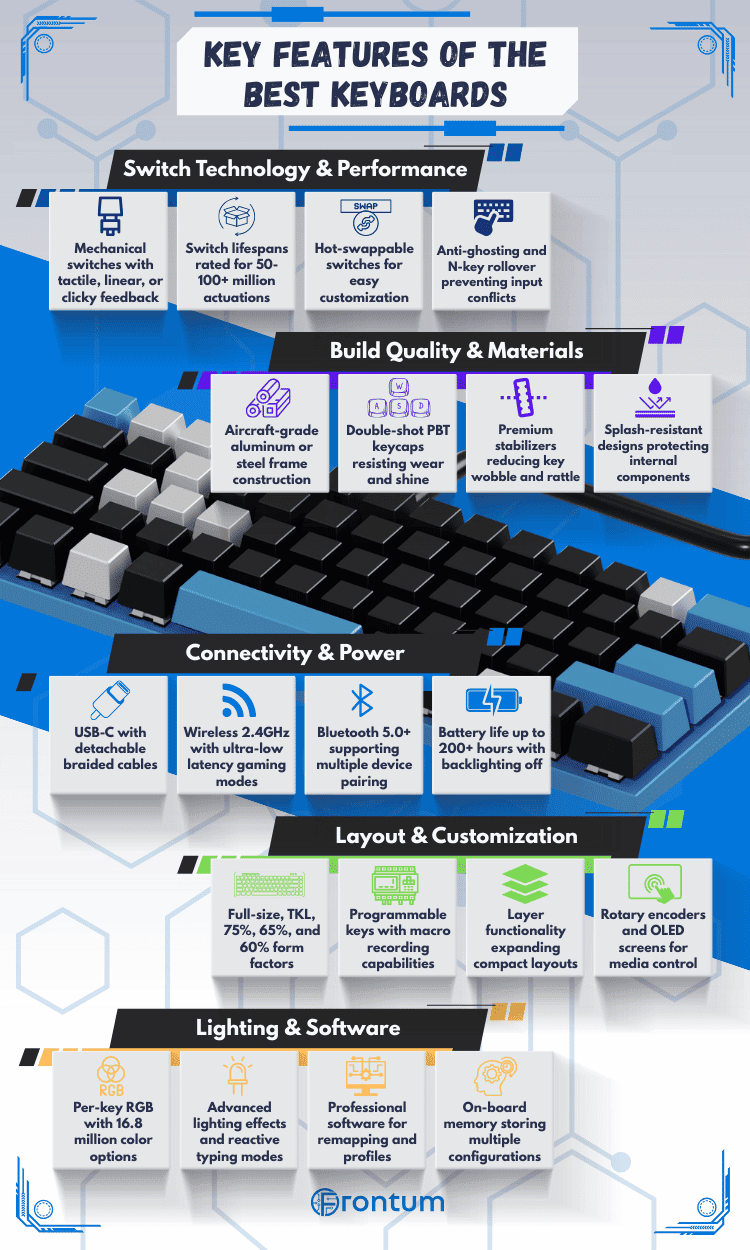
You should consider the following factors when choosing a QWERTY keyboard:
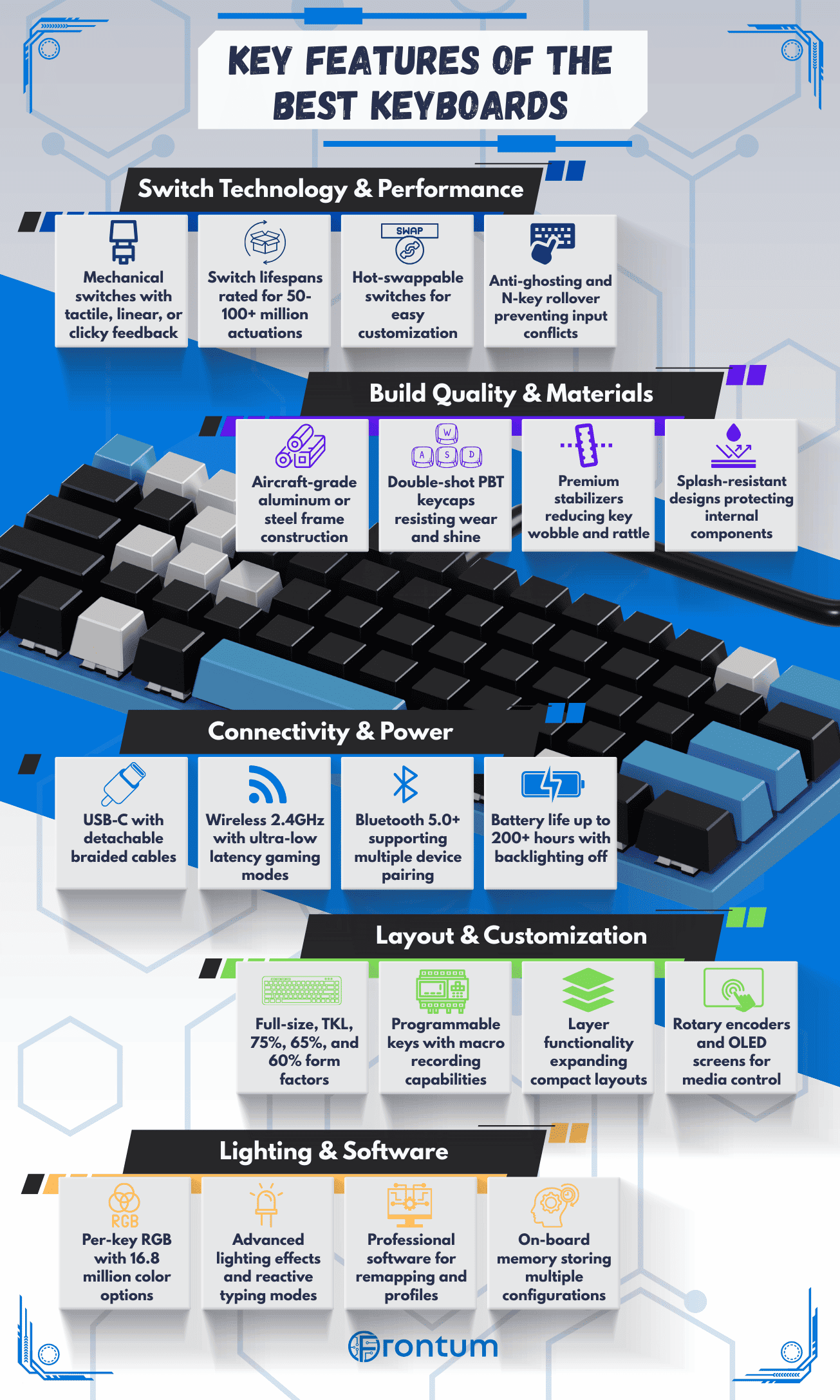
- Layout size: Full-size boards keep the numpad, TKL trims that section away, 75% keeps the arrows in a tighter body, and 65% or 60% saves even more desk space. Choose the smallest layout only if you are comfortable moving secondary keys onto layers.
- Switch technology: Most strong options are still mechanical, while Hall effect and optical designs focus more on gaming-specific input tuning. If you want rapid trigger, adjustable actuation, or analog-style control, check those newer switch families first.
- Connection type: Wired USB still makes sense for the simplest low-latency setup, but many modern boards now combine USB, 2.4 GHz, and Bluetooth in one product. Multi-device wireless is especially useful if the same keyboard will move between a desktop, laptop, and tablet.
- Firmware and hot-swap support: Many better QWERTY boards now support hot-swappable sockets, and roughly one hundred models in this category also expose QMK or VIA-style remapping. That matters if you want to change switches later or build a deeper custom layer setup instead of living with factory defaults.
- Battery and charging: Battery life matters only on wireless boards, and many mainstream claims sit around 100-300 hours before you step into very low-power or RGB-light-off scenarios. USB-C is now the standard charging port on almost every rechargeable option, so older connector types are mostly an avoidable compromise.
- Ergonomics and acoustics: Adjustable feet and detachable cables are common, but wrist rests are still much less common than buyers often expect. Look closely at typing angle, case material, stabilizer quality, and internal dampening if sound and long-session comfort matter as much as raw features.
- Budget: Around £60-£130 is the practical value zone, £130-£220 is where build and firmware quality often improve, and £220 and above is mainly for enthusiast materials or premium gaming features. Spend more only when you know exactly which upgrade you are paying for.