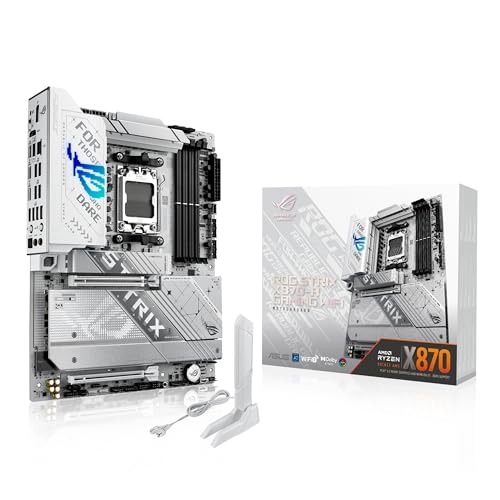
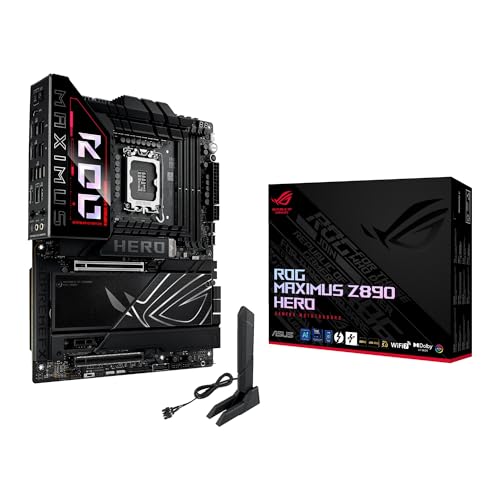
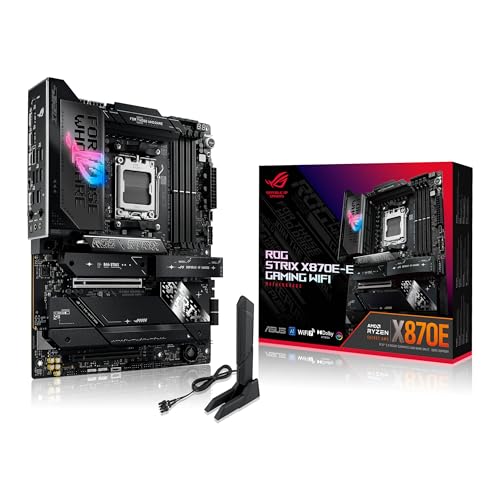
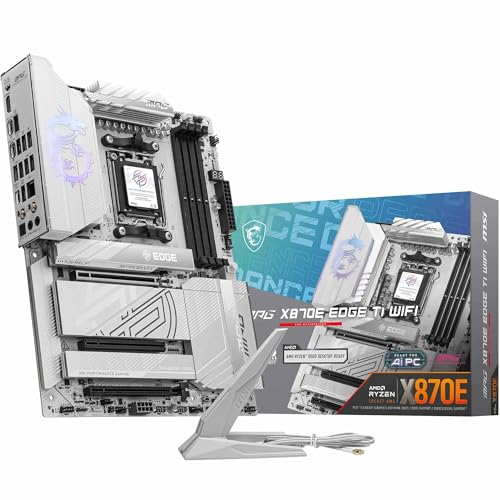
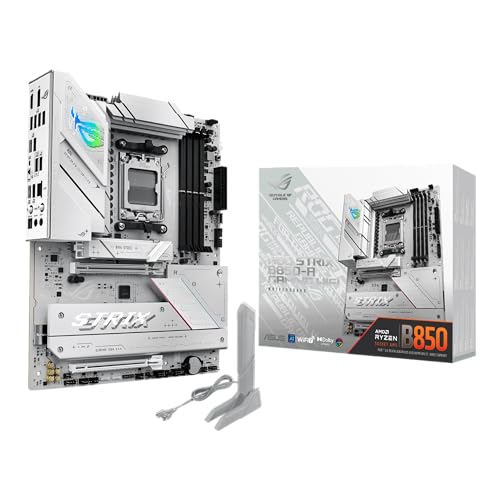
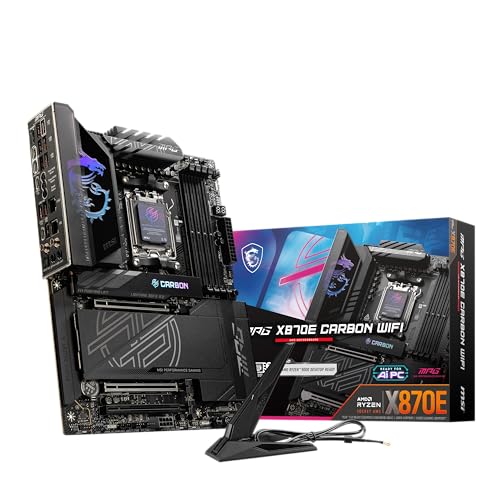
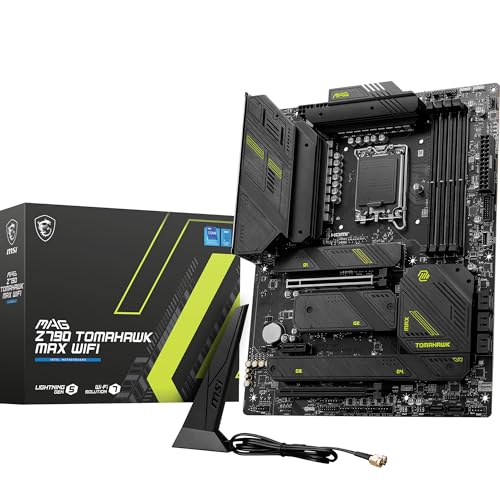
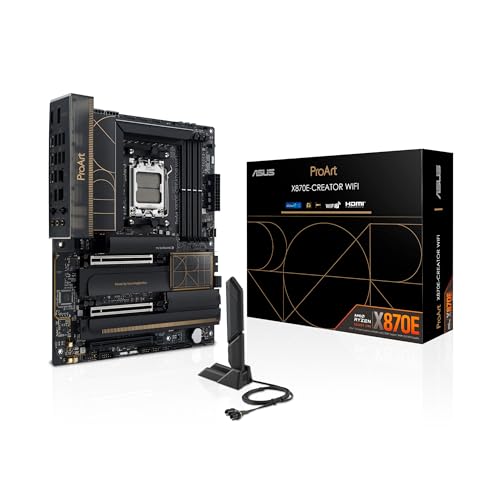
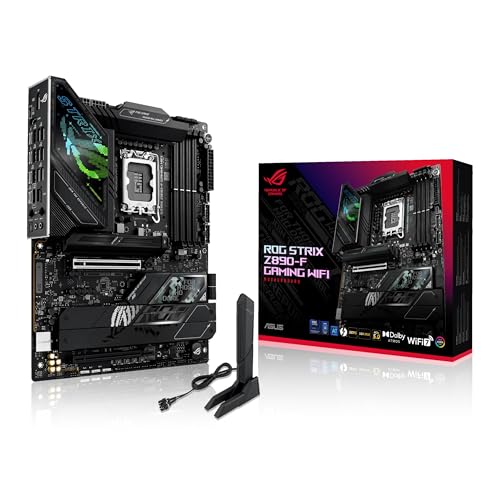
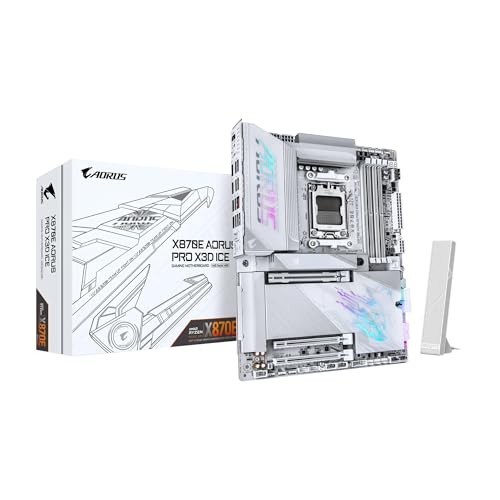
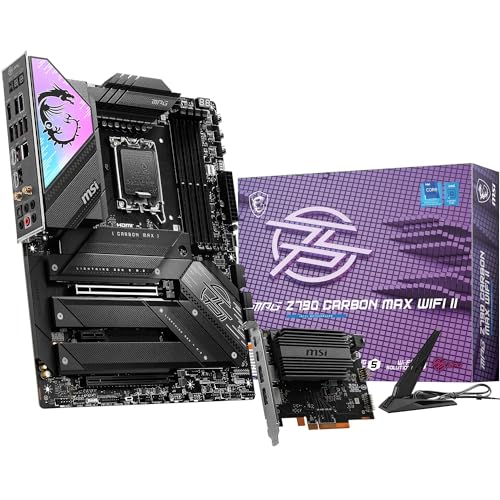
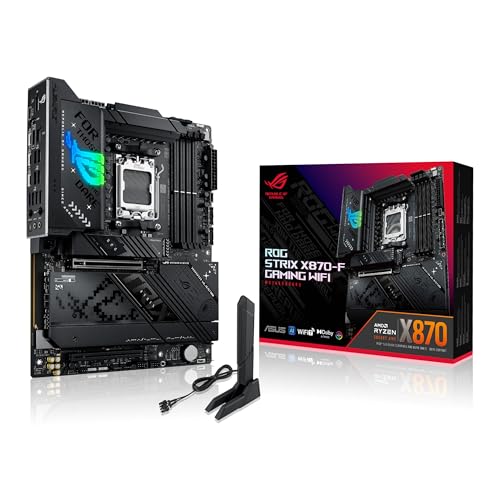
What are the best motherboard brands of 2025?
The best motherboard brands are as follows.
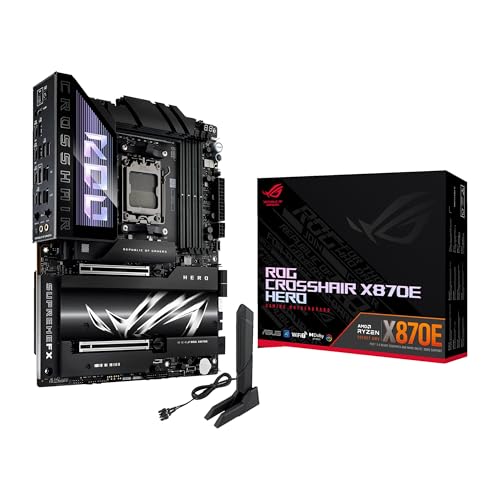
- ASUS (Overall score: 9 points)
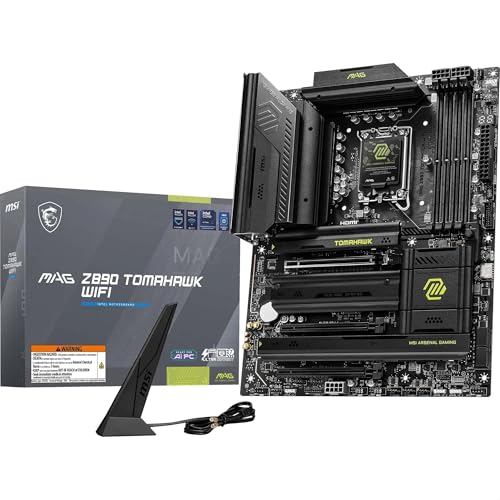
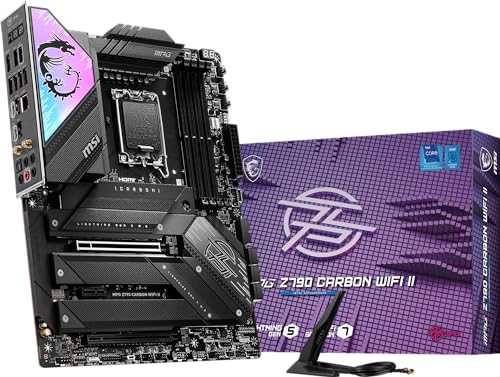
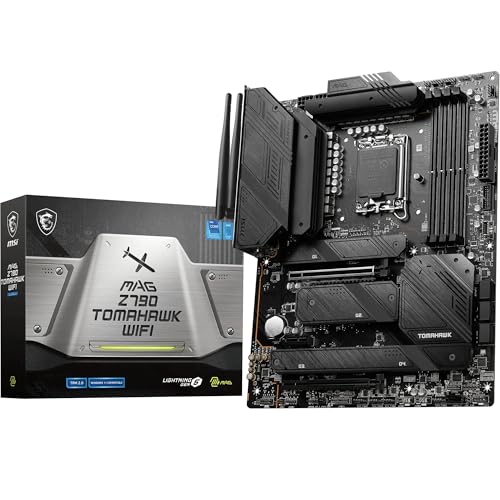
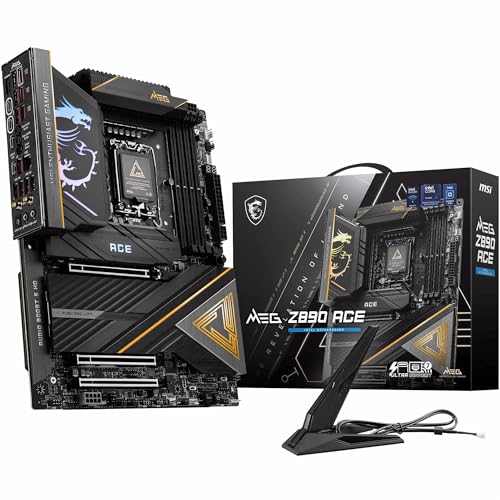
- MSI (Overall score: 9 points)
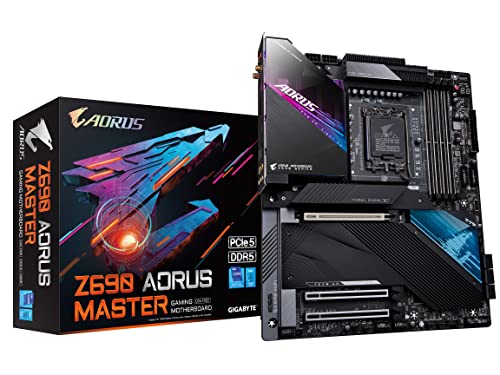
- GIGABYTE (Overall score: 8.9 points)
The chart below ranks motherboard brands by average overall score.
[horizontal-chart-12588743876552819512164314463740724746191265422285]
Which motherboard brands have the highest user ratings?
The motherboard brands with the highest user ratings are as follows.
- MSI (Overall score: 9.2 points)
- ASUS (Overall score: 9.2 points)
- GIGABYTE (Overall score: 9.1 points)
This chart compares motherboard brands by average user rating.
[horizontal-chart-00372247847311096970115235478217115127150273003816]
Which motherboard brands offer the best value for money?
The motherboard brands with the best quality-price ratio are as follows.
- MSI (Overall score: 9 points)
- ASUS (Overall score: 8.9 points)
- GIGABYTE (Overall score: 8.9 points)
The following chart ranks motherboard brands by average value-for-money score.
[horizontal-chart-11436997497311620621056797711885633544403744290972]


Should I choose Intel or AMD motherboards?
Your choice between Intel or AMD motherboards depends on your specific processor and performance needs. Intel motherboards use LGA sockets (like LGA1700 for 12th/13th gen) while AMD motherboards use AM4 or AM5 sockets, so you must match the motherboard to your chosen CPU architecture.
Intel motherboards typically cost more but support features like Thunderbolt 4, faster DDR5 memory speeds, and more PCIe lanes for high-end configurations. They work with Intel's integrated graphics and Quick Sync video encoding technology.
AMD motherboards generally cost less and support longer socket compatibility - AM4 lasted from 2016 to 2022, which means you can upgrade CPUs without changing motherboards. AMD platforms also support PCIe 4.0 across more price segments and work well with AMD's Ryzen processors that include strong integrated graphics on APU models.
How much do the best motherboards cost?
The best motherboards cost between £170 and £700, depending on the chipset, size, and features.
High-end models with advanced overclocking support, robust VRM designs, and premium connectivity tend to stay in the higher range, while solid mid-tier boards with fewer extras remain closer to the lower end.
Top models from brands like ASUS, MSI, and Gigabyte often reach 600–£700, as they use stronger power phases, faster networking (Wi-Fi 6E and 10 Gb LAN), and multiple PCIe 5.0 slots.
The best motherboards come in four main form factors as follows:
- ATX: Standard form factor measuring 12 x 9.6 inches that remains the most popular choice among builders. ATX motherboards provide multiple expansion slots and support four DIMM slots for RAM, which makes them ideal for high-performance gaming rigs and professional workstations.
- Micro-ATX: Middle-ground option that measures smaller than ATX while maintaining good expansion capabilities. These motherboards balance size constraints and functionality, so they fit in compact cases while still supporting dual-graphics setups and decent upgrade potential.
- Mini-ITX: Smallest form factor at 6.7 x 6.7 inches designed for space-constrained builds. Mini-ITX boards excel in small form factor cases and HTPC applications, although they typically feature just one PCIe slot and two DIMM slots maximum.
- E-ATX: Extended ATX format measuring 12 x 13 inches that targets enthusiast and professional users. E-ATX motherboards accommodate multi-GPU configurations and support higher RAM capacities, which makes them suitable for content creation and extreme gaming builds.
What CPU sockets do the best motherboards support?
The best motherboards support LGA 1700, AM5, and LGA 1200 CPU sockets.
LGA 1700 motherboards accommodate Intel's 12th, 13th, and 14th generation processors (Alder Lake, Raptor Lake, and Raptor Lake Refresh), which deliver exceptional performance for gaming and productivity tasks. These motherboards feature Z790, Z690, B760, and B660 chipsets that support DDR5 memory, PCIe 5.0 connectivity, and advanced overclocking capabilities.
AM5 motherboards support AMD's Ryzen 7000 and 8000 series processors (Zen 4 architecture) and represent AMD's latest platform with X670E, X670, B650E, and B650 chipsets. These boards natively support DDR5 memory and PCIe 5.0 while maintaining compatibility with future AMD processors through 2025.
What chipsets do the best motherboards use?
The best motherboards use high-end chipsets from Intel and AMD that deliver top-tier performance and features. Intel's Z790 and Z690 chipsets power premium motherboards for 13th and 12th generation Core processors, while AMD's X670E and B650E chipsets serve as the foundation for flagship boards supporting Ryzen 7000 series CPUs. These chipsets support advanced technologies like DDR5 memory, PCIe 5.0 connectivity, and multiple GPU configurations.
Intel's flagship chipsets like Z790 support up to 20 PCIe 4.0 lanes directly from the chipset, along with additional PCIe 5.0 lanes from the CPU connection, and they include features such as CPU overclocking capabilities, advanced memory profiles, and extensive I/O connectivity options.
AMD's premium X670E chipset doubles the PCIe lanes compared to standard X670 and includes native USB4 support, Wi-Fi 6E compatibility, and enhanced power delivery systems that benefit enthusiast users who demand maximum performance from their systems.
What RAM types and speeds do the best motherboards support?
The best motherboards support DDR4 and DDR5 RAM types, and the supported speeds vary depending on the platform and chipset.
DDR4 memory is still widely supported with speeds that range from 2133 MHz to 5333 MHz, while DDR5 memory reaches higher levels with official support starting at 4800 MHz and going well above 8000 MHz through overclocking profiles. The type you can use depends on the socket and chipset since motherboards only support one standard, not both at the same time.
High-end gaming and workstation motherboards often support faster DDR5 modules, which improve bandwidth and latency when paired with the right CPU.
What connectivity features do the best motherboards include?
The best motherboards include the following connectivity features:
- USB ports: Modern motherboards feature USB 3.2 Gen 2 ports with 10Gbps speeds and multiple USB-A connections. High-end boards include USB Type-C ports with reversible connections and USB 4.0 support up to 40Gbps.
- Ethernet connections: Standard boards provide 1Gbps LAN ports while midrange models step up to 2.5Gbps controllers. Premium motherboards feature 10Gbps wired networking adapters and dual RJ45 ports for redundant connections.
- Wi-Fi technology: Advanced boards support Wi-Fi 7 (802.11be) with theoretical speeds up to 23Gbps and reduced latency. Wi-Fi 6E boards add the 6GHz band for better performance in crowded networks.
- PCIe slots: Top motherboards include multiple PCIe 5.0 x16 slots for graphics cards and PCIe 5.0 M.2 slots for next-generation storage. Additional PCIe slots accommodate expansion cards and storage drives.
- SATA connectors: Quality boards provide 6-8 SATA 3 ports with 6Gbps transfer rates for hard drives and SSDs. These ports connect traditional storage devices and optical drives.
- Display outputs: Motherboards include HDMI, DisplayPort, and sometimes VGA connections for integrated graphics. Multiple display outputs support multi-monitor setups without discrete graphics cards.
- Audio connections: Built-in audio solutions feature multiple 3.5mm jacks for surround sound systems. High-end boards include optical audio outputs and advanced DAC chips.
- Fan headers: Premium motherboards provide 6-10 fan headers with PWM control for precise cooling management. These connections power case fans, CPU coolers, and pump assemblies.
What storage options do the best motherboards offer?
The best motherboards give you a wide range of storage options. You can connect traditional SATA drives (HDDs and SSDs) and use faster M.2 slots that support NVMe SSDs. These slots link directly to PCIe lanes, so you get much higher read and write speeds compared to SATA drives. Many high-end boards have several M.2 slots, so you can build fast storage arrays or mix different capacities.
You also get support for RAID configurations, which means you can boost speed or redundancy by combining multiple drives. Some boards include U.2 connectors or PCIe add-in card support for enterprise-level storage, although these are less common.
What cooling features do the best motherboards have?
The best motherboards have the following cooling features:
- Heatsinks on VRM components: High-quality motherboards feature robust heatsinks mounted on voltage regulator modules (VRM) to dissipate heat generated during power delivery. These heatsinks use aluminum or copper materials with extended fins to increase surface area for better heat transfer.
- M.2 SSD heatsinks: Premium motherboards include dedicated heatsinks for M.2 storage slots to prevent SSD thermal throttling. Some boards feature double-sided heatsinks that cool both top and bottom surfaces of high-performance PCIe 5.0 drives.
- CPU socket area cooling: Advanced motherboards incorporate reinforced heatsinks around the CPU socket area to support efficient heat transfer from the processor. These designs often feature thermal pads and optimized mounting systems that work with various CPU cooler types.
- Chipset cooling solutions: Modern motherboards use active or passive cooling on chipset components to maintain stable operation. Active cooling involves small fans directly mounted on chipset heatsinks while passive solutions rely on large aluminum heatsinks with thermal fins.
- Thermal interface materials: Quality motherboards utilize high-grade thermal compounds and thermal pads between components and heatsinks. Some premium models feature liquid metal thermal interfaces that provide superior heat conduction compared to standard thermal paste.
- Optimized PCB design: Top-tier motherboards incorporate copper layers and thermal vias within the PCB itself to spread heat across the board. This design approach reduces hotspots and maintains consistent temperatures across all components.
- Active cooling integration: High-end motherboards support dedicated cooling headers and PWM fan control for additional case fans or specialized cooling solutions. These systems allow precise temperature monitoring and automatic fan speed adjustment based on component temperatures.