
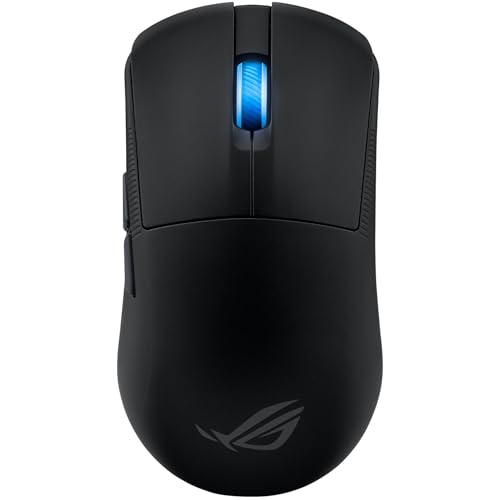
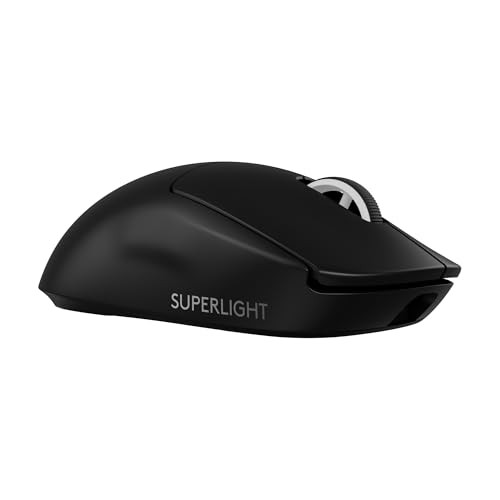
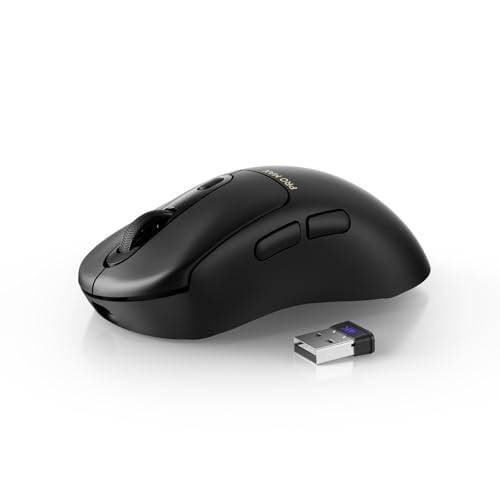
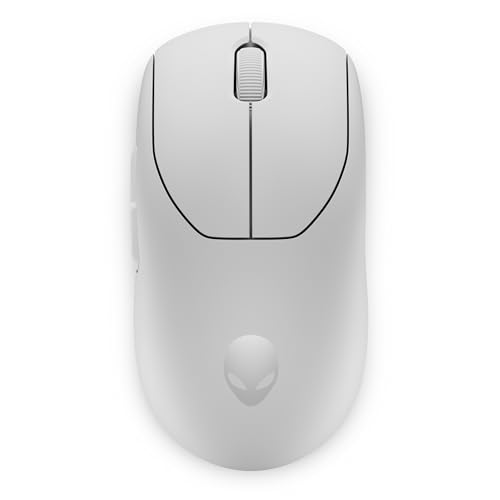
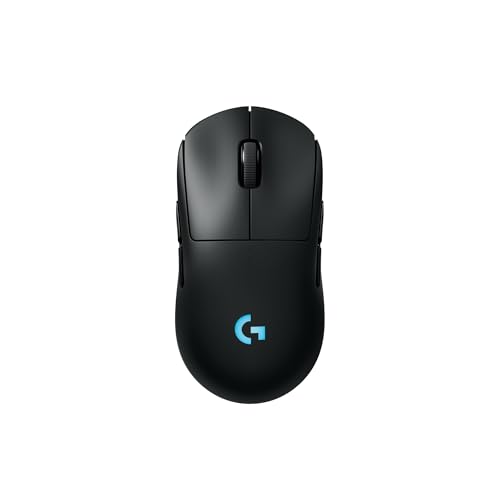
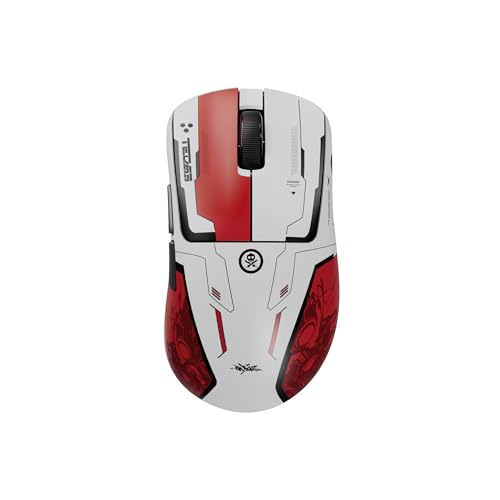
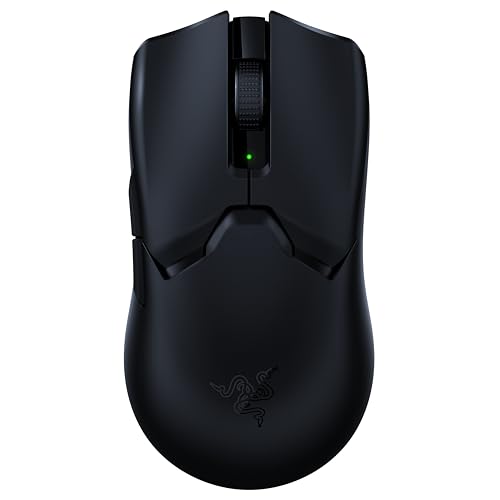
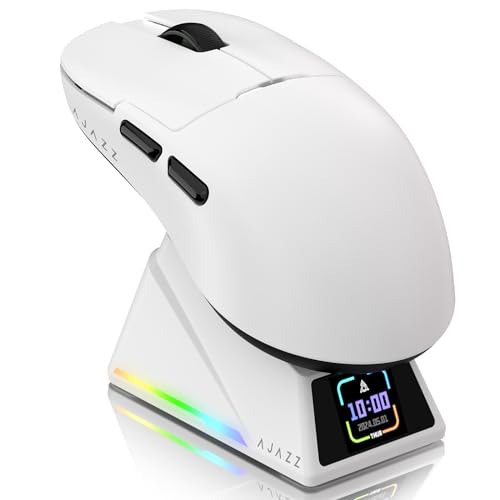
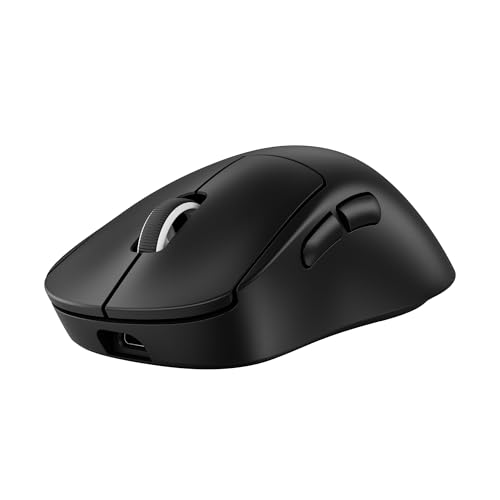
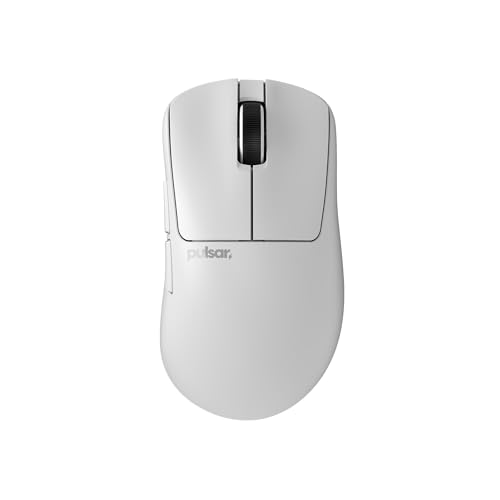
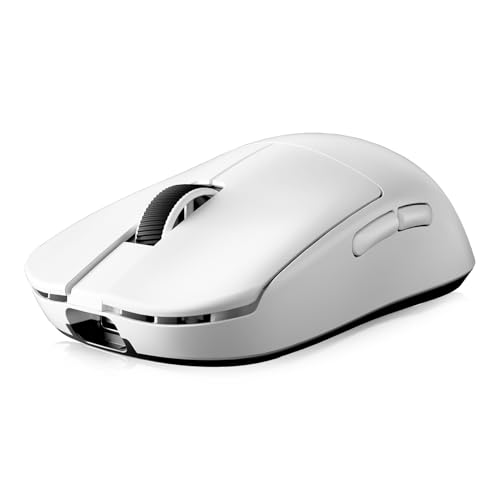
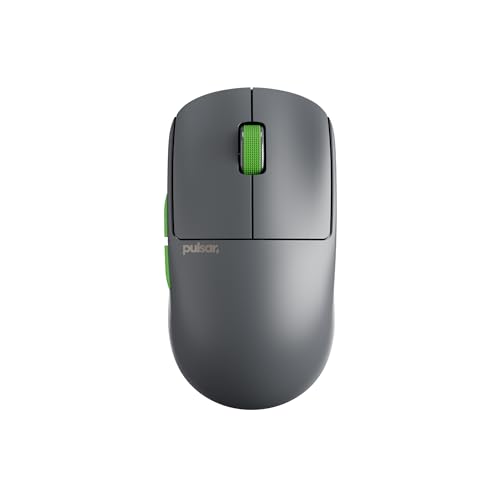
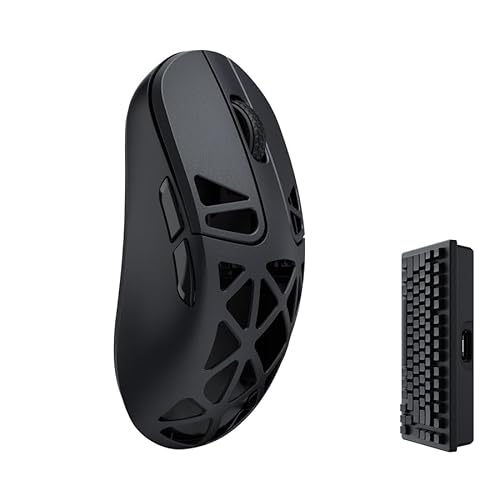
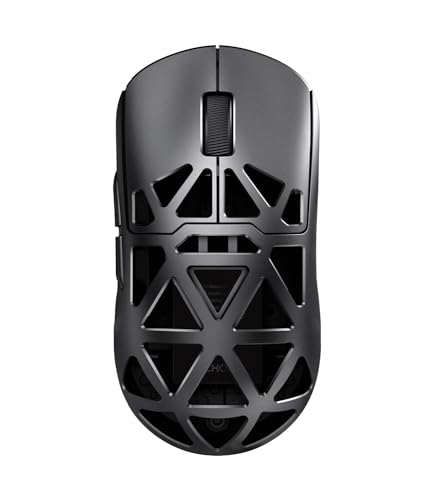
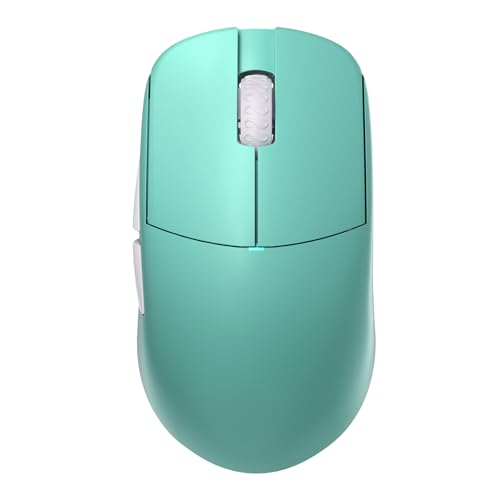
Which brands make the best computer mice?
The best computer mouse brands are as follows.
- Rapoo (Overall score: 8.9 points)
- Razer (Overall score: 8.7 points)
- Attack Shark (Overall score: 8.6 points)
The chart below ranks computer mouse brands by average overall score.
[horizontal-chart-00654842786538937513027578343828828803552623067862]
Which computer mice offer the best value for money?
The computer mouse brands with the best value-for-money scores are as follows.
- Rapoo (Overall score: 9.2 points)
- Lamzu (Overall score: 8.9 points)
- Razer (Overall score: 8.9 points)
The following chart ranks computer mouse brands by average value-for-money score.
[horizontal-chart-07877108658975057317025370763461666185841351194267]
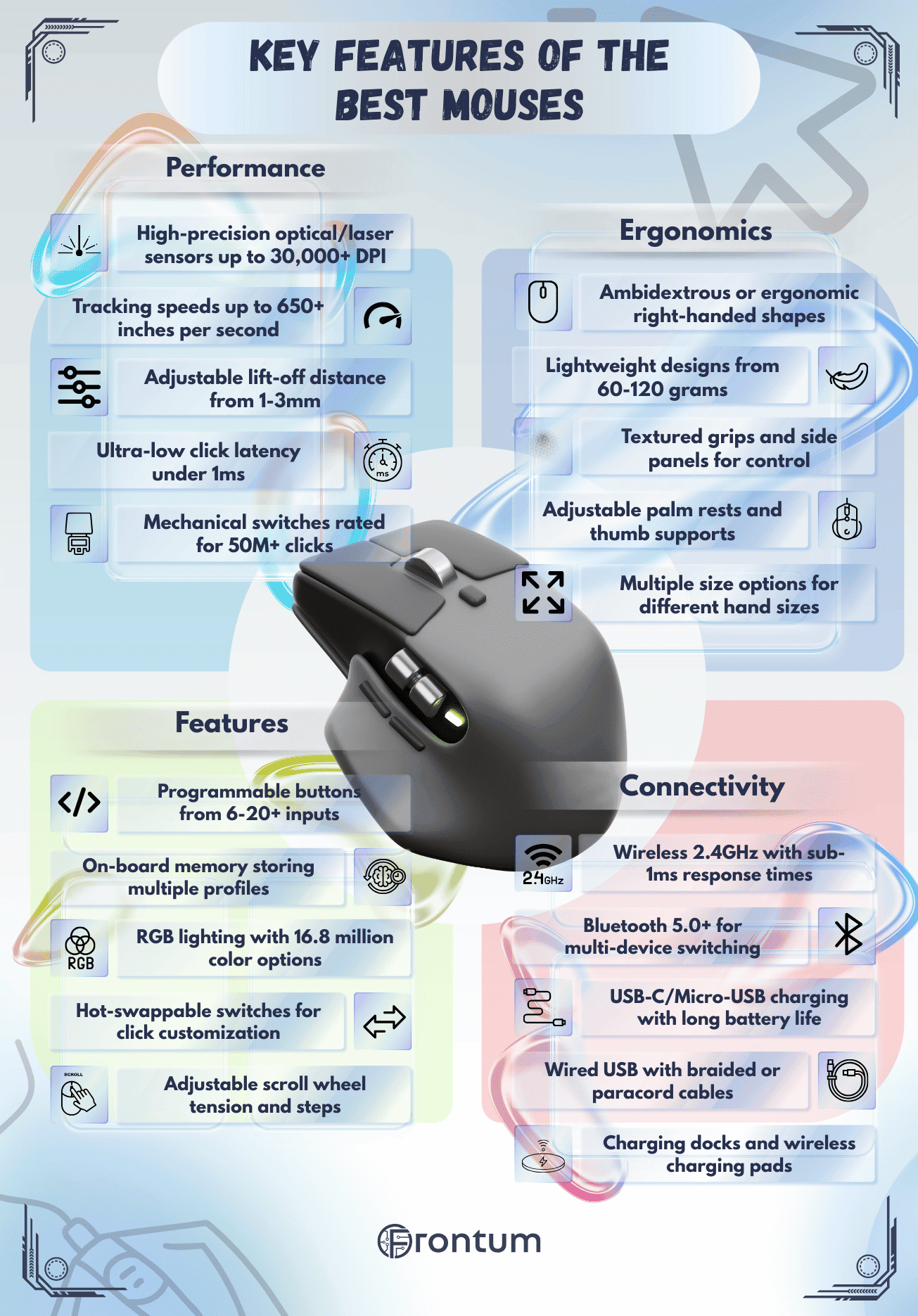

How much do the best computer mice cost?
The best computer mice usually cost about 30-£130. Good mainstream models often sit around 30-£70, while stronger gaming or premium wireless mice usually move into the 80-£130 range. At the top end, specialist mice can go well beyond £130 and in a few cases approach £850.
Price differences usually come from the sensor, wireless hardware, switch quality, weight tuning, battery system, and software ecosystem. You are often paying less for extra DPI alone and more for a better shape, lower latency, stronger battery behavior, or a more refined build.
The following chart shows the price distribution of computer mice.
[vertical-chart-03525580235097364727035199435093864525700447416722]

What sensor specs matter most in a computer mouse?
The sensor specs that matter most in a computer mouse are the following factors.
- Sensor type: Optical sensors are usually preferred because they tend to track more predictably on normal mousepads and are less likely to introduce odd smoothing or surface-dependent behavior. Laser sensors are not automatically bad, but they have historically been more sensitive to surface texture and can feel less natural in fine control. In practice, the real question is not optical vs laser alone, but whether the sensor behaves consistently at the speeds and surfaces you actually use.
- Maximum DPI: DPI tells you how sensitive the sensor can be, meaning how far the cursor moves relative to physical hand movement. Very high DPI numbers are mostly about range, not proof of better quality. Many solid modern mice sit around 12000-26000 DPI, while stronger flagship models can reach roughly 30000-45000 DPI. Most users never need settings anywhere near that ceiling, so what matters more is whether the sensor stays stable and adjustable at sensible working steps such as 800, 1600, 3200, or 6400 DPI.
- Polling rate: Polling rate is how often the mouse sends position updates to the computer. 125 Hz is basic office level, 500 Hz is already decent, and 1000 Hz is the normal strong baseline for gaming mice. Some newer models go to 2000, 4000, or even 8000 Hz, but the real benefit gets smaller once you are already at 1000 Hz, and the higher modes can increase CPU load and battery drain on wireless mice.
- Tracking speed and acceleration: These figures matter most when you move the mouse very quickly, especially in shooters or other fast games. Tracking speed is usually shown in IPS, and roughly 250-400 IPS is already strong for most users, while 500+ IPS is a higher-end gaming figure. Acceleration is usually measured in g, and values around 30-40 g are already solid, while 50 g or more is typically a premium gaming-level spec. If these limits are too low, fast swipes can cause spin-outs, skipped movement, or inconsistent aim.
- Lift-off distance and sensor tuning: Lift-off distance is how high you can raise the mouse before the sensor stops tracking. Around 1-2 mm is usually a good target for gaming-oriented use, because the cursor is less likely to drift when the mouse is lifted and repositioned. Sensor tuning also includes how the mouse handles surface calibration, angle snapping, smoothing, motion interpolation, and debounce-related behavior. These details often matter more than headline specs because they shape how clean and trustworthy the mouse feels in real use.
A deeper practical rule is this: good mouse sensors are defined more by consistency than by extremes. A sensor is strong when it tracks accurately at usable DPI settings, holds up under fast movement, behaves predictably on your surface, and does not hide problems behind giant spec numbers.
The following chart compares maximum DPI values across computer mice.
[vertical-chart-06097917401740896470091865324923757640542506008721]
Are wired or wireless computer mice better?
Neither wired nor wireless computer mice are universally better. Wired mice still make the most sense when you want the lowest possible latency, no charging routine, and a simple setup for gaming or desk use.
Wireless mice make more sense when cable drag, portability, or multi-device flexibility matter more. Good 2.4 GHz wireless mice are now fast enough for serious gaming, while Bluetooth models are more about convenience, travel, and battery life than peak responsiveness.
Connection mode is therefore a use-case choice. Wired is the safer pick for pure value and consistency, 2.4 GHz wireless is usually the best premium all-round option, and Bluetooth is most useful for office or laptop-focused setups.
What mouse shape fits your grip best?
The best mouse shape depends on your grip, and the main fits are as follows:
- Palm grip: A fuller, taller shape usually works best because it gives the hand more support and reduces wrist strain in longer sessions.
- Claw grip: Medium-height mice with a clear rear hump tend to work well because they support the palm while keeping quick finger control.
- Fingertip grip: Shorter, lower, and often lighter mice usually fit best because they stay easy to lift and reposition.
- Ambidextrous shape: This works well when you want a more neutral shell, easier fingertip or claw movement, or left-handed compatibility.
- Right-handed ergonomic shape: This usually feels better for long office or gaming sessions when thumb support and hand fill matter more than symmetry.
The best computer mice usually offer about 5-8 buttons. That is enough for left click, right click, scroll, DPI switching, and at least one or two thumb actions without making the mouse crowded.
Six buttons is especially common because it covers the basic gaming and productivity controls most people actually use. More specialized mice can push into 9-20 buttons for MMO gaming, shortcuts, or workflow macros, but more buttons also increase bulk and the chance of accidental presses.
The following chart compares the number of buttons in computer mice.
[vertical-chart-06888780867266575158022315482064596173332920070749]
How comfortable are the best computer mice in daily use?
The best computer mice are usually comfortable enough for full-day use, but comfort depends more on shape, width, height, and weight than on raw specs. A mouse that fits your grip and hand size well will usually feel better than a technically stronger model with the wrong shell.
Many comfortable daily-use mice sit roughly in the 60-100 g range, with lighter gaming mice often feeling faster and easier to lift while heavier office mice can feel steadier on the desk. Right-handed shapes usually give more palm support, while ambidextrous shells tend to feel freer for fingertip or claw movement.
Daily comfort also depends on surface finish, click force, and button placement. Even a very capable mouse can feel tiring if the side buttons are hard to reach, the shell is too flat, or the grip coating feels slippery after a few hours.
The chart below compares computer mouse weights.
[vertical-chart-11080853480359839524146032450429316308180607074631]
What trade-offs should you check before buying a computer mouse?
The main trade-offs to check before buying a computer mouse are the following:
- Weight versus battery and features: Very light mice usually feel faster, but longer battery life, RGB lighting, and extra hardware often add weight.
- Wireless convenience versus charging: Wireless is cleaner and more flexible, but you still need to manage charging or battery changes.
- Extra buttons versus simplicity: More buttons help with macros and shortcuts, but they also make the shell busier and can lead to accidental presses.
- High DPI claims versus real benefit: Extremely high DPI numbers look impressive, but shape, sensor consistency, and latency usually matter more in daily use.
- Shape versus hand size: A technically strong mouse can still feel wrong if it is too narrow, too flat, or too large for your grip.
- Software features versus lock-in: Custom profiles, macros, and RGB control can be useful, but some mice rely heavily on vendor software to unlock their best features.