What is an AI smartphone?
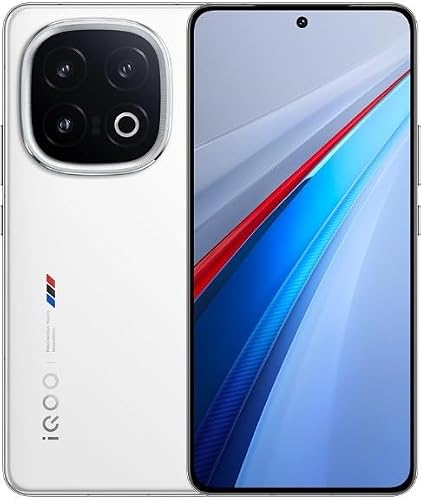
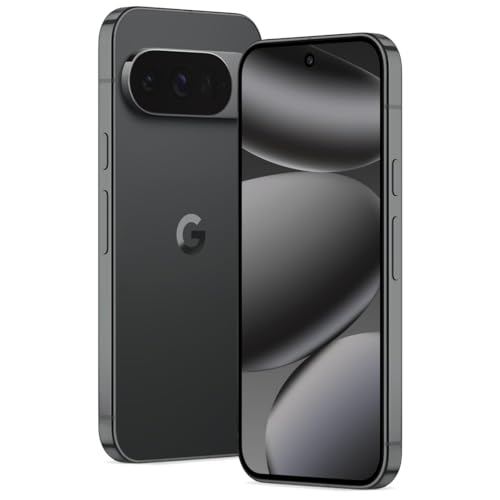
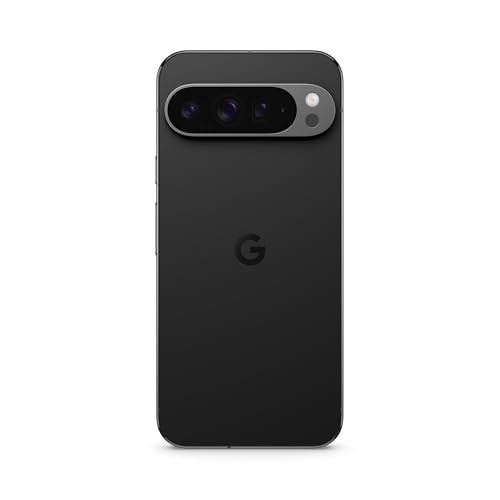
An AI smartphone is a mobile device that uses artificial intelligence hardware and software to run tasks faster, automate functions, and process data on the device itself. You use it like any other phone, but it adds AI capabilities that can improve how apps run, how the camera works, or how voice commands respond. You don’t need an internet connection for every AI task because many AI smartphones use on-device processing (local inference), which runs models directly on the phone's chip.
These phones use advanced chips that include a Neural Processing Unit (NPU) or AI Engine. The chip powers AI models that run features like real-time language translation, photo editing, or summarizing messages.
AI smartphones can recognize faces, detect objects, and understand context in photos. They can also personalize suggestions or automate routines based on your usage. AI smartphones launched in 2023 and 2024 include models like the Samsung Galaxy S24 series, Google Pixel 8 Pro, and others.
The best available AI smartphones (with the highest overall score) are as follows:
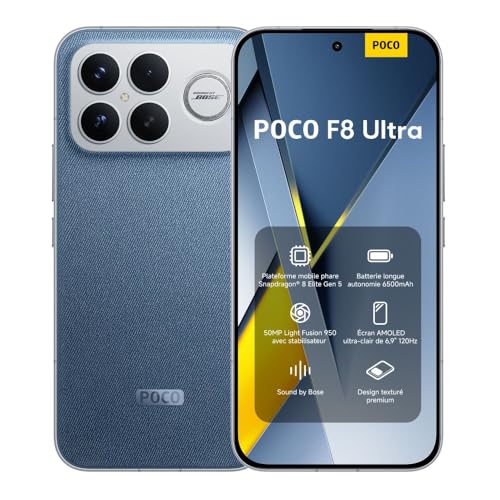
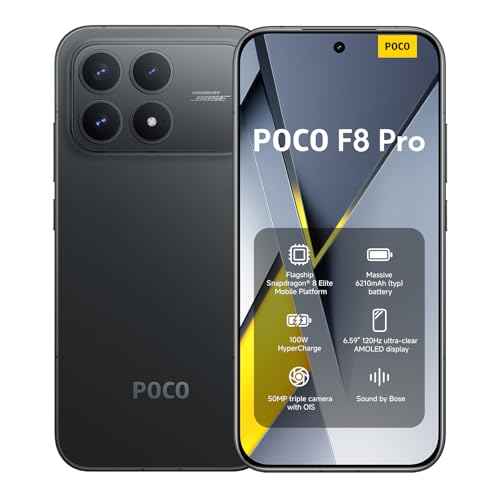
- Poco F8 Ultra (16GB + 512GB) (Overall score: 9.19 points)
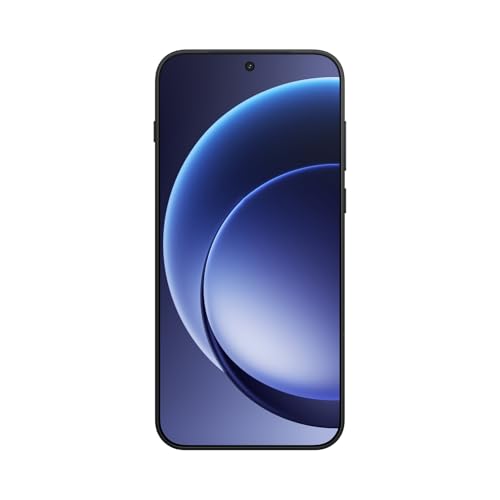
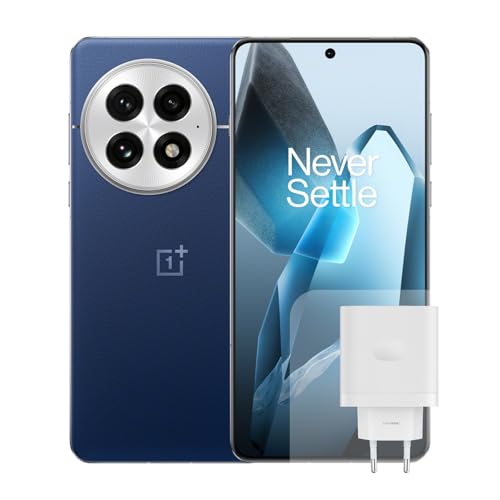
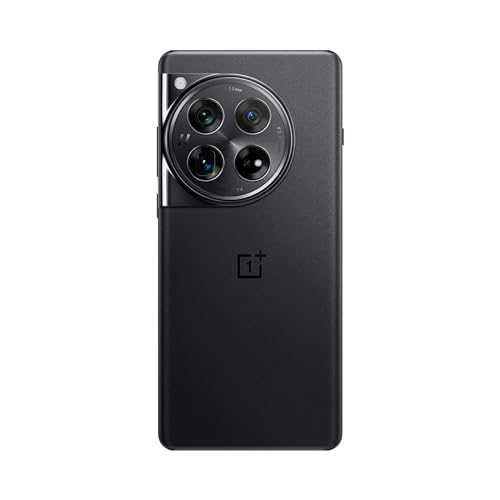
- OnePlus 15 (16GB + 512GB) (Overall score: 9.15 points)
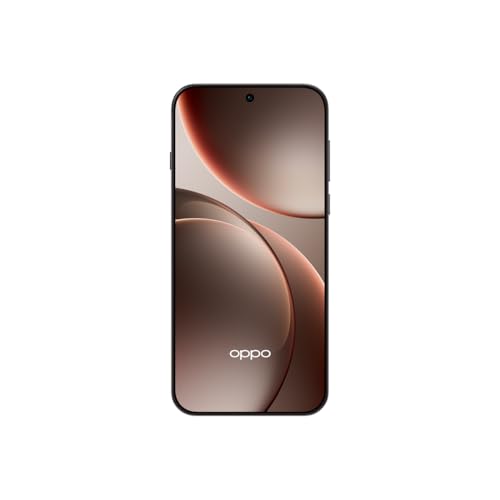
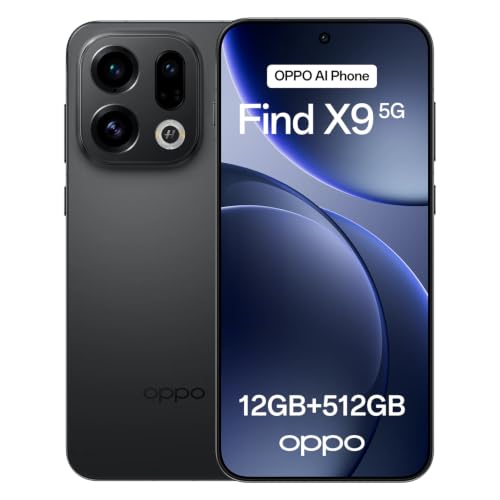
- Oppo Find X9 Pro (16GB + 512GB) (Overall score: 9.12 points)
How does AI improve smartphone photos?
AI improves smartphone photos by analyzing the scene in real time and adjusting settings to get sharper, brighter, and more balanced images. You see better color accuracy, less noise, and more detail, especially in low light. AI detects objects, faces, skies, or food, then fine-tunes exposure, contrast, white balance, and focus for each part of the image.
Phones use AI to blend multiple frames into one shot with higher dynamic range. You get clearer textures and smoother tones, especially in HDR or Night Mode.
AI also powers portrait mode—it detects edges and separates subject from background to create stronger blur effects. On-device models identify what you're photographing, then adjust color tones or remove blur instantly.
Some phones use AI to upscale digital zoom or sharpen faces and eyes. Brands train AI on millions of photos, so the phone predicts what a “good” photo looks like and adjusts automatically.
How does AI help save battery on smartphones?
AI helps save battery on smartphones by predicting how you use your phone and controlling power-hungry functions in real time. It learns your usage patterns, then adjusts settings like brightness, app activity, and background processes so the phone only uses energy when needed.
AI also controls which apps stay active. It closes or limits apps that run in the background if you don’t use them often. Some phones use AI to manage refresh rates on displays, turning them down when you're not scrolling or watching videos.
AI also optimizes charging patterns to reduce battery wear over time. You get better battery life without changing how you use your phone.
Yes, AI can optimize smartphone performance by managing resources, adapting settings, and predicting your usage patterns. It adjusts CPU and GPU performance depending on the task, so you get higher power for demanding apps and lower consumption for lighter use. This balance improves speed and extends battery life without you having to change settings manually.
AI also improves memory management by prioritizing active apps and closing background processes you do not need. It can adjust screen refresh rates, optimize charging speed to protect battery health, and select the best network connection for faster data transfer. In photography, AI boosts performance by processing images faster and applying real-time enhancements without slowing down the device.
How does AI improve face and fingerprint recognition?
AI improves face and fingerprint recognition by increasing accuracy, speed, and adaptability in identification systems. You get faster results, fewer false matches, and better performance in real-world conditions like low light, aging, or partial prints. AI models adapt to variations in faces and fingerprints that traditional systems miss.
Deep learning trains systems to analyze thousands of unique facial features (e.g. eye distance, jaw shape, skin texture) and fingerprint minutiae (e.g. ridge endings, bifurcations). AI enhances matching precision because it detects patterns across large data sets that humans or rule-based systems cannot process fast.
How do AI voice assistants work on smartphones?
AI voice assistants on smartphones work by converting your speech into text, then using machine learning models to interpret your request and generate a response. You speak into your phone’s microphone, the assistant records your voice, and software processes that audio using automatic speech recognition (ASR). The system breaks down what you say into words and sentences, then uses natural language processing (NLP) to understand meaning, context, and intent.
Once it understands your request, the assistant sends a command to the appropriate system or app on your phone. For example, if you say “Set an alarm for 6 a.m.,” it triggers the alarm app. If your request needs information from the internet (like weather or traffic), it connects to a server and pulls that data back to you. Many assistants also use natural language generation (NLG) to speak responses back to you. The entire process happens in seconds, either directly on the phone or partly on remote servers. Most smartphones combine on-device AI chips and cloud services to speed this up and handle more complex queries.
Which brands make the best AI smartphones?
The brands offering the best smartphones with AI technology are as follows:
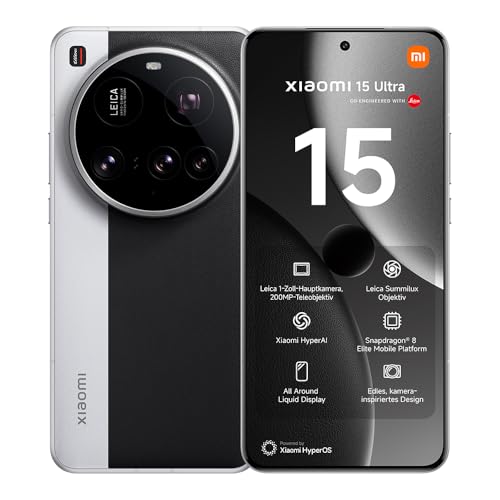
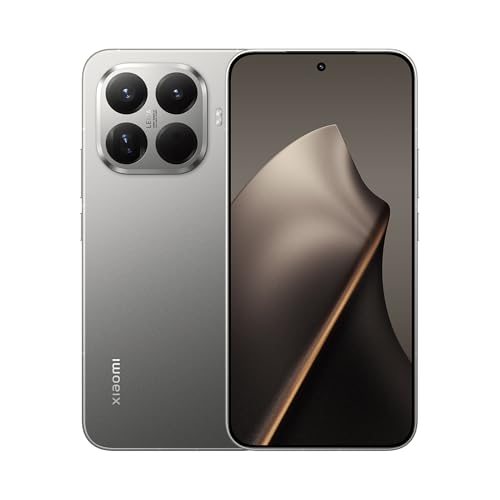
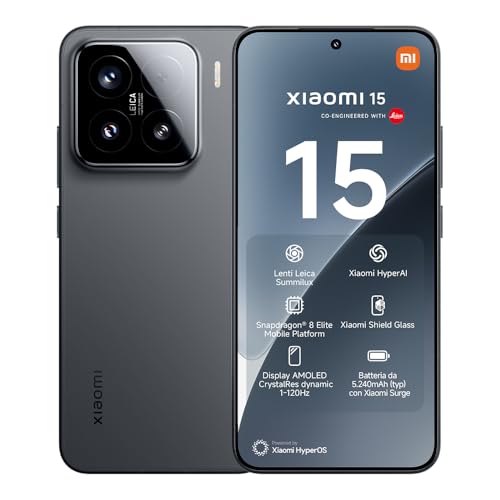
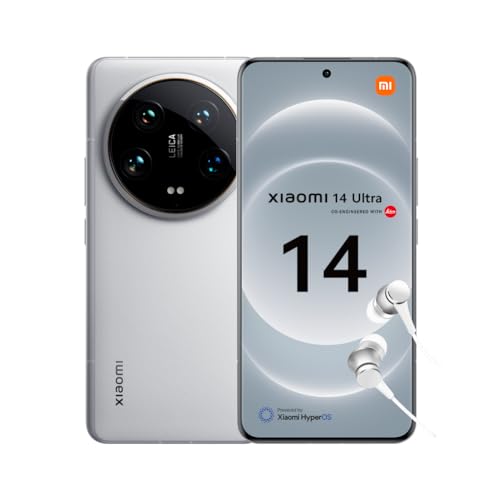
- Xiaomi (Average overall score: 8.6)
- Google (Average overall score: 8.6)
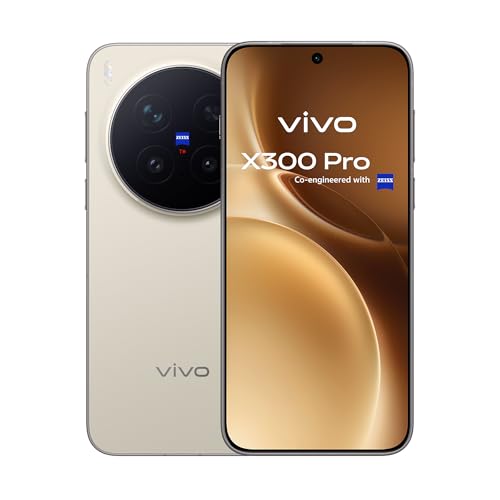
- vivo (Average overall score: 8.4)
Note: Only brands with at least 6 smartphone models in our database, released since 2022, were considered.
The chart below compares brands producing AI smartphones based on their overall performance.
[horizontal-chart-00569080554819257995118762466093001422332595721672]
What to consider when buying an AI smartphone?
When buying an AI smartphone, focus on key technical features that directly affect your experience. The main things to consider are as follows:
- CPU: Choose a phone with a dedicated AI chip or neural processing unit (NPU). AI features like voice assistants, photo processing, and smart translations need high computing power. Qualcomm Snapdragon 8 Gen 3 and Apple A18 Pro lead in AI performance.
- RAM: Go for at least 8 GB if you use AI tools daily (voice typing, image generation, etc.). 12 GB or more suits multitasking, gaming, and creative tasks. Low RAM limits real-time AI processing.
- Storage: AI features use more space (especially for local models and offline tools), so 256 GB or more works better long-term. Some phones come with up to 1 TB. Avoid 128 GB if you use high-res photos, 4K video, and AI apps.
- Camera: Look for phones with AI-powered image processing. AI improves scene recognition, noise reduction, and portrait quality. Google Pixel and Samsung Galaxy S-series use AI for better low-light photos and real-time enhancements.
- Battery: AI tasks drain battery faster (especially video editing, voice-to-text, or AR apps). Pick phones with 4,500 mAh or more. Fast charging (wired or wireless) helps if you use AI features often.
- Display: AI adjusts brightness, tone, and refresh rate. OLED or AMOLED screens (120 Hz or more) improve visuals in gaming, media, and reading. Avoid LCD if you want better AI-assisted visual experience.
- AI Features: Some brands integrate unique tools. Samsung has Galaxy AI (real-time call translation, generative editing), Google Pixel has Gemini (smart replies, voice control), and Apple iPhones run on-device Siri with advanced AI search and image tools.