
Are Razer microphones good?
Razer microphones have an average overall score of 7, ranking #16 among comparable microphone brands, and a user rating of 9.3, placing them at #7 based on user reviews.
Razer microphones are good choices for gaming, streaming, calls, and entry-level podcasting when a direct USB workflow is the priority. The range spans inexpensive compact condensers, feature-rich streaming condensers, and close-talk dynamics, with physical mute and monitoring available on most models above the Mini tier.
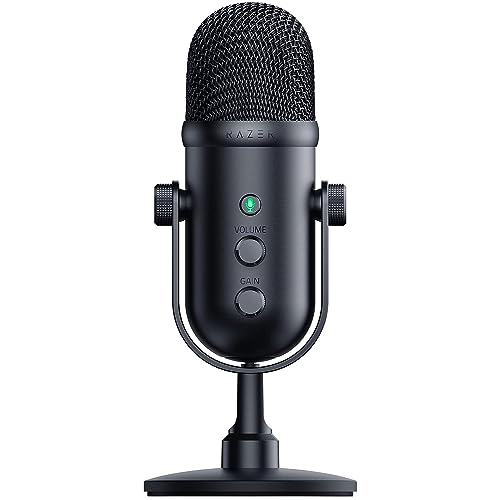
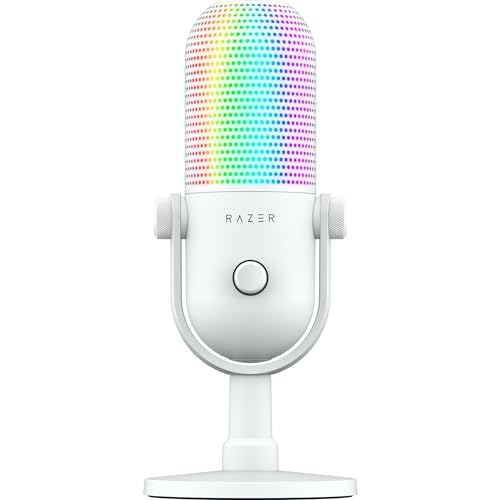
V2 Pro is the strongest technical all-rounder: its dynamic capsule, 24-bit/96 kHz interface, headphone output, gain control, and loopback suit a noisy gaming desk. V3 Chroma is the visual-control option, combining the same high-resolution format with RGB, touch interaction, monitoring, and routing features.
The limitations are equally clear. None offers XLR, the cheaper Mini models omit headphone monitoring or gain, and condenser versions can capture keyboards and room reflections when placed too far away. Razer makes most sense for a single computer-based creator, not a multi-microphone studio.
The chart below ranks microphone brands by average overall score.
[horizontal-chart-17722261969187988942009596606811630445561412665918]
Who should consider buying Razer microphones?
The following users are the best fit for Razer microphones:
- Streamers who want USB setup, hardware mute, monitoring, and software routing in one desk microphone.
- Gamers who need a close microphone that can reduce keyboard, fan, and speaker noise when positioned correctly.
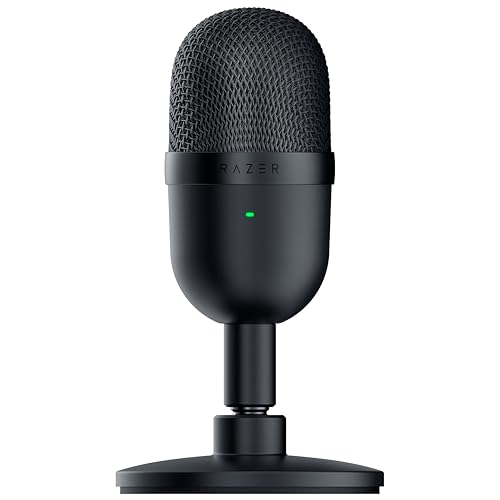
- Beginners choosing Seiren Mini or V3 Mini for calls, chat, and simple content without an audio interface.
- Creators who value V3 Chroma's RGB feedback and touch controls as part of an on-camera setup.
- Solo podcasters using one computer and one microphone; multi-guest XLR productions need a different system.

How do Razer microphones differ from other microphones?
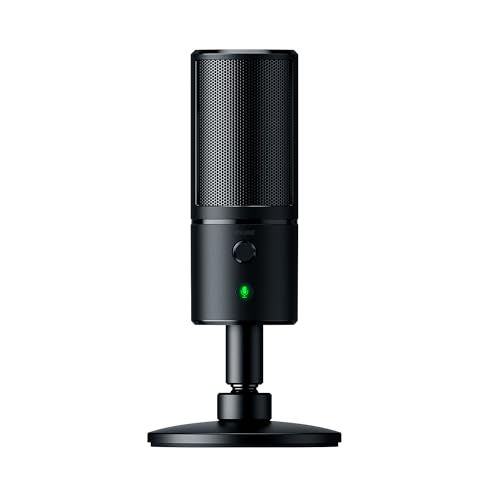
Razer microphones differ from conventional studio models by treating the microphone as part of a USB gaming and streaming desktop. Compact stands, bus power, mute, headphone monitoring, loopback on newer models, and software integration take priority over XLR expansion. The range still offers a meaningful capsule choice: Seiren Mini, X, Emote, V2 X, and V3 Chroma are detailed condensers, while Elite and V2 Pro are close-talk dynamics that are easier to manage around keyboards and untreated rooms.
Visual feedback is the other distinctive buying decision. Emote uses an animated display and V3 Chroma adds RGB plus touch interaction, which can strengthen an on-camera stream but does not improve room rejection or recording fundamentals. Buyers who do not value those effects can choose V2 Pro for dynamic voice control or a Mini for inexpensive simplicity; anyone needing balanced XLR, several microphones, or a hardware broadcast chain should choose a different family.
How do the main Razer Seiren models differ?
The main Razer Seiren models are as follows:
- Seiren Mini and V3 Mini: These are the compact entry models. Mini keeps controls minimal, while V3 Mini adds 24-bit/96 kHz audio, touch mute, and loopback but still omits a headphone output.
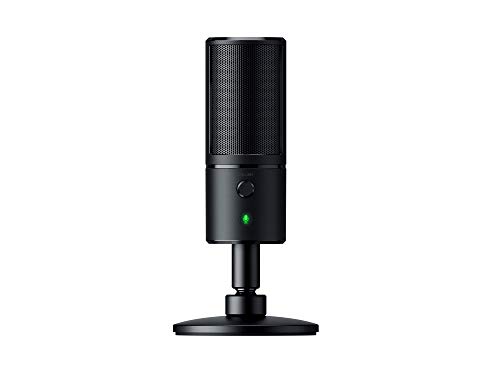
- Seiren X and V2 X: X is the older compact condenser with mute and headphone output; V2 X adds 24-bit/96 kHz recording, onboard gain, zero-latency monitoring, and loopback for a fuller streaming workflow.
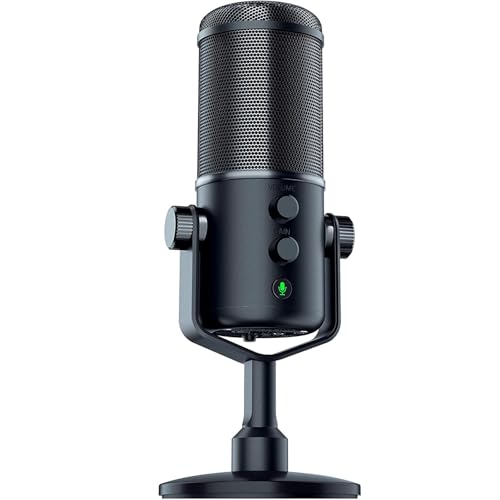
- Seiren V2 Pro and Elite: These dynamic models favour close voice and room-noise control. V2 Pro adds 24-bit/96 kHz, loopback, monitoring, gain, and mute, while Elite is the older 16-bit/48 kHz design with similar physical recording controls.
- Seiren V3 Chroma: This is the feature-led condenser with 24-bit/96 kHz audio, RGB lighting, touch control, monitoring, gain, mute, and loopback.
- Seiren Emote: Emote combines a hypercardioid condenser, headphone monitoring, mute, and a programmable visual display; choose it for on-camera interaction rather than the newest recording format.
How much do Razer microphones cost?
Razer microphones generally cost about £40-£190. Seiren Mini, V3 Mini, Seiren X, and V2 X sit around £40 and cover compact USB recording, though their controls differ substantially.
V2 Pro costs about £90, Emote about £120, and V3 Chroma about £130 as features such as dynamic pickup, loopback, monitoring, touch control, and visual feedback are added. Seiren Elite reaches roughly £190 but uses an older 16-bit/48 kHz interface, so its value depends on wanting its dynamic capsule rather than the newest digital feature set.
What should you consider while choosing Razer microphones?
The main points to consider while choosing a Razer microphone are as follows:
- Capsule and room: Choose V2 Pro or Elite dynamic models for stronger control of a noisy desk; use a condenser when the room is quiet and extra detail is useful.
- Monitoring: Mini and V3 Mini lack a headphone output, while higher models support live monitoring. Confirm whether headphone volume and computer/mic balance are available.
- Gain and mute: Check for onboard gain and a visible, quiet mute. The cheapest Mini omits both, while V3 Mini adds touch mute but no hardware gain.
- Loopback and routing: V2 X, V2 Pro, V3 Mini, and V3 Chroma support loopback. Verify that the required routing works in the intended operating system and streaming application.
- Recording format: Newer V2 and V3 models reach 24-bit/96 kHz; older X, Emote, Elite, and Mini models use 16-bit/48 kHz. Placement and clean gain matter more than the headline rate for speech.
- Placement and mounting: Keep the microphone close, aim the active side correctly, and position its rejection area toward the keyboard or speakers. Check stand height, boom-arm thread, pop protection, and vibration isolation.
- Visual features: Choose V3 Chroma or Emote only if RGB or display interaction adds real on-camera value. Those features do not improve room rejection or replace monitoring and gain control.