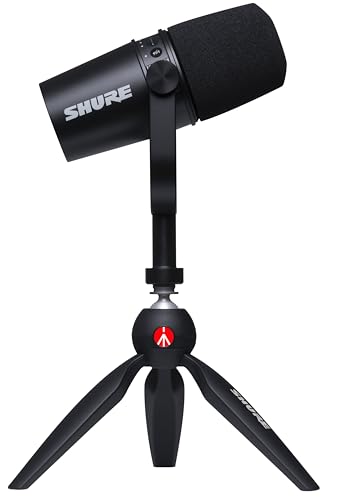
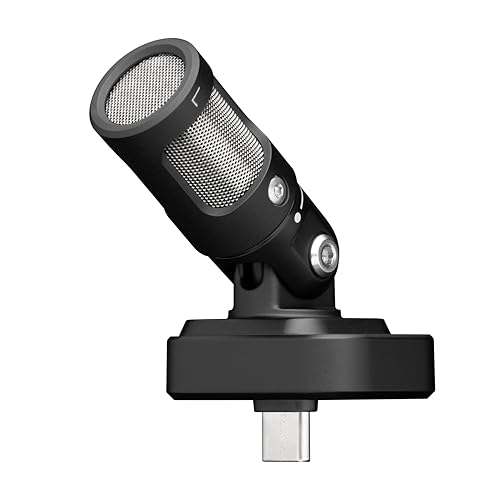
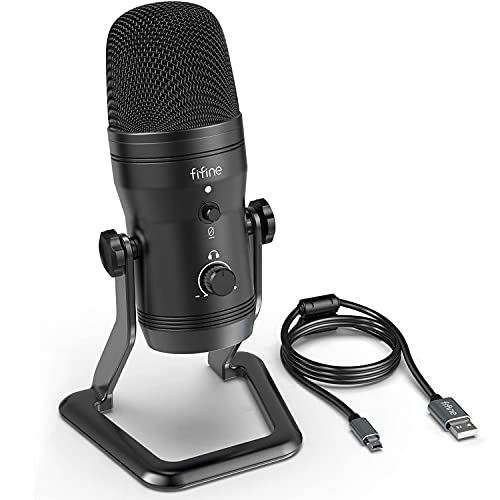
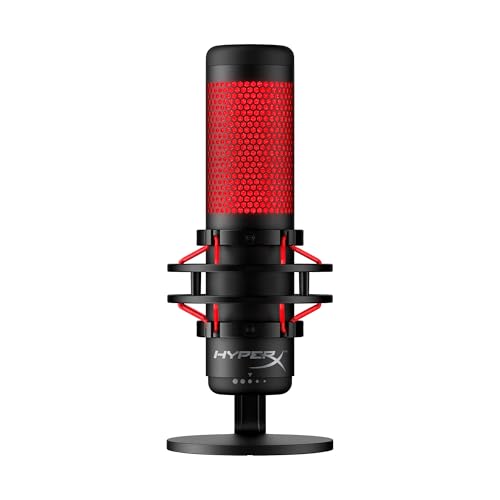
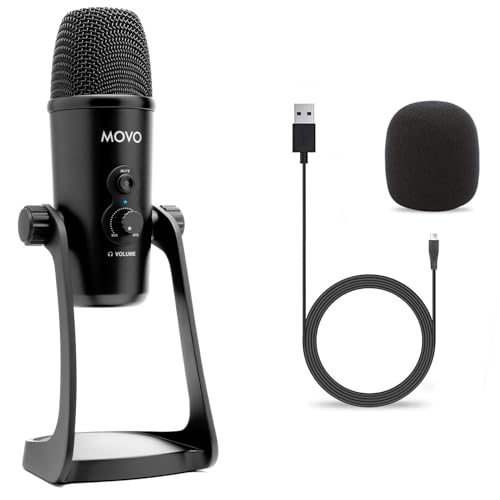
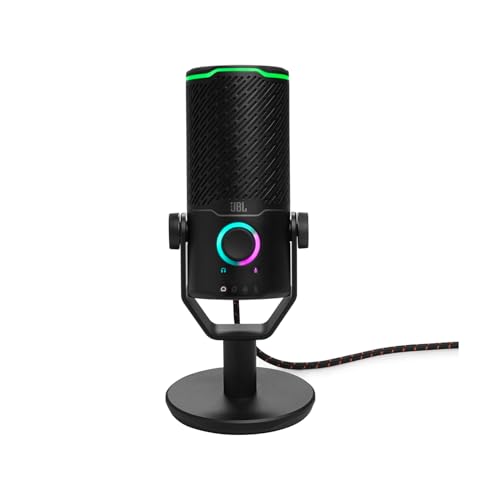
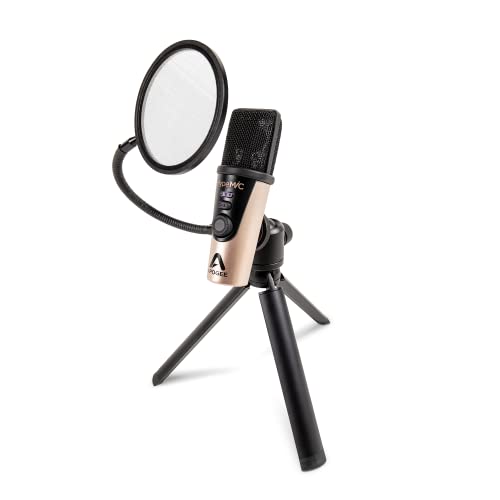
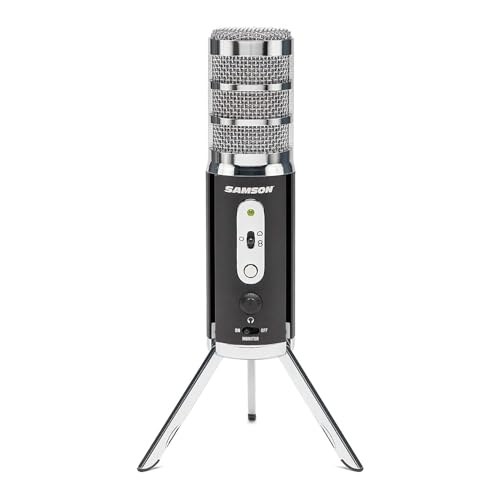
Which brands make the best microphones with a 3.5 mm jack?
The microphone brands with the highest average overall scores among models with a 3.5 mm jack are as follows.
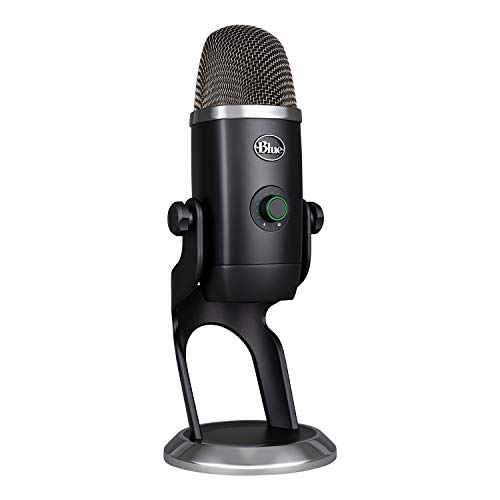
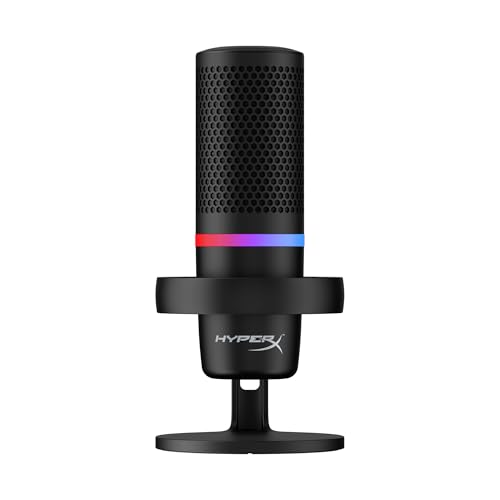
- HyperX (Average overall score: 8.4)
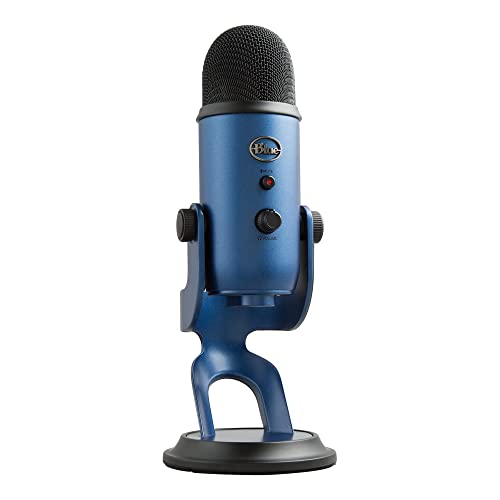
- Blue (Average overall score: 8.2)
- JLab Audio (Average overall score: 8.1)
The chart below compares brands of microphones with a 3.5 mm jack by average overall score.
[horizontal-chart-16165952871444707261032593228043819533460941930357]
What is a microphone with a 3.5 mm jack?
A microphone with a 3.5 mm jack is a microphone that includes a 3.5 mm socket or plug, but the connector can perform very different jobs. On a USB microphone, it is commonly a stereo headphone socket used to hear the microphone and computer playback. On camera and mobile microphones, a captive or detachable 3.5 mm lead may instead carry the microphone signal to the recording device.
The plug layout identifies the electrical path. A three-contact TRS plug is commonly used for camera microphone inputs or stereo headphones, whereas a four-contact TRRS plug can combine headphone and microphone contacts for phones, tablets, laptops, and controllers. CTIA/AHJ is the prevalent modern TRRS arrangement, but wiring still needs to be checked rather than inferred from plug diameter alone.
Some electret microphones also depend on low-voltage plug-in power supplied by the input. That is not the same as 48 V phantom power, and a passive adapter cannot make an unsupported input provide the required bias. The manual should state whether the jack is an input, output, monitoring socket, or headset connection and whether the microphone's primary audio still travels over USB, XLR, Lightning, or USB-C.
How do microphones with a 3.5 mm jack differ from USB microphones?
Microphones with a 3.5 mm analog output are better for direct connection to compatible cameras, recorders, headset sockets, and some wireless transmitters, while USB microphones are better for plug-and-play digital recording on computers and supported mobile devices. The difference is the complete signal path, not simply the plug shape.
A 3.5 mm microphone sends an analog signal that the receiving device must amplify and convert, so quality depends partly on the camera, recorder, adapter, or sound-card input. Cable interference, input noise, TRS/TRRS wiring, mic-versus-line level, and plug-in power can affect the result; an adapter can rearrange contacts but cannot convert USB audio, produce every required bias voltage, or turn a headphone-only jack into a microphone input.
A USB microphone contains its own preamp and analog-to-digital converter. It can provide consistent conversion, higher bit depths, mute, loopback, and software routing, but it needs operating-system support and adequate USB power. A 3.5 mm socket on a USB microphone is usually for headphones and does not make it an analog-output microphone.
Choose 3.5 mm when the destination has a confirmed compatible microphone input and portability matters. Choose USB when a computer or mobile device is the recorder and digital controls or fewer analog-input variables are more useful.
What are microphones with a 3.5 mm jack best suited for?
The main uses for microphones with a 3.5 mm jack are as follows:
- Direct headphone monitoring: A USB desktop microphone can send the live microphone signal to headphones without the distracting round trip through recording software. Check for a separate headphone-volume control and whether the socket can blend microphone and computer playback.
- Camera recording: Compact shotgun, lavalier, and on-camera microphones can feed a camera's 3.5 mm microphone input with a short TRS lead. Confirm input level and plug-in-power behavior, then disable or reduce automatic gain if the camera permits.
- Phones and tablets: A TRRS lavalier or compatible adapter can route a microphone into a combined headset jack. Devices without a socket need an active USB-C or Lightning audio adapter that supports microphone input, not a headphone-only dongle.
- Portable recorders: A 3.5 mm mic input is convenient for lightweight interview, field, and backup rigs. Recorder preamp noise and available plug-in power matter with low-output or electret microphones.
- Gaming and calls: Headset-style TRRS connections can combine headphones and microphone on laptops, controllers, and mobile devices. Desktop computers with separate headphone and mic sockets usually need a splitter wired for the correct standard.
- Wireless audio systems: Some receivers use 3.5 mm TRS output to feed a camera or recorder, while transmitters may accept a 3.5 mm lavalier input. Locking connectors are preferable in mobile work because an ordinary plug can be pulled out accidentally.
How much do microphones with a 3.5 mm jack cost?
Microphones with a 3.5 mm jack usually cost about £30-£170, while simple models can start near £10-£30 and premium desktop or studio designs can reach roughly £260-£360. The price alone does not reveal whether the jack is a headphone output or an analog microphone connection, so that function should be confirmed before comparing extras.
Around £30-£90, expect straightforward USB condensers with headphone monitoring, compact desktop microphones, or basic analog camera and lavalier solutions. The £100-£200 tier more often adds quieter electronics, better stands or mounts, stronger controls, selectable patterns, hybrid USB/XLR operation, or more dependable monitoring. Above £170, spend for a specific benefit—broadcast-grade construction, advanced routing, high-quality conversion, multiple patterns, a professional wireless system, or a complete accessory bundle—rather than for the presence of the 3.5 mm socket itself.
The chart below shows the price distribution of microphones with a 3.5 mm jack.
[vertical-chart-07437716679117088187071762093128354176182694402973]
How good is sound quality on microphones with a 3.5 mm jack?
Sound quality on microphones with a 3.5 mm jack can range from basic call quality to polished studio recording; the connector itself neither guarantees nor limits fidelity. Capsule design, microphone placement, room acoustics, preamp noise, gain staging, and the purpose of the jack have much more influence.
When the 3.5 mm connection carries analog microphone audio, the destination device becomes part of the recording chain. A quiet recorder input can preserve a good microphone's detail, while a noisy laptop or camera preamp may add hiss. Keep an unbalanced analog cable reasonably short, set the microphone or receiver output so the input does not need extreme gain, and avoid feeding a line-level signal into an input that expects mic level unless attenuation is available.
For speech, placement is often the decisive upgrade. A lavalier about 15–25 cm below the mouth, a desktop microphone roughly 8–20 cm away, or a compact camera microphone positioned much closer than the camera's built-in mic can improve clarity more than changing connector brands. Wind protection, shock isolation, a high-pass filter, and conservative peak headroom prevent common rumble, handling, wind, and clipping problems.
If the 3.5 mm socket is for headphones, judge the monitoring path separately from the recorded USB or XLR signal. Listen for delay, hiss, insufficient headphone level, or a mix control that cannot balance microphone and playback comfortably. Zero-latency monitoring is useful for performance and narration, but it does not by itself improve the audio sent to the recording application.
What compatibility should you check on a microphone with a 3.5 mm jack?
The main compatibility points to check on a microphone with a 3.5 mm jack are as follows:
- Jack direction and purpose: Confirm whether the socket is a microphone output, microphone input, headphone output, headset port, or bidirectional accessory connection. A monitoring socket on a USB microphone cannot normally send microphone audio to a camera.
- TRS or TRRS wiring: Three-contact TRS is common on camera microphone inputs and headphones; four-contact TRRS can combine microphone and headphones. For TRRS, verify CTIA/AHJ compatibility, because identical-looking plugs can assign microphone and ground contacts differently.
- Input level: Check whether the destination expects mic level, line level, or a headset microphone. A wireless receiver or powered microphone can overload a sensitive mic input, while a low-output passive microphone may be noisy through a weak preamp.
- Bias power: Small electret microphones may require plug-in power, commonly a few volts, from the camera or recorder. This is electrically different from 48 V phantom power; use only adapters or power modules specified for the microphone.
- Device ports and platform support: Phones, tablets, laptops, desktop PCs, controllers, and consoles can use different headset or microphone wiring and routing. USB-C and Lightning adapters must include microphone-input conversion, while desktop PCs may need separate headphone and mic plugs and consoles may impose their own compatibility rules.
- Cameras and recorders: Verify the exact input, whether it supplies plug-in power, and whether levels can be controlled manually. Monitoring through the camera is separate from monitoring through a USB microphone's own headphone socket.
- Cable and adapter details: Confirm male/female ends, locking threads, right-angle clearance, extension wiring, and strain relief. A passive adapter changes contacts or connector shape only; it does not perform digital conversion or add missing power.
The chart below shows the primary connection types used by microphones that include a 3.5 mm jack.
[pie-chart-00815607735008991808058663662024726683740809156498]
What should you check before buying a microphone with a 3.5 mm jack?
The main points to check before buying a microphone with a 3.5 mm jack are as follows:
- Port role and plug wiring: Determine whether the 3.5 mm socket carries microphone output, headphone monitoring, or a combined headset signal. Match TRS or TRRS contacts to the camera, recorder, phone, laptop, controller, or wireless system, and confirm any CTIA adapter, splitter, active USB-C/Lightning interface, or locking cable before buying.
- Power requirements: Check battery or USB power for active microphones and receivers, plug-in power for electret capsules, and 48 V phantom power only for equipment designed for it. Confirm whether the microphone or receiver can operate while a connected phone or tablet is charging.
- Monitoring behavior: For a headphone jack, verify genuinely zero-latency monitoring, adequate output for the headphones, independent volume, and a microphone/playback mix control. Some monitoring or DSP functions disappear in one connection mode even when the socket remains present.
- Capsule and pickup pattern: Cardioid suits one close speaker and reduces some rear sound, while an omnidirectional lavalier tolerates head movement but captures more ambience. Match condenser or dynamic behavior to source level, room noise, working distance, and desired detail.
- Gain and headroom: The microphone and receiving input must reach a clean level without hiss or clipping. Look for manual gain, a pad for loud sources, peak indication, and sufficient maximum SPL for singing, instruments, or close energetic speech.
- Cable and connector security: Inspect cable length, replaceability, shielding, strain relief, connector clearance, and whether a locking plug is needed. Long unbalanced runs are more vulnerable to interference and accidental disconnection than short, well-routed cables.
- Placement, mounting, and wind: Choose the correct lavalier clip, camera shoe mount, desktop stand, boom arm, or shock isolation for the real recording distance. Use foam for light air movement and a fitted furry windshield outdoors; placement and wind control usually matter more than small specification differences.