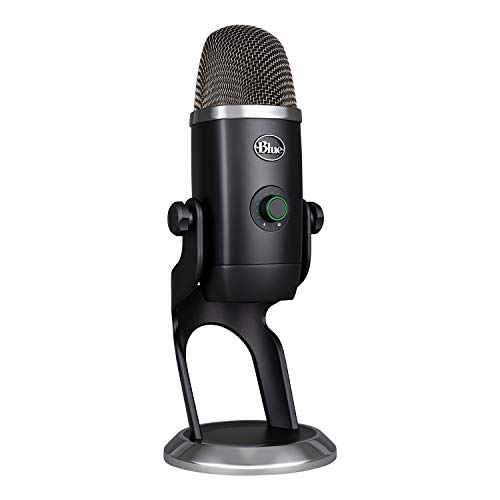
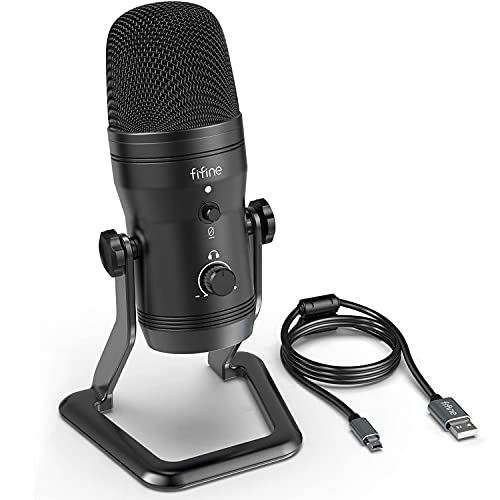
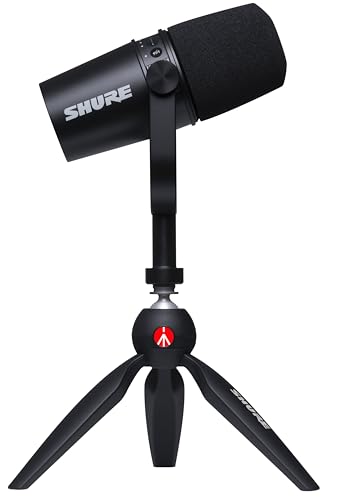
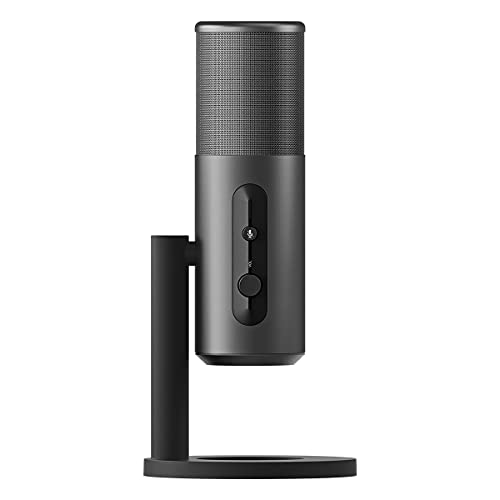
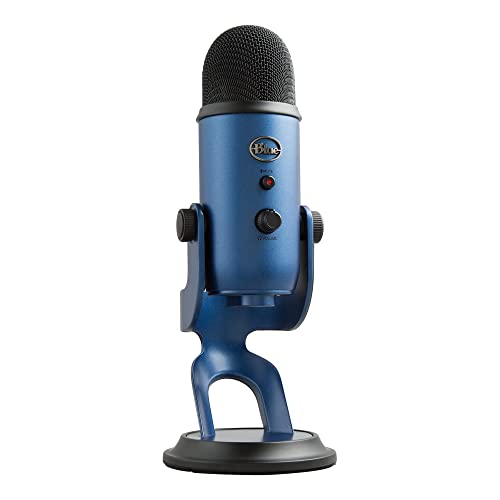
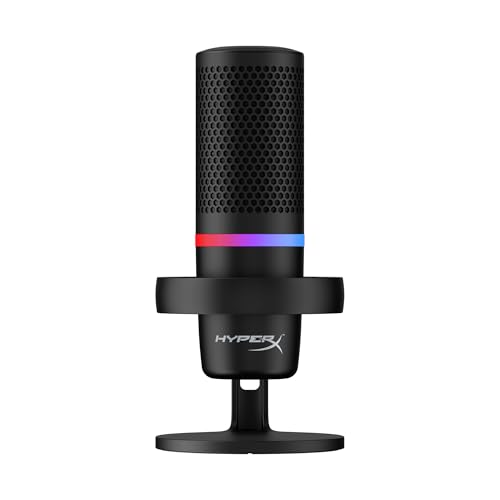
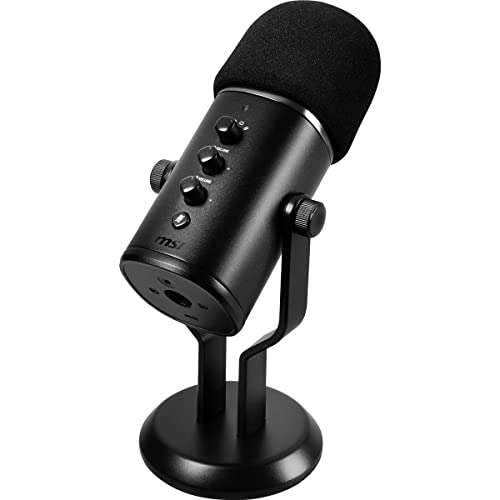
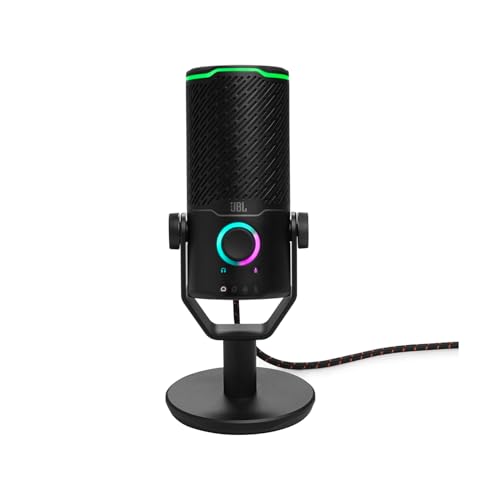
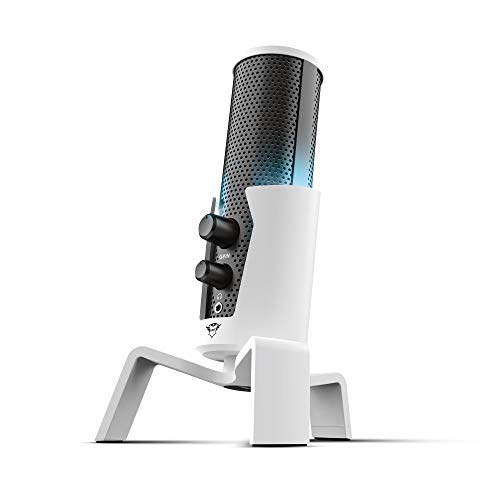
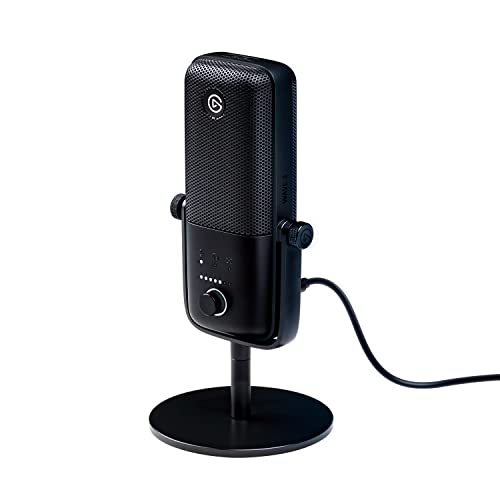
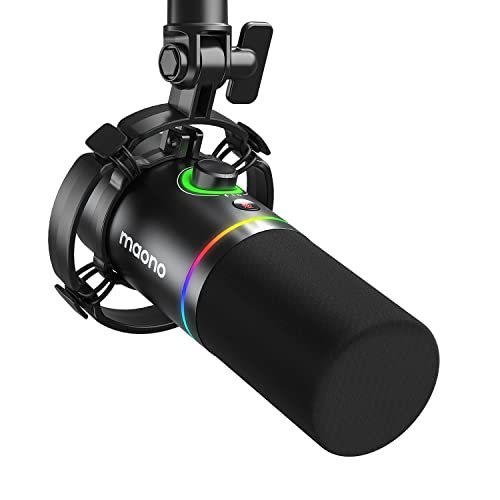
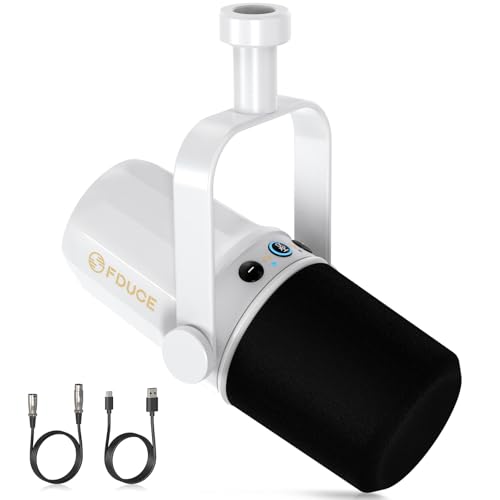
Which brands make the best streaming microphones?
The streaming microphone brands with the highest average overall scores are as follows.
- HyperX (Average overall score: 8.3)
- JLab Audio (Average overall score: 8.1)
- Blue (Average overall score: 8)
The chart below compares streaming microphone brands by average overall score.
[horizontal-chart-17722261969187988942009596606811630445561412665918]
What makes a microphone suitable for streaming?
A microphone is suitable for streaming when it keeps speech intelligible, limits room and desk noise, and gives the presenter controls that remain safe to use live. For one voice, cardioid pickup and close placement on a boom arm are the practical starting points: they improve the voice-to-room ratio before noise suppression has to intervene. A shock mount, pop filter, and thoughtful keyboard position then deal with vibration and plosives at the source.
The rest is workflow. Gain, headphone level, and mute should be reachable without opening another window, and the mute state should be impossible to misread on camera or at a glance. Direct monitoring helps the presenter speak naturally; a microphone-to-playback mix control makes game or call audio easier to balance. Loopback is valuable when music, alerts, browser sound, and chat must enter the same broadcast, but it is not essential if the streaming application or an external mixer already handles that routing reliably.
Are USB or XLR microphones better for streaming?
USB microphones are better for most solo streamers, while XLR microphones are better when the production needs several inputs, hardware routing, or room to expand. USB places the preamp, converter, and computer connection inside one microphone, so a first setup can be running with little more than a cable and headphones.
That simplicity is a real advantage. Many good USB models also include direct monitoring, mute, gain, and software loopback.
The trade-off is a largely fixed signal chain. The built-in electronics determine the conversion, input count, and available routing, and using several independent USB microphones on one computer can introduce awkward device and clocking problems. XLR requires an interface or mixer, but it is much easier to build around co-hosts, a dual-PC stream, hardware effects, or multiple audio sources. Individual parts can also be replaced without discarding the microphone.
Hybrid USB/XLR models bridge the two approaches well, especially for someone starting with one computer and expecting to add a mixer later. Check the manual carefully, because loopback, onboard effects, or headphone controls may work only over USB.
Choose USB for a compact one-person desk; choose XLR when audio routing is already becoming part of the show.
Do streaming microphones need monitoring and mute controls?
Streaming microphones do not strictly need direct monitoring and hardware mute, but both are highly valuable in a simple USB setup because they prevent mistakes while the broadcast is live. Direct monitoring sends the voice to the headphones before the computer round trip, avoiding the distracting delay of software monitoring.
The best implementation gives headphone volume its own control and adds a microphone-to-playback mix knob. That lets the presenter hear voice, game sound, music, and callers comfortably without altering what the audience receives. Monitoring behavior is worth checking with loopback and effects enabled, since some microphones change the available mix or add latency when processing is active.
Mute should be quiet, immediate, and visually obvious. A touch control can avoid a mechanical click, but placement matters just as much: it should be easy to reach without bumping the stand, and its light or display should be visible from the normal seated position. If an external mixer already handles monitoring and muting, duplicate controls on the microphone matter far less.
How much do streaming microphones cost?
Streaming microphones usually cost about £40-£170, with basic choices around £20-£40 and premium USB, broadcast, or hybrid setups reaching roughly £300-£400.
Below £60, prioritize clean speech and reliable USB operation over lighting or elaborate software. The included stand, mute behavior, headphone monitoring, and resistance to electronic noise are the areas most likely to feel basic. Remember that a usable boom arm and pop filter can add noticeably to the total.
For many streamers, £100-£200 is the sweet spot. This tier more often combines 24-bit audio, direct monitoring, accessible gain and mute controls, sturdier mounting, quieter electronics, and software that can save routing or processing profiles. Spending within this range is easiest to justify when those features remove friction from every session, rather than merely adding another pickup pattern that will rarely be used.


Above £220, look for a specific production advantage such as hybrid USB/XLR output, dependable loopback, onboard processing, broadcast-grade mechanics, or a bundled mixer. Price the complete chain—microphone, mount, headphones, interface, cables, and routing hardware—before deciding which option is actually cheaper.
The chart below shows the price distribution of streaming microphones.
[vertical-chart-08798437857279293318037040075312113098464171666265]
How good is sound quality on streaming microphones?
Sound quality on a good streaming microphone is clear and stable enough for a professional long-form broadcast, provided placement, room noise, and gain are under control. Intelligibility matters more than a dramatic studio sheen: a microphone that flatters the voice but also emphasizes keyboard strikes and wall reflections can make a stream harder to listen to. A close dynamic often wins in a busy untreated room, while a cardioid condenser can capture more detail when the space is quiet.
A 24-bit, 48 kHz signal already supplies ample headroom and bandwidth for streamed speech, so higher sample-rate figures should not drive the purchase. Keep the capsule roughly 8–20 cm from the mouth, leave enough gain margin for excited speech, and use a pop filter or windscreen. Then process lightly—a high-pass filter for rumble, gentle compression for level consistency, and a limiter for sudden peaks are usually sufficient. Aggressive noise suppression can make words sound watery or pump between phrases; better placement and physical noise control should do most of the work before software is added.
What compatibility should you check on a streaming microphone?
The main streaming microphone compatibility points to check are as follows:
- Computer and operating system: Confirm support for the required Windows or macOS version and whether the microphone is class-compliant. Companion software may be necessary for loopback, effects, routing profiles, and firmware updates even when basic audio works without a driver.
- Streaming software: Verify input selection, channel mode, sample rate, monitoring, and routing behavior in OBS, Streamlabs, Discord, or the intended application. Some utilities expose loopback only through a specific virtual device.
- Single-PC or dual-PC routing: A single computer can often use software loopback, while a dual-PC setup may need a mixer, capture-device audio path, line output, or interface with dedicated routing. Plan this before choosing USB-only hardware.
- Console support: PC compatibility does not prove Xbox or PlayStation support. Check the exact console generation and whether audio must pass through a controller, licensed adapter, capture card, headset interface, or external mixer.
- USB connection and power: Connector shape does not guarantee reliable data and power. Check the supplied cable, hub or dock behavior, extension length, and whether lighting or headphone amplification increases power demand.
- Headphones and monitoring: Confirm the connector, latency, independent volume, and microphone-to-playback mix. Monitoring behavior can change when software effects, loopback, or a different sample rate is enabled.
- Mobile and secondary devices: Phone and tablet use may require OTG, a powered hub, Lightning or USB-C adapters, and an application that accepts external audio. Verify whether the microphone can operate while the device is charging.
What should you check before buying a streaming microphone?
The main points to check before buying a streaming microphone are as follows:
- Room, capsule, and pickup pattern: Cardioid is the safest pattern for one streamer. A close dynamic microphone is often easier around keyboards, fans, and untreated walls, while a condenser can capture more detail when the room is quiet and the capsule remains close.
- Monitoring and latency: Prefer a headphone output with true zero-latency microphone monitoring, separate volume, and a mic/playback mix control. Delayed software monitoring can disrupt speech and makes live level decisions harder.
- Gain, mute, and volume controls: Hardware controls should be easy to reach without moving the microphone. Check that mute is quiet and clearly visible, that a multifunction dial shows its current mode, and that settings remain stable after reconnecting or restarting.
- Loopback and routing: Decide whether game, browser, call, music, and alert audio must be combined inside the microphone software. Verify virtual-channel limits, saved profiles, application compatibility, and whether routing remains predictable after device or software updates.
- Digital audio and connection stability: Twenty-four-bit operation at 48 kHz is a strong target for streamed speech. A clean preamp, reliable driver, and stable USB connection matter more than a 192 kHz headline for a compressed live broadcast.
- Mounting and noise control: Match microphone weight and thread to the boom arm, and check shock isolation, pop protection, and cable routing. Position the capsule close without blocking the screen or camera and aim its rejection toward the main noise source.
- Expansion path: USB is efficient for a single-host setup, while XLR and a mixer suit several speakers, hardware routing, and replaceable components. A hybrid model can keep the first setup simple while preserving a later upgrade path.