
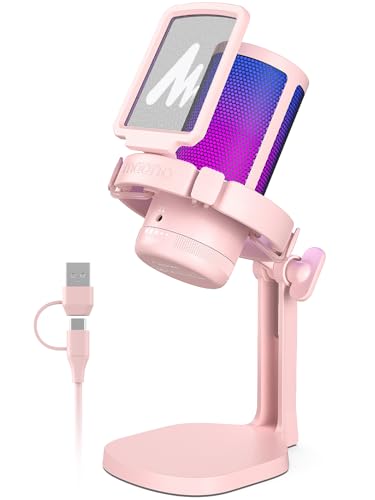
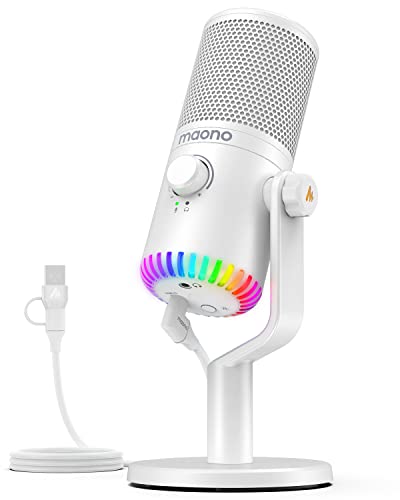
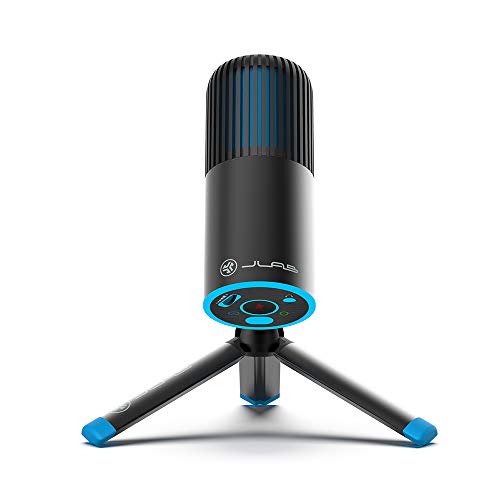
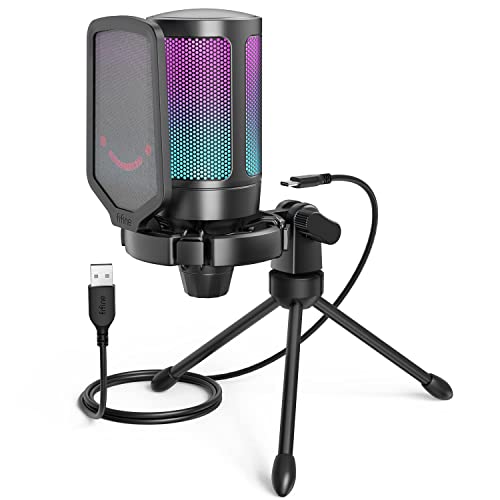
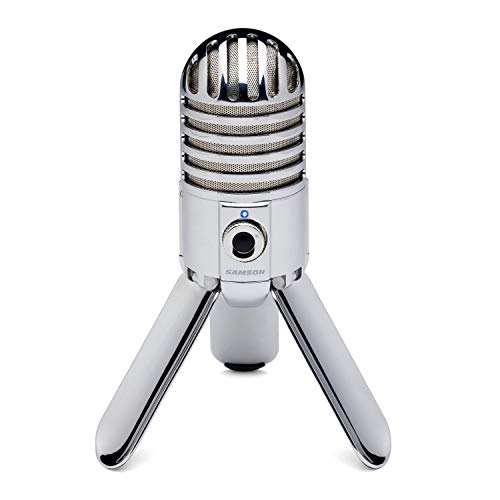
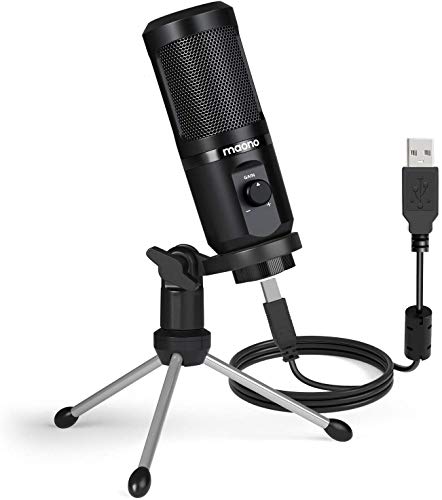
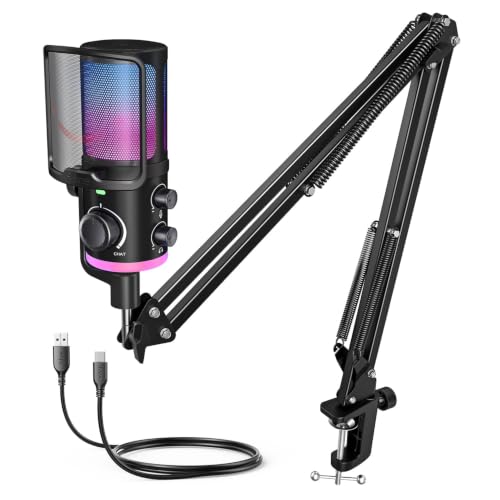
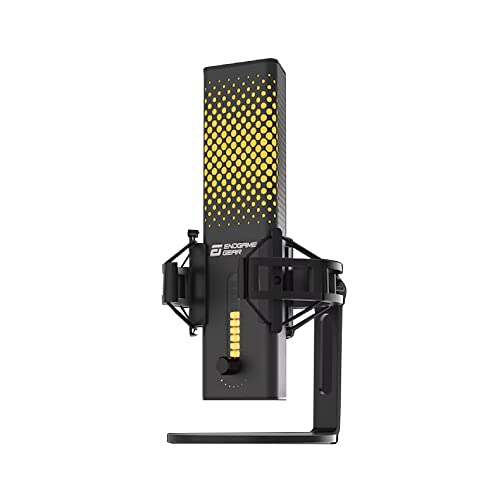
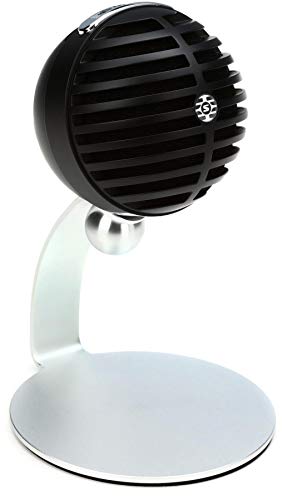
Are budget microphones worth buying?
Budget microphones are worth buying when you need clearer close-range speech without paying for professional construction, advanced routing, or a separate audio chain. A well-positioned USB model can be entirely adequate for calls, gaming, lessons, first podcasts, and occasional voice-over, especially when the alternative is a distant laptop or webcam microphone.
They are less convincing when the room is reverberant, several people must share one microphone, music needs wide dynamic range, or dependable daily production matters. Spend modestly first if you are still learning placement and gain, but avoid treating the lowest price as the goal: a weak stand, noisy controls, unreliable USB connection, or missing headphone output can make a cheap microphone expensive to replace.
What can you expect from a budget microphone?
You can expect a good budget microphone to deliver clearer, fuller speech than a laptop or webcam microphone when it is kept close to the speaker. Most models in this range use USB and are straightforward to set up: select the input, set enough gain for normal speech, and keep the capsule roughly 10–20 cm from the mouth.
For spoken content, 16-bit or 24-bit recording at 44.1 or 48 kHz is already sufficient. Higher sample-rate figures do not automatically mean cleaner sound and matter less than avoiding clipping, room echo, and excessive distance. Expect an intelligible recording for calls, gaming, beginner podcasts, streaming, and occasional voice-over—not the isolation of a professional studio chain.
Hardware features vary considerably. Some models include direct monitoring, gain, mute, and a complete desk kit, while others concentrate on the capsule and USB connection. Decide which controls must work without software and treat bundled accessories as conveniences rather than proof of quality.
Reliability is the final realistic expectation. Test reconnecting after sleep or restart, listen for noisy controls or unstable gain, and use the return period to confirm the microphone works in the intended application. A dependable simple model is better value than a feature-heavy one whose basic connection is inconsistent.

Which budget microphones offer the best value?
The budget microphones with the best price-to-quality scores are as follows:
- JLab Audio Talk Pro (Price-to-quality score: 9.01)
- Newskill Apholos Pro (Price-to-quality score: 8.84)
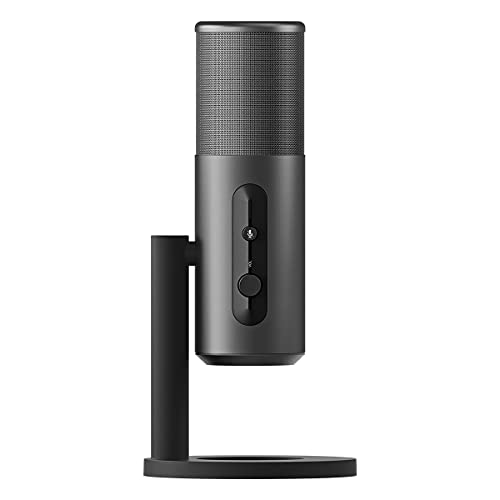
- EPOS B20 (Price-to-quality score: 8.76)
Which microphone types are best in the budget range?
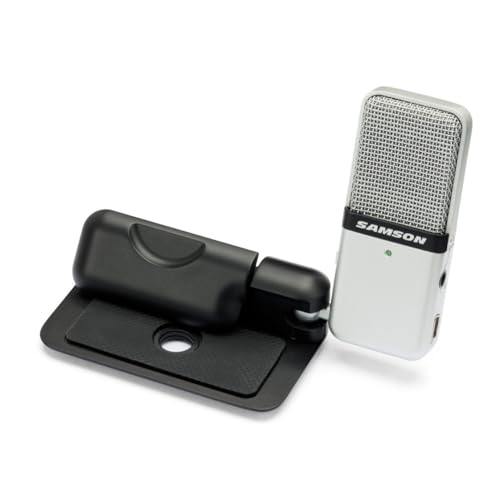
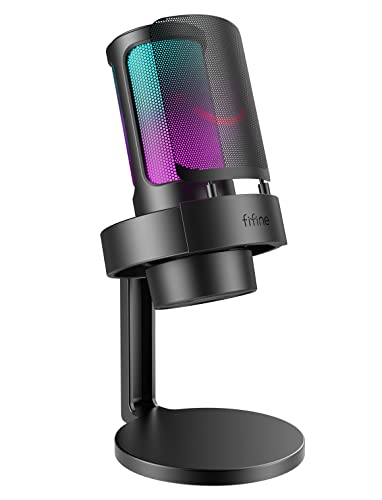
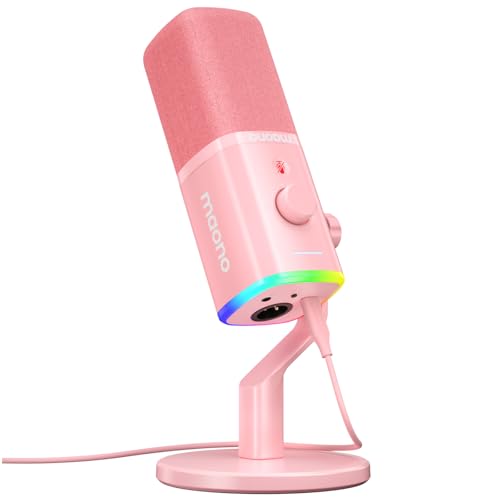
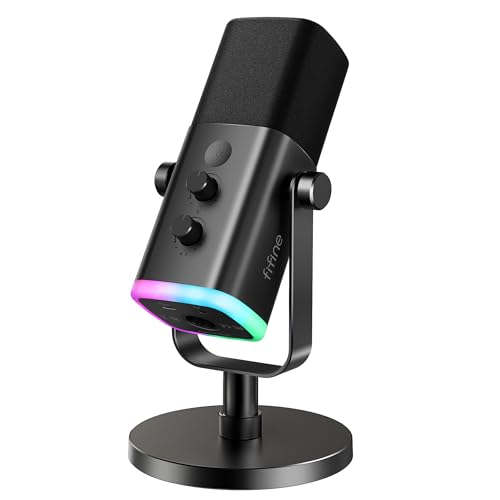
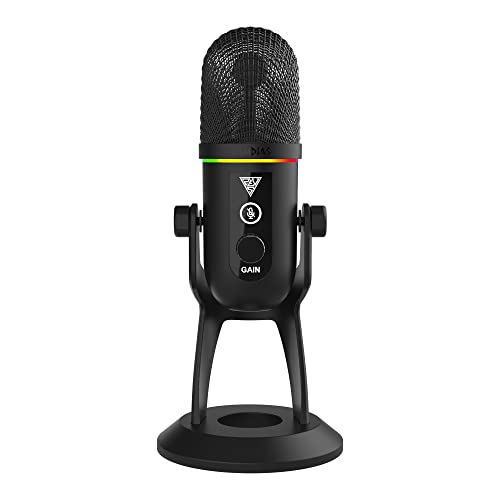
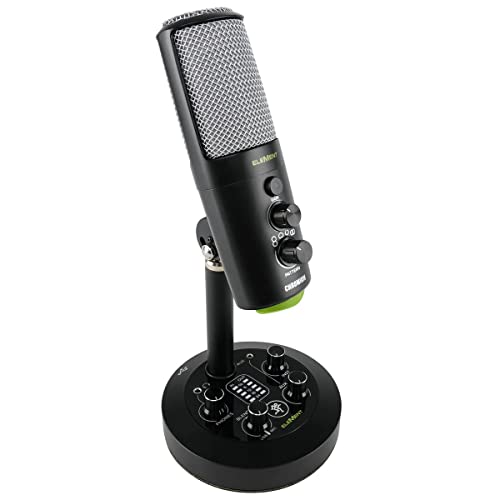
USB desktop microphones are the best fit in the budget range because they combine the capsule, preamp, analogue-to-digital conversion, and computer connection in one purchase. Larger USB condensers often include a stand or boom-arm kit and suit beginner voice-over or podcasting, while compact desktop models save space for gaming, calls, and travel. In either case, a cardioid pattern and close placement are safer than relying on software noise removal.
A USB/XLR hybrid is attractive when it stays within budget, since USB works immediately and XLR leaves a path to an interface later. The compromise is that inexpensive hybrids may not match the analogue performance, controls, or construction of a dedicated XLR microphone, so the second connector should be treated as useful flexibility rather than proof of professional quality.
XLR-only microphones are uncommon at this total price because an interface, cable, stand, and possibly phantom power must be added. They can make sense when that equipment is already owned; otherwise, a complete USB package normally offers better value. Budget wireless, handheld, and lavalier options belong to different workflows and should not be substituted for a desktop microphone merely because the headline price is similar.
What compromises are common on budget microphones?
The most common budget-microphone compromises are weaker physical accessories, greater sensitivity to room and desk noise, fewer dependable controls, and less consistent long-term support. These limitations do not automatically make the microphone sound bad, but they shift more responsibility to placement and setup.
Cheap condensers can sound bright and detailed while also collecting keyboard clicks, fan noise, reflections, and traffic. Moving the capsule to 10–20 cm from the mouth, aiming its least sensitive side toward the keyboard, and lowering gain usually helps more than aggressive noise suppression. A compact room with hard bare surfaces remains difficult for any sensitive desktop microphone.
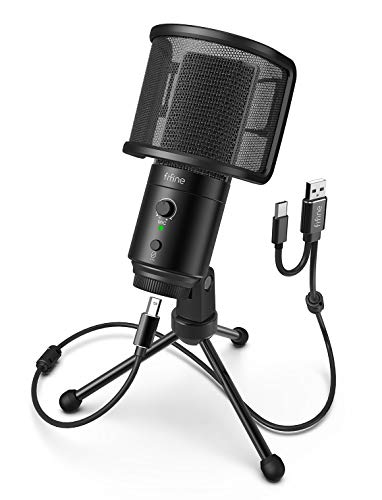
Stands, shock mounts, pop filters, and cables are frequent cost-cutting points. A short tripod may force the microphone too far away; a loose arm droops; a rigid mount sends every desk tap into the recording. Replacing one weak accessory is reasonable, but replacing the entire included kit can erase the saving.
Controls and software also deserve caution. Mute may work only through an application, headphone monitoring may be absent or fixed in level, and gain knobs can have a narrow useful range. Driver-free USB operation is preferable for basic use, but confirm compatibility with the intended computer, console, phone, recording application, and USB adapter before assuming a familiar connector guarantees support.
How much should you spend on a budget microphone?
For most buyers, £30-£45 is the sensible budget-microphone target because it leaves room for a usable stand, controls, or monitoring without leaving this guide's price range. Products around £10-£20 can improve basic calls, but they are more likely to rely on a very small stand, fixed cable, limited controls, or noisy placement far from the mouth.
At roughly £20-£30, look for one decisive strength rather than a long feature list: compact size, a stable cardioid capsule, an included arm, or a clean USB connection. If the microphone must support frequent gaming or streaming, paying nearer the top of the range for direct monitoring, a hardware mute, and onboard gain can be better value than adding workarounds later.
Treat accessories as part of the price. A £30 microphone plus a £20 arm and pop filter already competes with a more complete £40-£45 package. Conversely, do not pay extra for bundled pieces you cannot position properly; a simple compact microphone on an existing arm may be the more useful purchase.
The chart below shows the price distribution of microphones costing up to £45.
[vertical-chart-06513603359006807897179526081826095908321304729355]
What should you consider while choosing a budget microphone?
The main points to consider while choosing a budget microphone are as follows:
- Intended use and distance: Decide whether the microphone is for calls, gaming, streaming, podcasting, or music before comparing extras. For one speaker at a desk, plan to keep the capsule roughly 10–20 cm from the mouth; a model beside the monitor will collect more room and keyboard sound.
- Connection and platform: USB is the simplest computer option, while USB/XLR leaves an upgrade path. Check the actual plug, operating-system support, console restrictions, phone power or adapter needs, and whether the intended application can select the microphone.
- Pickup pattern: Cardioid is the safest general choice for one voice because it reduces sound from the rear when aimed correctly. Omnidirectional and multi-pattern modes suit specific group or room uses but normally collect more ambient noise.
- Monitoring, gain, and mute: Direct headphone monitoring helps reveal plosives, clipping, and background noise without delay. Confirm that gain has a useful range, mute is quiet and visible, and headphone volume or mic/computer mix is adjustable when those controls matter.
- Stand and positioning: Inspect stand height, stability, thread size, boom-arm compatibility, and cable pull. A stable arm that holds the capsule close can improve clarity more than a higher sample-rate mode.
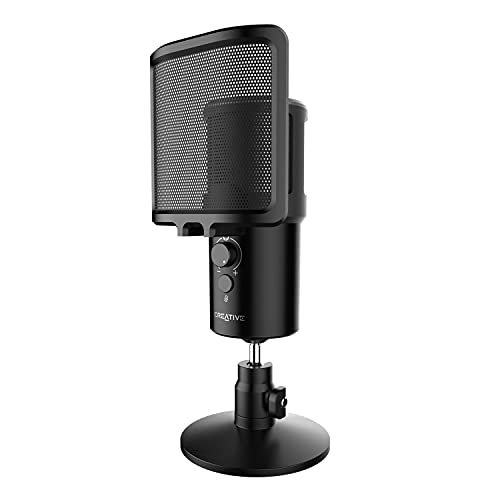
- Pop and vibration control: Check whether the pop filter, foam cover, or shock mount is effective and correctly sized. Foam does not replace a pop shield for close speech, and a decorative suspension may still transmit keyboard and desk bumps.
- Digital audio specification: Sixteen-bit or 24-bit operation at 44.1 or 48 kHz is sufficient for ordinary speech. Prefer stable drivers, clean gain, and unclipped recording over a 96 or 192 kHz headline that cannot fix poor placement or room sound.