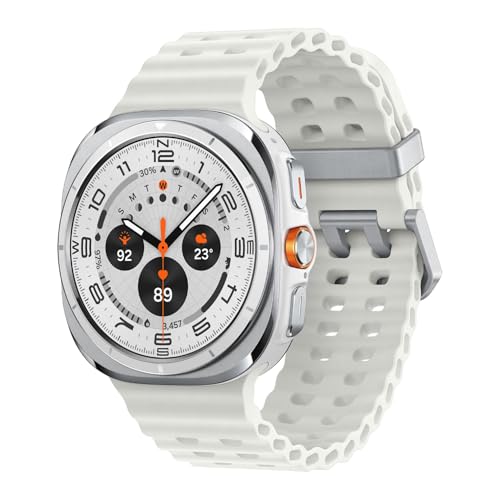
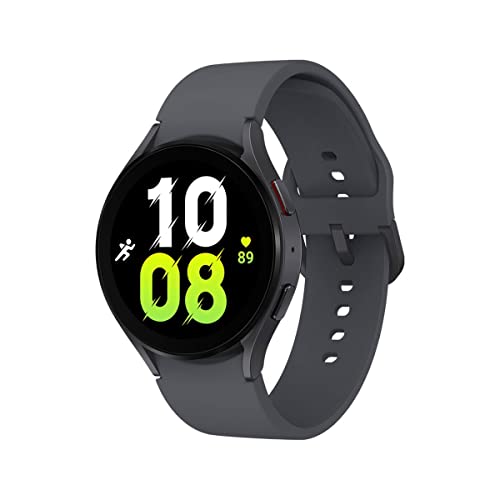
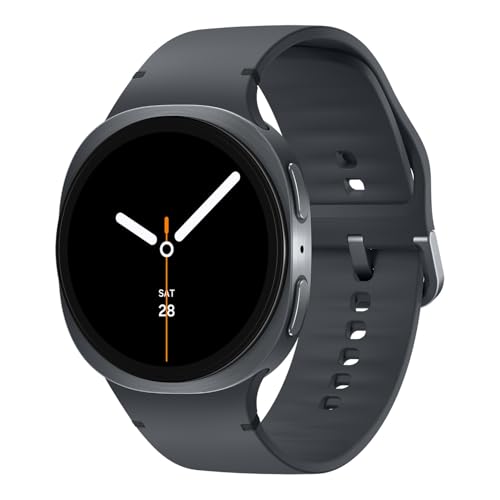
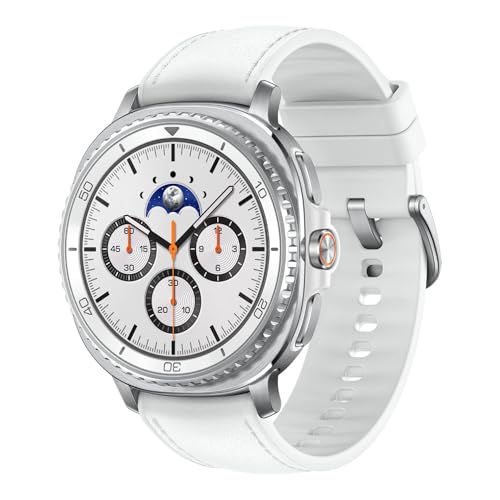
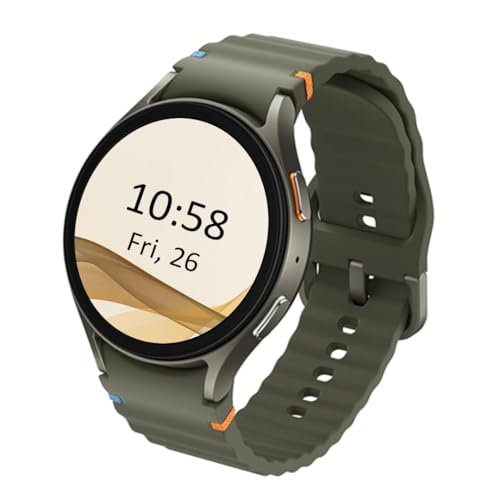
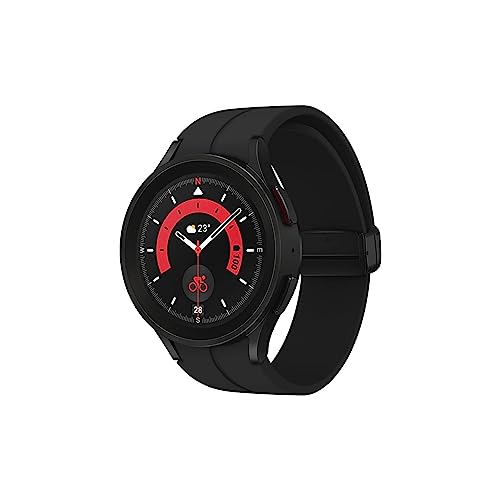
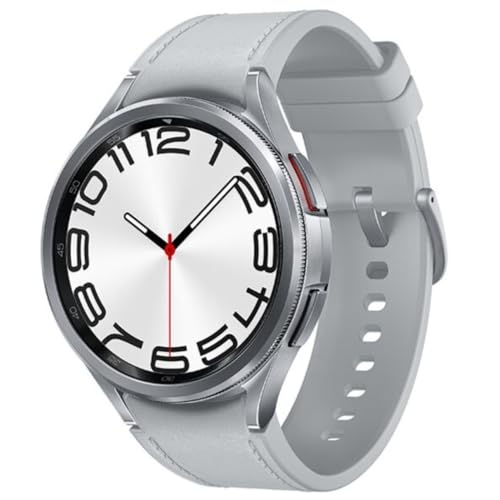
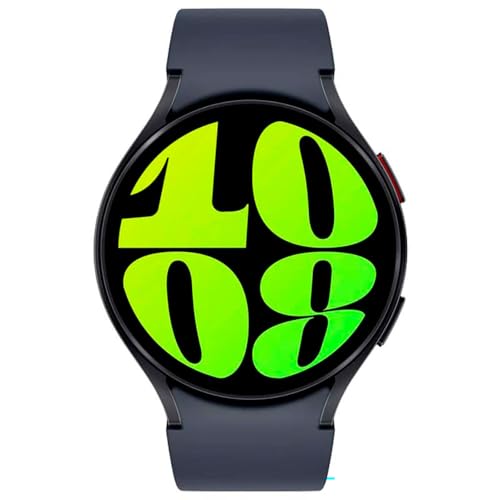
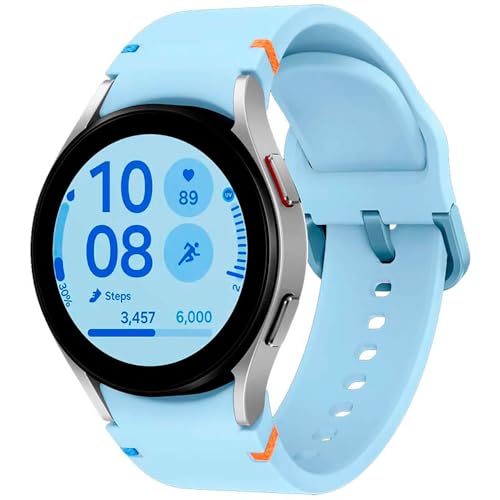
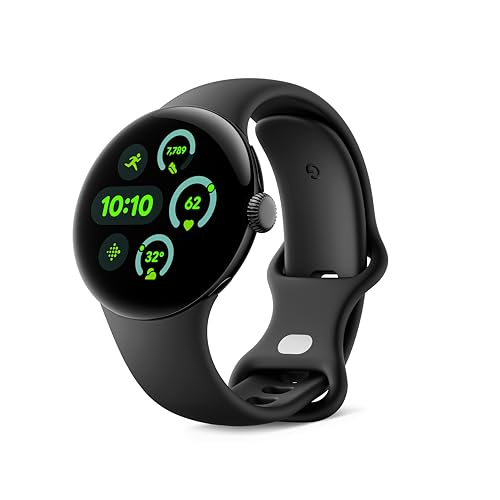
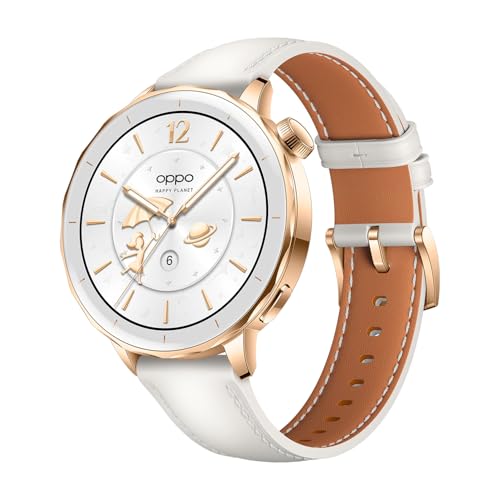
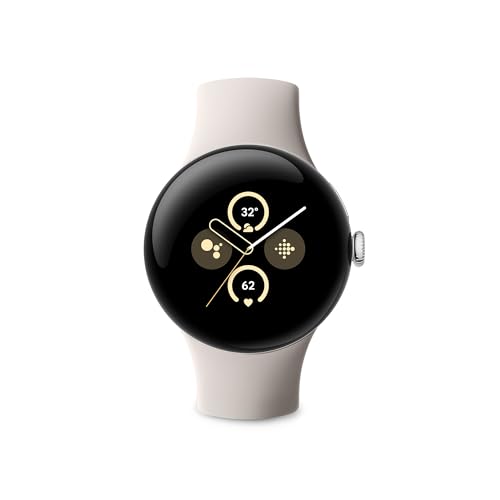
Which brands make the best smartwatches with Wear OS?
The best smartwatch brands with Wear OS are as follows:
- [shortcode-07551876341944509216057860912790659005183901700747] (Average overall score: [shortcode-14952330511609916919167827131546167509310829131551])
- [shortcode-07248389126854650502147254845874560813862266951776] (Average overall score: [shortcode-12801667012953462197005623609932328717021105633093])
- [shortcode-13152419333530328423151077384399851495983117008142] (Average overall score: [shortcode-11910385087977882257155591629415284074600866039456])
[horizontal-chart-14266275430597135898178137622546028426541754760381]
How much do the best smartwatches with Wear OS cost?
The best smartwatches with Wear OS usually cost between £220 and £430, depending on the brand, features, and design.
You can find models at the lower end of the range with standard health tracking, GPS, and notifications, while premium versions reach the higher end with stainless steel builds, LTE connectivity, and advanced sensors. Prices often change by region and by promotions, but most well-known Wear OS models fall into this bracket.
High-end Wear OS smartwatches (such as those from Samsung, Google, or Fossil) often stay closer to 400–£430, as they use stronger materials, brighter AMOLED displays, and smoother performance with newer chipsets. Mid-range models usually sit near 250–£300, which gives you solid battery life and core apps support without luxury extras. If you want a Wear OS watch with LTE, extra durability, or unique designs, expect to pay at the top of the range.
What is Wear OS and why choose a smartwatch with Wear OS?
Wear OS is Google’s operating system for smartwatches, and you choose a smartwatch with Wear OS if you want wide app support and close integration with Android phones. It gives you access to Google apps such as Maps, Assistant, Wallet, Gmail, and YouTube Music directly on your wrist, so you can use them without your phone. Since it is based on Android, you also get thousands of third-party apps through the Google Play Store, which expands what your smartwatch can do.
A smartwatch with Wear OS gives you fast access to notifications, calls, and messages, and it syncs seamlessly with your Google account. You can control smart home devices, download watch faces, and track fitness with Google Fit or other apps.
Wear OS powers only part of the smartwatch market and is concentrated mostly among Google, Samsung, Fossil, and a smaller group of partner brands.
How do smartwatches with Wear OS connect to smartphones?
Smartwatches with Wear OS connect to smartphones through Bluetooth, which pairs the watch with your phone so that notifications, calls, and apps sync in real time. Once paired, the watch communicates with your phone’s operating system (Android or iOS) through the Wear OS app, which manages settings, updates, and permissions.
When you move out of Bluetooth range, the connection can switch to Wi-Fi if the watch supports it, so you still receive updates without your phone nearby. Some Wear OS models also support LTE, which connects the watch directly to mobile networks with an eSIM. That means you can make calls, send texts, and use data without carrying your smartphone.
Can smartwatches with Wear OS work with iPhones?
Yes, smartwatches with Wear OS can work with iPhones, but you will face some limits compared to when you use them with Android phones. You can pair your watch with your iPhone through the Wear OS app and access basic functions like notifications, fitness tracking, and Google Assistant. This means you can check your messages, see calls, and monitor activity on your wrist.
Some features do not work the same way as with Android. For example, quick replies to messages, full integration with apps, or syncing with certain third-party services are restricted. You will still get the core smartwatch functions, but if you want the deepest integration, an Apple Watch works better with iPhones.
What apps can you use on a smartwatch with Wear OS?
You can use many different apps on a smartwatch with Wear OS, the main types are the following:
- Fitness and health apps: You can track workouts, steps, heart rate, sleep, and even advanced metrics like VO2 max or stress levels.
- Navigation apps: You can use maps with turn-by-turn directions and location tracking directly on your wrist.
- Music and media apps: You can stream songs, download playlists for offline listening, or control playback on your phone.
- Messaging and communication apps: You can read and reply to texts, emails, and notifications, and in some cases use voice input or quick replies.
- Payment apps: You can pay in stores with contactless payments through Google Wallet or other supported services.
- Productivity apps: You can check calendars, reminders, notes, and task managers, which help you stay organized without pulling out your phone.
- Weather and travel apps: You can check weather forecasts, flight details, or public transport information at a glance.
- Utility apps: You can use timers, alarms, calculators, and voice assistants like Google Assistant for quick actions.
What to consider while choosing the best smartwatch with Wear OS?
When choosing the best smartwatch with Wear OS, you should consider the following factors:
- Device compatibility: Your smartwatch must work seamlessly with your Android phone and apps. Wear OS runs on Android 6.0 Marshmallow or newer and connects to Google services like Gmail, Google Maps, and Google Assistant. Samsung Galaxy Watch 7 series and Google Pixel Watch 3 deliver enhanced integration with their respective phone ecosystems, while universal compatibility works with any Android device.
- Operating system version: The Wear OS version affects speed, battery life, and app functionality. Wear OS 4 delivers improved performance and customization options compared to older versions. Samsung Galaxy Watch 7 runs the latest Wear OS 4 with Samsung's One UI overlay, while Google Pixel Watch 3 runs pure Wear OS 4 without manufacturer modifications.

- Battery: Battery duration varies from one day to several days based on usage and features like GPS, always-on display, and heart rate monitoring. Samsung Galaxy Watch 7 44mm version delivers 36-48 hours of battery life, while the 40mm model has notably shorter duration. TicWatch Pro 5 series also delivers extended battery performance through dual-display technology.
- Display: Screen brightness, resolution, and visibility in sunlight affect daily usability. Samsung Galaxy Watch 7 features a vibrant AMOLED display with higher brightness levels compared to Google Pixel Watch 3. Wear OS supports round, square, and rectangular watch faces to match different style preferences.
- Health and fitness features: Advanced health monitoring includes heart rate tracking, ECG, blood pressure monitoring, sleep tracking, and workout detection. Samsung Galaxy Watch 7 tracks dozens of exercises and includes ECG plus blood pressure monitoring in select countries. Google Pixel Watch 3 integrates Fitbit tracking capabilities with comprehensive health metrics.
- Build quality: The watch design, materials, and strap comfort affect long-term wearability and sensor accuracy for health readings. OnePlus Watch 2R delivers lighter construction for sports activities, while Samsung Galaxy Watch Ultra features rugged titanium build for extreme conditions. Water resistance ratings determine swimming and diving compatibility.


- Connectivity: NFC for contactless payments, GPS for navigation, Wi-Fi, Bluetooth, and LTE connectivity expand functionality beyond paired phone use. All major Wear OS watches support Google Pay and offline maps, while specific models like TicWatch Pro 5 and Galaxy Watch 7 excel in outdoor navigation features.