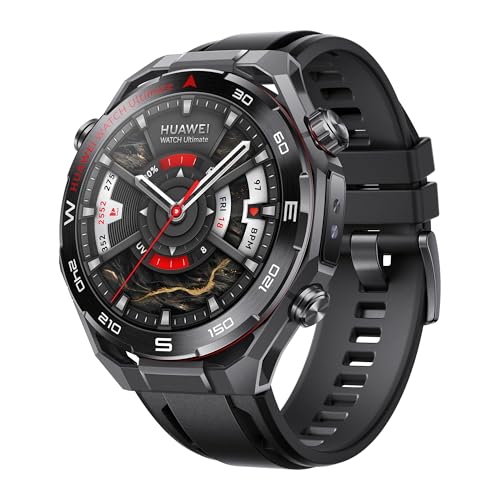
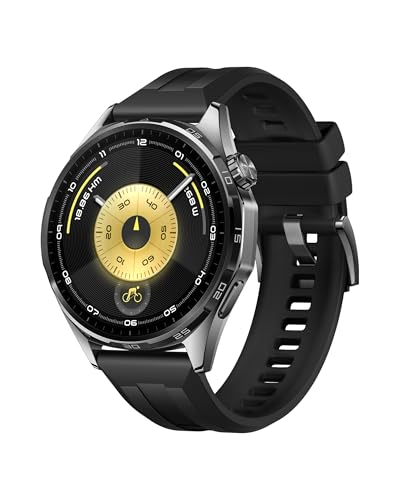
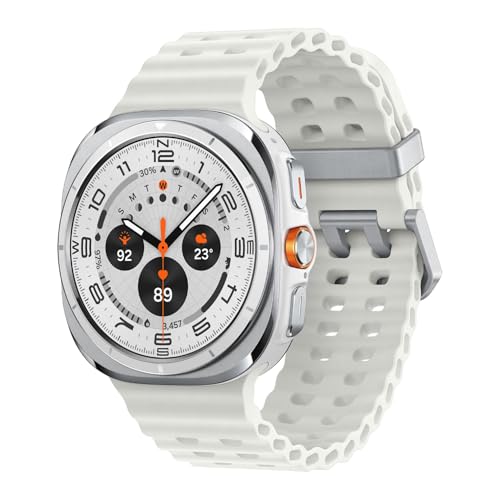
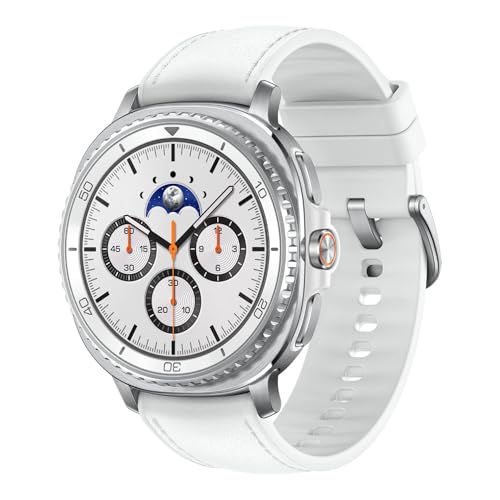
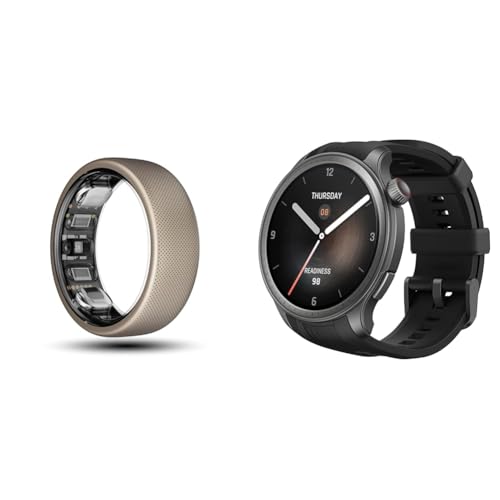
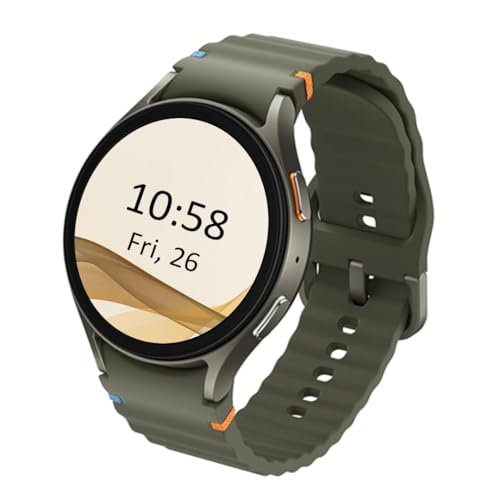
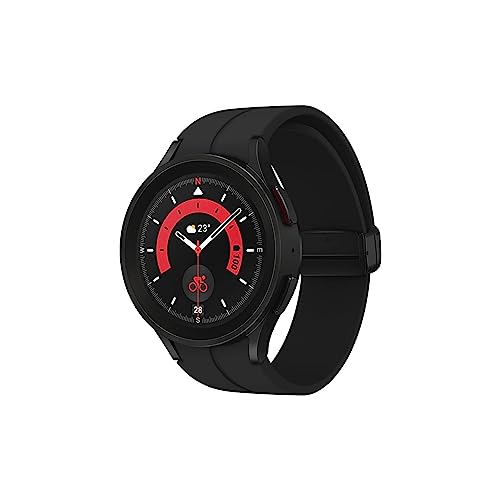
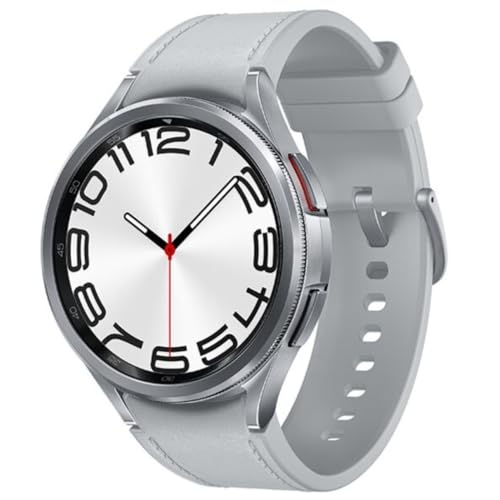
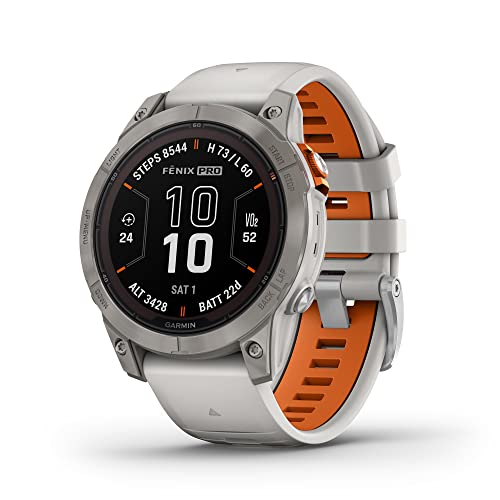
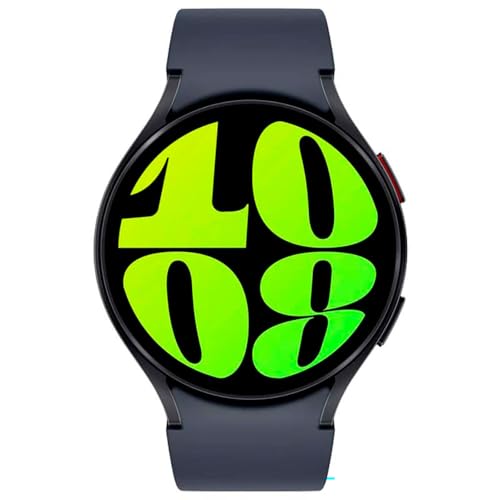
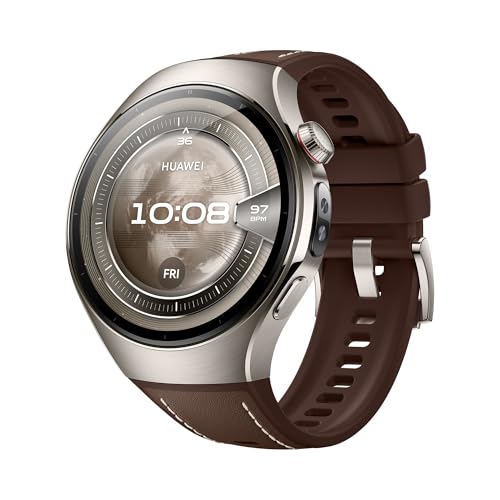
A smartwatch for Android is a smartwatch designed to pair with Android phones for notifications, calls, health tracking, and app use.
Most models connect through a companion app and then mirror core phone functions such as messages, music control, navigation prompts, and workout sync. Depending on the platform, they can also support Google services, contactless payments, and voice commands.
In the current market, Android compatibility is standard on most watches: about 95% of available smartwatches support Android pairing.
What operating systems do smartwatches for Android use?
The most common operating systems for Android-compatible smartwatches are the following:
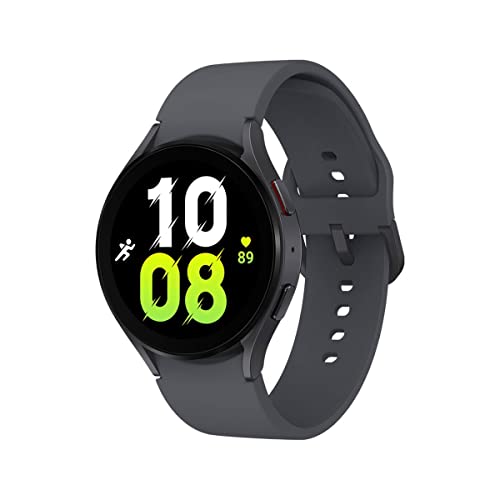
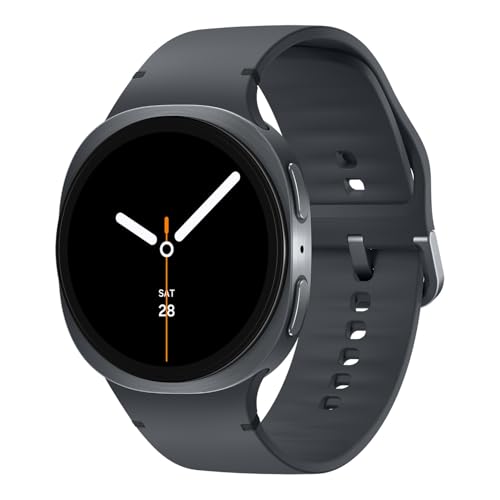
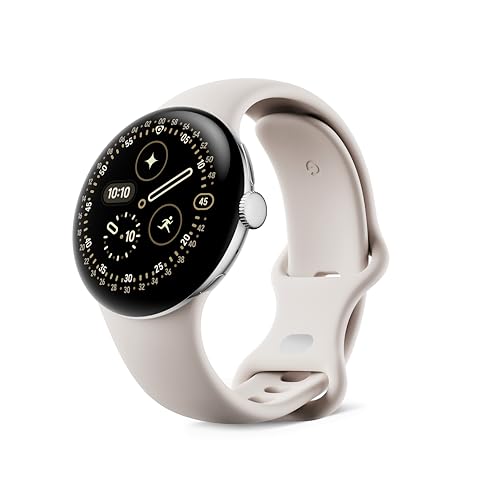
- Wear OS: Developed by Google. It works with most Android phones and supports Google apps like Maps, Assistant, and Wallet. Brands such as Samsung Galaxy Watch 6, Pixel Watch, and Fossil Gen 6 use Wear OS.
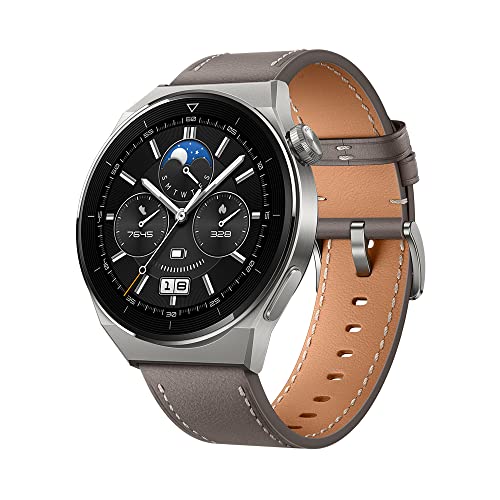
- RTOS (Real-Time Operating System): A lightweight system with fast performance and low power use. It runs on models like Huawei Watch GT series and Amazfit GTR series. It usually supports basic features like heart rate tracking and notifications, but not third-party apps.
- Lite OS: Found on older Huawei smartwatches. It offers smooth performance and long battery life, but it has limited app support compared to Wear OS.
- One UI Watch: Samsung’s custom skin based on Wear OS. It combines Google’s ecosystem with Samsung-exclusive features like Samsung Health and Bixby. It runs on newer models like Galaxy Watch 5 and Watch 6.
- Zepp OS: Used by Amazfit watches like the GTS 4 and T-Rex Ultra. It is optimized for fitness and long battery life. It supports Zepp-branded apps but has limited third-party app compatibility.
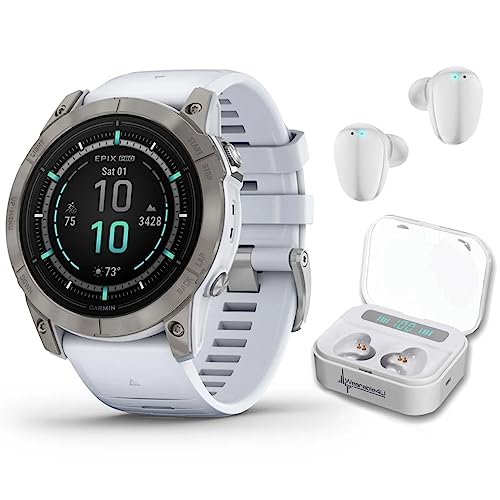
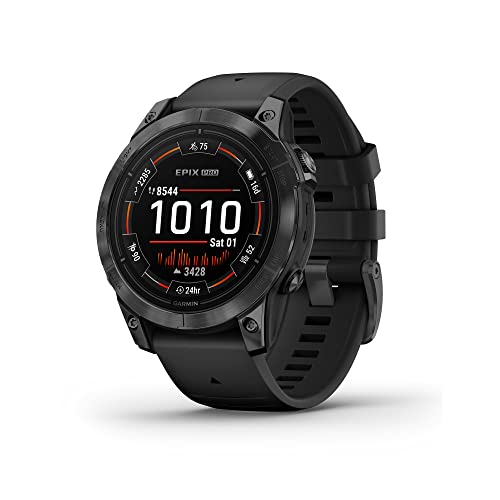
- Proprietary OS: Some brands use their own systems. Garmin uses its own OS across models like Fenix 7 and Venu 3. It focuses on sports features, sensors, and advanced health tracking.
- Fitbit OS: Found on Fitbit Versa and Sense series. It supports fitness tracking, basic notifications, and limited apps. It integrates well with the Fitbit ecosystem but has fewer smartwatch functions than Wear OS.
Can Apple Watches connect to Android phones?
No, Apple Watches cannot connect to Android phones. You need an iPhone to set up and use an Apple Watch.
Apple Watch uses Apple's own operating system, watchOS, which depends on deep integration with iOS. Features like message syncing, app installation, iCloud connection, and Apple Pay only work with an iPhone. Even if you manage to turn on the watch without an iPhone, you won’t be able to pair it or access its core features.
How does an smartwatch connect to an Android phone?
A smartwatch connects to an Android phone using Bluetooth, Wi-Fi, or cellular networks, depending on the model and features.
You pair the devices through the phone’s companion app (like Wear OS, Samsung Galaxy Watch, or Fitbit app), which communicates with the watch to sync notifications, health data, and apps. Once connected, the watch can receive calls, messages, and alerts directly from your phone.
Some smartwatches use Wi-Fi to maintain a connection when Bluetooth is out of range, which allows you to get updates and notifications even if your phone is in another room. Watches with LTE or eSIM support can connect independently to cellular networks, so you can use apps, make calls, or stream music without carrying your phone.