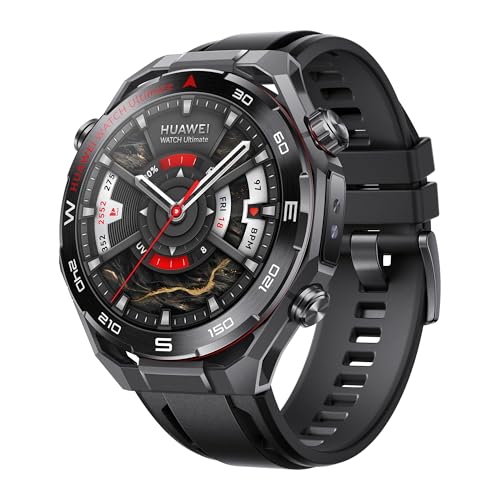
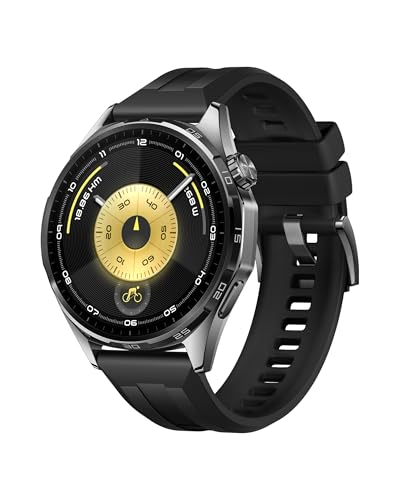
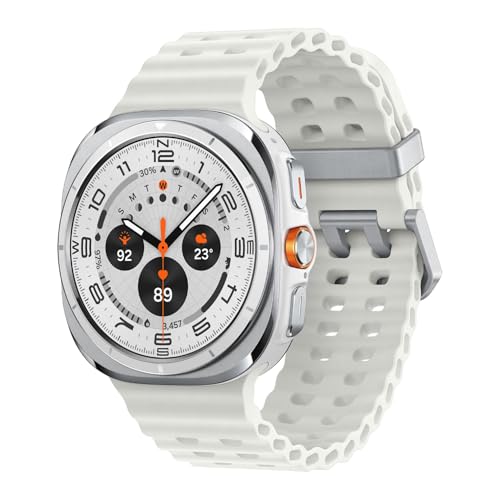
NFC on a smartwatch works through short-range wireless communication between your watch and another NFC-enabled device. The watch has a small chip that exchanges data over a distance of a few centimeters, so you only need to bring it close to a payment terminal, ticket reader, or another compatible device for it to work.
You use NFC on your smartwatch mainly for contactless payments, access control, and quick data exchange. For payments, your card details are stored securely in a digital wallet (such as Google Wallet, Apple Pay, or Samsung Pay), and when you hold your watch near the terminal, the NFC chip transmits the encrypted payment data. The same technology works for travel tickets, entry passes, or quick pairing with headphones and other accessories.
NFC remains a more limited feature than basics like heart-rate tracking or notifications, so it is most common on mid-range and premium models.
Do I need my phone nearby for NFC payments?
You do not always need your phone nearby for NFC payments. If your smartwatch has its own NFC chip and supports payment apps like Google Wallet, Apple Pay, or Samsung Pay, you can pay directly with the watch without your phone. In this case, the payment data is stored securely on the smartwatch itself, so it works independently at the checkout.
Some smartwatches, especially budget models, use your phone as the source of payment data. In those cases, your phone must stay nearby with an active Bluetooth connection, otherwise the transaction will not go through. It depends on how your watch stores and processes payment credentials.
Does NFC drain my smartwatch battery faster?
NFC does not drain your smartwatch battery faster in normal use. The chip stays in low-power mode when idle and activates only during transactions or quick data exchanges. This means you can leave NFC turned on without a big effect on your daily battery life.
You may see a slight increase in battery use if you use NFC multiple times during the day for payments or pairing, but the difference stays small compared to other features. The display, GPS, heart rate sensors, or LTE connection use far more power than NFC. So if your watch runs out of charge quickly, NFC is not the main reason.
Can I use NFC for more than payments?
NFC transactions on smartwatches are secure because they use encryption and tokenization to protect your payment details. Instead of transmitting your actual card number, the watch generates a unique token for each transaction, so no sensitive data is shared with the retailer. This system works the same way as on smartphones, which means the protection level is high.
You also need authentication before you can pay, usually through a PIN, password, or biometric setup on the watch. Once you unlock the smartwatch and wear it on your wrist, it stays active for payments until you take it off or remove the security lock. This reduces the chance of someone else using your device to pay.
How secure are NFC transactions on smartwatches?
Yes, you can use NFC for more than payments. NFC on your smartwatch or phone works as a short-range wireless link between two devices, so you can use it to transfer small amounts of data like contacts, photos, or files. It can also store and share digital passes, transport tickets, or loyalty cards that you can scan at terminals the same way you would with a payment card.
You can also use NFC for identification and access control. Many systems support NFC badges, so you can unlock doors, check in at work, or enter gyms with your smartwatch instead of a physical card.
Some headphones and speakers connect faster with NFC pairing, which avoids manual Bluetooth setup. In daily use this means you can tap your device against another compatible one and complete a task instantly without extra steps.