Which brands make the best robot vacuums with mapping in 2026?
The best robot-vacuum brands with mapping in 2026 are ranked below:
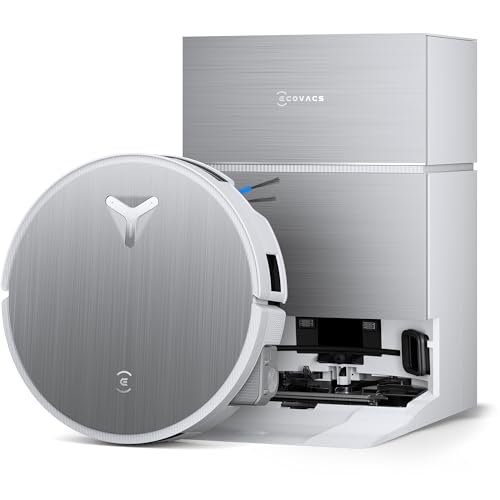
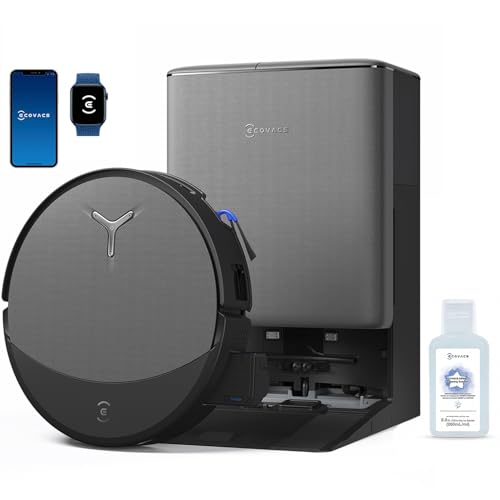
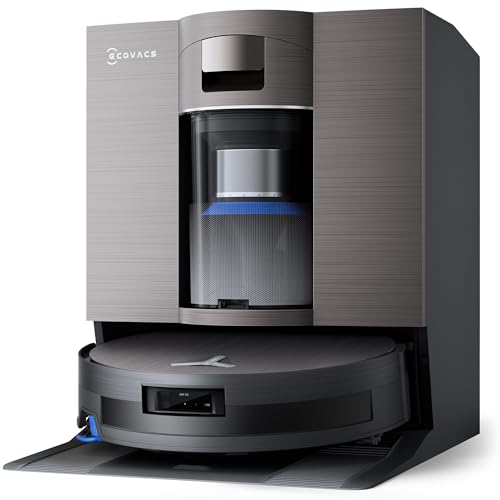
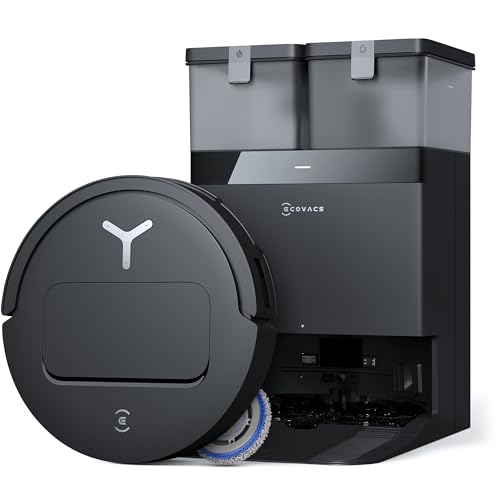
- ECOVACS (Average overall score: 8.6)
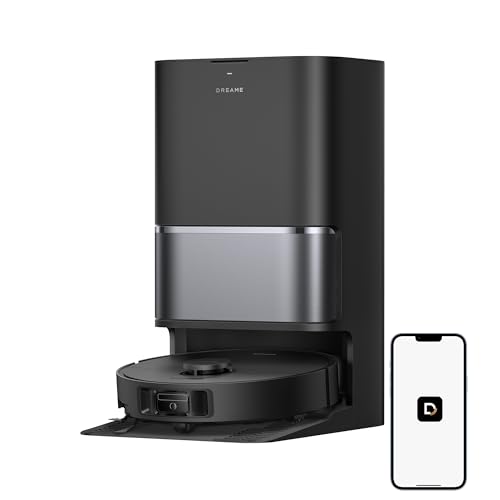
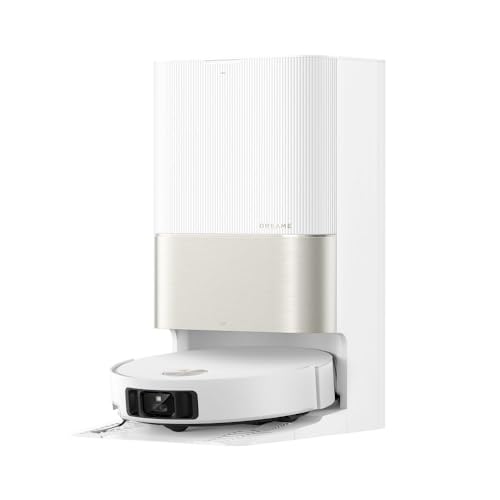
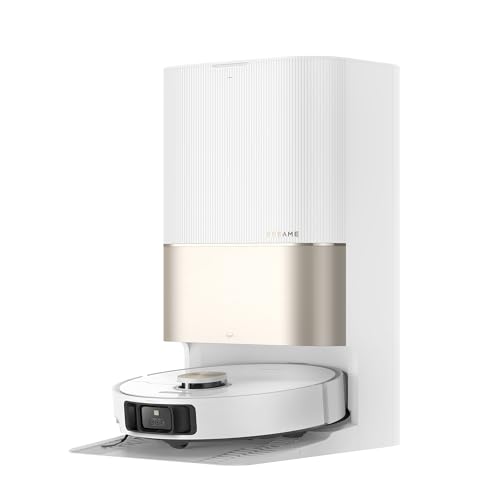
- DREAME (Average overall score: 8.6)
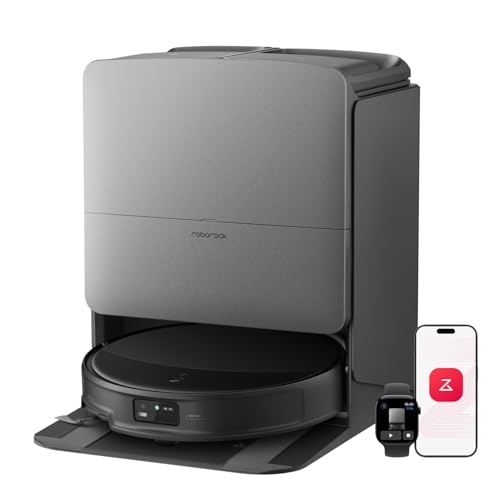
- Roborock (Average overall score: 8.5)
- EUREKA (Average overall score: 8)
- EZVIZ (Average overall score: 7.8)
The chart below compares robot-vacuum brands with mapping by average overall score.
[horizontal-chart-10658768379385643395104800478688914718982737987440]
How does robot vacuum mapping work?
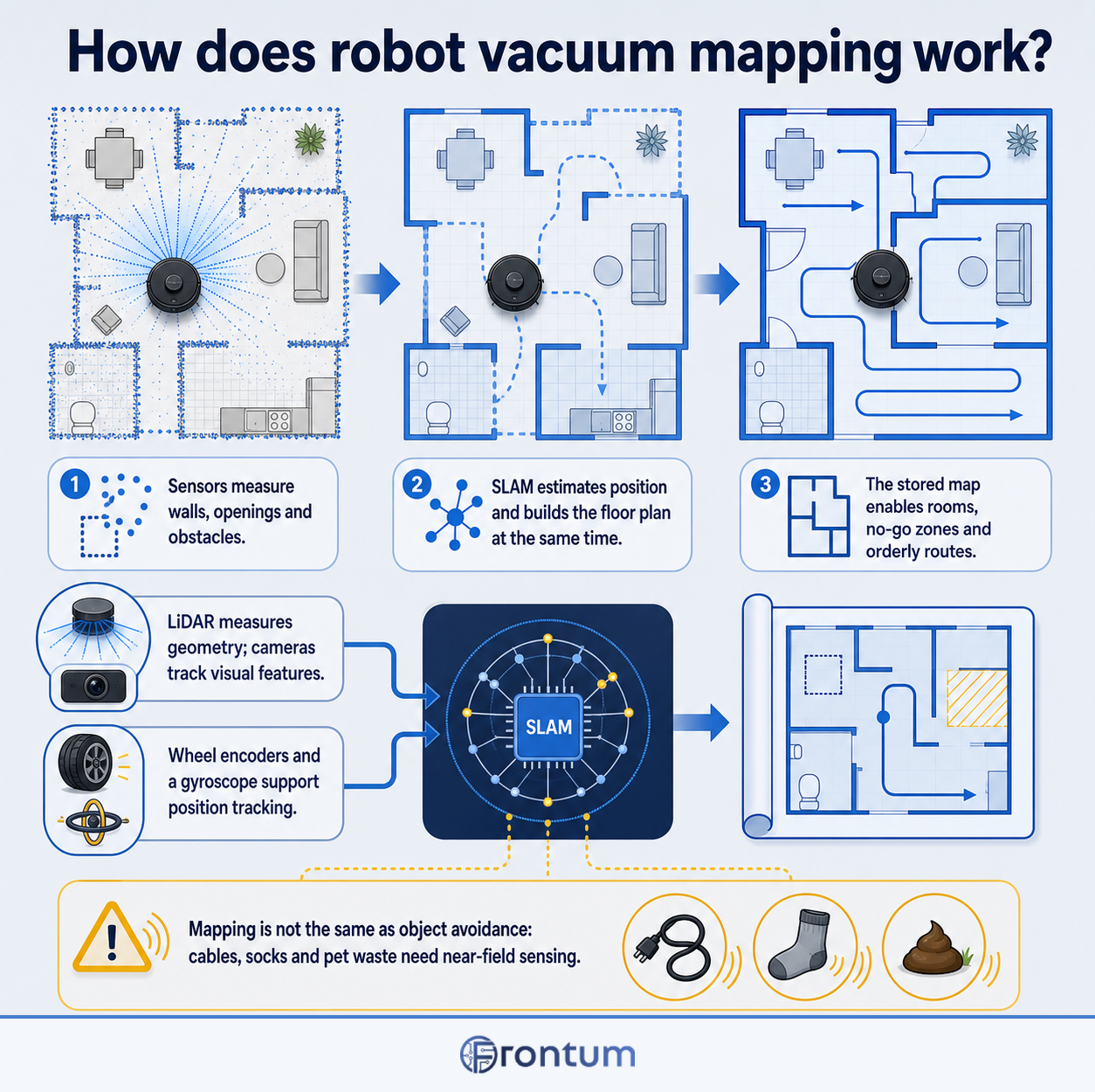
Robot vacuum mapping works by combining distance or image measurements with wheel movement and direction data to estimate the robot's position while it cleans. Software commonly described as SLAM builds a floor plan and localizes the robot inside it at the same time, continually comparing new sensor observations with landmarks it has already recorded.
During an initial mapping or cleaning run, the robot traces walls, openings and obstacles, then closes loops when it recognizes a previously visited area. LiDAR measures surrounding geometry with laser scans, while camera-based systems infer movement from visual features; wheel encoders, a gyroscope and cliff or bumper sensors support both approaches.
The stored map lets the app divide the floor plan into rooms and lets the robot plan orderly lanes instead of relying on random movement. Mapping does not automatically mean strong object avoidance, however: cables, socks and pet waste require near-field sensing or object recognition that works at a much smaller scale than room-level localization.
Which mapping technologies do robot vacuums use?
The main mapping technologies used by robot vacuums are as follows:
- LiDAR or laser SLAM: A rotating laser measures room geometry in many directions and works without relying on visible light. It usually gives stable room outlines and position tracking, although a raised sensor turret can increase the robot's height.
- Camera-based VSLAM: An upward- or forward-facing camera tracks visual features to estimate movement and build a map. The body can remain lower, but performance depends more on lighting and rooms with few distinctive visual details can be harder to localize.
- Hybrid LiDAR and vision: LiDAR supplies the room-level map while a camera, structured-light projector or time-of-flight sensor examines nearby obstacles. This combination can improve cable, shoe and pet-object avoidance, but recognition quality still varies by software and object size.
- Gyroscope and wheel-odometry mapping: The robot estimates heading and distance from internal motion sensors and wheel rotation. It can produce orderly cleaning paths at lower cost, but accumulated drift makes saved maps and virtual boundaries less repeatable than a strong LiDAR or visual system.
- Infrared, bump and cliff sensors: These sensors measure nearby walls, contact and drop-offs rather than creating a detailed floor plan on their own. They commonly support other navigation systems and provide a safety fallback when the primary mapper cannot see a surface clearly.
The chart below shows the primary navigation technologies used by robot vacuums with mapping.
[pie-chart-14667144357053321204182298442039737610912761673074]
How accurately can robot vacuums map and navigate a home?
Good mapping robot vacuums can locate rooms, return to their docks and repeat room-by-room routes accurately enough for everyday cleaning, but their maps are not architectural surveys. The practical test is repeatability: room borders, virtual walls and the robot's displayed position should stay aligned across several runs.
LiDAR is usually the most consistent in darkness and across plain rooms because it measures geometry directly. Camera-based systems can also be precise, but strong backlighting, low light, mirrors and spaces with few visual landmarks may reduce confidence. Both systems can be confused by reflective glass or a door that changes position between passes.
Navigation accuracy also depends on the physical environment. Chairs, pet bowls and people are temporary obstacles, while thresholds near 15–20 mm, deep-pile rugs and narrow clearances determine whether the robot can actually follow the route shown on its map. Object recognition improves close-range decisions but should not be treated as a guarantee that every cable or small object will be avoided.
For the cleanest first map, place the dock against a fixed wall, open every room that should be included and remove temporary floor clutter. Afterward, check room boundaries and split or merge them in the app before creating schedules or no-go zones; a well-drawn map is only useful when its editable controls remain anchored to the correct floor plan.
How do robot vacuums update their maps when a home's layout changes?
Robot vacuums update their maps by comparing each new scan or camera view with the stored floor plan while tracking their current position. Movable chairs, open doors and temporary objects are normally treated as obstacles for that run, whereas repeated structural differences may cause the software to extend a room, revise a boundary or suggest that the map be rebuilt.
Small changes should not require a complete remap: let the robot complete a full run, then correct room splits, names and boundaries in the app if necessary. After a renovation, moved dock or major wall change, rebuilding the affected floor is usually more reliable than preserving accumulated corrections. Multi-floor users should confirm that the robot has selected the right stored map before starting, because an incorrect floor match can displace zones and room schedules.
Which map controls do robot vacuum apps provide?
Robot vacuum apps commonly provide the following map controls:
- Room editing: Split, merge and rename rooms after the automatic map has been created. Check that boundaries can be corrected manually because open-plan spaces are not always divided as you expect.
- Room-by-room settings: Select individual rooms, choose their cleaning order and assign suction, water-flow or repeat-pass settings. Some apps save these preferences inside a schedule, while others require them to be chosen for each run.
- Zone cleaning: Draw a temporary rectangle over a spill, entrance or high-traffic area without changing the permanent room layout. Multiple zones and two-pass cleaning are useful when dirt is concentrated in several places.
- Virtual boundaries: Add no-go zones, no-mop zones and line barriers without installing magnetic tape. The app should let you position them precisely and keep them attached to the correct map after edits.
- Multi-floor maps: Store separate layouts for different levels, including room names and boundaries. Confirm whether the robot recognizes the floor automatically and whether the charging dock must remain on the level being cleaned.
- Map management and history: Back up, restore or rebuild a map, view the robot's real-time location and inspect completed routes. Camera-equipped models may also expose object photos or labels, so review image-storage and privacy controls before enabling them.
How do no-go zones and room-by-room cleaning work?
No-go zones and room-by-room cleaning work by linking app commands to coordinates on the robot's saved map. A no-go zone is usually a rectangle or virtual line the route planner must not cross, while room cleaning tells the robot to cover only selected room polygons in a chosen order.
These controls depend on accurate localization. Leave a margin around stairs, cables, pet bowls and delicate furniture instead of drawing a boundary directly on the hazard, and keep physical cliff sensors active because a virtual barrier is not a safety device. No-mop zones are similarly useful for rugs, but they work best when the robot can identify when its mop is fitted or lift the pad automatically.
Room schedules can apply different suction, water flow and repeat passes to kitchens, bedrooms or high-traffic areas. If a room boundary drifts after the dock is moved or the map is rebuilt, check every saved schedule and virtual zone before the next unattended run; controls tied to the previous geometry may no longer protect the intended area.
How much do robot vacuums with mapping cost?
Robot vacuums with mapping generally cost about £200-£900, with many capable models between roughly £220 and £520. Entry models around £200-£300 often use basic LiDAR or gyroscope-assisted mapping and may omit multi-floor storage, precise map editing or advanced object recognition.
From about £300 to £560, room recognition, real-time map updates, virtual boundaries and stable multi-map support become easier to find. Models from roughly £560 to £860 commonly add camera or structured-light obstacle avoidance and a self-emptying or washing dock, while prices above £860 should bring substantially better automation rather than only a different map display.
The chart below shows the price distribution of robot vacuums with mapping.
[vertical-chart-06811039407587185304098311659859623953350986735295]