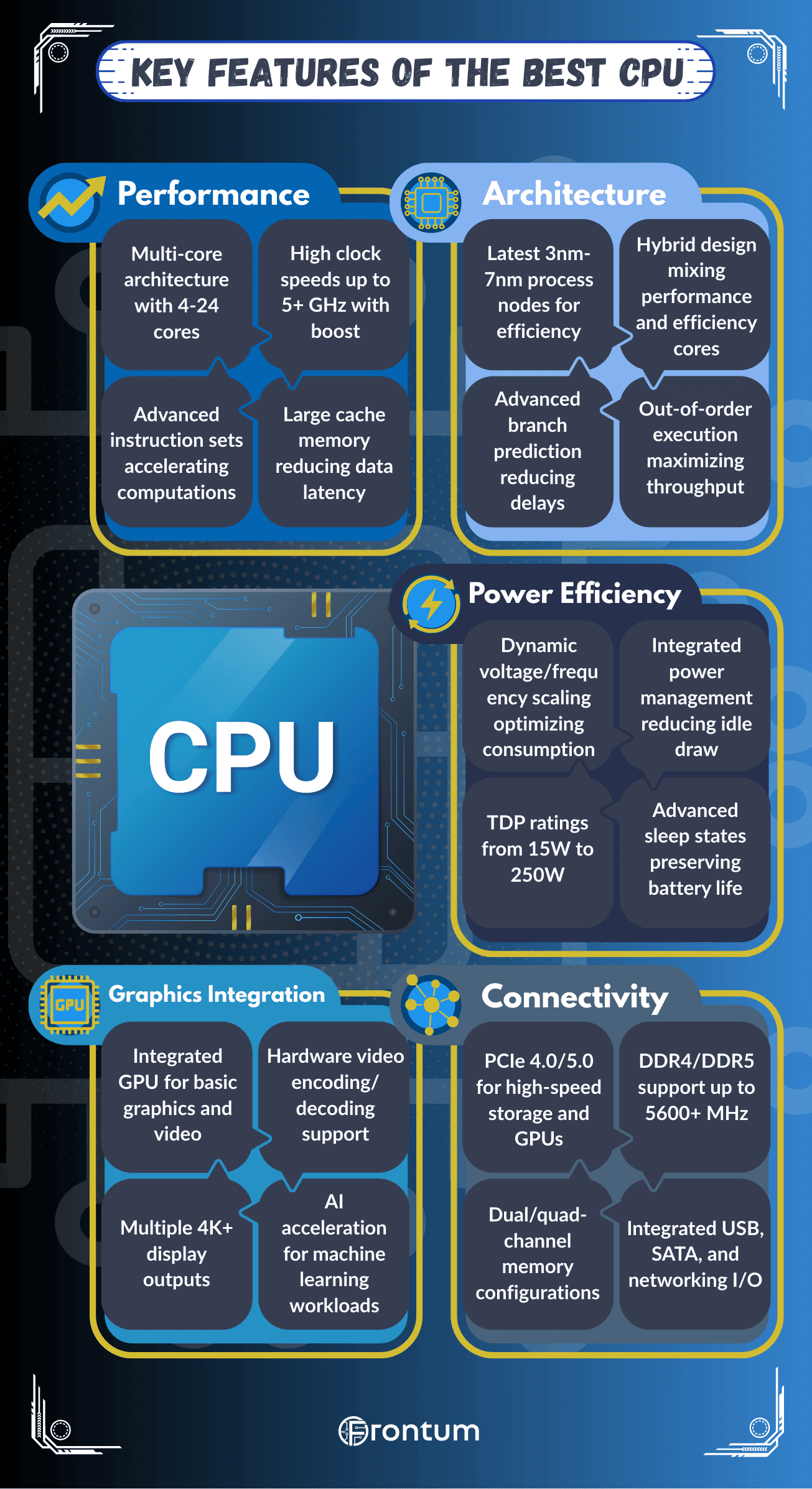
The best desktop CPUs use advanced architectures that combine strong single-core speed, high multi-core throughput, and efficient cache design.
Intel relies on hybrid desktop architectures with Performance cores and Efficient cores, while AMD uses Zen-based chiplet designs that scale core counts and cache capacity effectively across desktop tiers. Both approaches are built to improve gaming responsiveness, creator performance, and platform longevity on current desktop sockets.
These desktop architectures also optimize memory access and cache behavior. AMD uses 3D V-Cache on some desktop CPUs to reduce gaming latency, while Intel pushes frequency and scheduling improvements to keep performance high across both lightly threaded and heavily threaded desktop workloads.
What clock speeds do the best desktop CPUs reach?
The best CPUs reach clock speeds of around 5.5 GHz on boost, while base frequencies usually range from 3.5 to 4.5 GHz.
Clock speed measures how many cycles a processor completes per second, so higher values translate into faster execution of instructions and quicker response in demanding tasks. Modern CPUs use boost technology, which adjusts frequency dynamically based on workload and thermal limits.
Top-tier models from both Intel and AMD push their peak clock speeds above 5.0 GHz. For example, gaming-oriented processors often reach between 5.0 and 5.3 GHz under load, while workstation CPUs balance slightly lower frequencies with higher core counts.
The following chart compares CPU boost clock speeds among desktop CPUs.
[vertical-chart-09159432850423683570155043796183229373342729405014]
How many cores and threads do the best desktop CPUs have?
The best desktop CPUs usually have between 8 and 24 cores, with 16 to 32 threads in mainstream flagship models and much higher counts in high-end desktop creator chips.
Top consumer desktop processors, such as Intel Core i9 and AMD Ryzen 9 models, often pair high boost clocks with 12 to 24 cores and 24 to 32 threads. Higher-end desktop workstation-oriented chips like Threadripper scale further for heavily parallel desktop workloads.
Cores and threads determine how many tasks a desktop CPU can process at the same time. More of them help with rendering, compiling, content creation, and heavy multitasking, while gaming often benefits most from a balanced mix of strong per-core speed and enough total cores.
The following chart compares the number of physical cores in desktop CPUs.
[vertical-chart-13976654930180701144137192152754982187960857738021]
How much cache memory do the best desktop CPUs use?
The best desktop CPUs use large amounts of cache memory to keep gaming and productivity workloads fed with data at low latency. High-end desktop chips often pair 32 KB instruction cache and 32 KB data cache per core with 512 KB to 1 MB of L2 cache per core and L3 cache totals that range from roughly 16 MB to well above 100 MB depending on the model.
Modern desktop platforms show this clearly. High-end Ryzen desktop CPUs can carry 64 MB to 128 MB of L3 cache, especially in X3D models, while top Intel Core desktop CPUs usually sit lower in total L3 cache but balance that with very high clock speeds and strong hybrid scheduling.
This cache hierarchy reduces reliance on slower system memory and helps desktop CPUs maintain strong responsiveness in gaming, compiling, content creation, and multitasking.