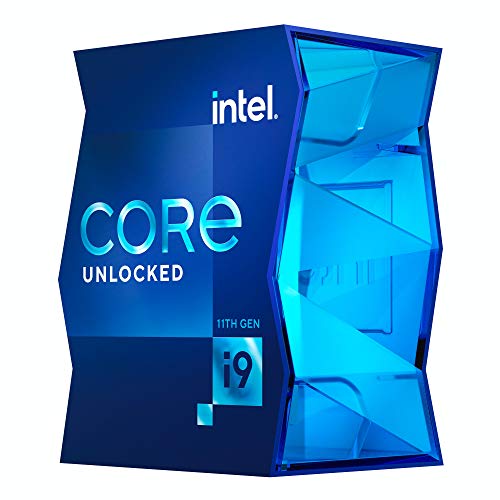
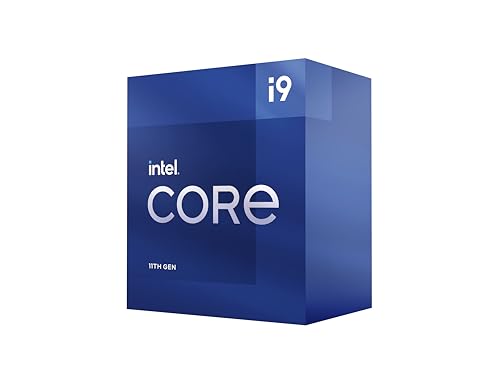
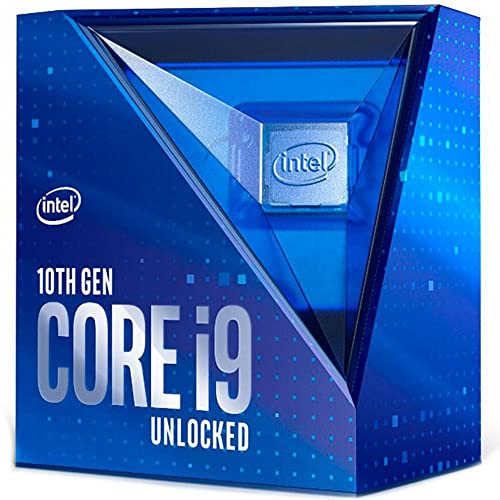
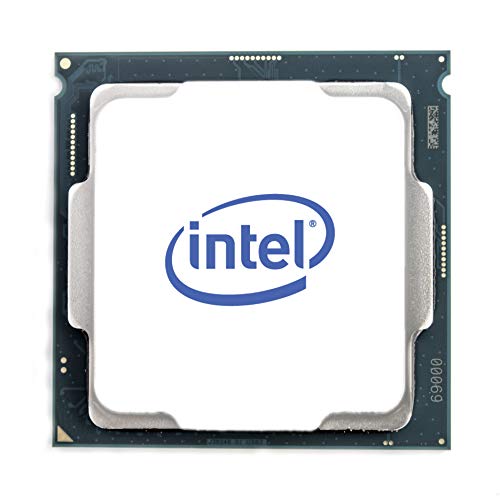
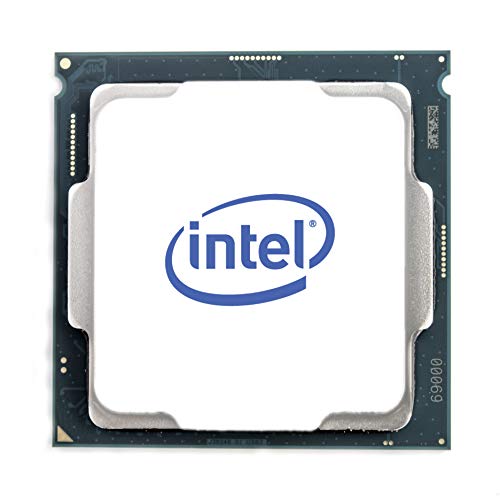
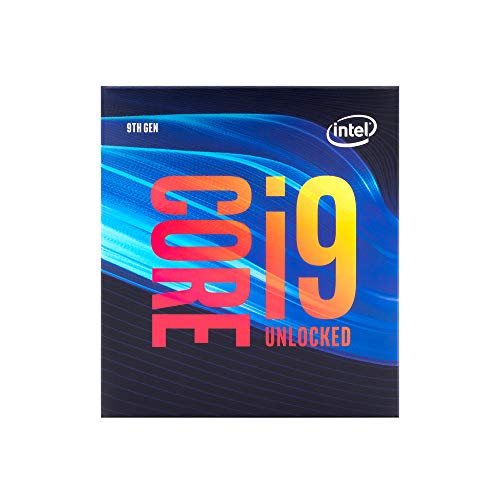
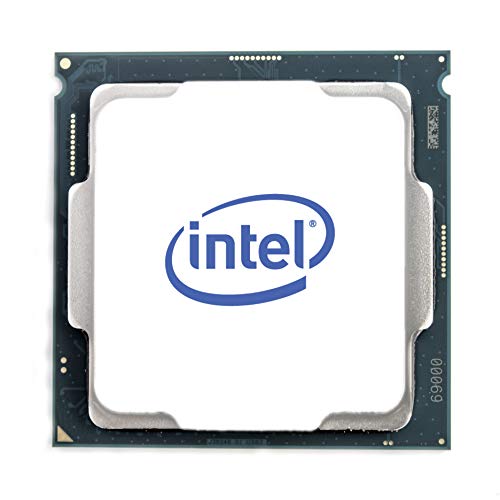
Are Intel Core i9 processors good?
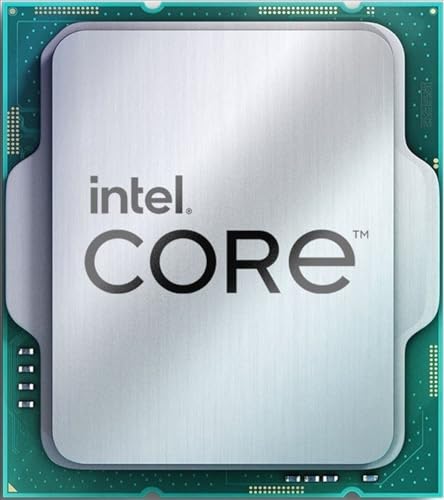
Intel Core i9 processors are excellent high-performance CPUs that deliver top-tier computing power for demanding applications. These processors feature multiple cores (typically 8-24 cores) and high clock speeds that reach up to 5.8 GHz, which translates to exceptional performance in gaming, content creation, and professional workloads.
The i9 series sits at the top of Intel's consumer processor lineup and incorporates advanced technologies like Intel Turbo Boost Max 3.0, which automatically identifies the best-performing cores and directs critical workloads to them for maximum efficiency.
The processors excel in multi-threaded applications such as video editing, 3D rendering, and streaming while maintaining strong single-core performance for gaming. Intel Core i9 chips support high-speed DDR4 or DDR5 memory (depending on the generation), PCIe 4.0 or 5.0 connectivity, and integrated graphics that can handle basic display tasks. They also feature Intel's advanced manufacturing processes and architectural improvements that boost instructions per clock (IPC) performance compared to previous generations.
However, Core i9 processors come with high power consumption (often 125W or more) and generate significant heat, which requires robust cooling solutions and can impact system noise levels.
The best Intel Core i9 CPUs are as follows.
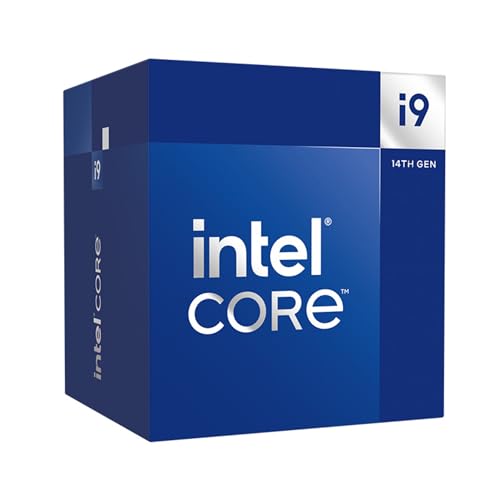
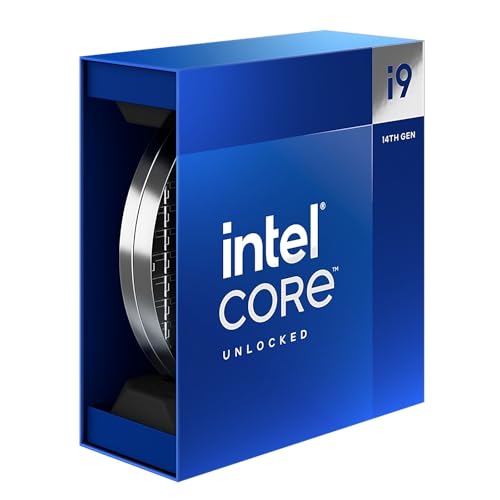
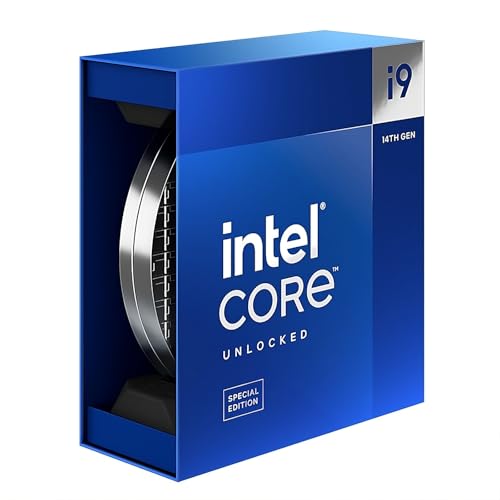
- Intel Core i9 14900 (Overall score: 9 points)
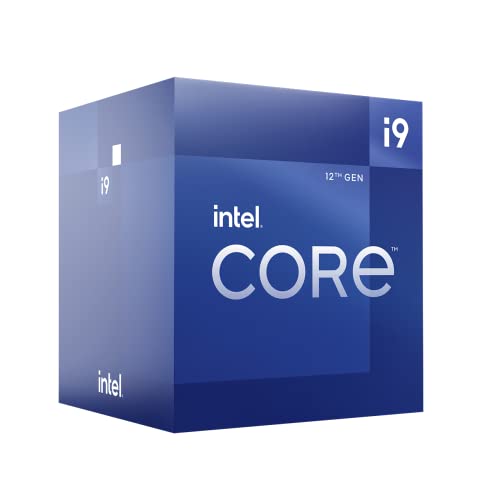
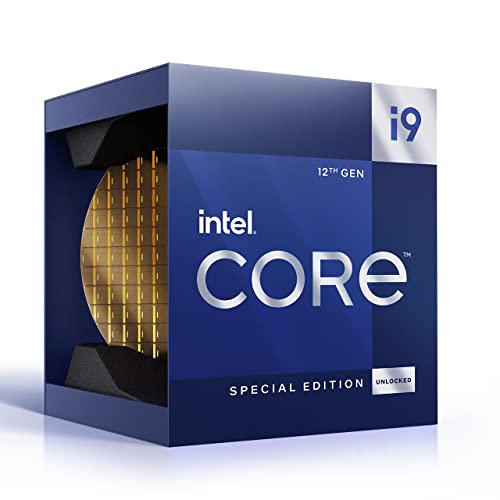
- Intel Core i9 12900 (Overall score: 8.99 points)
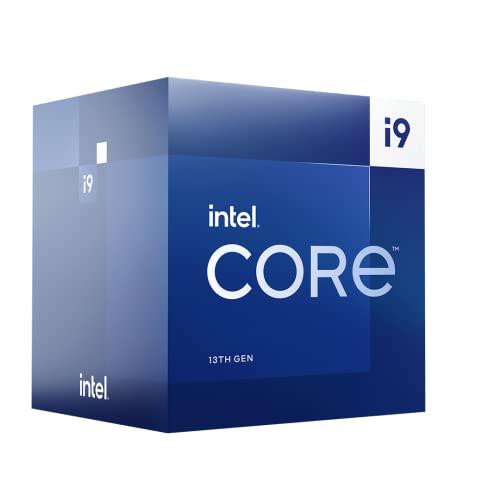
- Intel Core i9 13900 (Overall score: 8.94 points)
How does Intel Core i9 CPU compare to Core i5 and Core i7?
Core and thread configuration: Intel Core i9 processors feature up to 24 cores and 32 threads, while Core i7 models typically contain 8-16 cores with 16-24 threads, and Core i5 processors include 6-12 cores with 6-12 threads. This configuration gives i9 processors significant advantages in multitasking and multi-threaded applications.
Clock speeds and boost technology: Core i9 processors achieve higher maximum turbo frequencies, reaching up to 5.8 GHz compared to Core i7's maximum of 5.4 GHz and Core i5's peak of 4.9 GHz. Intel's Turbo Boost Max Technology and Thermal Velocity Boost dynamically increase clock speeds when thermal conditions allow, providing extra performance for demanding tasks.
Cache size and memory: Intel Core i9 models feature larger cache sizes with up to 36 MB of L3 cache compared to Core i7's 16-20 MB and Core i5's 12-20 MB. The larger cache reduces data access times and improves system responsiveness, particularly in data-intensive applications.
Performance gains: Benchmark tests show Core i7 processors deliver approximately 22-24% better performance than Core i5 in multi-core applications, while Core i9 processors extend this advantage further with their additional cores and higher frequencies. In gaming scenarios, Core i7 processors achieve 96-99% of Core i9 performance, but Core i9 models excel in CPU-intensive tasks and professional workloads.
Power consumption and thermal design: All three processor lines maintain similar base TDP ratings of 65-125W, but Core i9 models consume more power under maximum turbo conditions, reaching up to 253W compared to similar levels for high-end Core i7 variants. This higher power consumption supports the increased performance capabilities.
Target applications: Core i5 processors suit general computing and casual gaming, Core i7 models handle gaming and content creation effectively, while Core i9 processors target high-end gaming, 4K video editing, AI workloads, and professional rendering tasks. The Core i9 line represents Intel's premium offering for users who need maximum performance and multitasking capabilities.
The following chart compares the number of physical cores in Intel Core i9 CPUs.
[vertical-chart-07595791333886700650119879576874833535762452537620]
How much do Intel Core i9 processors cost?
Intel Core i9 processors cost between £390 and £600 depending on the generation and model.
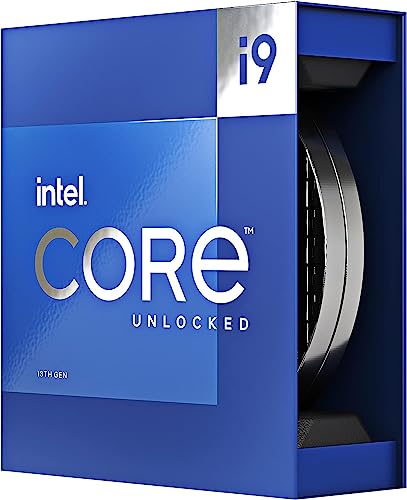
Entry-level i9 chips from older generations usually stay near the lower end of the range, while newer models with higher clock speeds and more cores reach the top of the scale. The latest unlocked i9 models designed for gaming and heavy workloads typically sell for above £550, as they sit at the top of Intel’s consumer lineup.
What should you consider while choosing the best Intel Core i9 CPU?
When selecting the best Intel Core i9 CPU for your system, you must evaluate these key considerations as follows:
- Architecture generation: Modern i9 processors span multiple generations from 9th to 14th gen, with each generation bringing significant improvements. The 12th and 13th generation processors introduce hybrid architecture with both performance cores (P-cores) and efficiency cores (E-cores), while older generations like 9th-11th use traditional core designs. The i9-13900K features 24 cores (8 P-cores + 16 E-cores) compared to the i9-9900K's 8 cores, which demonstrates the architectural evolution.
- Core and thread configuration: Current i9 processors can have up to 24 cores and 32 threads, with the configuration varying between series. The i9-13900K has 24 cores and 32 threads, while the older i9-10900K has 10 cores and 20 threads. Higher core counts benefit multi-threaded applications and content creation tasks, while single-threaded performance remains strong for gaming.
- Clock speeds and Turbo Boost: Base and boost clock speeds determine raw performance capabilities across different workloads. The i9-13900K operates at 3.0 GHz base clock with turbo boost up to 5.8 GHz, while the i9-12900K reaches 5.2 GHz maximum boost. Intel's Thermal Velocity Boost technology can push speeds even higher when thermal conditions allow.
- Cache size and memory support: Modern i9 processors feature larger cache sizes that reduce data access times and improve system responsiveness. The i9-13900K includes 36MB of L3 cache compared to the i9-9900K's 16MB. Memory support has evolved from DDR4-2666 in older generations to DDR5-5600 in current models, which affects overall system performance.
- Thermal Design Power: Desktop i9 processors typically operate with base power consumption of 125W and maximum turbo power up to 253W. This affects cooling requirements and system power supply needs, with newer processors generally being more power-efficient despite higher performance.