What are the best workstation CPU brands of 2025?
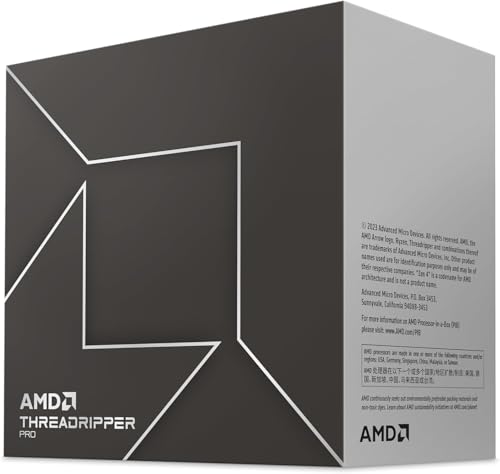
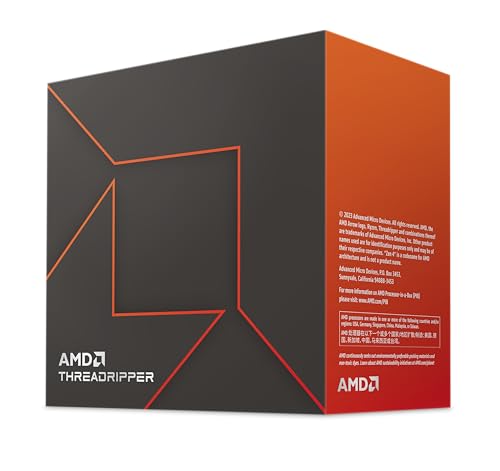
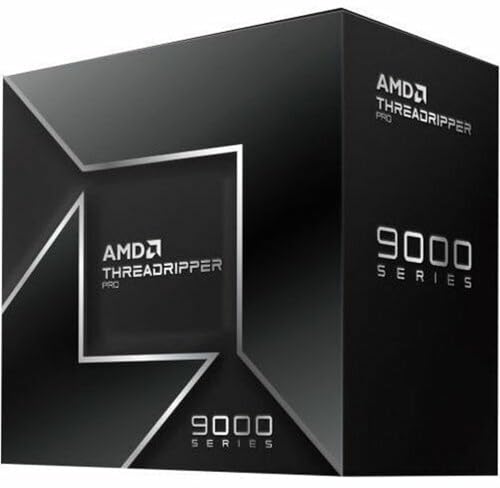
The workstation CPU brands that stand out most are as follows.
- AMD (Overall score: 9 points)
- Apple (Overall score: 8.4 points)
The following chart ranks workstation CPU brands by average overall score.
[horizontal-chart-05829588102351341162181085319883821170991416249021]
How much do workstation CPUs cost?
Workstation CPUs usually start around £90-£430, stronger step-up models often sit around £850-£3,400, and the best workstation CPUs can climb to about £9,400 at the top end. This is one of the most expensive parts of the CPU market because workstation chips are built for very high sustained thread counts, large cache pools, and heavier professional platforms.
Workstation pricing should never be read in isolation. A more expensive workstation CPU usually also brings a costlier board, stronger cooling, more demanding power delivery, and a bigger memory budget, so buyers should evaluate the complete workstation build rather than the CPU price alone.
The following chart shows the price distribution of workstation CPUs.
[vertical-chart-06093587305939893605147652730031282493580986285374]
What is a workstation CPU?
A workstation CPU is a processor built for sustained professional workloads rather than for short bursts or gaming-first behavior. In practice, that usually means much higher core and thread counts, larger L3 cache pools, heavier TDP classes, and platform support aimed at long renders, simulation, compiling, CAD, engineering, and other work that can keep many cores busy for extended periods.
Workstation platforms matter as much as the chip itself. A true workstation CPU is meant to sit in a system with stronger cooling, higher memory capacity, and more expansion headroom than a mainstream desktop machine, because those platform limits often decide whether the CPU can deliver its full value.
How many cores do the best workstation CPUs have?
Workstation CPUs can range from 4 to 96 physical cores, but the serious part of the category usually starts around 16 cores and scales upward through 24, 32, 48, 64, and in some cases 96-core designs. On the thread side, that means workstation buyers are often looking at 32 threads and far beyond rather than the 8- to 16-thread levels common in mainstream desktop systems.
Core count matters most in rendering, compiling, simulation, scientific workloads, and heavy creator pipelines that actually scale across many threads. Lighter office work or mixed-use systems usually do not benefit enough to justify paying for the highest workstation core counts.
The following chart compares the number of physical cores in workstation CPUs.
[vertical-chart-04025920125315643427171561982177755281610711650814]
What socket types do workstation CPUs use?
Workstation CPUs usually use socket families that sit above mainstream desktop platforms. The key workstation sockets here are platforms such as sTR5 and sWRX8, with some older workstation-class parts still tied to sockets such as LGA2066. Those sockets decide motherboard compatibility, memory layout, PCIe capacity, and how far the whole platform can scale.
Socket choice is a major workstation decision rather than a small compatibility detail. A high-core-count workstation CPU only makes sense if the rest of the platform can actually support its memory, cooling, and expansion requirements.
The following chart shows which CPU sockets workstation CPUs support.
[pie-chart-16913788891287281376044460482924432012881712826049]
How much cache memory do workstation CPUs use?
Workstation CPUs usually use much larger cache pools than mainstream desktop chips. L3 cache in this category can range from about 8 MB to 384 MB, with stronger workstation parts commonly sitting in much higher cache bands such as 32 MB, 64 MB, 128 MB, or more depending on the platform tier.
Large cache helps feed many active cores during long professional workloads. It is not a standalone performance guarantee, but in rendering, compiling, engineering, and heavy multitasking, a larger cache pool can make better use of the rest of the workstation platform.
How much power do workstation CPUs use?
Workstation CPUs usually start around 65 W and can climb to about 350 W at the high end. The stronger tiers are commonly far above normal consumer laptop levels and often well above mainstream desktop parts too, because workstation CPUs are expected to sustain large core counts under long heavy loads rather than spike briefly and stop.
Power use directly affects cooling size, motherboard quality, case airflow, and operating noise. Buyers who need real workstation throughput can justify that power envelope, but anyone with lighter mixed-use workloads should check carefully whether a simpler desktop CPU would deliver better value.
The following chart compares TDP values in workstation CPUs.
[vertical-chart-10874173214165387727157872539757289039042419511326]