Are Intel Core i7 processors good?
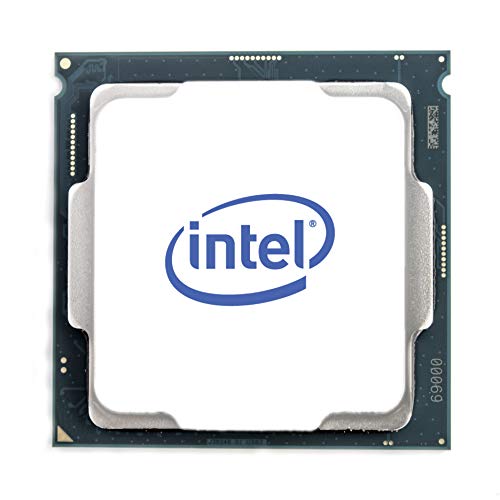
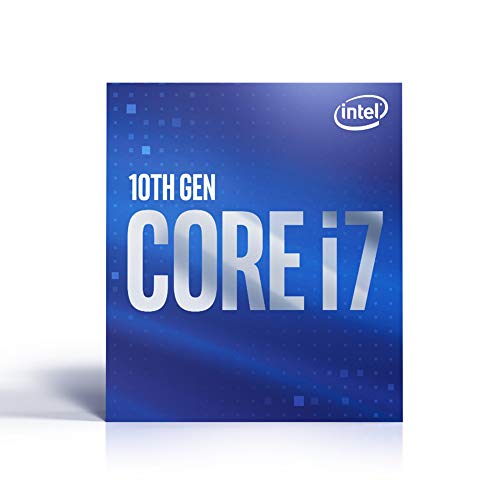
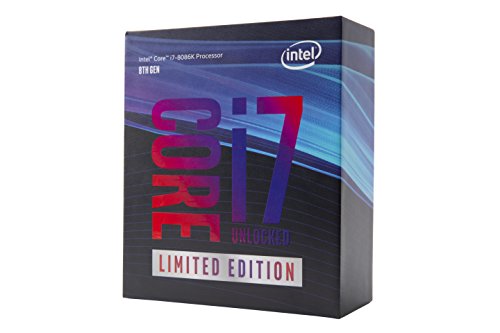
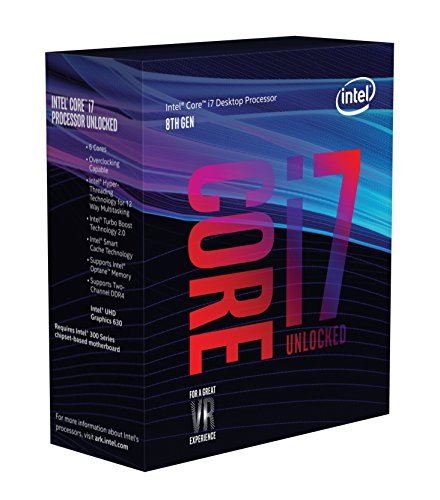
Intel Core i7 processors are good high-performance CPUs that excel in demanding tasks like gaming, content creation, and multitasking. These processors feature multiple cores (typically 6-8 cores) and hyperthreading technology, which doubles the number of processing threads and significantly boosts performance in applications that can utilize multiple cores simultaneously.
The architecture varies by generation, with newer models using advanced manufacturing processes (10nm and 7nm) that deliver better performance per watt and lower power consumption.
Intel Core i7 processors support high-speed DDR4 or DDR5 memory depending on the generation, PCIe 4.0 or 5.0 lanes for fast storage and graphics cards, and advanced features like Intel Turbo Boost that automatically increases clock speeds when needed.
Gaming performance is strong across most titles, though CPU-intensive games and productivity applications like video editing, 3D rendering, and streaming benefit most from the additional cores and threads.
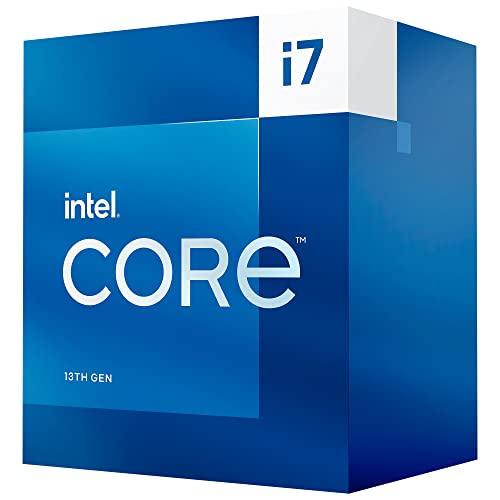
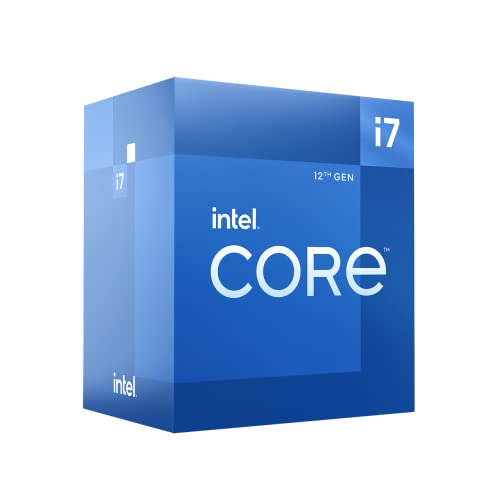
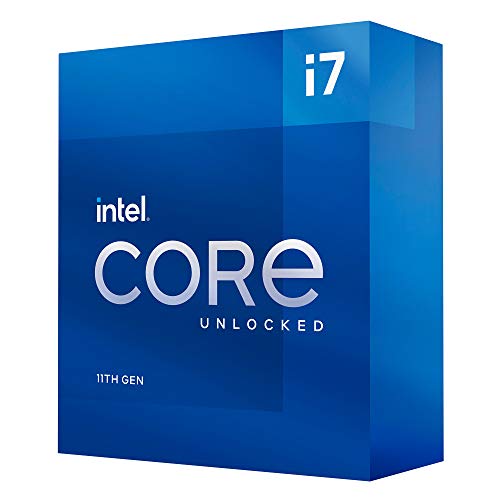
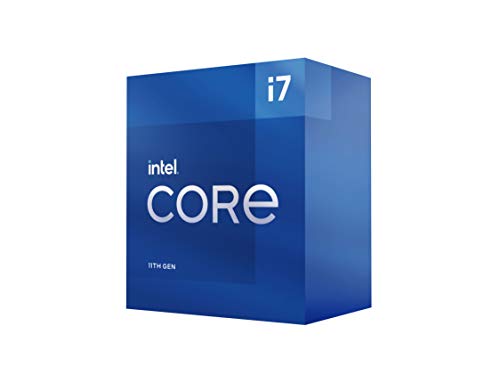
The best Intel Core i7 CPUs are as follows.
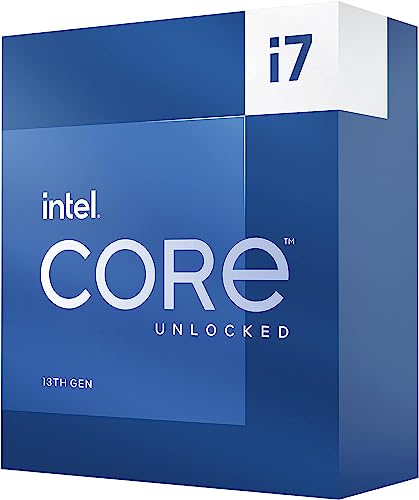
- Intel Core i7 13700T (Overall score: 9.14 points)
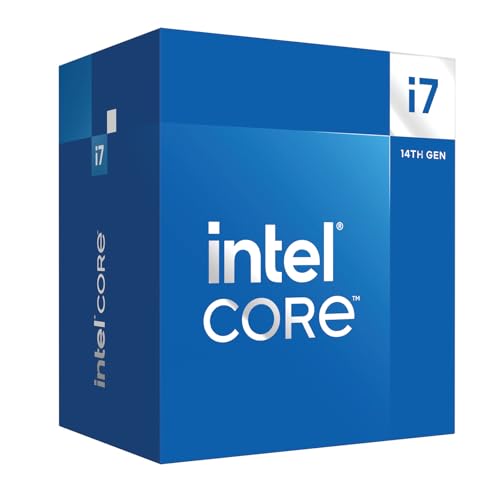
- Intel Core i7 14700 (Overall score: 9.03 points)
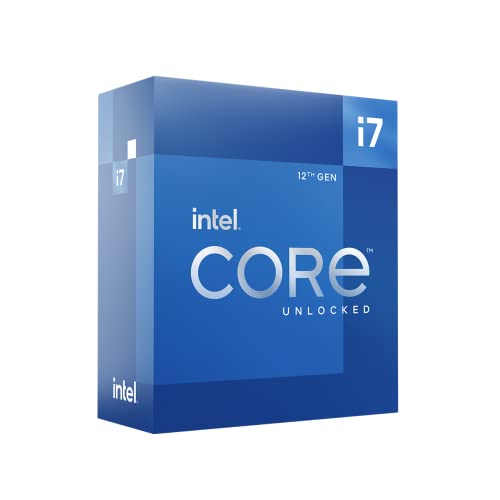
- Intel Core i7 12700K (Overall score: 9.01 points)
How do Intel Core i7 CPUs compare to Core i5 and Core i9?
Intel Core i7 models usually have more cores and threads than Core i5, which improves multitasking and speeds up demanding workloads. At the same time, Core i7 chips run at higher base and boost clock speeds than Core i5, so they perform better in both productivity tasks and gaming, although Core i5 processors can still reach good performance at lower cost.
Compared to Core i9, Core i7 CPUs deliver less raw performance because Core i9 models usually have more cores, higher cache sizes, and stronger boost frequencies. Core i9 processors target heavy workloads such as 4K video editing, 3D rendering, or high-end gaming rigs that need maximum speed. Core i7 CPUs still handle those tasks well, but Core i9 extends performance further, especially under sustained workloads.
In short, Core i5 is best for mainstream users who want strong performance at a lower price, Core i7 is suited for advanced users who need faster speeds and more cores, and Core i9 is designed for enthusiasts and professionals who require the highest level of power.
The following chart compares the number of physical cores in Intel Core i7 CPUs.
[vertical-chart-10615423295434163057136814307017067576981586788887]
How much do Intel Core i7 processors cost?
Intel Core i7 processors cost between £220 and £430 depending on the generation, model, and performance tier.
Entry-level i7 models usually stay closer to £220 while high-end unlocked versions with higher clock speeds and more cores can reach £430 or slightly above. Prices vary with release cycles since newer generations launch at higher values while older ones drop once replaced.
The cost also depends on whether the processor targets desktops or laptops since mobile i7 CPUs often come as part of a complete system and cannot be bought separately.
For desktops, unlocked “K” series chips are usually more expensive than locked ones because they allow higher clock speeds and support overclocking.
The following chart shows the price distribution of Intel Core i7 processors.
[vertical-chart-10301695663672994296093167051382913453053290248120]
What should you consider while choosing the best Intel Core i7 CPU?
When you choose the best Intel Core u7 processor, you must consider the following key factors:
- Generation architecture: The processor generation determines base performance and efficiency levels. The 12th generation Intel Core i7-12700K shows 95% better performance compared to 8th generation models. Newer generations like 13th gen (i7-13700K) and 14th gen (i7-14700K) deliver approximately 10% performance improvements over previous generations with reduced power consumption. The latest Intel Core Ultra 7 series represents the newest architecture with Meteor Lake design, which significantly outperforms traditional i7 processors in single-core tasks with 174 points versus 136 points in benchmarks.
- Core and thread count: Modern i7 processors feature hybrid architectures with performance cores (P-cores) and efficiency cores (E-cores). The i7-13700K contains 16 cores total with 8 P-cores and 8 E-cores that support 24 threads through hyperthreading technology. Higher core counts enable better multitasking and parallel processing for demanding applications like video editing and 3D rendering. The thread count directly affects how many simultaneous processes the CPU can handle efficiently.
- Clock speeds: Base and boost clock frequencies determine single-threaded performance capabilities. The i7-13700K operates at 3.4 GHz base frequency with maximum turbo frequency reaching 5.4 GHz on performance cores. The newer Intel Core Ultra 7 achieves even higher speeds with 5.0 GHz turbo frequency, which provides superior performance in gaming and professional applications that rely on single-thread performance. Higher clock speeds translate to faster processing of individual tasks and better responsiveness.
- Cache memory: Cache size affects data access speed and sustained performance under heavy workloads. The i7-13700K features 30 MB of L3 cache while higher-end models like the i9-13900K contain 36 MB. The Intel Core Ultra 7 includes 24 MB of Intel Smart Cache, which is double the 12 MB found in older i7 models. Larger cache capacity allows the processor to store more frequently accessed data close to the CPU cores, which reduces memory latency and maintains performance during intensive tasks like video rendering and complex simulations.
The chart below shows the boost clock distribution of Intel Core i7 processors.
[vertical-chart-03038259882318349871054602935969150765353166743888]