Are Intel CPUs good for gaming?
Intel CPUs are excellent for gaming and remain competitive choices for gamers who want strong performance.
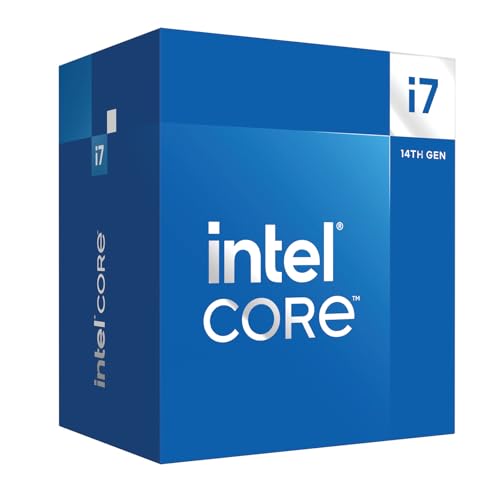
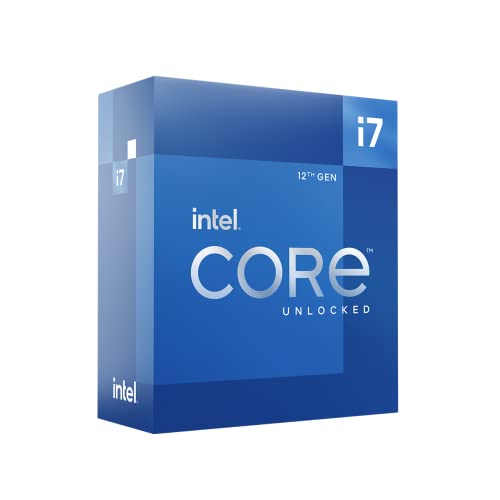
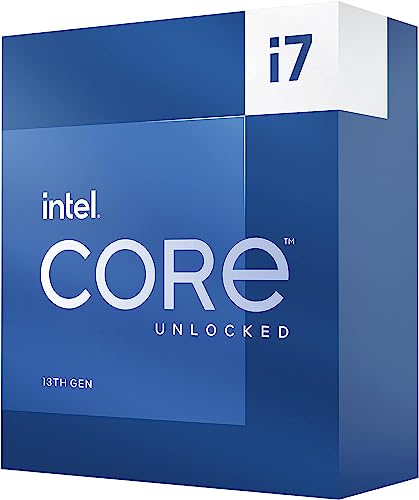
Current 13th generation Intel processors like the Core i5-13600K and Core i7-13700K deliver high frame rates across most modern games, especially at 1080p and 1440p resolutions where CPU performance matters most. Intel's architecture excels in single-threaded performance, which benefits many games that don't fully utilize multiple cores. The processors also support PCIe 5.0 and DDR5 memory, which future-proofs gaming systems and allows faster data transfer speeds for graphics cards and storage devices.
Intel CPUs pair well with high-end graphics cards and can handle demanding games without bottlenecking performance. The integrated graphics in Intel processors have also improved significantly with Intel Arc graphics, though dedicated GPUs remain necessary for serious gaming.
The best Intel CPUs for gaming are as follows.
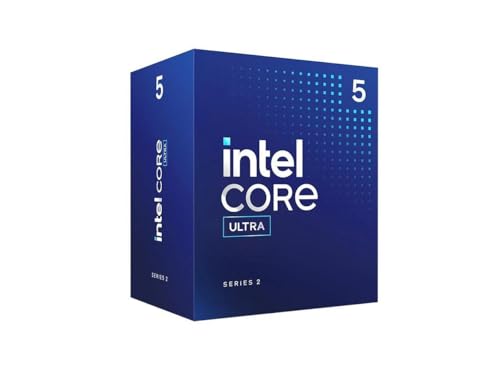
- Intel Core Ultra 5 235 (Overall score: 9.1 points)
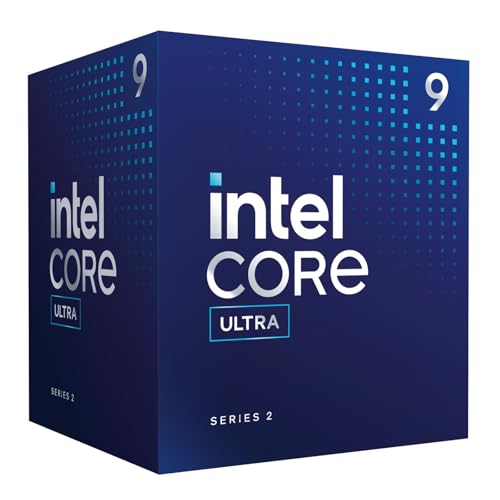
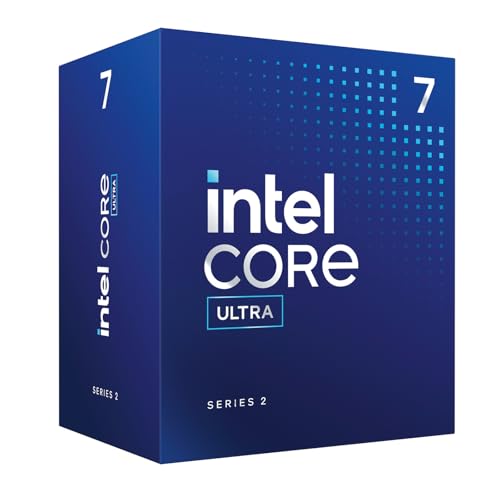
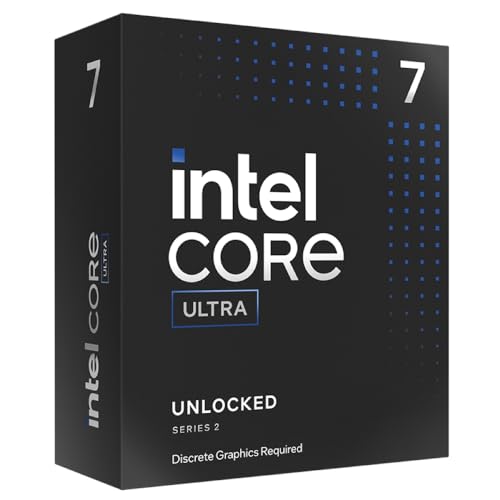
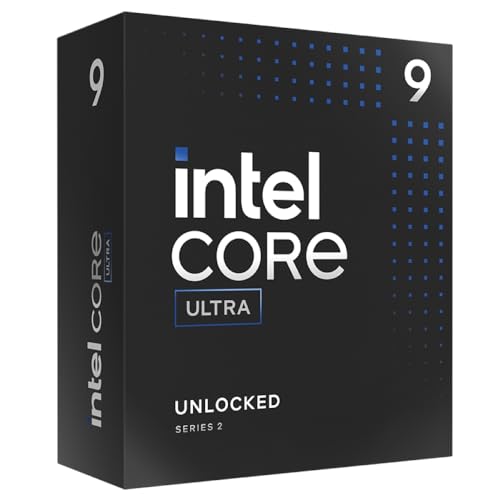
- Intel Core Ultra 9 285 (Overall score: 9.07 points)
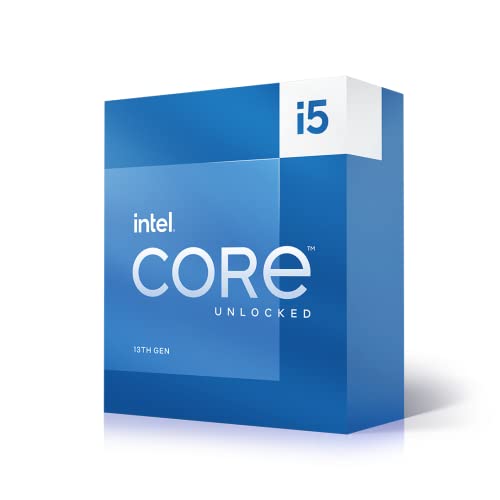
- Intel Core i5 13600K (Overall score: 9.05 points)
Which Intel CPU series is best for gaming?
The best Intel CPU series for gaming are as follows:
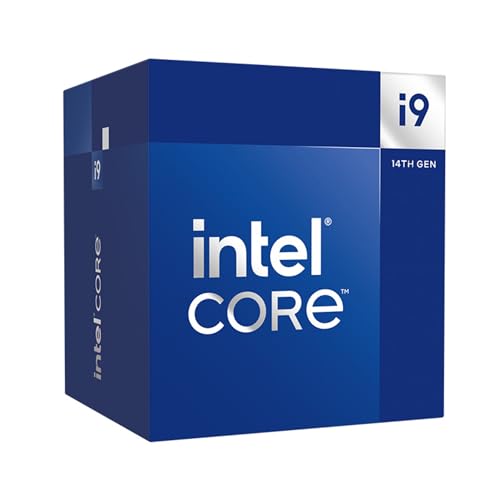
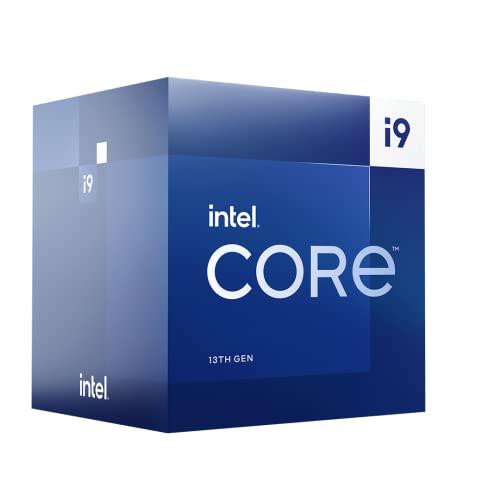
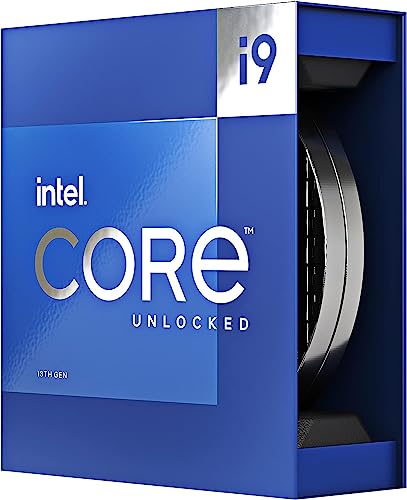
- Core i9: This series stands at the very top for gaming. It has the highest clock speeds, many cores, and strong multi-threading performance, which allow it to run modern AAA titles at very high frame rates. It is the best choice for 4K gaming and competitive setups with high-refresh monitors, and it handles streaming and multitasking with ease.
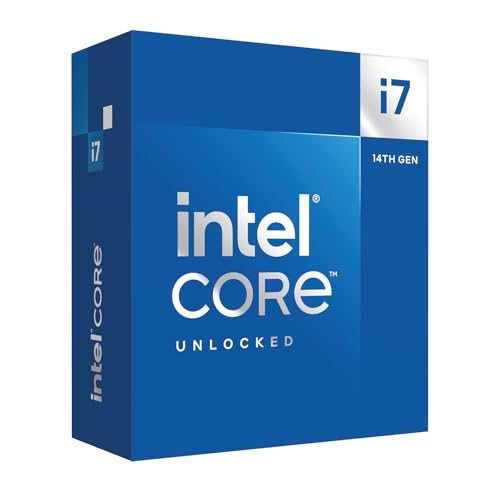
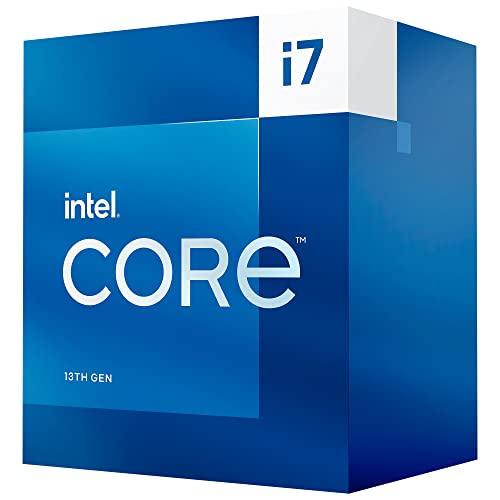
- Core i7: Just below i9, this series still delivers excellent results. With more cores and threads than i5, it runs CPU-intensive games smoothly and manages background tasks like streaming or video editing without slowdowns. It is a strong choice for gamers who want high-end performance without reaching i9 levels.
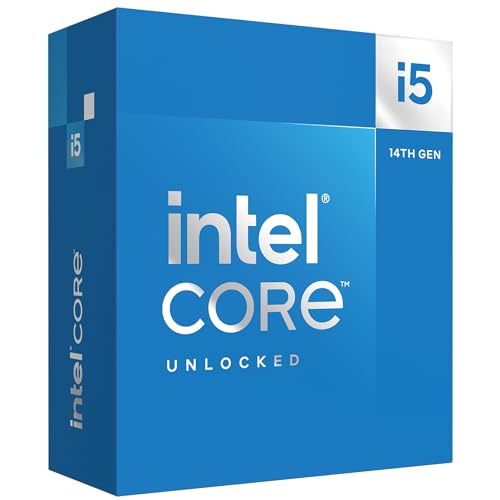
- Core i5: Considered the best balance of performance and efficiency, i5 CPUs suit most gamers. They run modern games at high frame rates and pair well with strong GPUs for 1080p or 1440p gaming. With up to 14 cores in newer generations, they give more than enough power for popular titles while keeping resource use reasonable.
- Core i3: This series sits in the entry-level range. It can handle esports titles and older or lighter games, but it struggles with demanding modern releases that need higher core counts. It is suitable only for casual players or budget systems.
How do Intel CPUs compare to AMD CPUs for gaming?
For gamers focused purely on maximum frames per second at competitive settings, Intel CPUs usually lead, but for users who combine gaming with streaming, editing, or parallel workloads, AMD processors bring stronger overall versatility.
Intel processors usually achieve higher clock speeds and stronger single-thread performance, which benefits games that depend on raw frequency and fewer cores. AMD CPUs, in contrast, often provide more cores and threads at the same tier, so they handle multitasking and modern engines that scale across many threads with greater balance.
In high-refresh gaming, Intel processors like the Core i5 and Core i7 series often deliver slightly higher frame rates, especially at 1080p, because of faster single-core execution. AMD’s Ryzen chips, such as the Ryzen 5 and Ryzen 7 lines, match this in most titles at higher resolutions (1440p or 4K) where the GPU becomes the main limiter, so the gap between the two brands narrows.
Intel also maintains a lead in features like integrated graphics and compatibility with technologies that enhance frame pacing, while AMD emphasizes efficiency per watt and better value in multi-threaded loads.
How much do Intel processors for gaming cost?
Intel processors for gaming cost from entry-level prices under £130 to premium models that reach well above £510.
The cheapest options include Core i3 chips, which can handle basic gaming when paired with a dedicated graphics card. Mid-range choices such as Core i5 processors usually sit between £170 and £300, and they deliver strong performance in most modern games.
High-end Core i7 models typically range from £300 to £425, which places them in a segment for gamers who need higher frame rates or want smoother multitasking with streaming. The Core i9 line pushes even higher, usually starting near £425 and reaching £595 or more, as it targets enthusiasts who want maximum performance and stability under heavy workloads.
What should you consider while choosing the best Intel processor for gaming?
When choosing an Intel Xeon processor, you should consider the following factors:
- Core count and thread performance: Core count determines how many simultaneous operations your processor can handle. Intel Core i5 processors typically feature 6 performance cores with 4 efficiency cores for 20 threads, which works well for most games. Core i7 processors include 8 performance cores and 8-12 efficiency cores, while Core i9 processors pack 8-16 cores with 16-32 threads. Higher core counts benefit modern games that utilize multiple threads and help with background tasks like streaming or content creation while gaming.
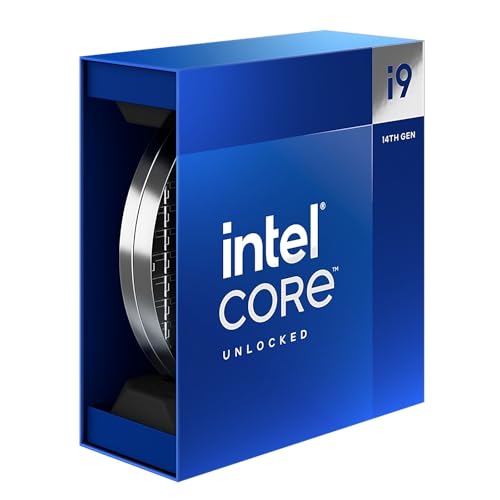
- Clock speed and boost frequencies: Base and boost clock speeds directly impact gaming performance, especially in CPU-bound scenarios. Intel Core i5-14600K operates at 3.5GHz base with 5.3GHz boost, while higher-tier processors like the Core i9-14900K reach up to 5.3GHz on boost. Games that rely heavily on single-thread performance see significant improvements from higher clock speeds, making this specification crucial for competitive gaming and high refresh rate displays.
- Cache memory architecture: Cache size affects how quickly your processor accesses frequently used data. Intel Core i5-14600K includes 20MB L3 cache and 24MB L2 cache, while higher-end processors feature larger cache pools. More cache memory reduces memory latency and improves frame consistency in demanding games, particularly those with large world environments or complex AI systems.
- Thermal Design Power and cooling requirements: TDP ratings indicate power consumption and heat generation characteristics. Intel Core i5 processors typically consume around 181W maximum power, while Core i7 and i9 variants can draw significantly more power under load. Higher TDP processors require robust cooling solutions and may throttle performance if thermal limits are exceeded during extended gaming sessions.
- Socket compatibility and platform features: Modern Intel processors use LGA 1700 socket with 600 or 700-series motherboards, supporting PCIe 5.0 lanes and DDR5 memory standards. PCIe 5.0 connectivity allows for next-generation graphics cards and storage devices, while DDR5 support provides higher memory bandwidth for CPU-intensive games and reduces loading times compared to DDR4 configurations.
- Multi-Generation Performance Scaling: Intel's processor generations show measurable performance differences across series lines. The 13th generation Core i7-13700K and Core i9-13900K demonstrate superior gaming performance compared to previous generations, with the i9-13900K achieving 5-10% higher frame rates than i7-13700K in demanding titles like Cyberpunk 2077 and Assassin's Creed Valhalla. Intel's latest Core Ultra processors incorporate AI acceleration features and improved efficiency cores, though gaming performance gains remain modest compared to traditional Core i5 and i7 processors for pure gaming workloads.