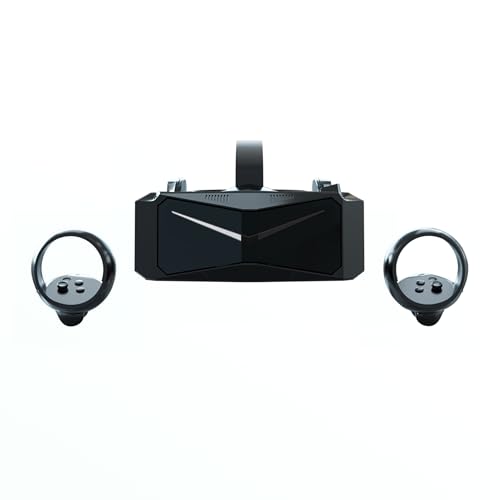

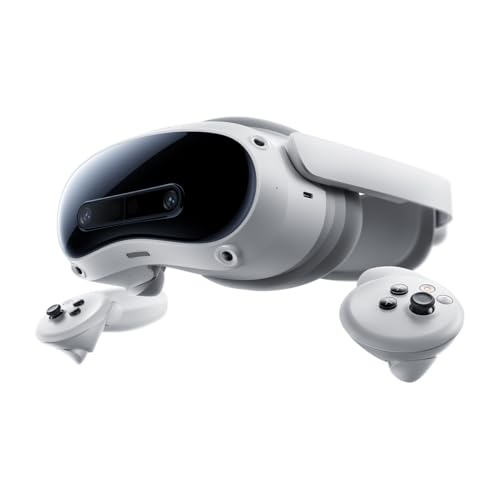
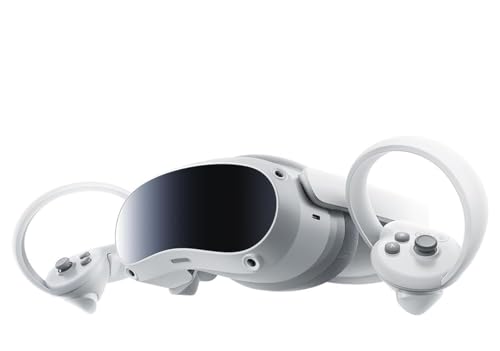
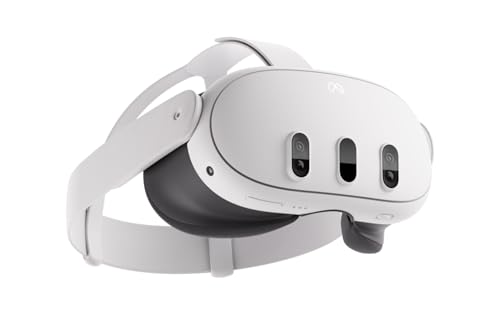
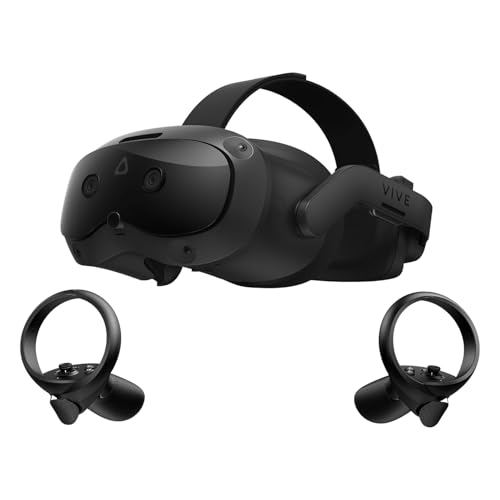
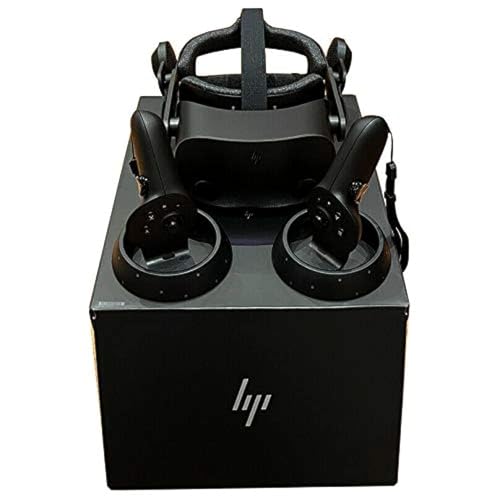
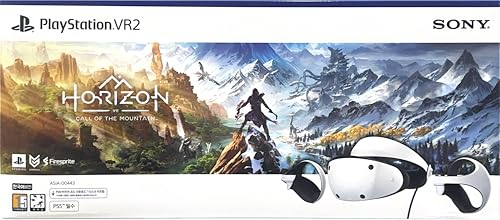


What makes a VR headset clear?
A VR headset looks clear when panel resolution, pixels-per-degree, lens quality, and render quality all hold up together. In current hardware, clarity usually starts around 2,000 × 2,000 pixels per eye, while sharper premium models move into the 2,448 × 2,448-per-eye class and often deliver roughly 30 to 35+ PPD instead of the low-20s typical of older designs. That higher angular density reduces visible pixel structure, shimmer, and aliasing, especially on text and fine UI.
Optics are just as important. A clear headset needs a large sweet spot, good edge retention, low glare, and accurate IPD alignment so more of the panel stays usable in real viewing. Pancake lenses usually improve text stability and edge-to-edge sharpness versus older Fresnel optics, which more often show haloing, narrower eye-box tolerance, and blur away from center. Even then, low render scale, weak upscaling, mura, or wireless compression can still make a high-spec headset look softer than its panel specs suggest.
Do resolution and lenses matter most for clear VR headsets?
Yes, resolution and lenses usually matter most, but they work as a system rather than separate upgrades. Resolution and PPD set the detail ceiling: around 1,832 × 1,920 to 2,064 × 2,208 per eye can look decent, but the step to roughly 2,160 × 2,160 or 2,448 × 2,448 per eye is where small text, thin HUD lines, and distant geometry usually become noticeably cleaner. If angular resolution stays low, the image still looks coarse no matter how good the lenses are.
The lenses decide how much of that detail actually reaches your eyes. A stronger pancake optical stack usually keeps more of the field sharp with a larger sweet spot, less edge softness, and lower perceived glare than many Fresnel designs. That is why two headsets with similar panel specs can look different in practice. After panel and lens quality, the next big clarity limiters are render scale, reprojection artifacts, and compression, because a soft source image wastes the benefit of premium optics.
How much blur and screen door effect do clear VR headsets reduce?
Clear VR headsets cut blur and screen door effect dramatically compared with older sub-2K-per-eye designs, but they do not eliminate either one. Once you move into roughly 2,160 × 2,160-per-eye and above, screen door usually shifts from obvious to faint in normal play, and on denser 2,448 × 2,448-class panels it can become difficult to notice unless you look for it on bright flat scenes or high-contrast menus. Visible pixel structure is reduced a lot, not fully gone.
Blur is harder to solve because it comes from several layers at once. Better lenses reduce optical softness, but perceived blur can still come from motion persistence, imperfect eye position, limited sweet spot, low game render scale, temporal reconstruction, or wireless video compression. Panel uniformity and subpixel layout matter too, which is why two headsets with similar quoted resolution can still differ in how crisp subtitles, distant signs, or cockpit gauges look. The best current models make menus and fine textures much cleaner, but they still do not look as perfectly crisp as a nearby 4K monitor.