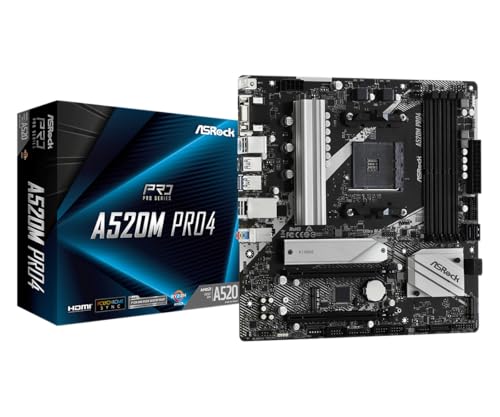

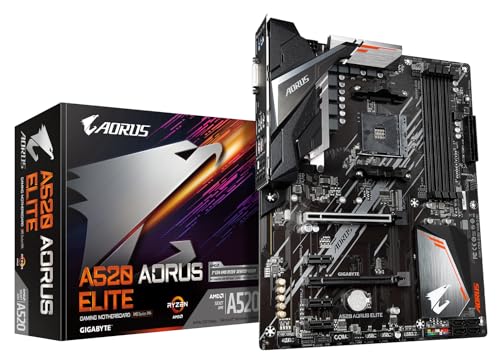
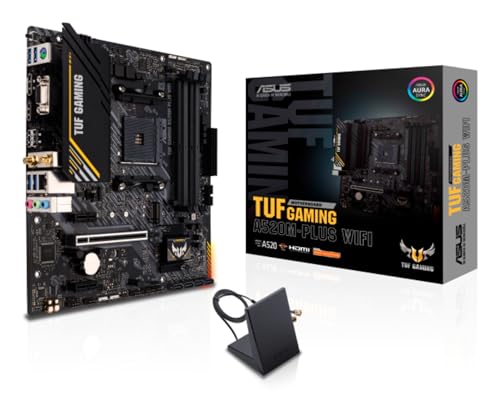
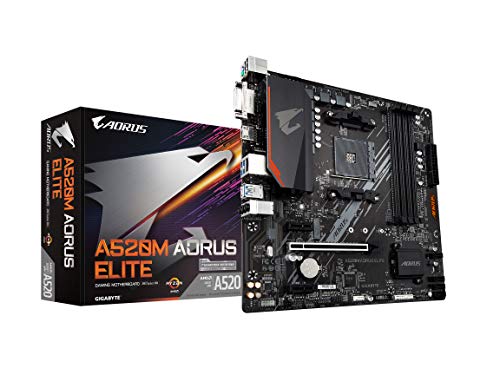
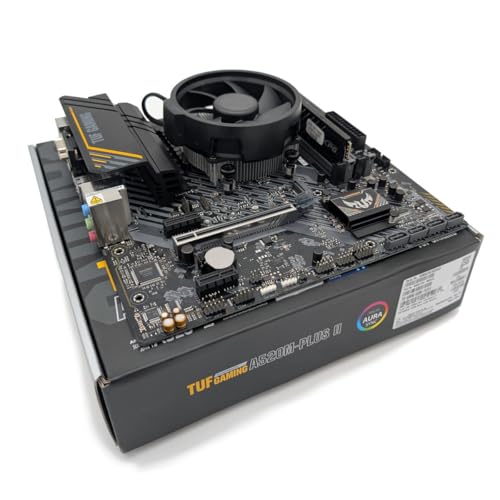
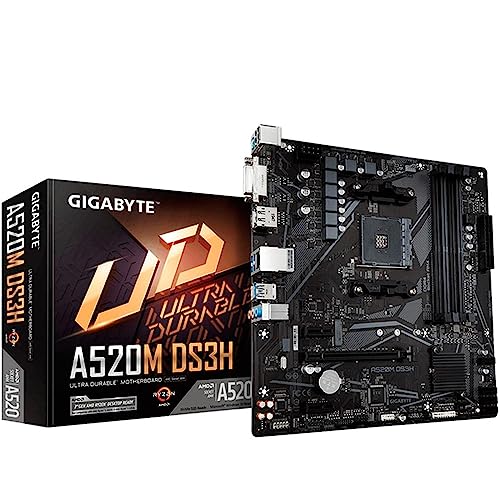
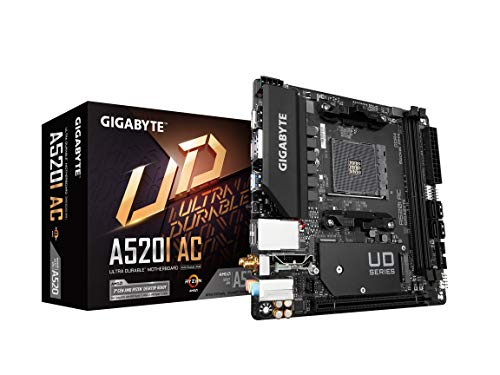
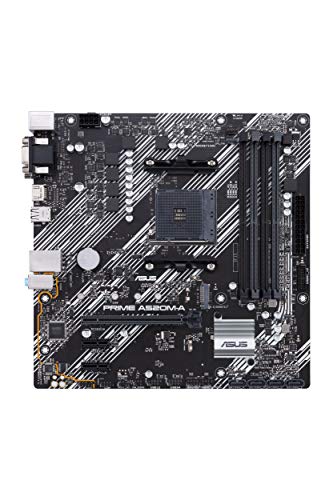
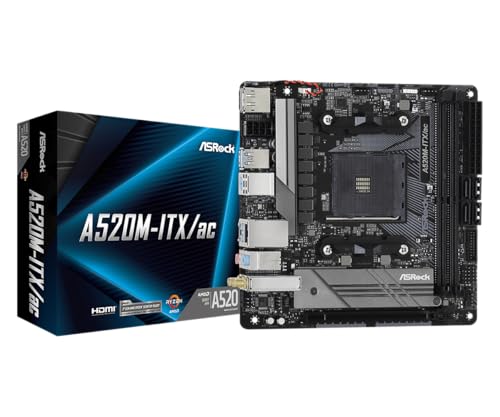
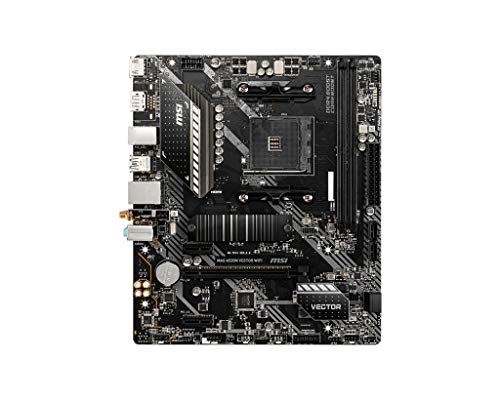
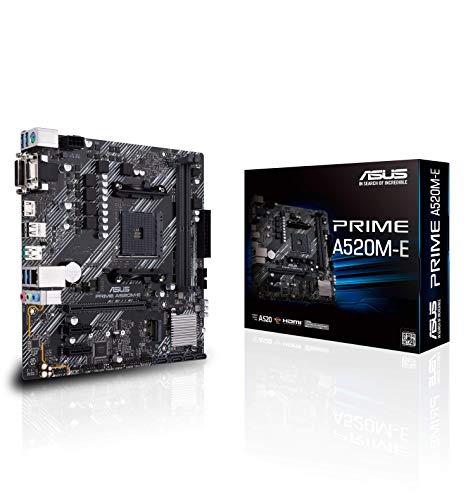
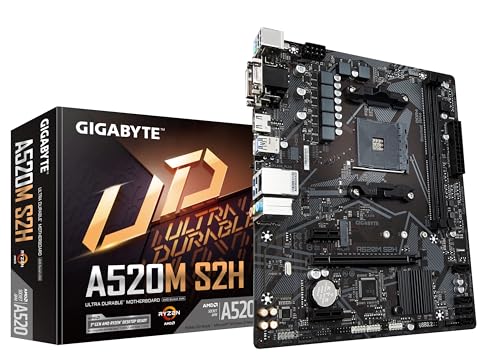
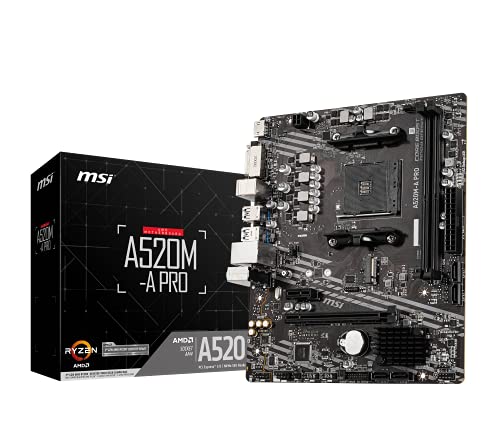
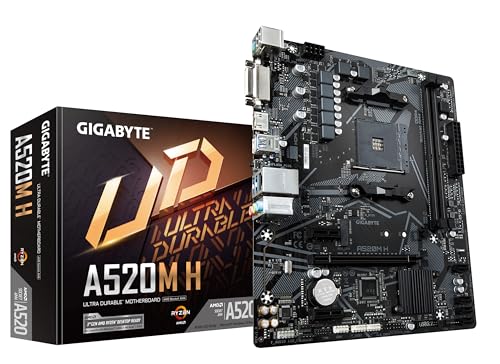
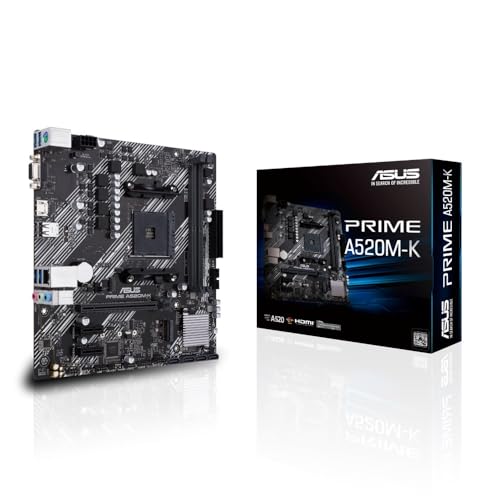
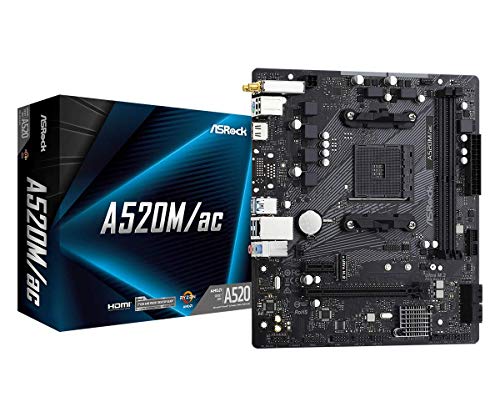
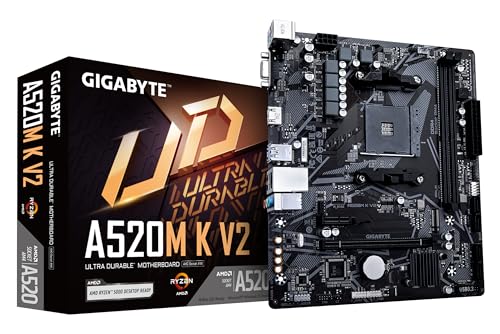
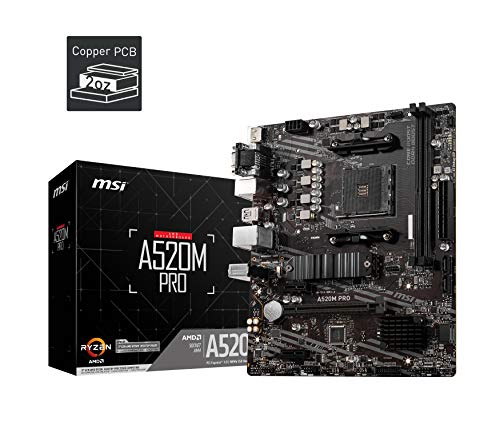
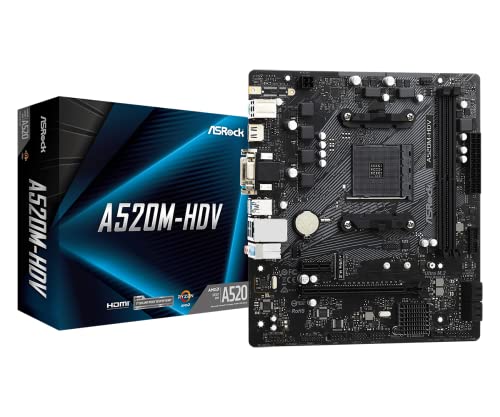
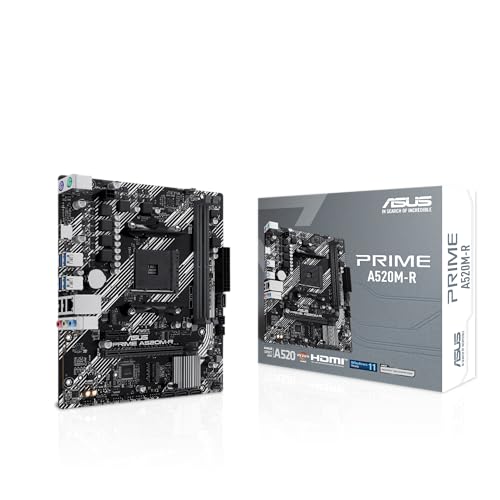
What is an A520 motherboard?
An A520 motherboard is an entry-level chipset from AMD designed for budget-friendly systems using Ryzen processors. It provides the essential features needed for everyday computing without the advanced extras found in higher-tier chipsets.
Unlike B-series or X-series boards, A520 motherboards focus on affordability and simplicity, making them well-suited for office PCs, home use, and casual builds where top performance and expansion aren’t priorities. They generally support PCIe 3.0 instead of PCIe 4.0, limiting bandwidth for newer graphics cards and storage devices, but this trade-off helps reduce costs significantly.
These boards typically come with fewer connectivity options, such as limited USB ports, no CPU overclocking support, and fewer high-speed storage slots. Memory overclocking is usually supported, but within modest limits compared to B550 or X570 motherboards.
Despite their restrictions, A520 motherboards still provide a reliable foundation for users who want a stable system for web browsing, media consumption, and light productivity tasks.
Which brands make the best A520 motherboards?
The best A520 motherboard brands are as follows.
- GIGABYTE (Overall score: 5.3 points)
- ASUS (Overall score: 5.1 points)
- MSI (Overall score: 4.8 points)
The chart below ranks A520 motherboard brands by average overall score.
[horizontal-chart-16675354813508965107104449312174297128660176320900]


How much do A520 motherboards cost?
A520 motherboards cost between £45 and £90 depending on the brand and model.
Entry-level boards usually start around £45 while more feature-rich versions go closer to £90. Prices stay in the budget range because the A520 chipset targets low to mid-tier builds.
The following chart shows the price distribution of A520 motherboards.
[vertical-chart-08901540247354592543126722716717770543820285350144]
What should you consider while choosing the best A520 motherboard?
When choosing the best A520 motherboard, you should evaluate the following key factors:
- VRM quality and power delivery: The voltage regulator module determines system stability and affects overclocking capabilities. Look for motherboards with proper VRM heatsinks and sufficient power phases, such as the 5+3 phases digital VRM solution found in quality A520 boards. Better VRM components maintain stable power delivery to the CPU and prevent thermal throttling under load.
- Expansion slots and storage options: Different A520 motherboards vary significantly in their expansion capabilities and storage interfaces. ATX models like the GIGABYTE A520 AORUS ELITE provide two PCIe 3.0 x16 slots with the first running at full bandwidth, while micro-ATX versions typically offer fewer expansion options. Check the number of M.2 slots, SATA ports, and PCIe configuration to match your storage and expansion card requirements.
- Memory support and capacity: A520 motherboards support different DDR4 speeds and maximum capacities depending on the specific model. Most support DDR4 up to 4400MHz through overclocking and accommodate between 64GB to 128GB of total memory. Dual-channel memory architecture is standard across all A520 boards, but the number of DIMM slots varies between two and four depending on the model.
- I/O connectivity and features: Rear panel connectivity differs substantially between A520 models in terms of USB port quantity and specifications. Some boards include USB 3.2 Gen 2 ports for faster data transfer, while others focus on providing more USB 3.2 Gen 1 connections. Additional features like BIOS flashback buttons, integrated I/O shields, and RGB lighting support can enhance usability.
- Form factor and physical compatibility: A520 motherboards come in ATX, micro-ATX, and mini-ITX form factors with different advantages for each build type. ATX boards provide maximum expansion slots and features but require larger cases, while micro-ATX and mini-ITX options fit compact builds with reduced expansion capabilities. Consider your case size and expansion requirements when selecting the appropriate form factor.