
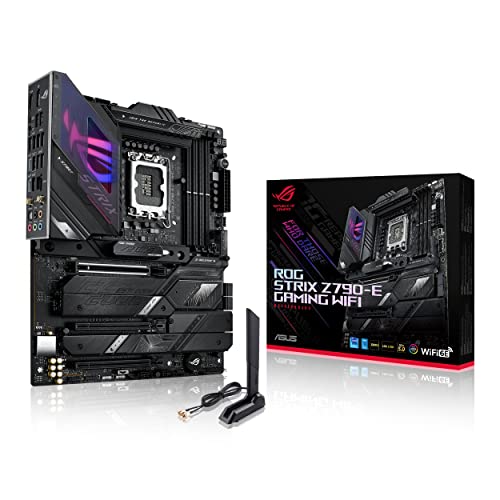
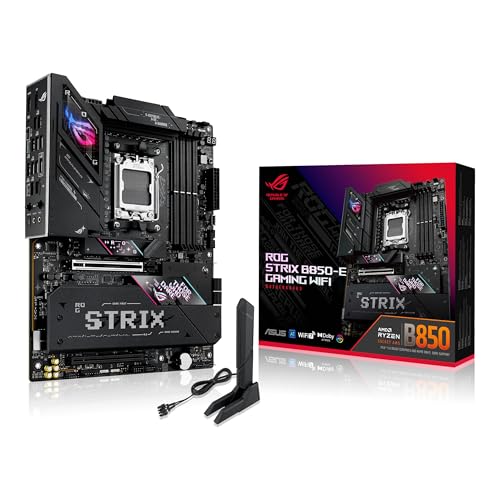
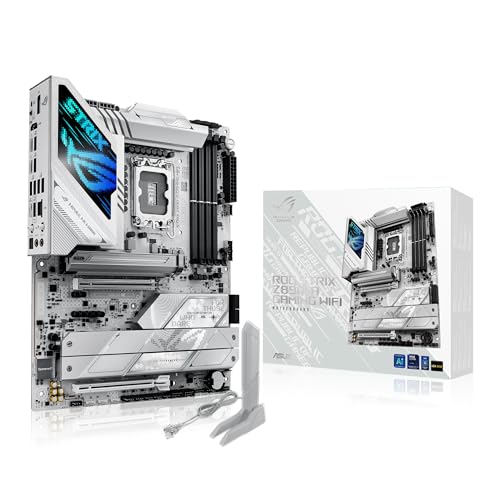
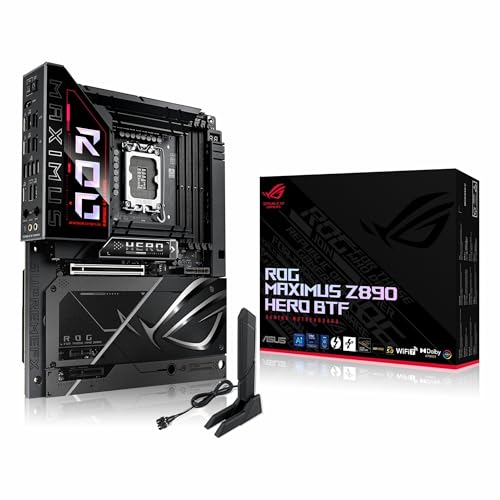
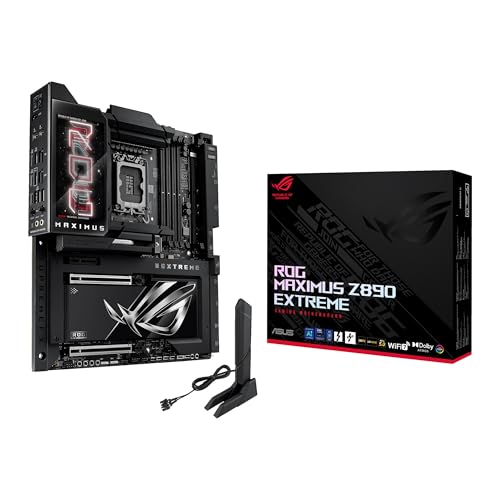
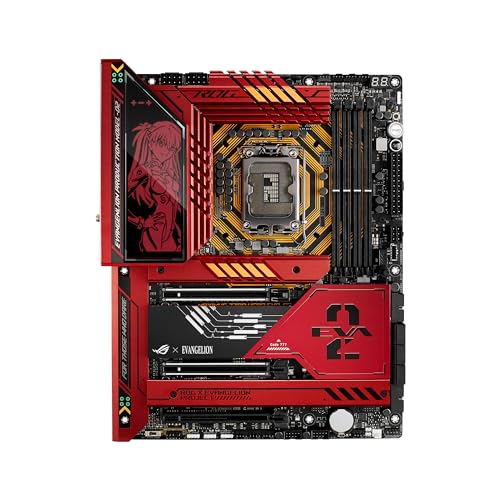
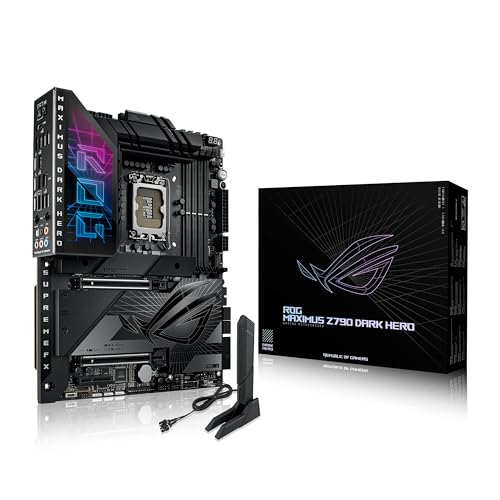
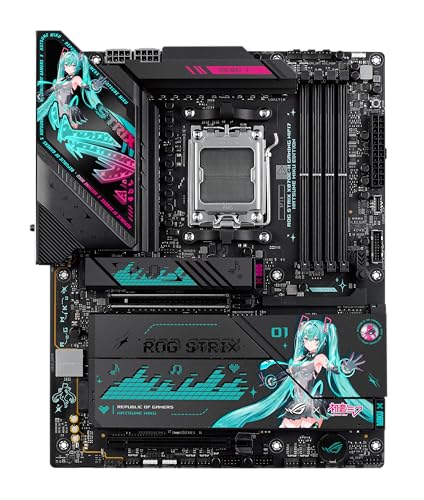
Are Asus motherboards good?
Asus motherboards have an average overall score of 9, ranking #1 among all motherboard brands, and a user rating of 9.2, placing them at #2 based on user reviews.
Asus motherboards are generally seen as strong performers across different categories, from entry-level to high-end builds. They have a reputation for solid build quality, stable power delivery, and wide compatibility with Intel and AMD processors.
Many users value the BIOS interface, which is considered user-friendly and reliable for both beginners and advanced system tuning. Asus also tends to include useful features like enhanced cooling options, reinforced PCIe slots, and strong audio solutions, which make their boards appealing for gaming and productivity builds.
On the downside, Asus motherboards often come at a higher price compared to some competitors with similar specifications. While their premium boards stand out in terms of durability and features, budget models may not always provide the same value as brands that focus more strictly on affordability.
The best Asus motherboards are as follows.
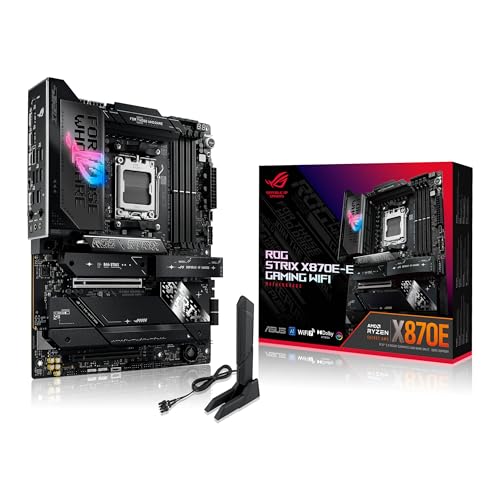
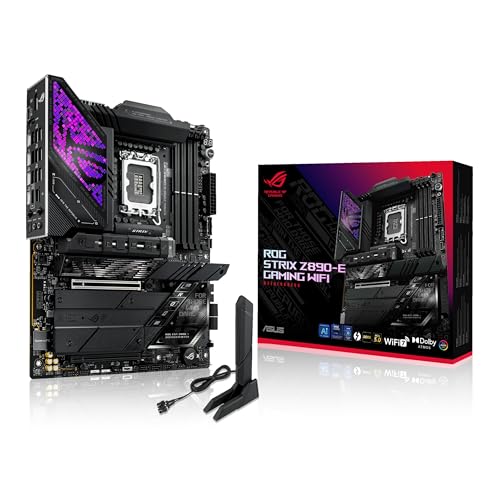
- ASUS ROG Strix X870E E Gaming WiFi (Overall score: 9.2 points)
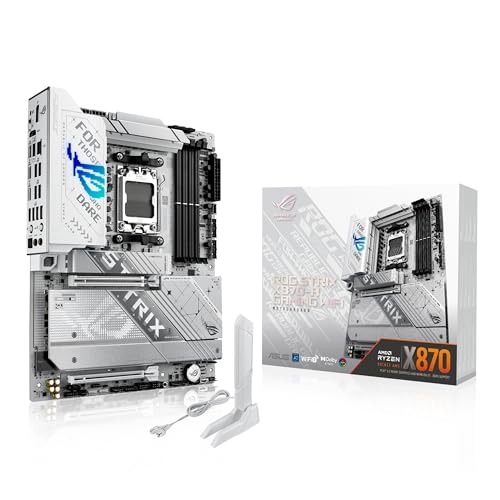
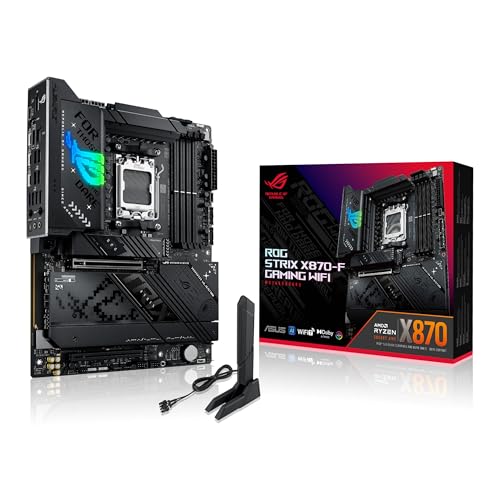
- ASUS ROG Strix X870 A Gaming WiFi (Overall score: 9.16 points)
The chart below ranks motherboard brands by average overall score.
[horizontal-chart-12588743876552819512164314463740724746191265422285]


What are the main advantages of Asus motherboards?
The main advantages of Asus motherboards are the following:
- Build quality: Asus motherboards use high-end components such as 12+2 phase VRMs and alloy chokes, which support stable overclocking and higher CPU loads. Capacitors often reach 10K hours durability, so they last longer than standard 5K parts.
- BIOS and software: Asus has one of the most advanced UEFI BIOS interfaces, with EZ Mode and AI Tweaker. It supports detailed fan controls, memory timing adjustments, and easy overclocking profiles, which makes system tuning precise.
- Wide model range: Asus covers every segment, from entry-level Prime boards at around £90 to ROG Maximus series above £550, so users can match budget and needs. The ROG Strix series dominates the mid-range with balanced features.
- Networking: Many Asus boards integrate Intel 2.5 GbE LAN or Wi-Fi 6E (802.11ax), which provides up to 2.4 Gbps wireless speed. Premium models include dual LAN ports with link aggregation for high bandwidth.
- Audio: High-end Asus motherboards feature SupremeFX or Crystal Sound 3 with isolated audio pathways, Nichicon capacitors, and SNR values above 120 dB, which improves clarity and reduces interference.
- Cooling support: Asus integrates multiple hybrid fan headers and dedicated water pump headers (up to 3A). High-end models also include thermal sensors and AI Cooling II, which optimizes fan curves automatically.
- Expansion and storage: Boards support PCIe 5.0 x16 for GPUs and PCIe 5.0/4.0 M.2 slots with heatsinks. Many ROG boards feature 4 M.2 slots and up to 8 SATA ports, which is above average for mainstream boards.
What are the main disadvantages of Asus motherboards?
Asus motherboards have the following main disadvantages:
- Price: Asus boards cost more than rivals with similar specs. For example, an ROG Strix Z790-F Gaming WiFi sells at around £340, while MSI and Gigabyte boards with similar features cost 300–£290.
- BIOS updates: Although BIOS is advanced, updates sometimes face instability or bugs. Some users report memory training issues after new versions, especially on DDR5 boards.
- Power consumption: High-end ROG motherboards draw more idle power than competitors, often above 10–15 W higher. This results from extra controllers and RGB lighting.
- Limited budget options: Entry-level Asus Prime boards often lack features such as debug LEDs, reinforced PCIe slots, or high-speed USB ports, while brands like ASRock include them at the same price.
- Availability: High-end models like ROG Maximus Apex or Extreme are often short in stock and sell out fast, which forces buyers to pay higher resale prices.
Who makes Asus motherboards?
Asus motherboards are made by ASUSTeK Computer Inc., a Taiwanese multinational company founded in 1989 in Taipei. The company designs and manufactures its own motherboards and has long held the position as the world’s largest motherboard maker by volume. Asus produces motherboards for Intel and AMD processors across multiple price ranges, from entry-level to high-end gaming and workstation boards.
The company has its headquarters in Taipei, Taiwan, and employs more than 15,000 people worldwide. Manufacturing takes place in several facilities, mainly in Taiwan and mainland China, with additional operations in the Czech Republic and Mexico for regional markets.
Asus is also known for its Republic of Gamers (ROG) brand, which specializes in high-performance motherboards and gaming hardware.
How popular are Asus motherboards worldwide?
Asus motherboards are the most popular worldwide, with shipments in 2024 estimated at about 40 million units and a global market share close to 35 %, which kept Asus in first place ahead of MSI, Gigabyte, and ASRock. The ROG and TUF Gaming series drove sales in the enthusiast and gaming segments, while the Prime series dominated in mainstream builds.
Asus performed strongest in Asia and Europe, where its share often exceeded 35 %, while in North America it stayed closer to 30 %.
What are the main Asus motherboard series?
The main Asus motherboard series are as follows.
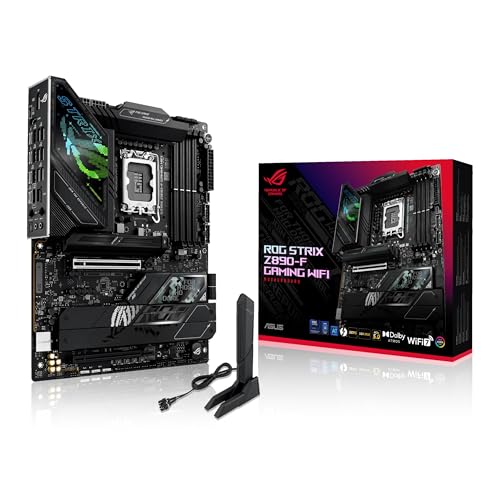
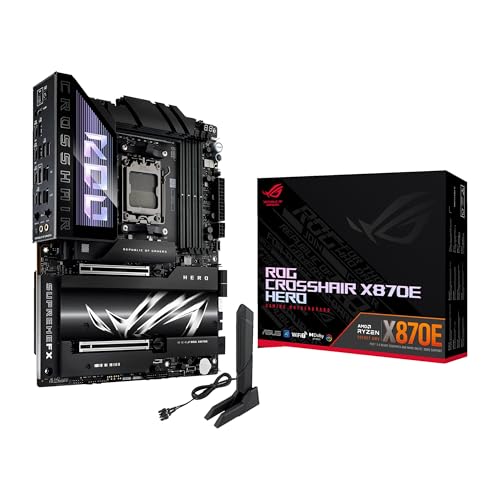
- ROG (Republic of Gamers): High-end motherboards designed for gaming and overclocking. They have strong power delivery, advanced cooling, and premium features such as reinforced PCIe slots and multiple M.2 connections.
- ROG Strix: A step below full ROG, these boards target gamers who want strong performance and style at a lower price. They combine gaming features, RGB lighting, and solid VRM setups.
- TUF Gaming: Built for durability and stability, this series focuses on long-lasting components and military-grade certification. It suits gamers and system builders who want reliable boards with a lower price than ROG.
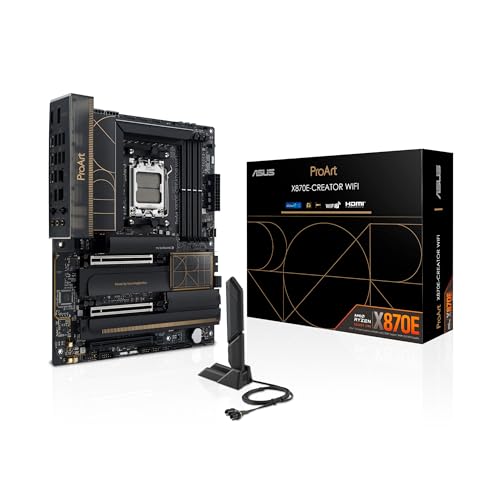
- ProArt: Aimed at content creators, these motherboards focus on connectivity, high-speed storage, and stable performance for workloads such as video editing and 3D rendering.
- Prime: A versatile series for general use and productivity, with a balance of features, efficiency, and affordability. Prime boards fit office systems, home PCs, or budget-friendly gaming builds.
- Pro/WS (Workstation): Designed for professionals who need stability and expansion, these boards support multi-GPU setups, ECC memory, and advanced storage options. They target engineering, 3D design, and server-grade work.
- CSM (Corporate Stable Model): Built for businesses, these boards guarantee long-term availability and extended support. They include management tools and security features suitable for corporate environments.
- EX-A/EX-B (Expedition): Focused on gaming cafés and systems that run long hours, these motherboards prioritize durability and stability. They feature anti-moisture coatings and long-lasting components.
- Legacy/Entry-level (like H or A series): Affordable boards aimed at basic users. They cover office or home use, support for budget CPUs, and essential connectivity without advanced gaming or creator-focused features.
How much do Asus motherboards cost?
Asus motherboards cost between £60 and £800 depending on the series and specifications.
Entry-level models such as those from the Prime series start near £60 and focus on basic features for standard home or office PCs. Mid-range models like the TUF Gaming or ProArt boards usually fall between £130 and £300, which gives you better build quality, stronger power delivery, and more connectivity options.
High-end Asus motherboards such as the ROG Strix and ROG Maximus lines range from £300 up to £800. These boards target gaming and enthusiast builds, so they include advanced overclocking controls, reinforced components, and support for the latest CPUs and GPUs.
The following chart shows the price distribution of Asus motherboards.
[vertical-chart-02431444554748255032129016976570965785661852947074]
What should you consider while choosing the best Asus motherboard?
When choosing the best Asus motherboard, you should consider the following key factors:
- Socket type and chipset: The socket must match your CPU perfectly since it controls which processors you can install. Modern Intel CPUs use LGA 1851 for Z890 chipsets, while AMD uses AM5 for X870E and B650 series. Z690 and Z790 series support 12th and 13th generation Intel processors, and X670 series handles AMD Ryzen 7000 processors.
- Form factor size: ATX boards like the ROG Maximus series provide maximum expansion slots and connections, while mATX boards such as the TUF Gaming B660M-E D4 fit smaller cases but limit upgrade options. Mini-ITX boards have the smallest footprint but reduce slot availability and cooling capacity.
- Power Delivery System: VRM quality determines CPU overclocking stability and performance. High-end models feature robust power stages, with the ROG Crosshair series using 18+2+2 configurations and the Prime B650M-A using 6-layer PCB designs for stable power distribution. Power stages directly affect processor boost performance and system stability.
- Memory support and slots: DDR5 compatibility varies between series, with ROG and TUF Gaming boards supporting enhanced memory profiles while Prime series focuses on standard configurations. Four DIMM slots allow future upgrades compared to two-slot boards which require complete replacement of memory modules for capacity increases.
- Expansion slots and sorage: PCIe 5.0 slots accommodate next-generation graphics cards and NVMe drives, while multiple M.2 slots with dedicated heatsinks handle high-speed storage without thermal throttling. ROG series boards typically offer three to five M.2 slots compared to Prime series with two to three slots.
- Cooling solutions: Advanced thermal management includes chipset heatsinks, VRM cooling, and intelligent fan control. ROG boards feature AI Cooling II technology while TUF Gaming series uses comprehensive cooling with active chipset heatsinks. Proper cooling prevents component throttling and extends hardware lifespan.