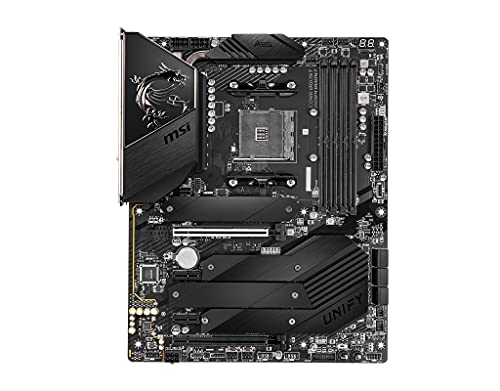

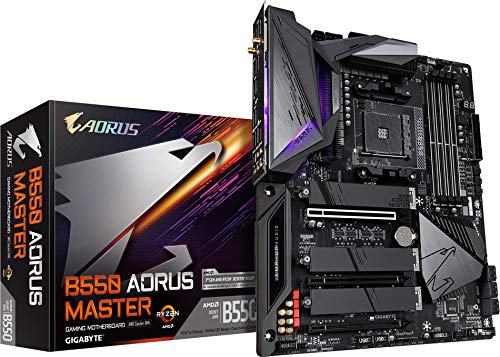
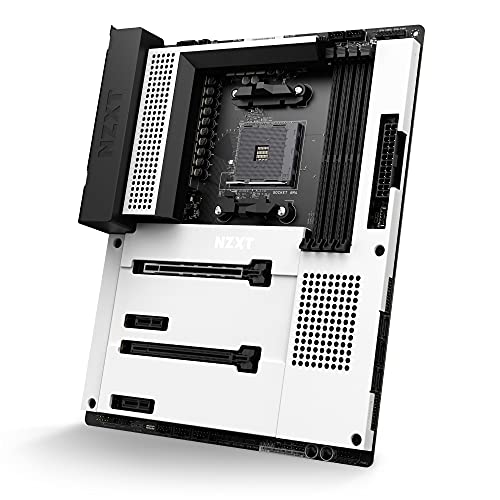
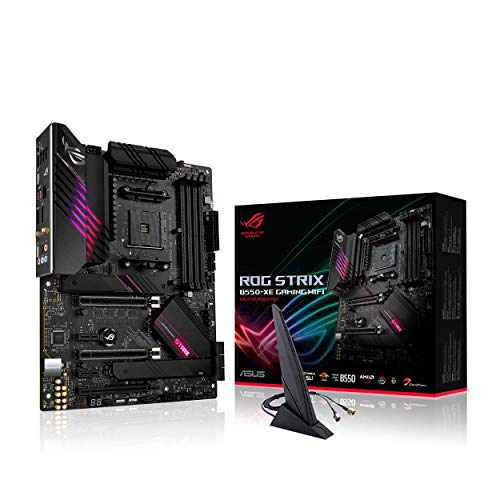
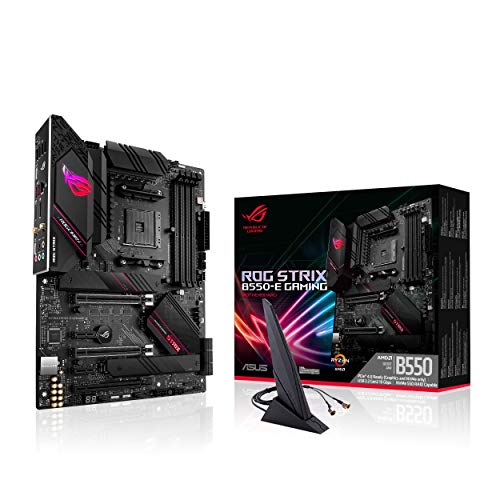
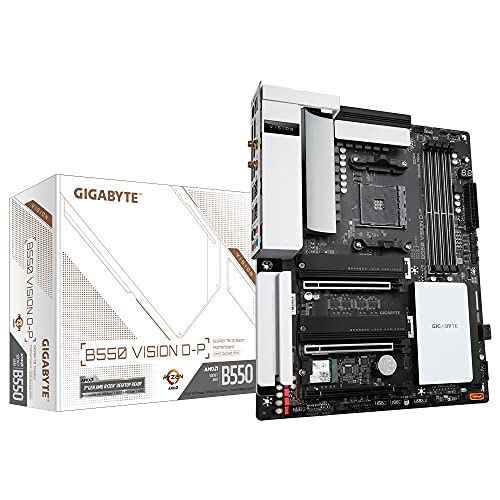
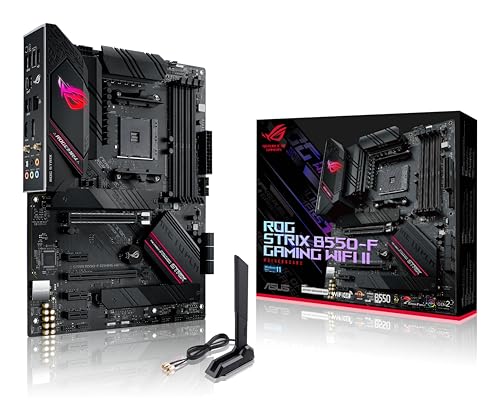
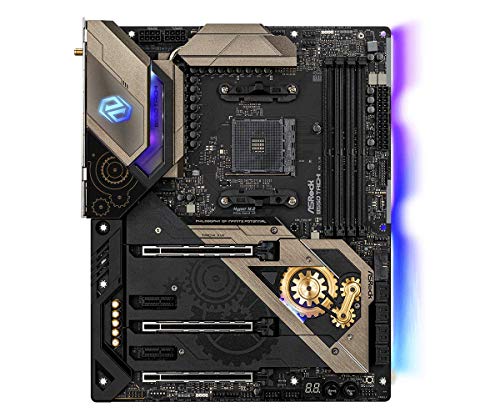
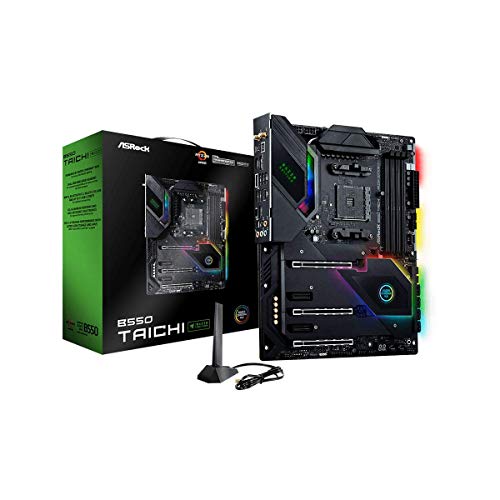
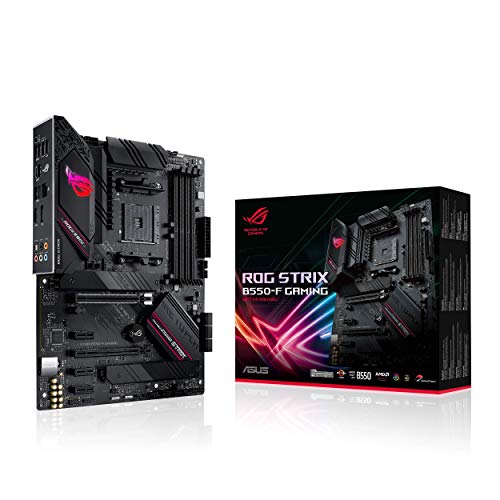
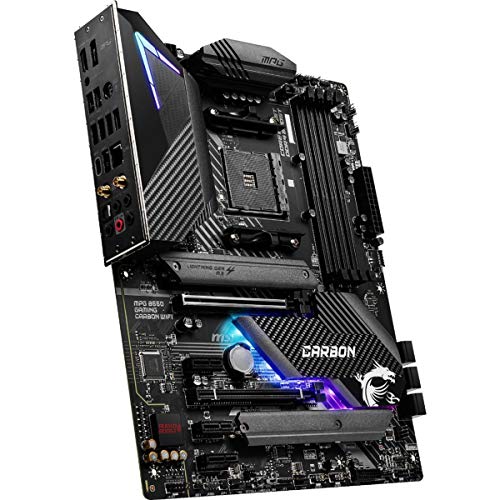
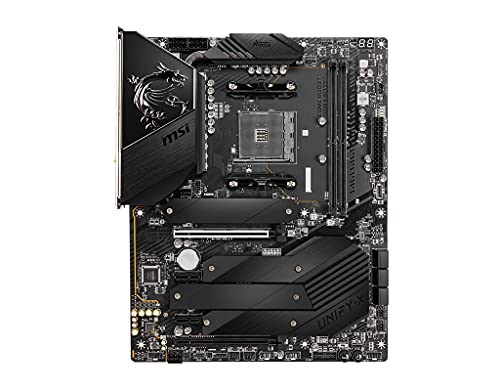
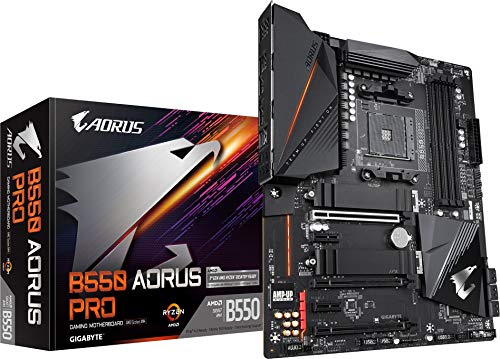
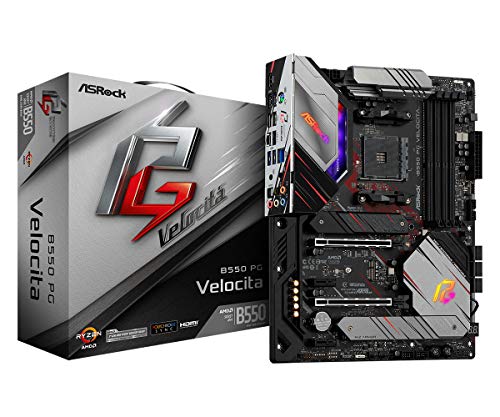
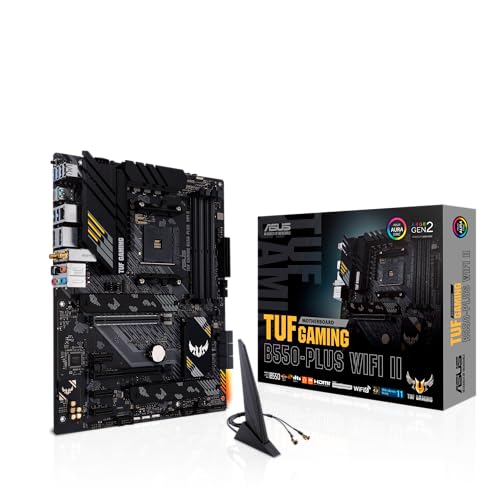
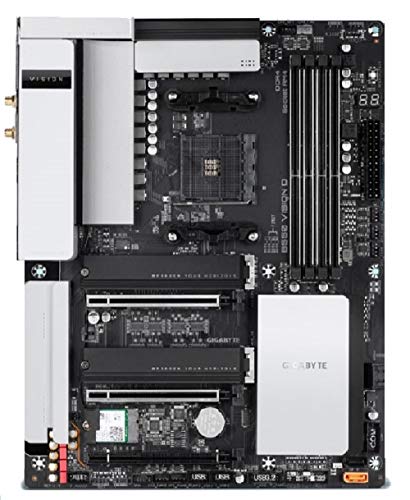
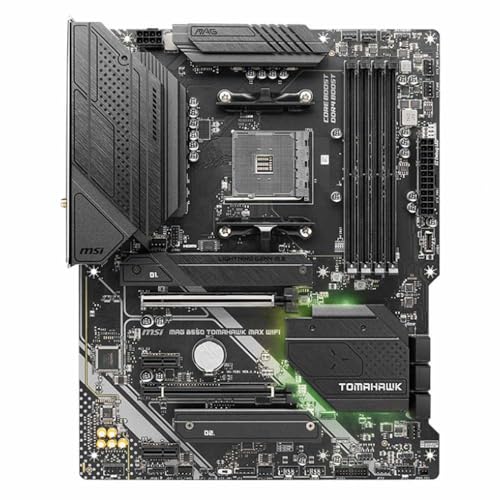
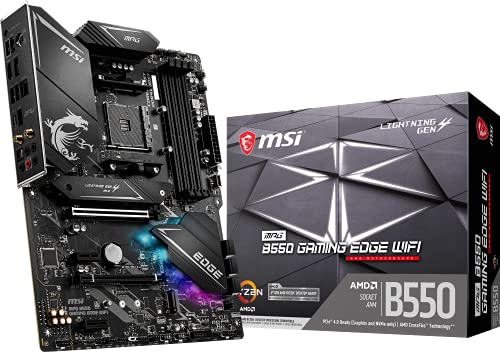
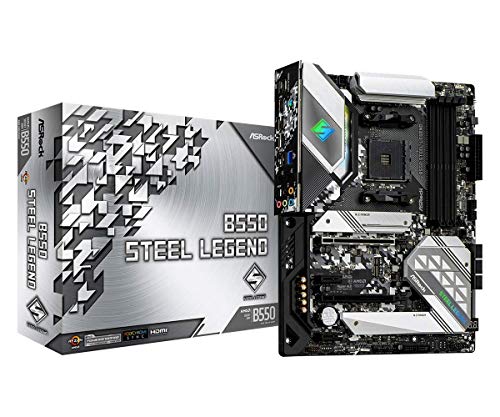
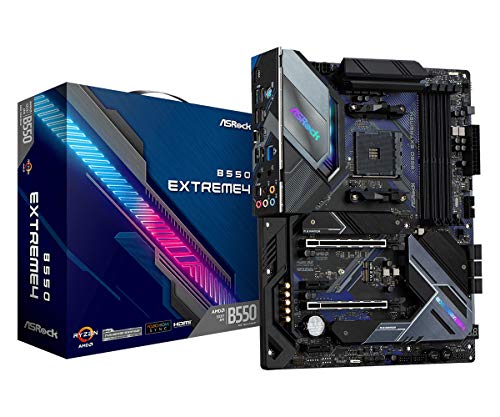
What is an B550 motherboard?
A B550 motherboard is a mid-range chipset from AMD designed primarily for Ryzen processors using the AM4 socket. It was introduced as a successor to the B450 series, offering a balance between affordability and modern features.
One of its defining aspects is support for PCIe 4.0, but only through the CPU’s lanes, meaning the graphics card slot and one NVMe slot can benefit from faster speeds, while the rest rely on PCIe 3.0. This makes it appealing for gamers and PC builders who want future-proof performance without paying the premium for high-end X570 boards.
In addition to PCIe 4.0 support, B550 motherboards usually include faster USB connectivity, better power delivery compared to B450, and broader compatibility with newer Ryzen processors. They often come with improved VRMs, which make them suitable even for higher-core CPUs, though extreme overclockers may prefer X-series boards.

Which brands make the best B550 motherboards?
The best B550 motherboard brands are as follows.
- ASUS (Overall score: 7 points)
- MSI (Overall score: 6.9 points)
- GIGABYTE (Overall score: 6.8 points)
The chart below ranks B550 motherboard brands by average overall score.
[horizontal-chart-01781330666662782997135066671636912426143191000549]
How much do B550 motherboards cost?
B550 motherboards cost between £80 and £220 depending on brand, chipset features, and build quality.
Entry-level models from brands like ASRock and MSI usually stay closer to £80–£110, while mid-range boards with stronger VRMs, more M.2 slots, and better cooling reach £130–£170. Premium boards that add high-end audio, reinforced PCIe slots, or extra connectivity can climb to around £220.
The following chart shows the price distribution of B550 motherboards.
[vertical-chart-08878904540232441790054672486001374841262258657126]
What should you consider while choosing the best B550 motherboard?
When selecting the best B540 motherboard, you should evaluate several key factors as follows:
- VRM quality and power delivery: The VRM (Voltage Regulator Module) design directly affects your system's stability and overclocking potential. High-end B540 boards feature better power phases and heatsinks that handle demanding CPUs more effectively. Superior VRM components also run cooler and last longer under heavy workloads.
- Expansion slots and PCIe configuration: Modern B540 motherboards support PCIe 4.0 which doubles bandwidth compared to older standards. Consider how many PCIe slots you need for graphics cards, sound cards, or WiFi adapters. Some boards run slots at reduced speeds when multiple devices are installed, so check the manual for lane allocation.
- Memory support and speed: B540 chipsets typically support DDR4 memory up to 3200MHz or higher with overclocking. Check the motherboard's QVL (Qualified Vendor List) to verify compatibility with your specific RAM modules. Maximum capacity varies between boards, with some supporting up to 128GB across four DIMM slots.
- Connectivity and I/O ports: Evaluate the rear I/O panel and internal headers based on your needs. Look for sufficient USB ports (both USB 3.2 and USB-C), audio jacks, Ethernet, and display outputs if using integrated graphics. Modern boards also include WiFi 6, Bluetooth, and multiple fan headers for system cooling.
- Form factor compatibility: B540 motherboards come in ATX, Micro-ATX, and Mini-ITX sizes. Your case determines which form factor fits, while larger boards typically offer more expansion slots and features. Micro-ATX provides a good balance between size and functionality for most builds.