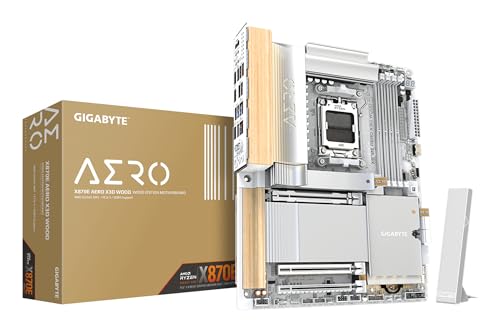
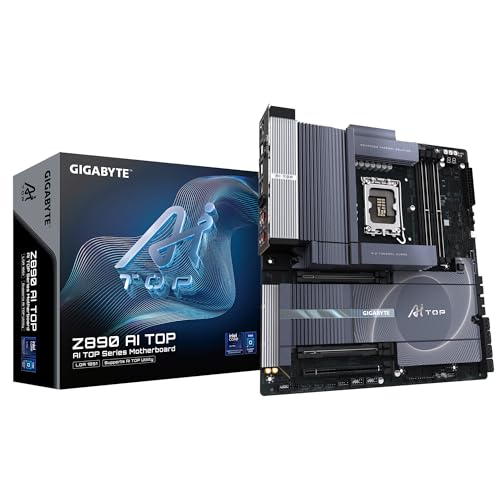
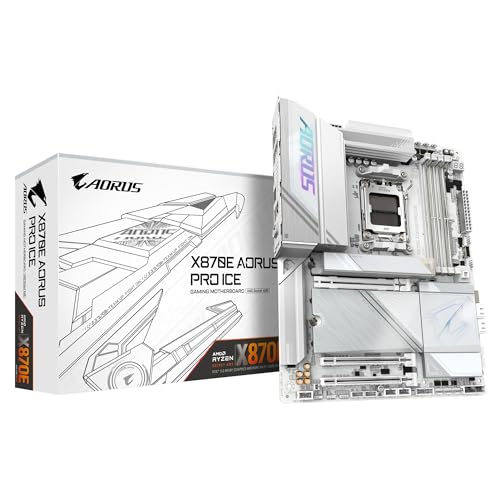
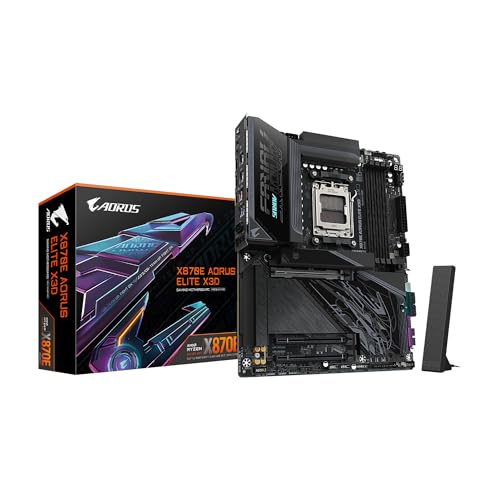
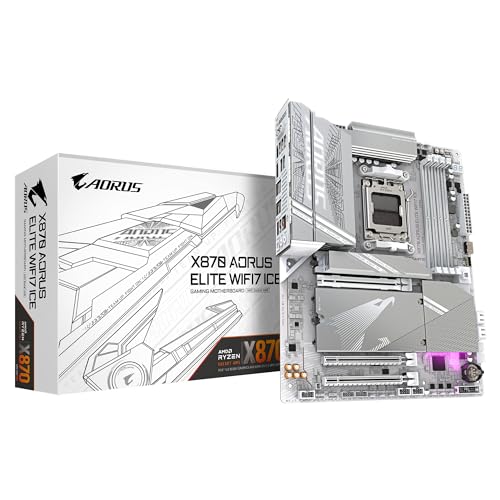
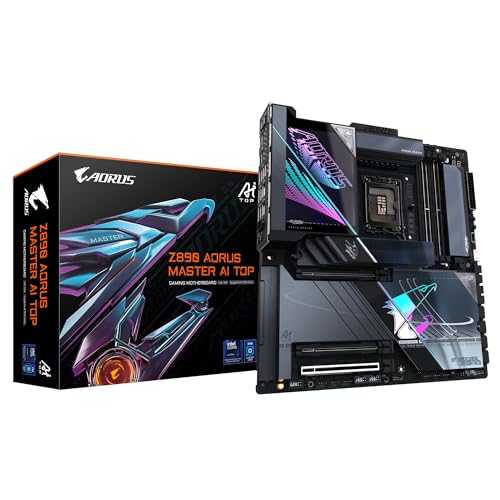
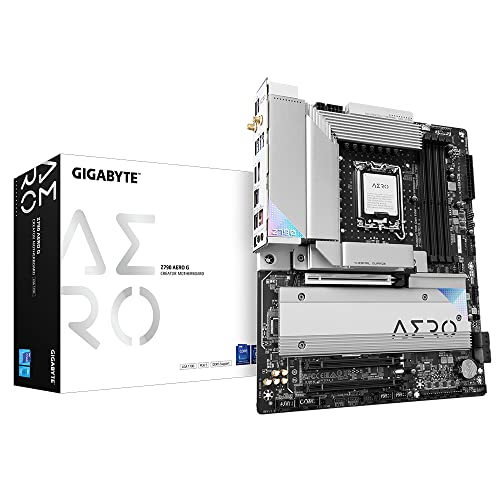
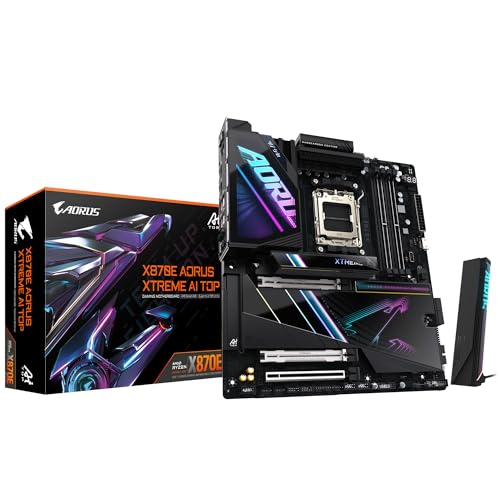
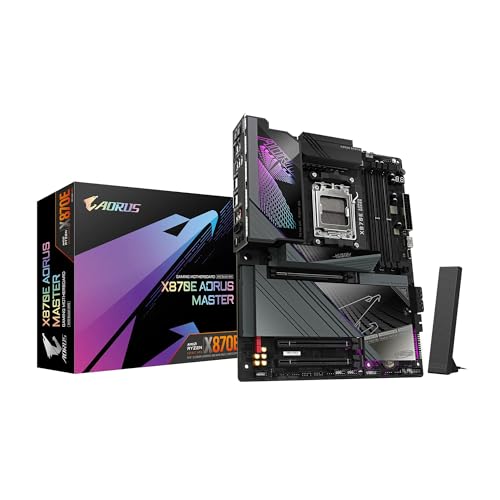
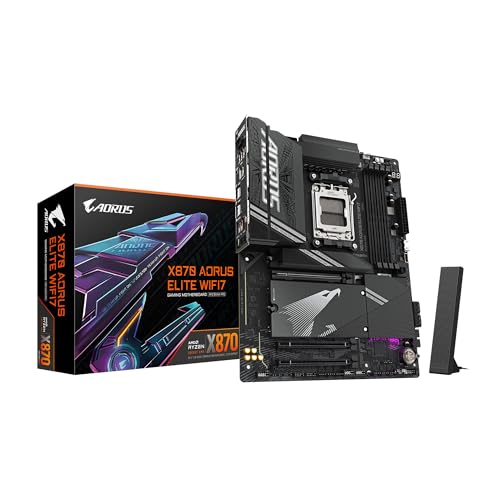
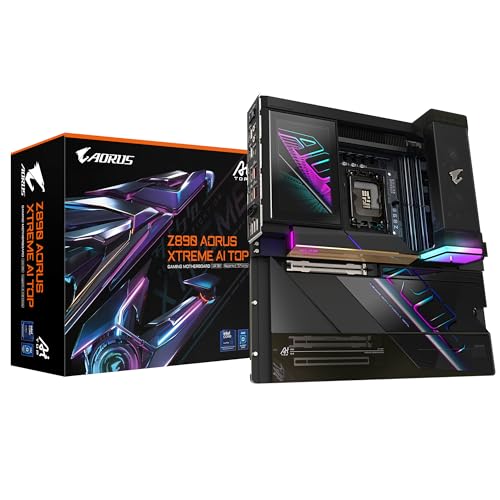
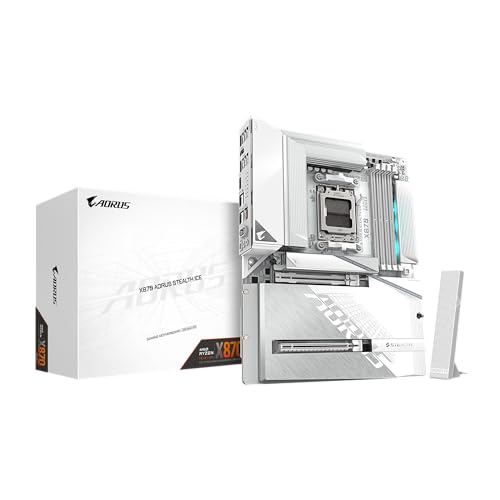
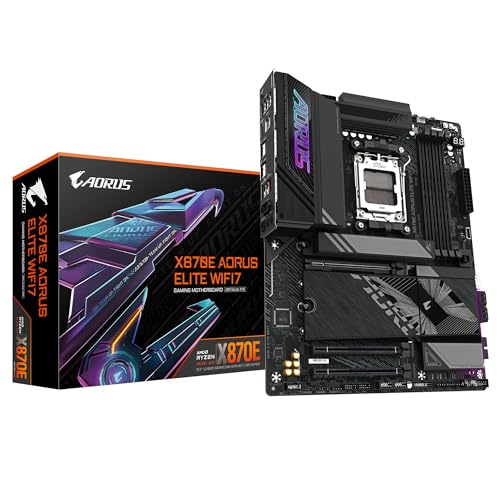
Are Gigabyte motherboards good?
Gigabyte motherboards have an average overall score of 8.9, ranking #3 among all motherboard brands, and a user rating of 9.1, placing them at #3 based on user reviews.
Gigabyte motherboards are generally considered good because they combine solid build quality with a wide range of options for different budgets.
The company has a strong reputation for durable power delivery systems, stable BIOS, and long-term reliability, which makes their boards suitable for both casual users and PC enthusiasts. Many Gigabyte models also include advanced features such as reinforced PCIe slots, good cooling solutions, and user-friendly BIOS interfaces, which help them stand out in competitive markets.
At the same time, experiences with Gigabyte motherboards can vary depending on the series and price level. Their high-end lines often receive praise for premium components and strong performance, while some budget models may feel more basic compared to rivals.
The best Gigabyte motherboards are as follows.
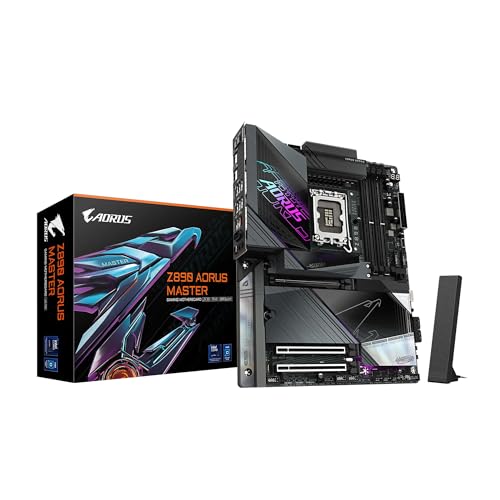
- GIGABYTE Z890 Aero D (Overall score: 9.16 points)
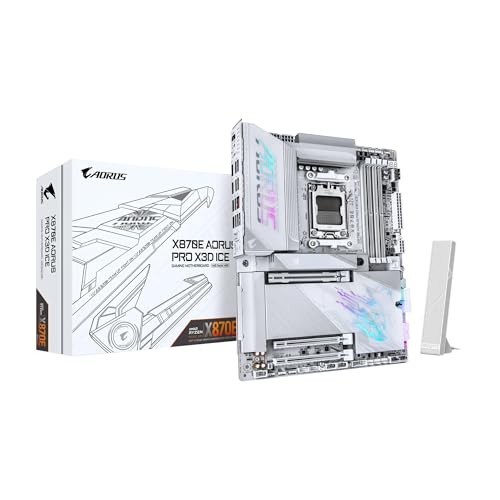
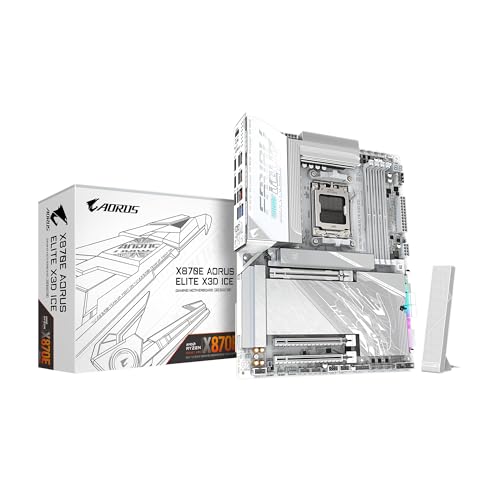
- GIGABYTE X870E AORUS Pro X3D Ice (Overall score: 9.06 points)
The chart below ranks motherboard brands by average overall score.
[horizontal-chart-12588743876552819512164314463740724746191265422285]


What are the main advantages of Gigabyte motherboards?
The main advantages of Gigabyte motherboards are the following:
- Durability: Gigabyte uses Ultra Durable technology with solid capacitors and reinforced power phases. Some models withstand high temperatures up to 105°C and have metal shielding on PCIe slots for heavy GPUs.
- Power delivery: High-end Gigabyte boards use up to 16 direct power phases (90A stages) which keep voltage stable for Intel Core i9 or AMD Ryzen 9 CPUs. This stability improves overclocking headroom and system reliability.
- Connectivity: Gigabyte integrates PCIe 5.0 on many new boards, dual or triple M.2 slots with heatsinks, and 2.5 GbE LAN. Some models also add Wi-Fi 6E with 6 GHz band support.
- BIOS and tuning: Gigabyte’s UEFI BIOS includes advanced voltage control and memory profiles (XMP/EXPO) with quick access through Easy Mode. Q-Flash Plus lets you update BIOS without CPU or RAM installed.
- Cooling system: Many boards feature large VRM heatsinks, thermal pads, and Smart Fan 6 with multiple hybrid fan headers. This enables precise cooling control across CPU, GPU, and M.2 storage.
- RGB and customization: RGB Fusion 2.0 synchronizes onboard lighting and connected ARGB devices with effects across RAM, GPU, and fans. Some models support up to 5V and 12V RGB headers for full system integration.
What are the main disadvantages of Gigabyte motherboards?
Gigabyte motherboards have the following main disadvantages:
- BIOS interface: While functional, Gigabyte’s BIOS is sometimes less intuitive compared to MSI or ASUS UEFI layouts, especially for beginners.
- Price of high-end models: Flagship Gigabyte Aorus boards with PCIe 5.0, DDR5, and Wi-Fi 6E often exceed £430, so they compete with premium ASUS and MSI boards in the same range.
- Software bundle: Gigabyte’s software utilities like App Center and EasyTune are often criticized for being less stable and less refined compared to ASUS Armoury Crate or MSI Center.
- Memory compatibility: Certain Gigabyte boards show weaker compatibility with high-frequency DDR5 or specific DDR4 kits, so fine-tuning in BIOS may be needed.
- Driver updates: Gigabyte sometimes lags behind ASUS and MSI in releasing the latest chipset and LAN/Wi-Fi drivers, which can affect performance in new builds.
Who makes Gigabyte motherboards?
Gigabyte motherboards are made by Gigabyte Technology, a Taiwanese company founded in 1986 and headquartered in New Taipei City, Taiwan.
The company designs and manufactures motherboards, graphics cards, and computer hardware for both consumer and enterprise markets. It is one of the largest motherboard makers in the world, alongside Asus, MSI, and ASRock.
Gigabyte employs several thousand people worldwide and operates research, development, and manufacturing facilities in Taiwan and China. Its motherboards cover a wide range, from budget models to high-end products for gaming and professional use. The brand is also known for its Aorus series, launched in 2014, which focuses on premium gaming motherboards and components.
How popular are Gigabyte motherboards worldwide?
Gigabyte motherboards are the third most popular worldwide, with shipments in 2024 estimated at around 20 million units and a global market share close to 18 %, which placed the brand behind Asus and MSI but ahead of ASRock. The AORUS line targeted gamers and enthusiasts, while Ultra Durable and standard Gigabyte boards covered mainstream and budget builds.
Gigabyte performed strongest in Asia, where its share often reached about 20 %, while in Europe it stayed around 17 % and in North America closer to 15 %.
What are the main Gigabyte motherboard series?
Gigabyte motherboards are divided into the following series:
- Aorus: This is the flagship gaming series with premium features, advanced VRM design, and high-end cooling solutions. It targets enthusiasts and overclockers who want maximum performance and RGB customization.
- Gaming: This series balances strong performance with lower prices compared to Aorus. It includes solid VRM layouts, gaming features, and reliability for mainstream users who still want quality.
- Ultra Durable (UD): This is the budget-friendly series that focuses on stability and durability. It uses quality components, supports essential features, and suits entry-level builds or office PCs.
- Vision: This series is aimed at creators who need reliable performance for design, editing, and productivity. It supports multiple GPUs, high memory capacities, and connectivity options tailored to creative workloads.
- Aero: This is the workstation and high-end creator series. It supports advanced PCIe configurations, professional-grade connectivity, and stable performance for demanding applications.
- Server/Workstation: These boards target enterprise use with features like ECC memory, multi-CPU sockets, and server-grade reliability. They are designed for data centers, servers, and professional workstations.
How much do Gigabyte motherboards cost?
Gigabyte motherboards cost from about £60 for basic entry-level models to more than £550 for high-end boards designed for gaming and professional use.
The cheapest options usually support standard features such as DDR4 memory and mid-range chipsets, while the more expensive models target users who want the latest Intel or AMD platforms with enhanced power delivery and advanced connectivity.
In the mid-range segment, prices usually fall between £110 and £220 (this range covers most popular models). These boards often include stronger VRMs, better audio, multiple M.2 slots, and support for higher memory speeds. High-end Gigabyte motherboards, which can cost £340 or more, typically belong to the Aorus series and focus on gamers and enthusiasts.
The following chart shows the price distribution of Gigabyte motherboards.
[vertical-chart-11989177232002849952163357192018873593843013080262]
What should you consider while choosing the best Gigabyte motherboard?
To select the best Gigabyte motherboard, you should consider the following key factors.
- CPU socket and chipset compatibility: Select the correct socket type that matches your processor architecture. Intel processors use LGA 1700 sockets for 12th, 13th, and 14th generation CPUs with chipsets like Z790, B760, and H610. AMD processors require AM5 sockets for Ryzen 7000, 8000, and 9000 series with chipsets such as X870E, X670, and B650. The chipset determines feature availability, with higher-end chipsets like Z790 or X870E supporting advanced overclocking and more connectivity options.
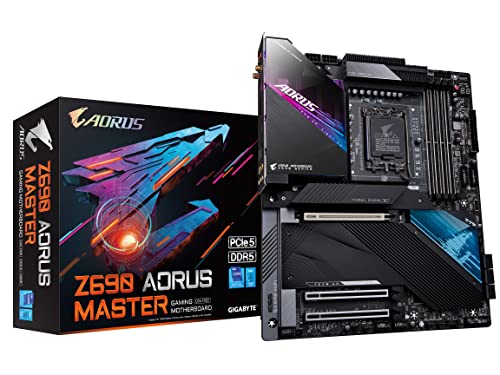
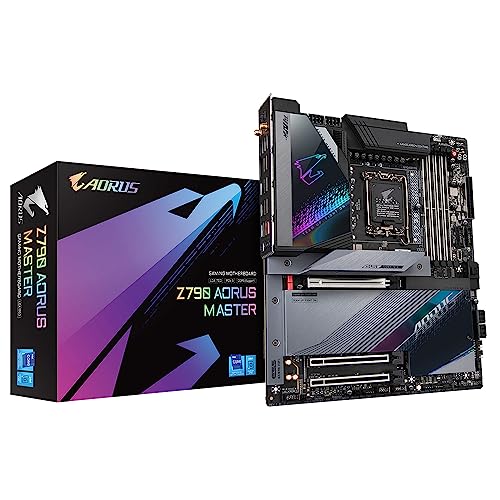
- Form factor: Choose between ATX, Micro-ATX, or Mini-ITX based on your case dimensions and expansion needs. ATX boards like the Z790 Aorus Master provide maximum expansion slots and features, while Micro-ATX variants such as H610M models fit compact builds but have fewer expansion options. The form factor determines available PCIe slots, memory slots, and connectivity ports.
- VRM power delivery system: Evaluate the voltage regulator module configuration as it directly impacts CPU stability and overclocking potential. Gigabyte's gaming series features enhanced VRM designs with phases ranging from 8+8 for mainstream boards to 16+2+2 for high-end models like the X670 Aorus Elite. Multi-phase power designs with quality components such as fully covered MOSFET heatsinks and thermal pads deliver stable power to high-performance CPUs.
- Memory support and capacity: Check DDR4 or DDR5 memory compatibility based on your performance needs and budget considerations. DDR5 motherboards like the X670 Aorus Elite support speeds up to 8200 MT/s with overclocking profiles (AMD EXPO and Intel XMP). DDR4 boards typically support up to 3200 MT/s and remain cost-effective for budget builds. Memory slot count varies from 2 slots on entry-level boards to 4 slots on ATX models, supporting capacities up to 256 GB.
- Expansion slots and storage options: Consider PCIe slot configuration and M.2 storage support for future component upgrades. Higher-end boards feature PCIe 5.0 x16 slots with reinforcement armor and multiple M.2 slots supporting PCIe 4.0 or 5.0 SSDs. The number of expansion slots varies by form factor, with ATX boards offering more slots than Micro-ATX or Mini-ITX variants.