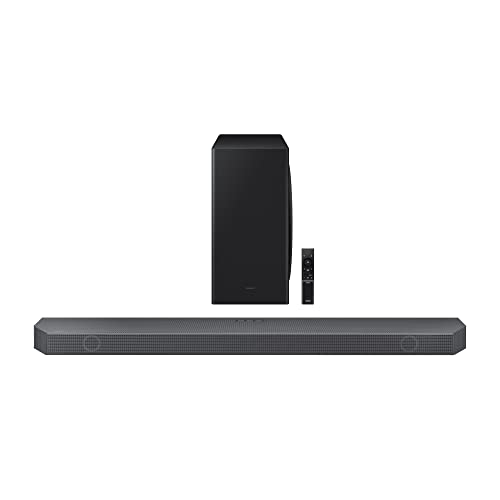
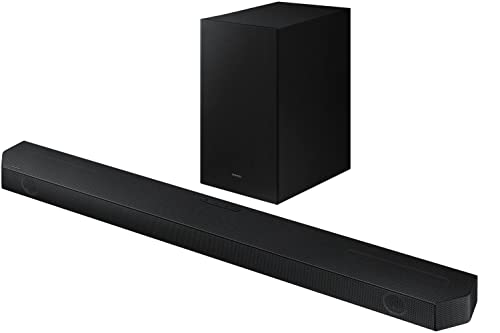
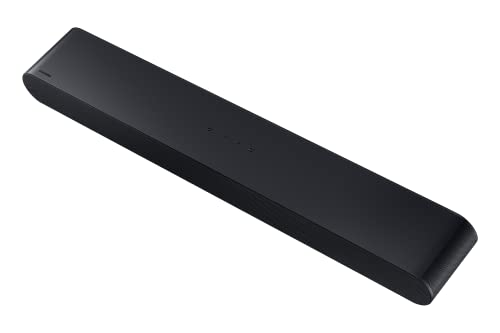
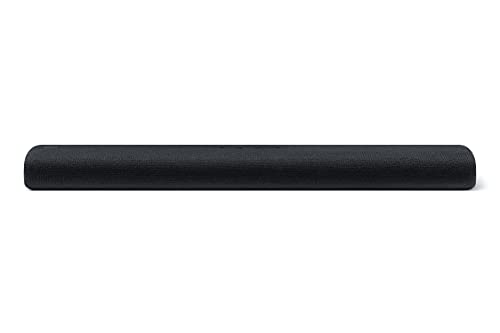
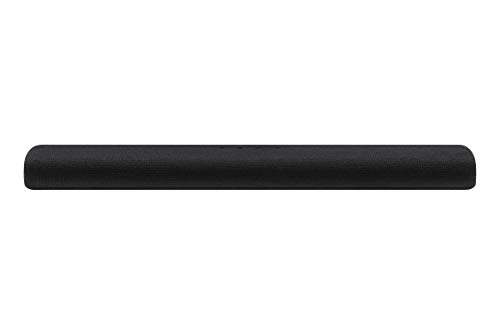
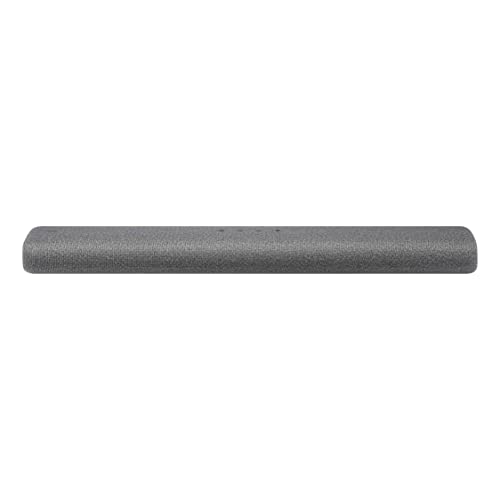
Which brands make the best soundbars for Samsung TV?
The best soundbars for Samsung TV are as follows.
- Samsung (Average overall score: 7.2)
[horizontal-chart-11909808749086984424084457557172623269830540494507]
Do all soundbars work well with Samsung TV?
No, not all soundbars work equally well with a Samsung TV. Most soundbars will connect, but the better matches are the ones that support HDMI ARC or eARC properly, fit under the TV without blocking the screen or sensor, and improve dialogue clearly without making the setup awkward.
Basic compatibility is easy to get, but strong day-to-day compatibility is more specific. Problems usually come from weaker HDMI support, poor dialogue tuning, awkward size, lip-sync issues over Bluetooth, or a feature set that does not match how you actually use the TV.
If you only want clearer everyday TV sound, many simple soundbars can work well with a Samsung TV. If you want better movie or gaming performance, then a model with a center channel, stronger bass support, or Dolby Atmos will usually be the better fit, while Samsung-specific extras such as Q-Symphony remain optional rather than essential.
How do soundbars improve Samsung TV sound?
Soundbars improve Samsung TV sound by making dialogue clearer, giving films and streaming shows more weight, and moving the sound forward into the room instead of leaving it trapped inside the TV chassis. Even the simpler Samsung-friendly bars can make everyday TV sound cleaner and easier to follow.
The improvement becomes more noticeable when the soundbar also fits the Samsung ecosystem well. Features such as Q-Symphony, which lets supported Samsung TVs keep using their own speakers alongside the soundbar, can make the whole system feel more coherent than a basic add-on speaker.
Step-up Samsung-TV soundbars also add a more cinematic layer for film and gaming use. When the model includes Dolby Atmos, stronger bass, or rear-speaker expansion, the upgrade is no longer just about clearer TV audio but about a bigger home-cinema presentation overall.
How do soundbars connect to a Samsung TV?
The main ways soundbars connect to a Samsung TV are as follows.
- HDMI ARC: This is still the baseline connection on many Samsung-friendly soundbars. It keeps the TV setup simple and usually gives you straightforward control through the TV remote.
- HDMI eARC: This is the better match if both the Samsung TV and the soundbar support it. It is the stronger route for higher-bandwidth formats and makes more sense on the more advanced Dolby Atmos-ready models.
- Q-Symphony pairing: This is Samsung's compatibility feature for letting supported TV speakers keep playing together with the soundbar. It is not just a cable type, so you need both devices to support it.
- Optical: This still works as a fallback on older or simpler Samsung TV setups. It is less flexible than ARC or eARC, but it can still cover basic TV audio reliably.
- Bluetooth and Wi-Fi: These are useful for music playback, app features, or SmartThings-style convenience. They matter less for primary TV audio than the HDMI path does.
If the goal is the best Samsung TV integration, start by checking HDMI ARC type and Q-Symphony support together. Those two items usually matter more than the wireless extras.
How much do soundbars for Samsung TV usually cost?
Most soundbars for Samsung TV in this Q-Symphony-ready subset cost about £130-£550, which keeps the segment more accessible than many premium home-cinema soundbar niches. Here, Q-Symphony-ready means the soundbar can support Samsung's feature for using the TV speakers and soundbar together on compatible Samsung TVs.
That means the price jump is usually tied to more than just the Samsung logo. You often pay more for Dolby Atmos support, stronger bass performance, and a setup that feels more complete around a Samsung TV rather than for Q-Symphony alone.
If you mainly want cleaner Samsung TV dialogue and easier ecosystem fit, the cheaper end can still be enough. If you want a more cinematic Samsung TV setup, the step-up models make more sense.
What soundbar size fits a Samsung TV best?
The right soundbar size for a Samsung TV usually depends on the TV size, the furniture underneath it, and whether you want a compact all-in-one bar or a wider cinema-style setup. In practice, bars under 80 cm usually suit 43-inch to 55-inch Samsung TVs well, bars around 80-100 cm usually fit 55-inch to 65-inch TVs best, and bars above 100 cm make more sense under 65-inch to 75-inch screens.
In this Samsung-TV subset, compact and mid-size bars are common, which makes sense because many of these models are aimed at cleaner everyday integration rather than the biggest possible footprint. That can be a strength if the TV is wall-mounted or sitting on relatively narrow furniture.
If you want the bar to look balanced under the TV, do not size it by screen inches alone. Also check the stand width, cabinet depth, and how much space you have for side clearance.
What should you consider while choosing a soundbar for Samsung TV?
The main things to check while choosing a soundbar for Samsung TV are as follows.
- Q-Symphony support: Check this first if you specifically want Samsung's feature for using the TV speakers and soundbar together. It matters because not every soundbar for Samsung TV can do that, even if the soundbar works perfectly well with the TV in general.
- HDMI ARC type: ARC is enough for many simpler setups, but eARC is the better fit if the Samsung TV is newer and you want stronger format support. It is especially worth checking on the more advanced Atmos-ready models.
- Layout and dialogue focus: Simpler all-in-one models can be enough for clearer TV use, but step-up layouts are better if films, sports, and gaming matter more. A model that improves voices cleanly is usually the smarter buy than one that only promises bigger sound.
- Dolby Atmos and bass support: These are the main reasons performance rises inside this subset. If you want a more cinematic Samsung TV setup, this is where the bigger upgrade usually comes from.
- Rear-speaker path: Some Samsung-friendly models make more sense as part of a bigger surround plan. If you may expand later, check rear-speaker compatibility before treating the soundbar as a final one-box purchase.
- TV size and furniture fit: Many Samsung-TV soundbars in this subset are relatively compact, but some of the better cinema-oriented models are much wider. Make sure the bar suits both the Samsung TV and the physical cabinet underneath it.
- Wireless extras: Bluetooth, Wi-Fi, and SmartThings-style features can be useful, but they should stay secondary to the TV connection and everyday sound quality. A soundbar that streams nicely but connects poorly to the TV is still the wrong fit.
The right Samsung TV soundbar is usually the one that balances Q-Symphony compatibility, clean TV integration, and the level of cinematic upgrade you actually want. Start with the Samsung-specific fit, then decide how far you want to move beyond a simple everyday TV-audio upgrade.