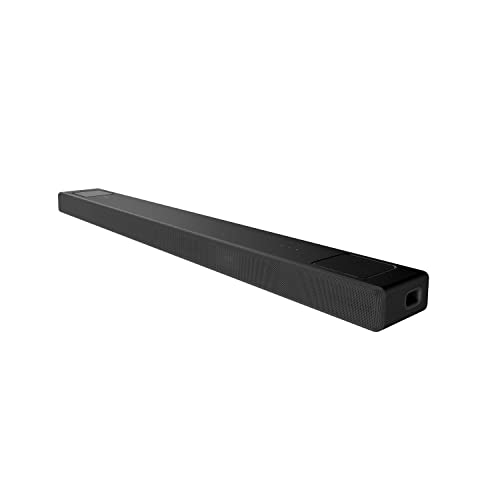
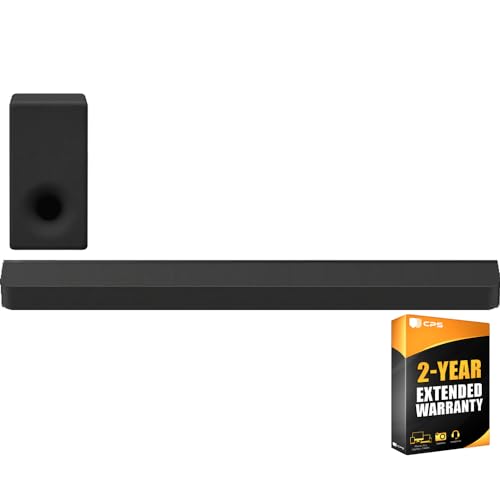
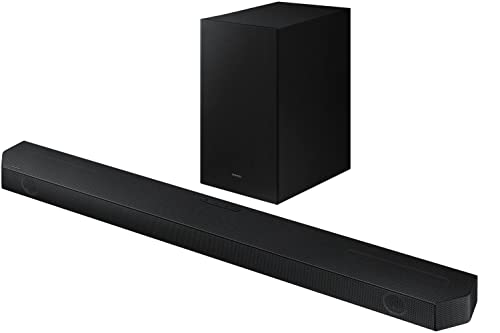
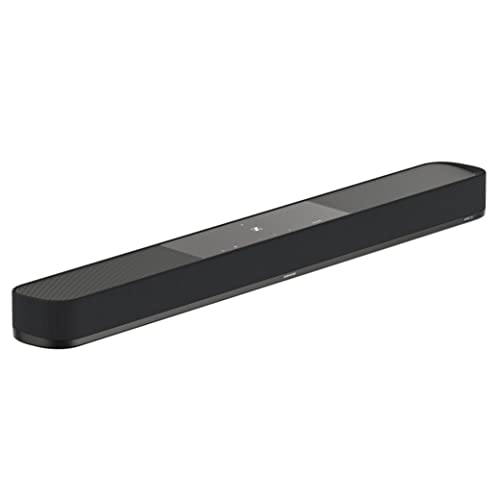
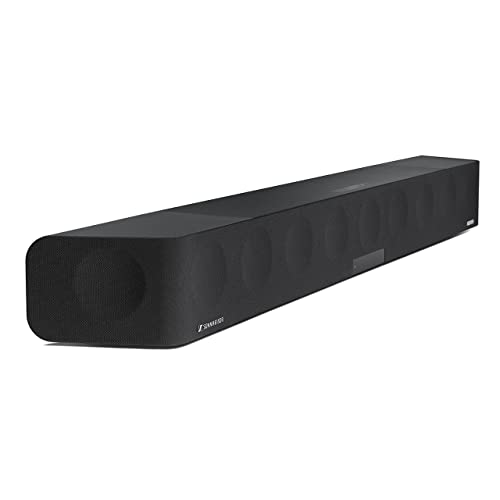
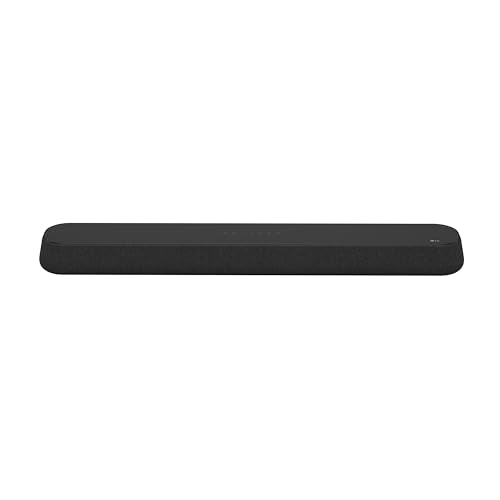
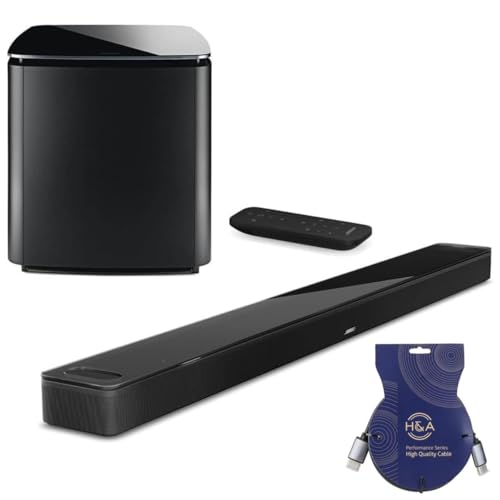
Which brands make the best soundbars for TV?
The best soundbar brands for TV are as follows:
- Sony (Average overall score: 8.2)
- Sennheiser (Average overall score: 8.1)
- LG (Average overall score: 8.1)
The chart below ranks soundbar brands for TV by average overall score.
[horizontal-chart-15396170297250103210105128257524083643610185218493]
What makes a soundbar good for TV use?
A soundbar is good for TV use when it improves dialogue first, connects cleanly through HDMI ARC or eARC, and fits naturally into the way you already use the TV remote and streaming apps. That combination matters more for daily satisfaction than chasing the highest advertised watt figure.
For most living rooms, the biggest practical step up is moving from flat built-in TV speakers to a bar with a fuller front soundstage and, ideally, a real center-channel approach. That is why 2.1 and 3.1 layouts usually make more sense for TV-first buyers than jumping straight to a complex flagship system.
A stronger TV soundbar should also match the room and the TV size. If the bar is too small, too thin, or missing useful connections, the setup can feel limited even if the spec sheet looks impressive.
How do soundbars improve TV sound in daily use?
Soundbars improve TV sound in daily use by making voices clearer, effects fuller, and volume changes less frustrating than they are through built-in TV speakers. Even simpler bars usually give you a cleaner and more forward presentation for news, streaming, and regular TV shows.
The everyday improvement is often most obvious with dialogue. A soundbar can place speech more firmly in the center of the room instead of leaving it thin, small, or buried under music and background effects.
Step-up models also make films and games feel bigger without making the system complicated. When a bar adds a subwoofer, Dolby Atmos, or better channel separation, the result usually feels more like a proper home setup and less like sound coming from the TV cabinet alone.
How do soundbars connect to a TV?
The main ways soundbars connect to a TV are as follows.
- HDMI ARC: This is still the standard connection for easy TV use. It keeps the setup to one cable and usually lets the TV remote control the soundbar volume.
- HDMI eARC: This is the stronger option if both the TV and the soundbar support it. It handles higher-bandwidth audio formats better and is the better fit for Dolby Atmos or newer TV setups.
- Optical: This is still useful on older TVs or simpler bars. It works for basic TV audio, but it is more limited than ARC or eARC and is less flexible for modern surround formats.
- HDMI inputs / pass-through: These matter if you want to route a console, set-top box, or streaming device through the soundbar itself. They are more relevant in multi-device setups than in very simple TV-only ones.
- Bluetooth or Wi-Fi: These are useful for music playback and app features, but they should be treated as secondary for TV audio. For stable everyday TV sound, the wired HDMI connection still matters most.
If the soundbar is mainly for TV, start by checking ARC or eARC compatibility before anything else. That usually has a bigger day-to-day effect than extra wireless features.
How much do the best soundbars for TV cost?
Most soundbars for TV cost up to about £260, while stronger step-up models often land around £260-£550 and premium Atmos bars usually cost more than £550. That means the practical sweet spot for many TV-first buyers is still below flagship pricing.
The cheaper end of the market usually covers simple 2.0 and 2.1 upgrades for clearer dialogue and fuller everyday sound. Those models make sense when you want a cleaner TV setup without paying for extra surround hardware you may not use.
You usually pay more when the soundbar adds Dolby Atmos, a separate subwoofer, wider speaker layouts, or better app and ecosystem features. Those upgrades matter most if your TV setup also doubles as your main movie or gaming system.
What soundbar size fits your TV best?
The right soundbar size for a TV usually depends on keeping the bar close to the screen width without making the setup look cramped or oversized. In practice, bars around 50-70 cm usually suit 32-inch to 43-inch TVs, bars around 80-100 cm usually fit 50-inch to 65-inch TVs best, and wider models above 100 cm make the most sense under 65-inch to 75-inch TVs.
For many TV setups, the safest fit is still a mid-size bar. That range usually gives you a wider front soundstage than compact entry bars without forcing the furniture and placement compromises of the largest premium models.
The bar should also suit the room, not just the screen. A shorter model can still be the smarter choice if you have a larger TV in a tight apartment or on narrow furniture.
What should you consider while choosing a soundbar for TV?
The main things to check while choosing a soundbar for TV are as follows.
- HDMI ARC type: Start here before looking at anything else. ARC is fine for many everyday setups, but eARC is the better choice if your TV and soundbar both support it and you want newer surround formats or fewer audio bottlenecks.
- Dialogue quality: A soundbar for TV should make voices easier to follow at normal volume, not just add more bass or loudness. That is why 3.1 layouts or strong voice-tuning features often matter more in practice than headline watt figures.
- Channel layout: A basic 2.0 or 2.1 bar is enough for simpler TV use, but 3.1 is often the smarter step-up if you care about speech clarity. Layouts such as 5.1 or 5.1.2 make more sense when movies, sports, and gaming are a bigger part of the setup.
- Subwoofer strategy: Decide whether you want an all-in-one bar or a system with a separate subwoofer. A subwoofer usually gives films and games more scale, but it also adds placement decisions and can be less apartment-friendly.
- TV size and furniture fit: Make sure the bar physically suits the TV and the stand or cabinet underneath it. A bar that is too wide, too tall, or awkwardly placed can be annoying every day even if it sounds good on paper.
- Dolby Atmos realism: Atmos is worthwhile when the room, sources, and placement can support it. If your viewing is mostly standard TV, news, and casual streaming, a well-tuned non-Atmos bar can still be the better buy.
- Extra ecosystem features: Wi-Fi, app control, casting, and pass-through inputs can be useful, but they should come after TV basics. A strong TV soundbar gets the connection, dialogue, and fit right first, then adds convenience features on top.
The best soundbar for TV is usually the one that fits how you watch every day, not the one with the longest feature list. Prioritize connection quality, dialogue performance, and physical fit before chasing premium extras.