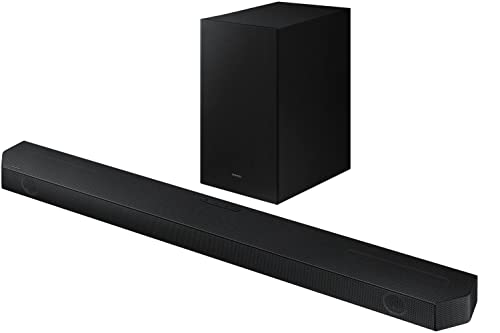
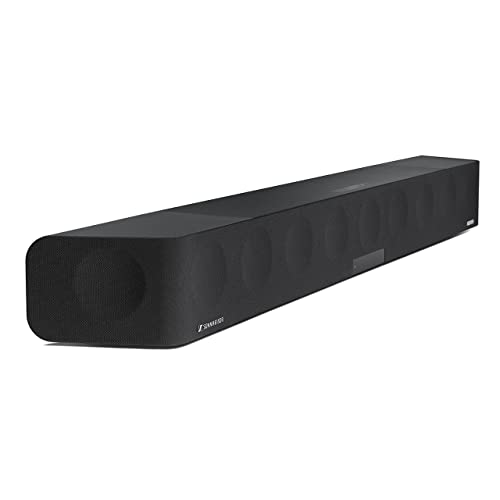
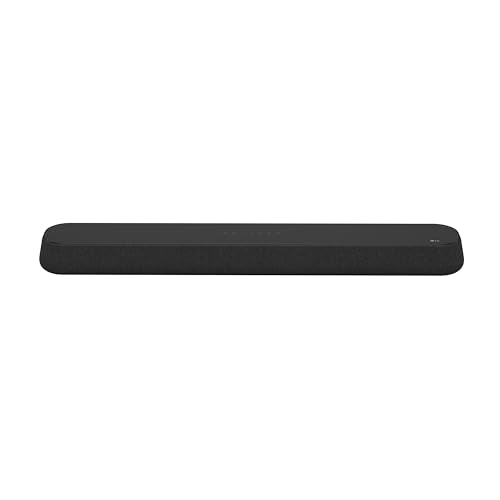
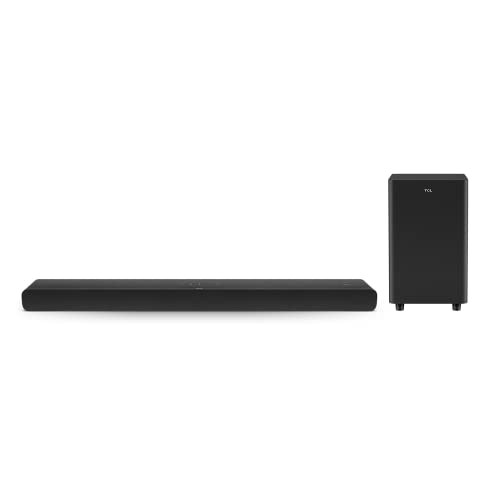
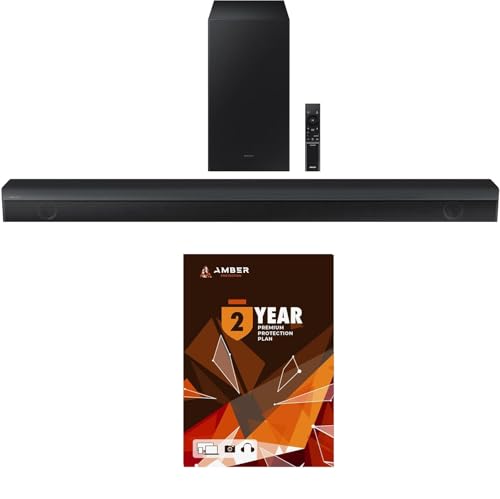
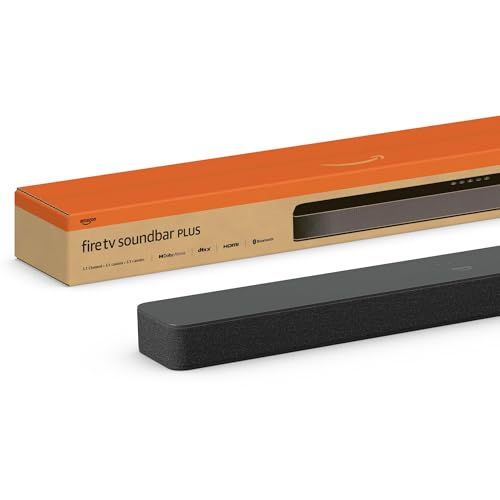
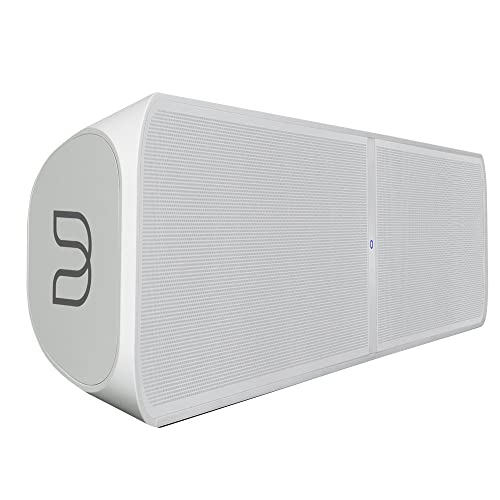
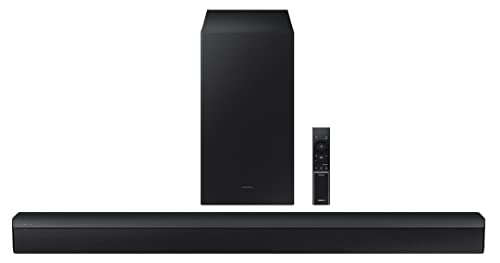
Which brands make the best PC soundbars?
The best PC soundbar brands are as follows:
- LG (Average overall score: 8.1)
- Samsung (Average overall score: 6.6)
- Sony (Average overall score: 6.2)
The chart below ranks PC soundbar brands by average overall score.
[horizontal-chart-16615413177715282325063770718175444187330865846722]
What makes a soundbar good for PC use?
A good PC soundbar should combine USB audio input, Bluetooth, compact dimensions, and a channel layout that still makes sense at desk distance.
Most PC soundbars stay at 2.0 or 2.1, which is usually enough for clearer dialogue, stronger game audio, and cleaner daily playback without the footprint of a larger home-cinema bar.
AUX and optical input are also common, so the better models tend to be the ones that give you more than one practical desktop connection instead of forcing a single setup path.
How do PC soundbars differ from desktop speakers?
PC soundbars differ from desktop speakers mainly in form factor and stereo presentation.
A soundbar keeps the drivers in one horizontal cabinet, which reduces desk clutter and is easier to place below a monitor, but it usually gives less left-right separation than a pair of discrete speakers.
That trade-off is reinforced by the hardware profile of this segment: about 9 in 10 matching models do not include a separate subwoofer, so the category leans more toward compact all-in-one playback than toward full 2.1 desk systems.
How do soundbars connect to a PC?
The main ways soundbars connect to a PC are as follows.
- USB audio: This is the core desktop connection for PC use. It gives a direct digital audio path and is usually the simplest option for everyday playback.
- Bluetooth: Wireless playback is also standard here. It is useful for convenience and music playback, but it is still less dependable than wired USB when latency matters.
- AUX input: About 8 in 10 matching models also include AUX input. That makes analog fallback easy for desktops, laptops, docks, or monitors that do not route audio over USB.
- Optical input: Roughly 6 in 10 include optical input. This is less central for a normal desktop PC, but it can still be useful when a monitor, dock, or secondary device exposes optical audio.
- HDMI: HDMI is less central for PC use than it is for TV use. Most matching models have no HDMI inputs, so desktop buyers should treat USB and AUX as the more relevant connection checks.
How much do the best PC soundbars cost?
Most PC soundbars cost below £170, while the premium end can extend to about £1,700.
Below £85, the typical spec set is basic 2.0 or 2.1 audio with simpler amplification and fewer higher-end cinema features. Around £85-£340, you start to see more complete connection sets, better tuning, and some models with subwoofers or stronger channel structures.
Above about £680, price is usually tied to multichannel layouts and Dolby Atmos rather than to basic desktop use alone.
What size works best for a desktop soundbar?
A desktop soundbar usually works best when it stays compact enough to fit below the monitor without overrunning the desk. Most PC soundbars cluster roughly between 400 and 1000 mm wide, with a large share around 400-700 mm and another large share around 700-1000 mm. Widths below about 700 mm are usually easier for 24-inch to 32-inch monitor setups, while bars closer to 800-1000 mm make more sense on wider desks or ultrawide displays.
Height and thickness still matter because the bar sits close to the screen and keyboard. Lower profiles are less likely to block the monitor bezel or create awkward desk placement, so horizontal fit and vertical clearance should both be checked before you treat a living-room soundbar as a PC model.
What should you consider while choosing a PC soundbar?
The main things to check while choosing a PC soundbar are as follows.
- USB audio input: USB audio is the main desktop connection to verify first. It gives the PC a direct digital audio path, which is usually cleaner and simpler than relying on a monitor headphone output. Check whether the bar uses USB for real audio input, not only for power or file playback.
- Bluetooth behavior: Bluetooth is useful when you want quick wireless playback from a laptop, phone, or secondary device. For gaming, video calls, and synced video playback, wired USB or AUX is usually safer because Bluetooth latency can still vary by device and codec. Treat Bluetooth as a convenience feature, not as the only serious PC connection.
- Channel layout: Most PC soundbars are built around 2.0 or 2.1 audio, which fits near-field listening better than large room-focused layouts. A 2.0 bar is simpler and cleaner for desk use, while 2.1 adds more low-end weight if the subwoofer or bass hardware is strong enough. Larger layouts such as 5.x or 7.x only make sense if the soundbar will also work as a room or TV-style system.
- Desk fit: Width, height, and thickness matter more on a desk than they do under a TV. A soundbar that is too wide can crowd the monitor stand or speakers, while a tall bar can block the lower screen edge or monitor controls. Measure the space below the monitor and the keyboard clearance before relying on the product width alone.
- Analog and optical fallback: AUX input is useful when USB audio is not available, when a laptop dock handles audio poorly, or when a monitor exposes only analog output. Optical input can help with some monitors, consoles, or desktop audio interfaces, even if it is not the main PC connection. The best PC soundbars give you at least one wired fallback so you are not locked into Bluetooth.
- Subwoofer and bass hardware: Many PC soundbars do not include a separate subwoofer, so bass output depends heavily on the main bar design. If you want stronger game effects or music playback, check whether the model has a dedicated subwoofer, larger drivers, or a clearly specified 2.1 layout. Do not assume a compact USB soundbar will deliver the same low-end weight as a separate desktop speaker system.
- HDMI and TV-oriented features: HDMI ARC, eARC, and TV-control features can be useful, but they are not the priority for a normal PC desk setup. They matter more if the soundbar will also connect to a TV, console, or monitor with HDMI audio routing. For a pure PC soundbar, USB audio, AUX fallback, physical fit, and latency are usually more important checks.