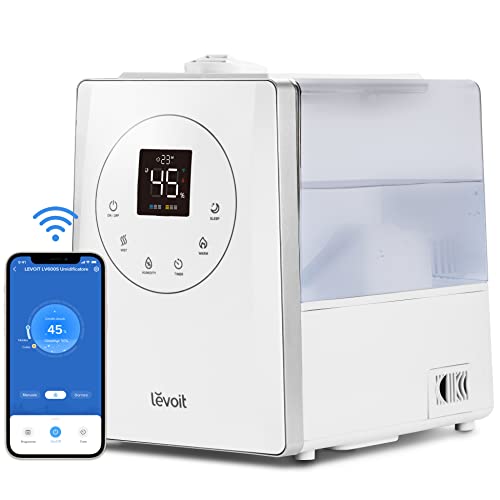
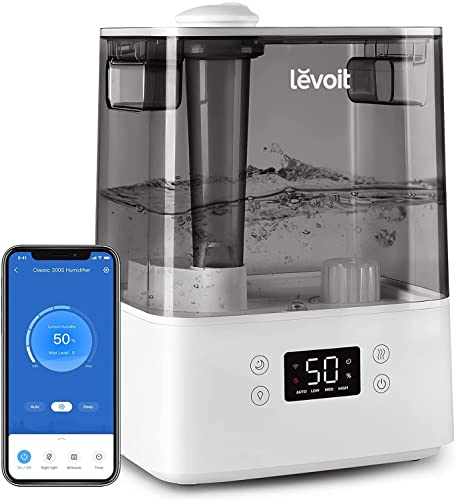
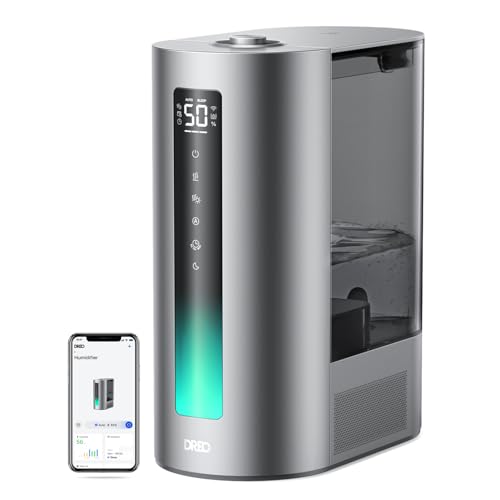
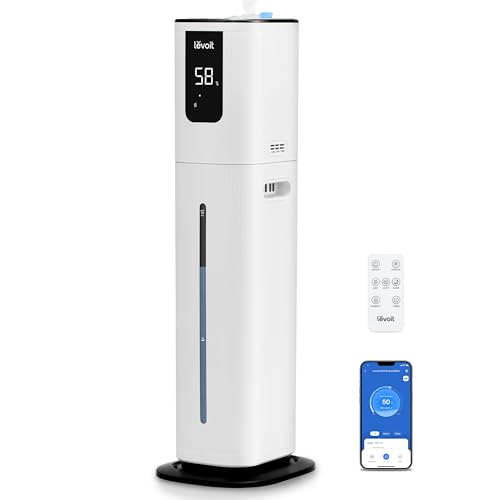
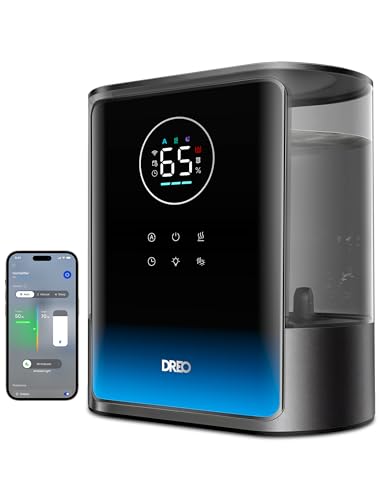
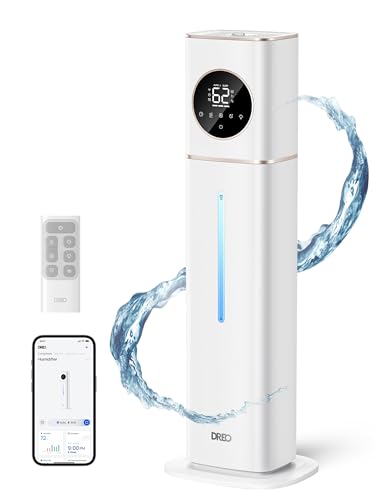
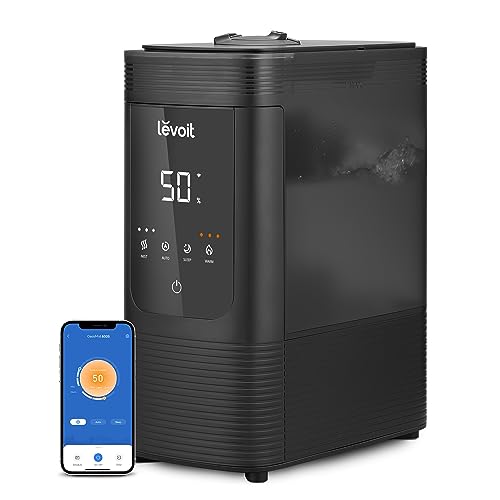
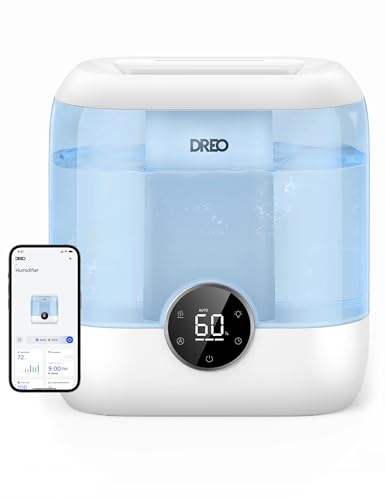
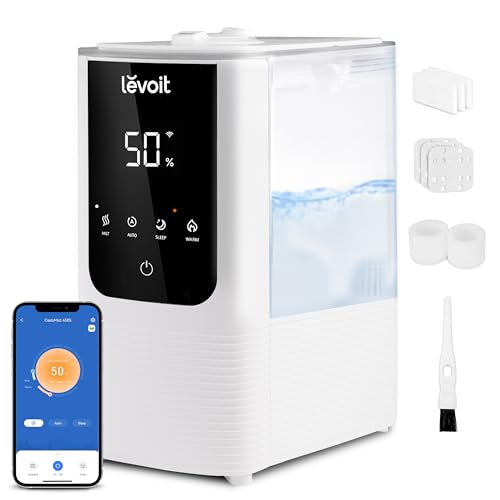
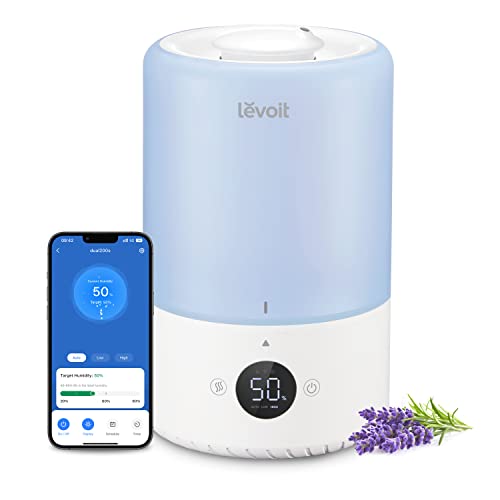
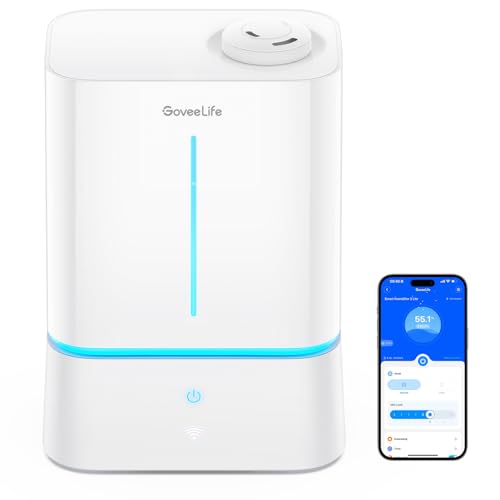
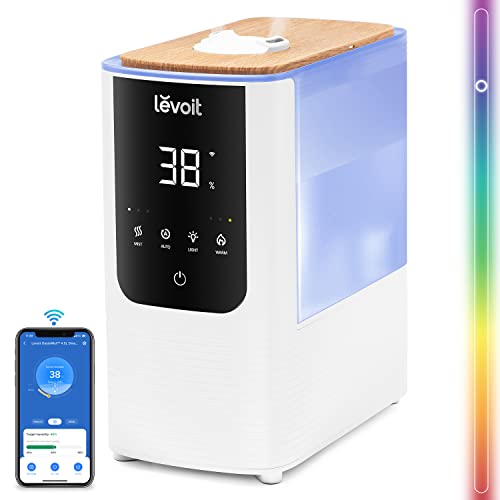
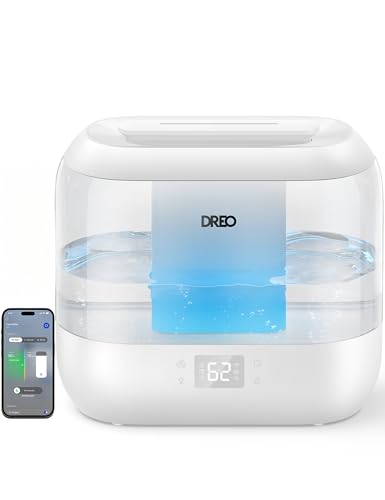
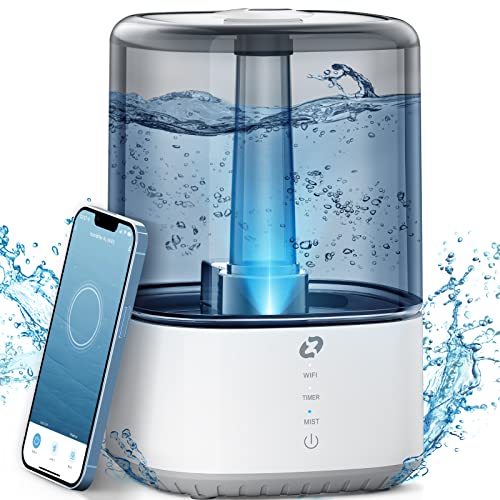
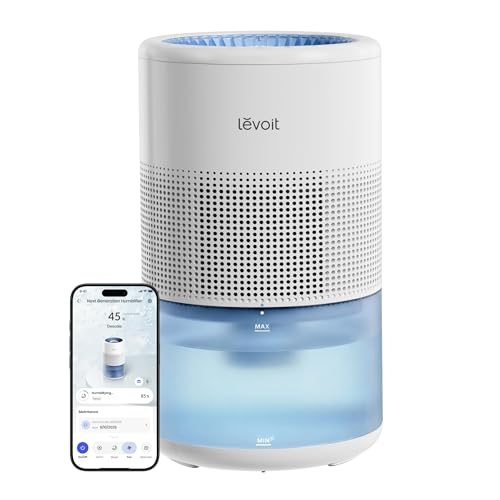
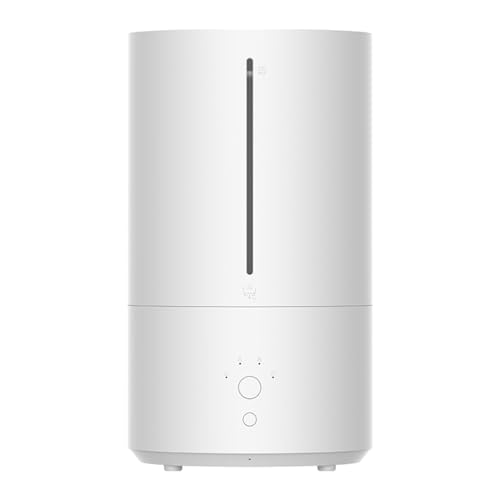
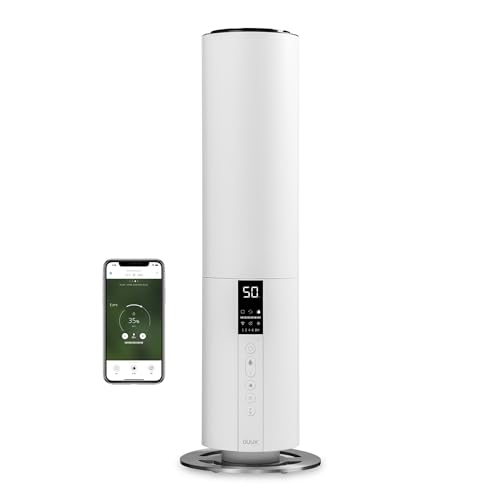
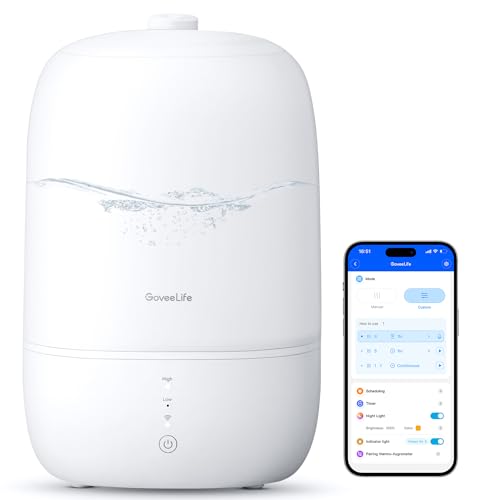
Smart humidifier apps usually let you start or stop misting remotely, set a humidity target, change output levels, schedule operation, and receive low-water or maintenance alerts. The most useful controls are those that map to a real sensor: a hygrostat can pause output near 40–50% RH, while a timer can limit operation overnight or when nobody is home.
App dashboards may show room humidity, tank status, temperature, and device history. Treat those readings as useful trends rather than laboratory measurements; the sensor may sit close to the mist outlet and a separate hygrometer is better for checking a nursery or plant room.
Check whether the humidifier retains local buttons and a safe default if Wi-Fi fails. Account sharing, firmware support, privacy settings, and a stable 2.4 GHz connection can matter more than a long list of app screens. Remote control never removes the need to empty water, clean the reservoir, and inspect the appliance in person.
Which smart humidifiers support voice control?
The smart humidifiers most likely to support voice control are models that expose a compatible skill or smart-home integration, but the exact brands and commands depend on the platform and region. Confirm the product page names the assistant you use—such as Alexa or Google Assistant—and check which commands are available before treating voice control as a buying reason.
Voice commands are convenient for changing a target or switching a unit off, yet they should not be the only safety control. Keep automatic low-water shut-off and a local power or control button, because network outages, account errors, or an unresponsive cloud service can leave remote commands unavailable.
Privacy and household access also matter. Review microphone, account-sharing, and data permissions in the app, and avoid placing the humidifier where a visitor or child can change the humidity target without supervision.