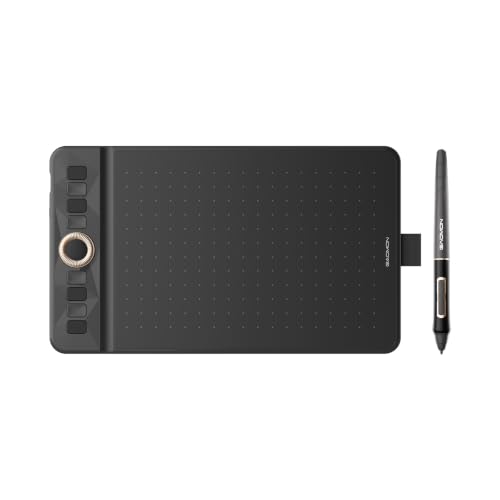
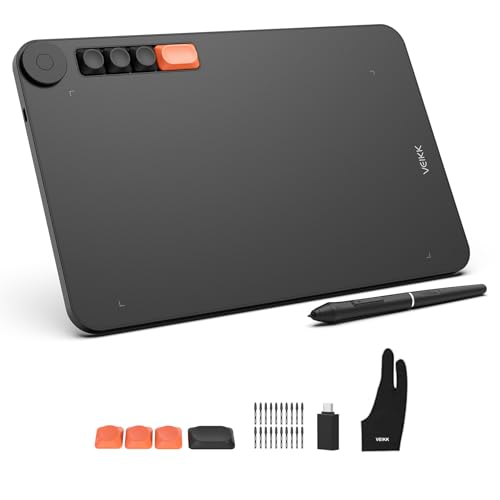
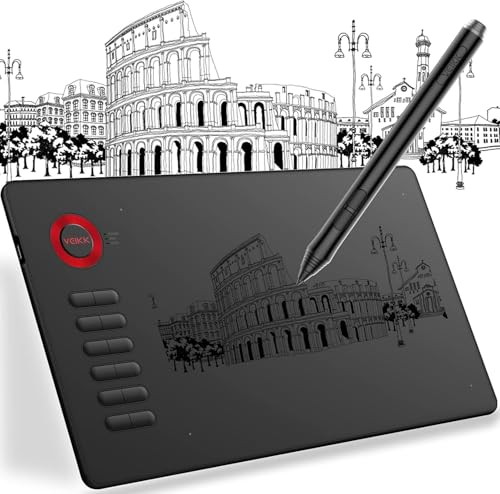
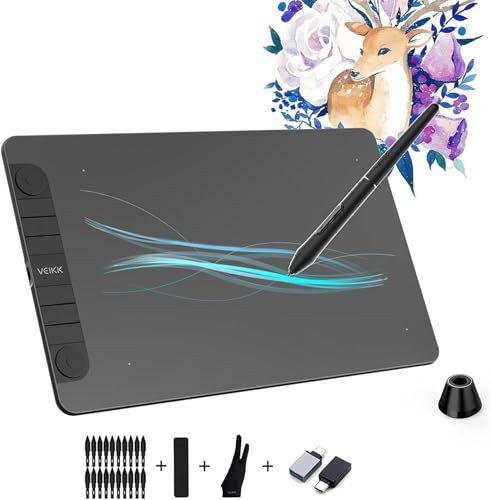
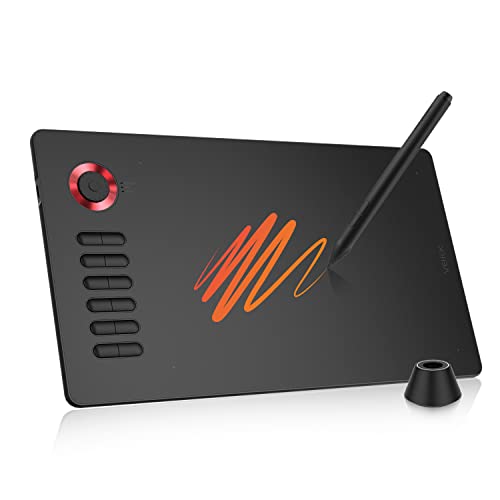
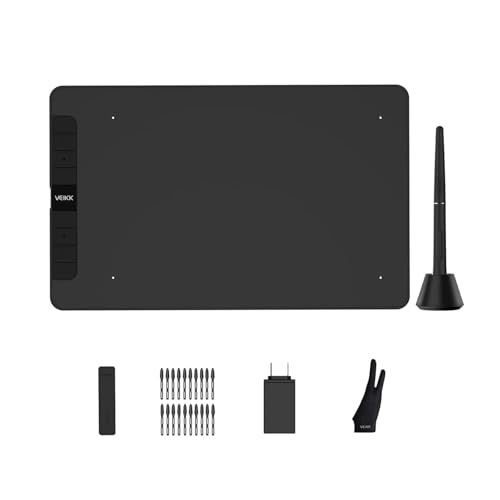
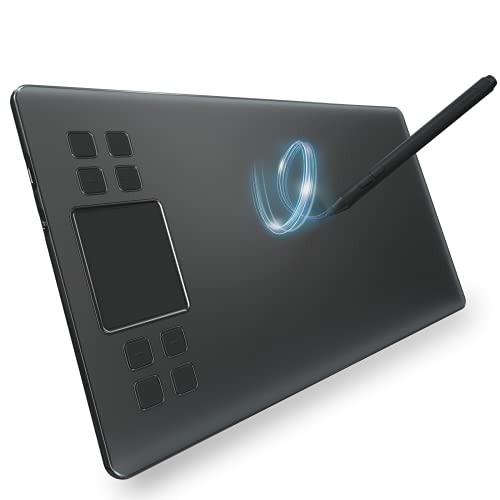
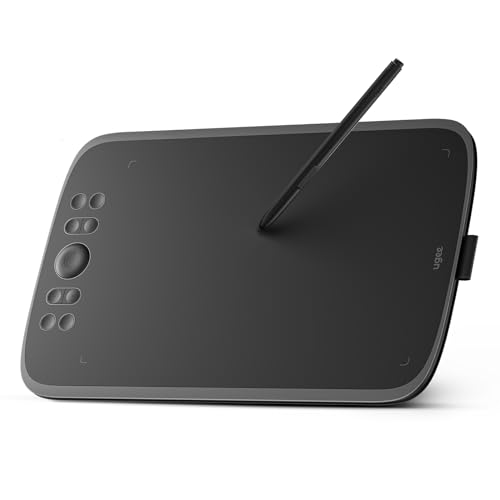
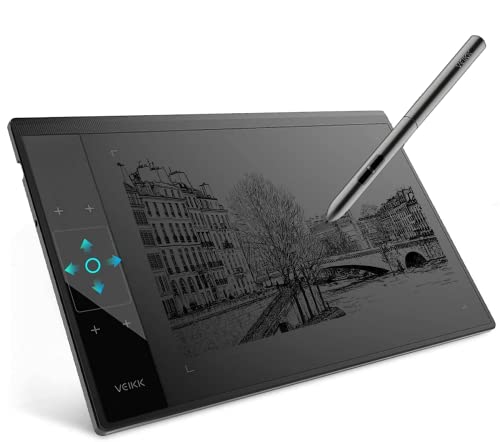
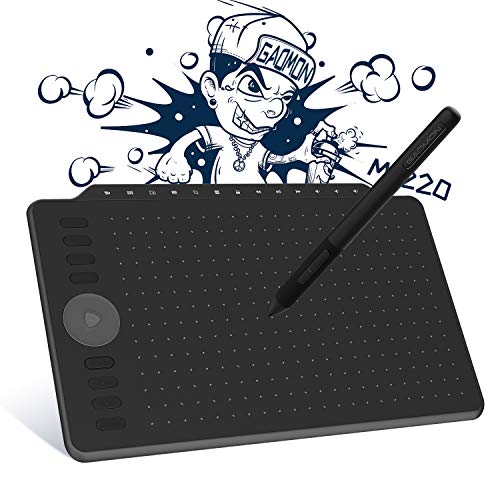
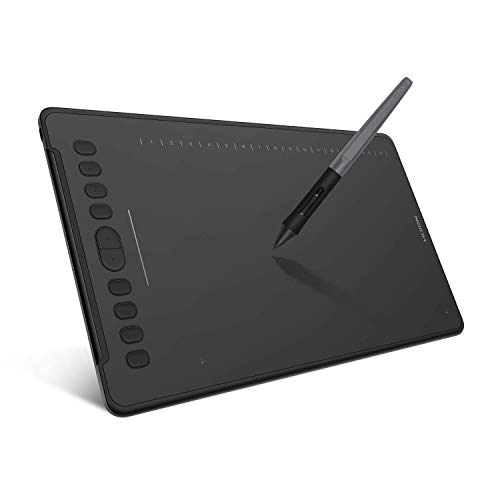
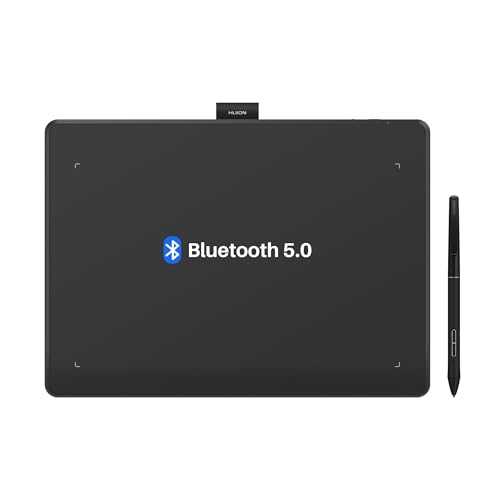
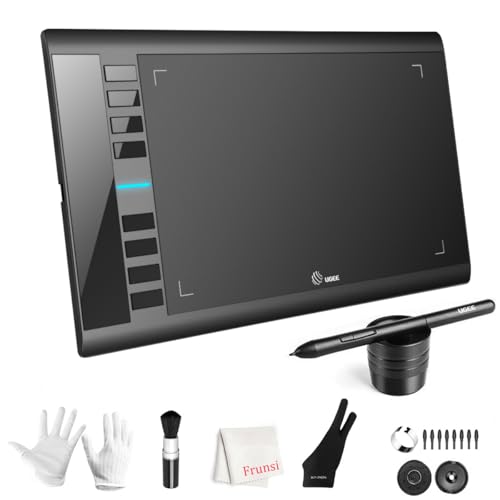
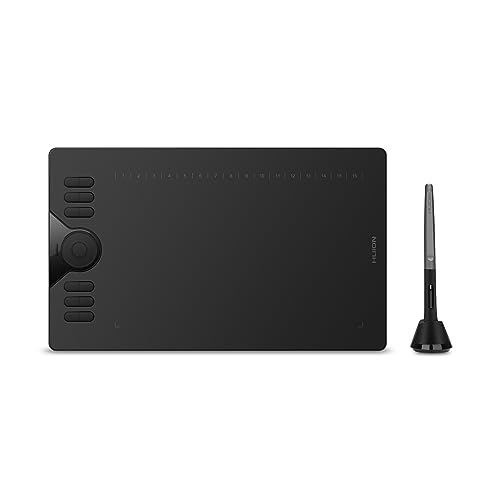
Which brands make the best cheap drawing tablets?
The best cheap drawing tablet brands are as follows.
- VEIKK (Average overall score: 6.8)
- HUION (Average overall score: 6.6)
- XP Pen (Average overall score: 6.2)
The chart below ranks cheap drawing tablet brands by average overall score.
[horizontal-chart-16779702099006835600086240950426222177310902211148]
What should you expect from a cheap drawing tablet?
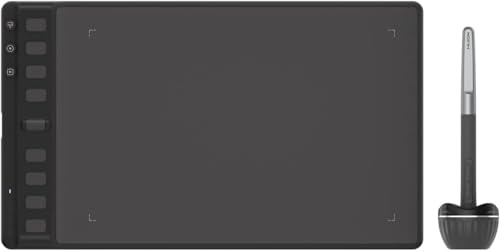
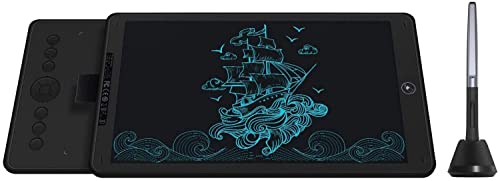
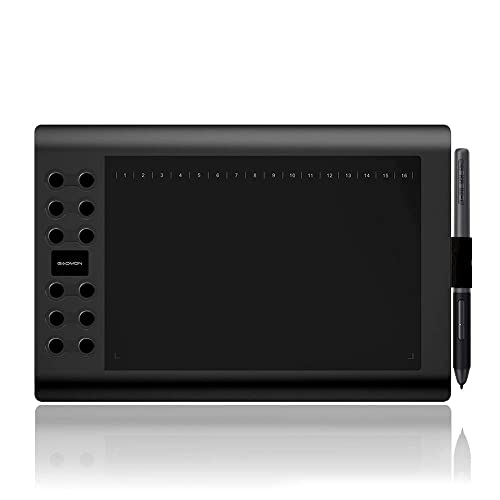
A cheap drawing tablet usually gives you the core drawing essentials rather than premium extras.
Most low-cost models focus on a screenless design, a battery-free pen, standard USB connectivity, and pressure sensitivity that is good enough for learning, sketching, note-taking, and light editing. You can still get a smooth beginner experience if the drivers are stable and the tablet surface feels controlled.
What you should not expect at this price is high-end build quality, large working areas, advanced wireless options, or display-tablet features. Cheap tablets can offer very good value, but they usually do it by keeping the feature set simple.

How accurate are pens on cheap drawing tablets?
Pens on cheap drawing tablets are often accurate enough for beginner illustration, handwriting, and basic editing, but they are usually not as refined as the pens on more expensive creative hardware.
The stronger budget models can still deliver clean tracking, decent initial activation force, and pressure response that feels natural for sketching and line variation. For most entry-level users, that is enough to learn control and build consistency.
The limits tend to show up in edge precision, tilt behavior, cursor stability, or overall smoothness during slower detailed work. So the question is not whether cheap pens work, but whether they stay predictable enough for the type of drawing you want to do.
What active area is common on cheap drawing tablets?
Cheap drawing tablets most commonly use small to medium active areas, because that is where brands can keep prices low without making the tablet too cramped for normal use.
This size range is usually enough for note-taking, beginner sketching, casual design work, and photo editing, especially on a standard desk. Smaller active areas also make the tablets lighter and easier to carry.
Very large active areas are less common in the cheap segment because they raise cost and size quickly. If you want broad arm movement or a more desk-bound studio feel, you usually need to move above the lowest price tier.
The graph below shows the active drawing area distribution among cheap drawing tablets.
[vertical-chart-12454214741400314123013547794789250561444085504179]
What compatibility is common on cheap drawing tablets?
Cheap drawing tablets commonly support Windows and macOS, and many also offer at least partial Android compatibility, especially for basic mobile drawing or note-taking.
For most buyers, desktop compatibility matters most because drivers, mapping controls, and creative software support are usually more complete on computers than on mobile devices. USB-A, USB-C, or adapter-based connections are common, depending on the age and design of the tablet.
The main thing to check is not just whether a platform is listed, but how complete the support really is. Budget tablets may have narrower support for ChromeOS, limited mobile features, or weaker multi-monitor behavior.
What compromises are common on cheap drawing tablets?
The most common compromises on cheap drawing tablets are simpler construction, smaller active areas, and fewer premium features around pen behavior, controls, and connectivity.
You may also see more basic surface materials, fewer shortcut keys, lighter stands or no stand at all, and driver software that is functional but less polished. In some budget models, the pen can feel less precise near the edges or less smooth during very detailed work.
These compromises do not automatically make a cheap tablet a bad choice. They mainly mean that low-cost models are built to cover learning and everyday creative basics first, rather than advanced professional comfort or precision.