
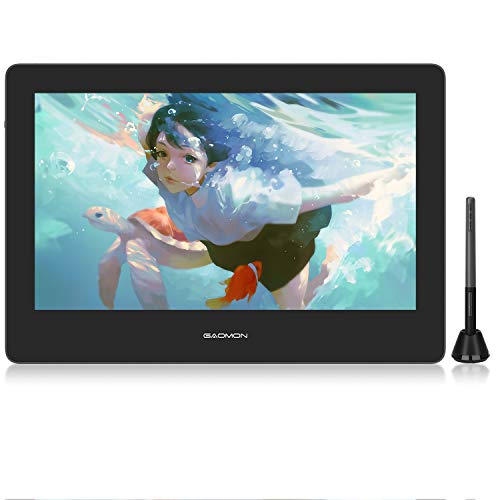
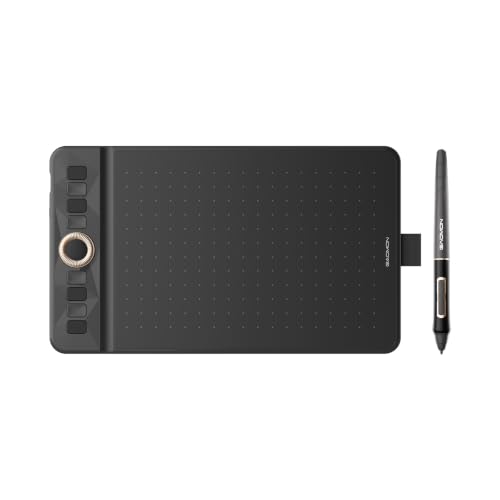
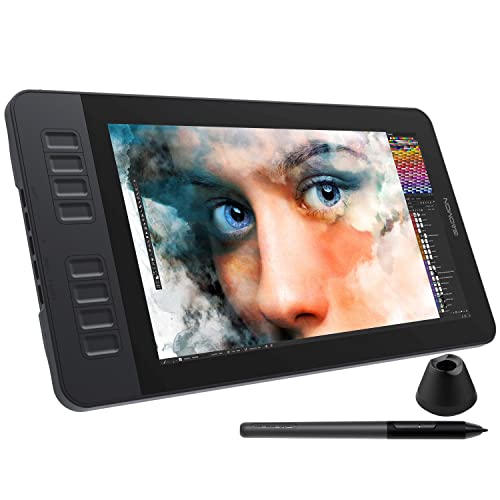
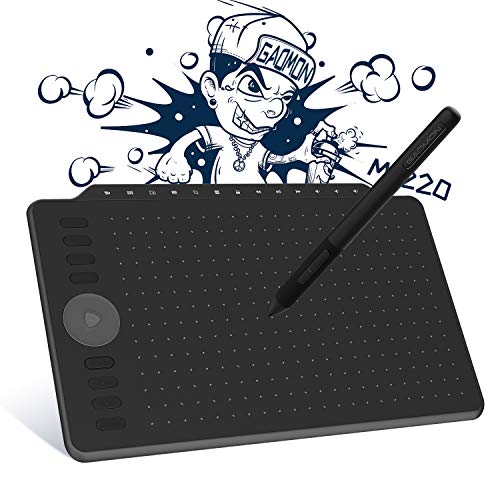
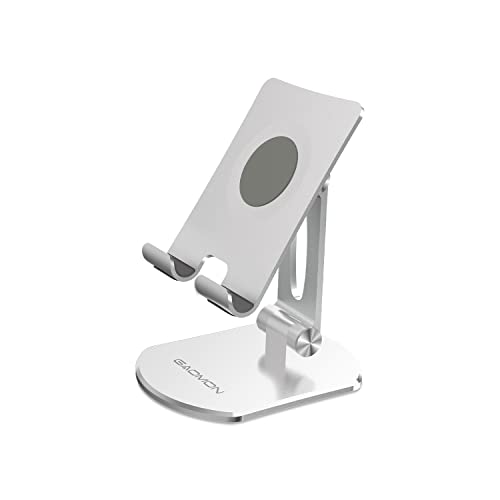
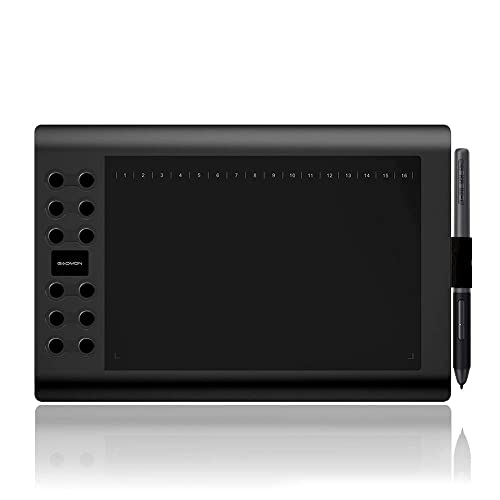
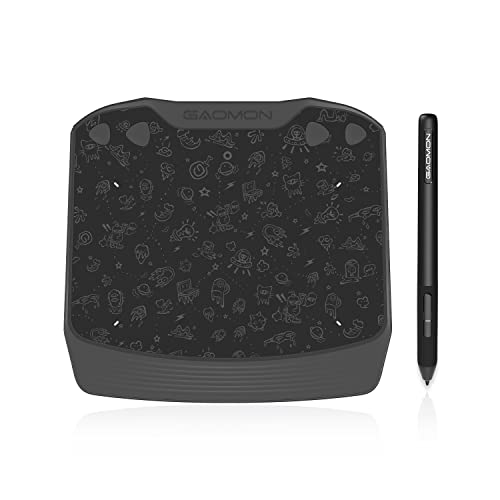
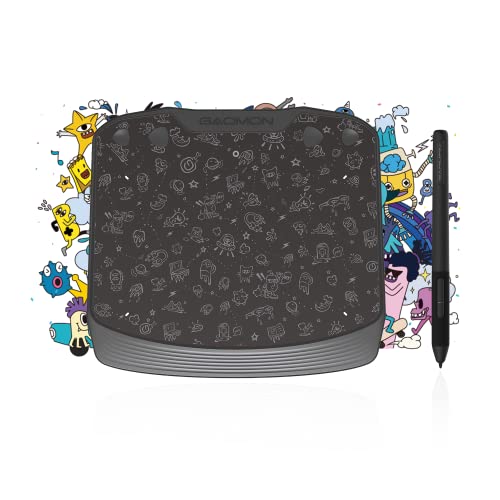

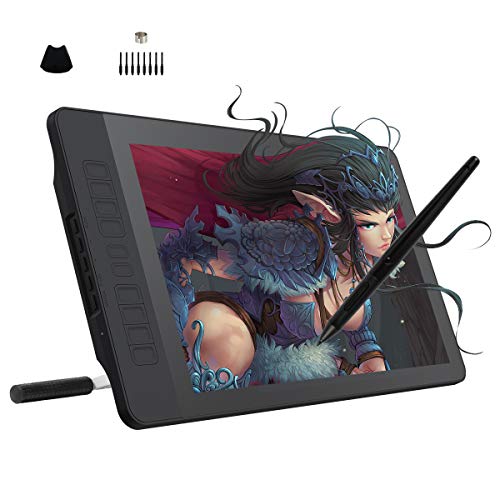
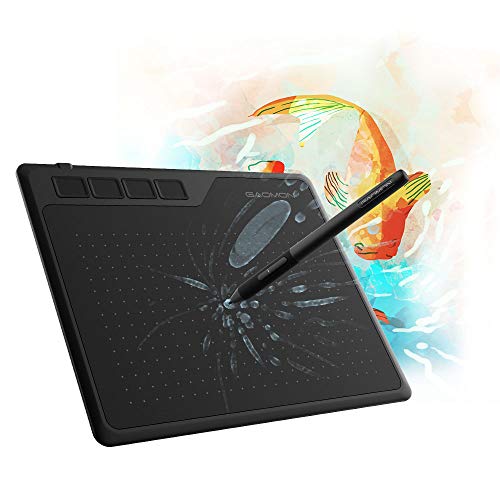
Are Gaomon drawing tablets good?
Gaomon drawing tablets have an average overall score of 7, ranking #5 among drawing tablet brands, and a user rating of 9, placing them at #5 based on user reviews.
Gaomon is strongest if you want a low-cost choice between simple pen tablets and affordable pen displays. Its screenless models cover basic sketching and study use, while the display range offers a more accessible route into on-screen drawing.
The main trade-off is refinement. Gaomon competes more strongly on price than on premium build quality or color-critical display tuning, making it a better fit for beginners and value-focused hobby users than demanding studio workflows.
The chart below compares drawing tablet brands by average overall score.
[horizontal-chart-08051336327100176140083205511039624666222915896643]
What are the main advantages of Gaomon drawing tablets?
The following advantages matter most on Gaomon drawing tablets.
- Affordable displays: Gaomon is one of the easier ways to move from a screenless tablet to a pen display without paying premium-brand prices. That matters if you want a 11.6-inch to 16-inch drawing screen for hobby art, classes, or light freelance work on a tighter budget.
- Beginner-friendly lineup: The range is easy to understand at a basic level, with smaller S-series tablets, mid-size M-series options, and PD display models. That makes it simpler for first-time buyers to separate compact desk tablets from entry display units.
- Solid core pen specs: Many Gaomon models offer 8192 pressure levels, battery-free pens, and shortcut keys, which cover the core features most casual and intermediate users actually need. In practice, that is enough for sketching, note-taking, photo retouching, and everyday illustration.
- Good value on larger work areas: Gaomon often gives buyers more active area or a larger display for the money than premium rivals. This is especially useful if you want more hand movement space for drawing comfortably without stretching your budget too far.
- Accessible step-up path: Because Gaomon sells both inexpensive pen tablets and more affordable PD displays, the brand gives beginners a natural upgrade route. You can start with a basic screenless model and move to a display later without switching to a totally different price tier.
What are the main disadvantages of Gaomon drawing tablets?
The main disadvantages of Gaomon drawing tablets are as follows.
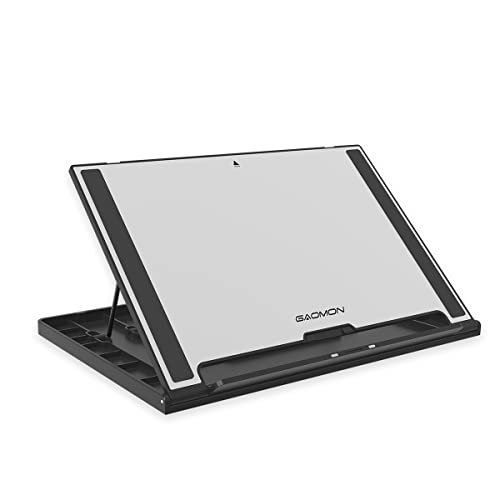
- Less premium refinement: Gaomon competes mainly on affordability, so materials, stands, and overall finish are usually less polished than on stronger Wacom or better Huion models. That matters more if you draw for long sessions and care about desk ergonomics or studio-level feel.
- Weaker display prestige: Gaomon's display tablets are attractive on price, but they are not the first choice for buyers who care deeply about color-critical work, laminated premium panels, or stronger pro-screen reputation. Serious illustrators may therefore outgrow the cheaper PD models faster.
- Driver confidence can matter more: Budget-focused tablet brands usually require more model-specific research before buying, and Gaomon is no exception. If you depend on a very stable multi-app workflow, the safer choice may still be a more established ecosystem.
- Smaller ecosystem: Gaomon has fewer widely recognized accessories, add-on options, and long-running professional habits built around the brand. Buyers who want broad stand, nib, and workflow support may find the surrounding ecosystem thinner.
- Limited high-end reach: Gaomon covers the affordable and lower-mid range well, but it does not offer the same depth of truly premium display tablets as Wacom or the broader advanced Kamvas range from Huion. That reduces its appeal for buyers planning a long-term pro setup.

Who makes Gaomon drawing tablets?
Gaomon drawing tablets are made by GAOMON, a digital-art hardware brand focused on affordable pen tablets and pen displays. In this category, the company is best known for lower-cost screenless tablets and the PD display line.
In practice, Gaomon targets beginners, students, and hobby artists more than premium studio buyers. That focus explains why its lineup leans heavily toward value pricing, accessible first-tablet options, and entry-level display models rather than high-end professional creative hardware.
What are the main Gaomon drawing tablet series?
The main Gaomon drawing tablet series are as follows.
- S series: These are Gaomon's compact entry-level screenless tablets. They fit beginners, note-taking, and light sketching where desk space and price matter more than a large active area.
- M series: This is the larger screenless branch of the lineup. M-series tablets usually give you more drawing area and more shortcut-room than the smallest S models, which makes them a better fit for regular desk use.
- WH series: This is the part of the lineup that emphasizes wireless-style flexibility on selected screenless tablets. It suits buyers who want a cleaner desk or fewer cables during everyday use.
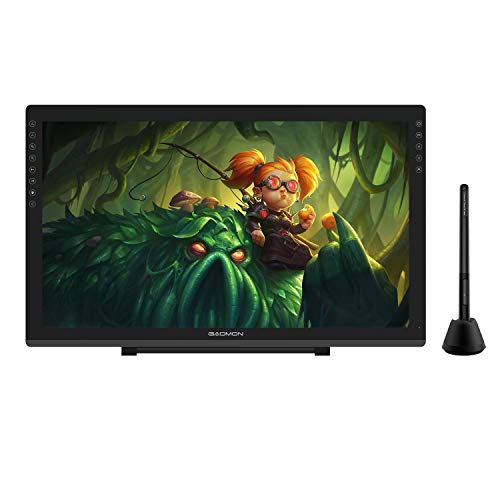
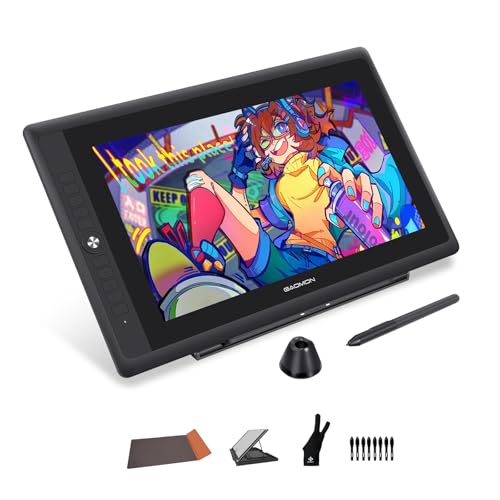
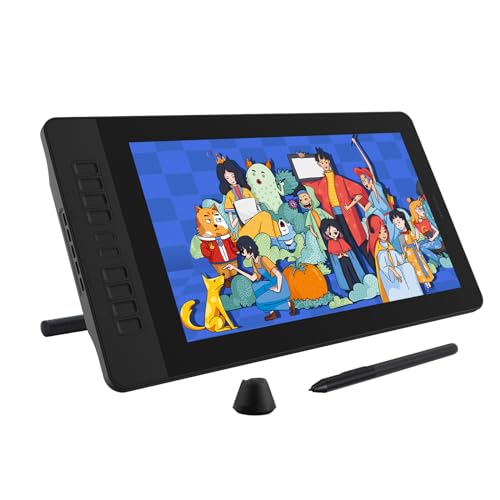
- PD series: This is Gaomon's main pen-display family. It covers affordable display tablets from roughly 11.6 inches up to larger desktop units for users who want to draw directly on the screen.
- Display flagships: Models such as the PD1610, PD1621, and PD2200 sit near the top of Gaomon's display range. They are the better fit if you want a larger workspace and a more serious desktop art setup than the small entry displays provide.
How much do Gaomon drawing tablets cost?
Gaomon drawing tablets usually cost about £20 to £610, with many of the simpler screenless models sitting between roughly £30 and £60 and the brand's pen displays starting around £140.
What changes most is the format. At the low end, you are mainly paying for compact or mid-size screenless tablets with 8192 pressure levels and enough basics for learning, note-taking, and casual illustration. Once you move into the PD display range, prices rise because you are adding a 11.6-inch to 22-inch screen, more desk-oriented setups, and a more direct drawing experience, but Gaomon still stays well below premium Wacom pricing in most cases.
The graph below shows how prices are distributed across Gaomon drawing tablets.
[vertical-chart-00359906333730757484029309305815554655582064320180]
How do Gaomon drawing tablets compare with Huion models?
Gaomon drawing tablets compare with Huion models mainly as the smaller and simpler budget alternative. Both brands compete below Wacom on price, but Huion has a much broader lineup and a stronger position in larger, more advanced pen displays.
That means Gaomon is often the better fit if you want the cheapest reasonable entry into a screenless tablet or an affordable display without spending much time comparing dozens of variants. Huion is usually easier to justify if you want more size choices, more polished Kamvas options, or a clearer upgrade path into mid-range and high-end creative setups.
What should you consider while choosing the best Gaomon drawing tablet?
The following factors matter most when choosing the best Gaomon drawing tablet.
- Tablet vs display: Start by deciding whether you want a simple screenless tablet or a PD display model. Screenless units are cheaper, lighter, and easier to place on a desk, while display tablets cost more but let you draw directly on the panel.
- Active area or screen size: Gaomon ranges from compact S-series tablets to much larger desk models and display tablets. A small tablet is fine for note-taking and casual sketching, but a larger surface is usually more comfortable for longer illustration sessions.
- Shortcut layout: Some Gaomon models give you more buttons or a more practical control layout than others. If you rely on zoom, brush-size changes, or quick tool switches, the shortcut setup can matter almost as much as pen performance.
- Display expectations: On PD models, look beyond the fact that a screen is included. Check whether the size, stand arrangement, and overall display quality actually suit your workflow, especially if you want the tablet for color-sensitive art rather than basic hobby use.
- Driver tolerance: Gaomon is attractive on value, but budget tablet brands reward exact model research. If you use several creative apps or need a dependable daily workflow, it is worth paying more attention to compatibility reputation before choosing the cheapest option.
- Budget ceiling: Gaomon covers everything from very cheap screenless tablets to mid-priced displays, so set a realistic budget before comparing models. In many cases, a slightly better mid-range tablet will be easier to live with than the absolute cheapest option.