Which brands make the best drawing tablets for beginners?
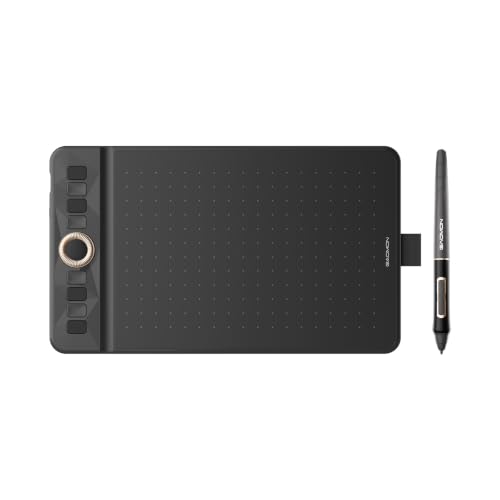
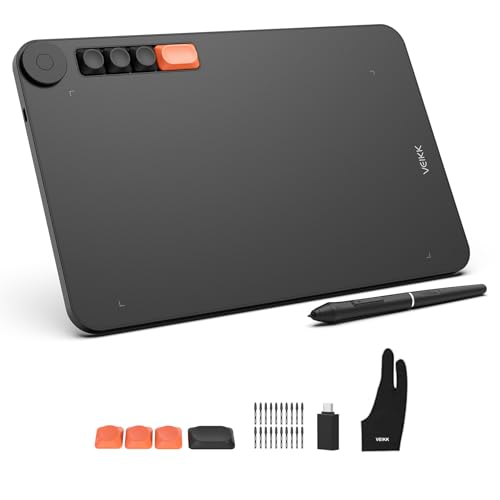
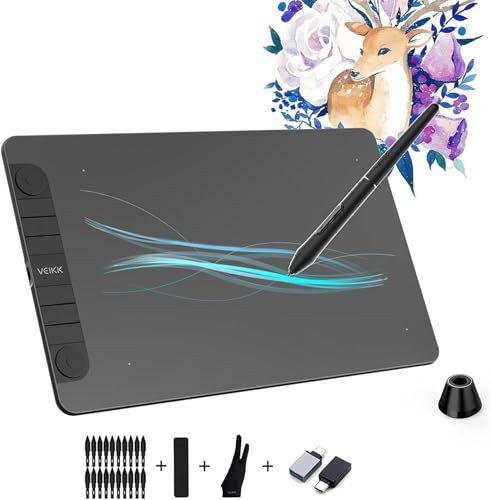
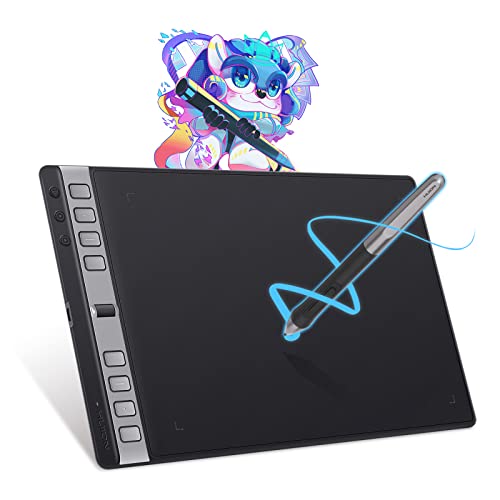
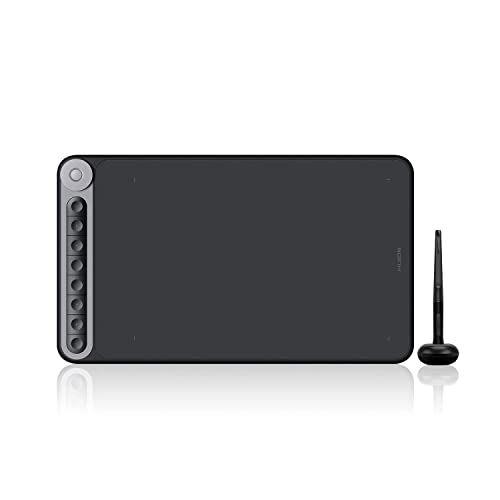
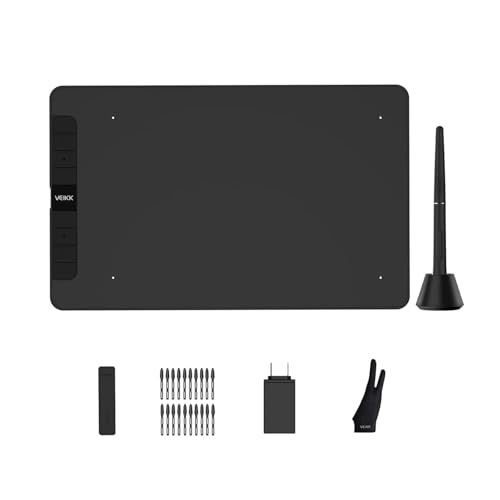
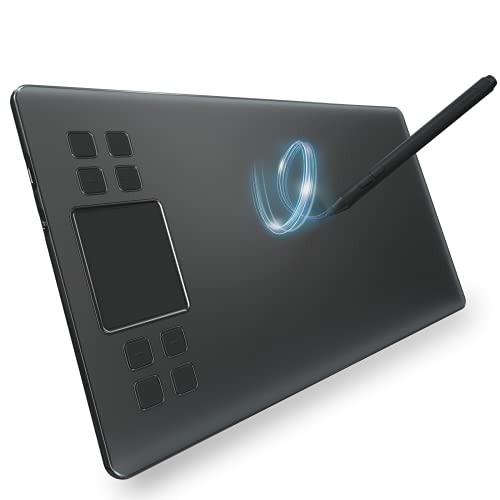
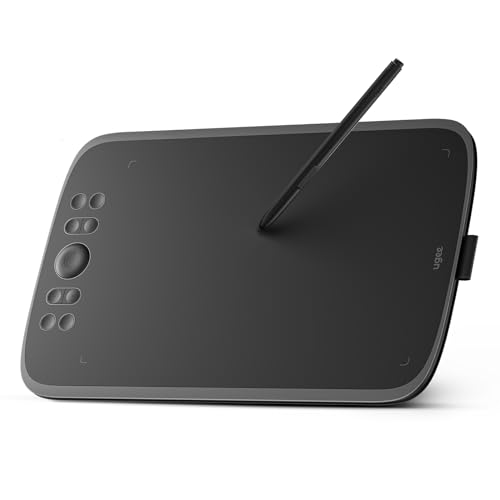
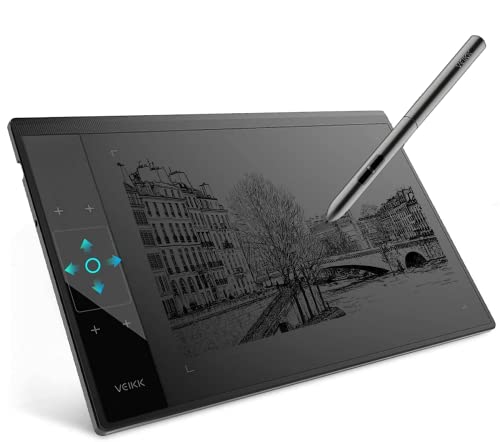
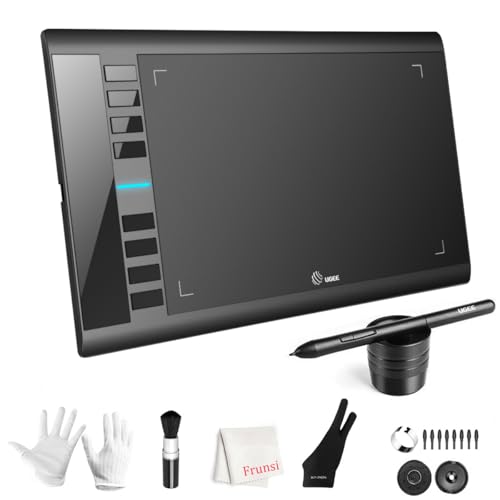
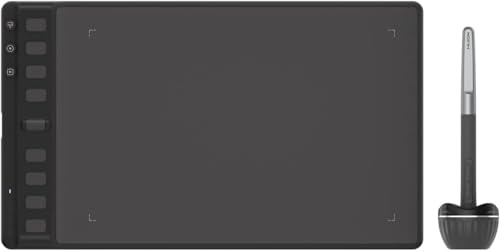
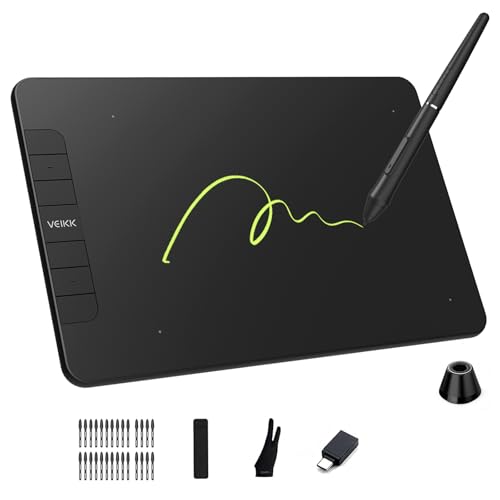
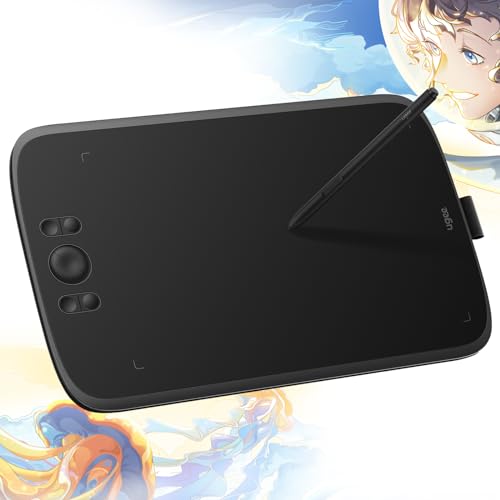
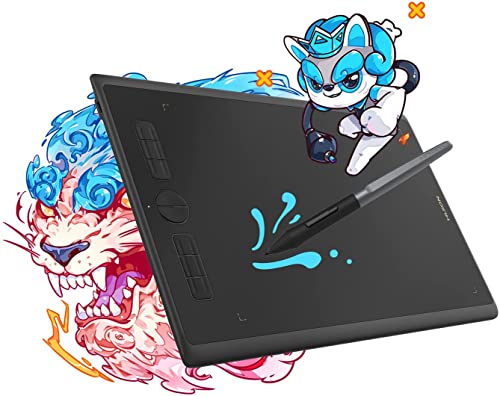
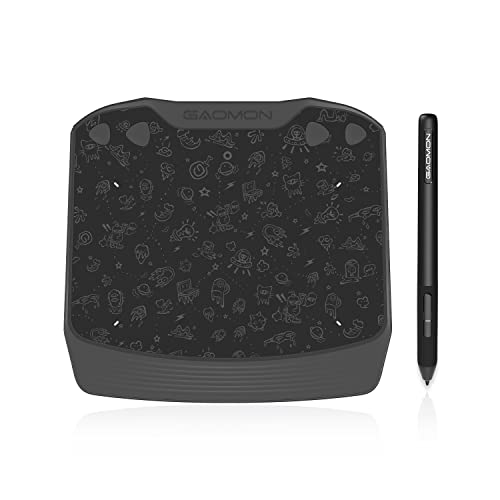
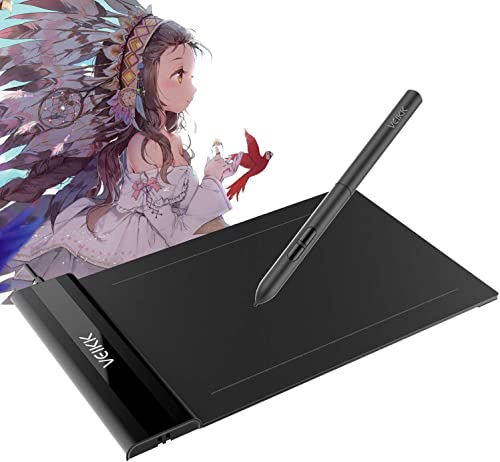
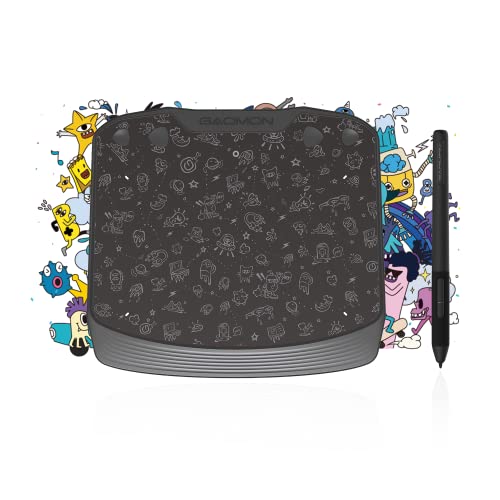
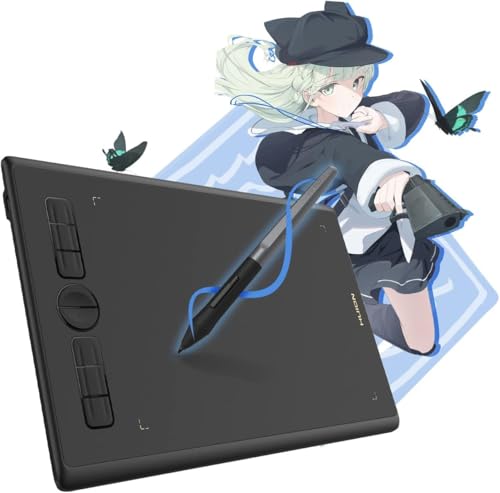
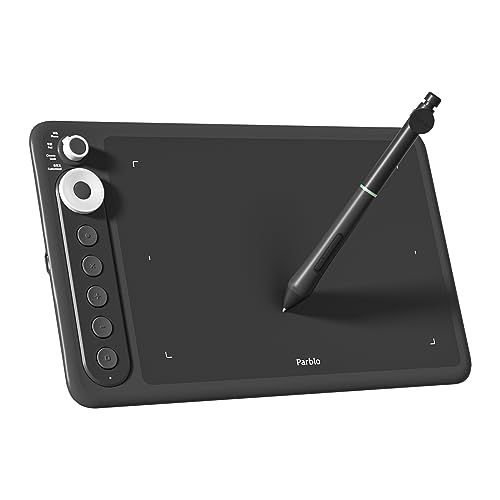
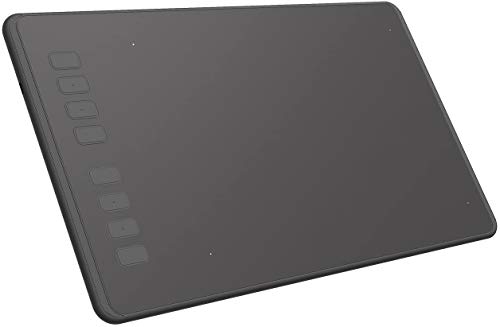
The best beginner-friendly drawing tablet brands are as follows.
- VEIKK (Average overall score: 6.8)
- HUION (Average overall score: 6.3)
- XP Pen (Average overall score: 6.2)
The chart below ranks beginner-friendly drawing tablet brands by average overall score.
[horizontal-chart-06820369526757878714091118515842028568464190267427]
What makes a drawing tablet suitable for beginners?
A drawing tablet is suitable for beginners when it keeps the learning curve low while still giving you enough control to build real drawing habits.
- Simple pen response: A beginner tablet should track pen movement cleanly, offer consistent pressure response, and avoid jitter that makes lines harder to control.
- Comfortable active area: A small-to-medium drawing area is usually easier to manage at first because it fits normal desk setups and does not force large arm movements too early.
- Straightforward setup: Better beginner models install quickly, use stable drivers, and start working without complicated calibration or cable routing.
- Battery-free pen: A pen that does not need charging removes one more thing to manage and makes casual daily practice easier.
- Basic shortcut keys: A few express keys can help with undo, brush size, or zoom, but too many controls can feel distracting for a first tablet.
- Broad software support: It helps when the tablet works well with common beginner apps for sketching, note-taking, photo editing, and simple design work.
For most beginners, the best choice is not the most advanced tablet, but the one that feels predictable, easy to start using, and affordable enough to practice on regularly.
How easy are drawing tablets for beginners to set up?
Drawing tablets for beginners are usually fairly easy to set up, especially if you choose a basic screenless model with standard USB connectivity and stable drivers.
In many cases, setup means installing the driver, connecting the tablet, mapping the active area to your display, and adjusting a few pen or shortcut settings. Windows and macOS support is common, and some models also work with Android, but the experience is usually smoother on desktop systems.
The main setup problems tend to come from older drivers, unusual multi-monitor layouts, or models that need extra cables and power. That is why simpler tablets are often the best starting point for first-time users.
What size drawing tablet is best for beginners?
For most beginners, a small or medium drawing tablet is the best size because it gives you enough working space without taking over your desk or making hand movement feel exaggerated.
A very small tablet is easy to carry and can work well for note-taking or light editing, but it may feel cramped for sketching. A medium size is often the safer middle ground because it gives better control for drawing while still fitting typical home or student setups.
Larger tablets can feel more natural for broad arm movement, but they cost more, need more desk space, and are not always necessary when you are still learning core pen control.
The graph below shows the active drawing area distribution among beginner-friendly drawing tablets.
[vertical-chart-17290160221010160727062345754654397253321602392539]
What price range is reasonable for a beginner drawing tablet?
A reasonable price range for a beginner drawing tablet is usually the budget to lower-midrange part of the market, where you can get solid pen performance and dependable drivers without paying for professional extras.
In practice, many worthwhile beginner tablets sit around the low double-digit range up to roughly the point where entry-level premium models begin. At that level, you can often expect a battery-free pen, 8192 pressure levels, and a usable set of shortcut keys.
Spending much less can increase the risk of weak build quality, inconsistent drivers, or limited compatibility, while spending much more often pays for larger sizes or display-based features that many beginners do not need yet.
The graph below shows how prices are distributed across beginner-friendly drawing tablets.
[vertical-chart-01741006917133333626149704515308860187331969005977]
What should you consider while choosing a drawing tablet for beginners?
When choosing a drawing tablet for beginners, keep the following checks in mind:
- Pen technology: A battery-free pen with stable tracking and reliable pressure response is easier to learn on than a pen that feels inconsistent or laggy.
- Active area size: Small and medium tablets are usually the easiest starting point because they balance control, portability, and desk-space demands.
- Driver stability: Good driver support matters because setup problems, remapping issues, and shortcut glitches can make practice frustrating very quickly.
- Device compatibility: Check support for your operating system and software first, especially if you plan to use macOS, Android, or a multi-monitor setup.
- Shortcut layout: A few well-placed express keys can speed up undo, zoom, and brush changes, but a crowded button layout is not automatically better for a new user.
- Build and surface feel: The drawing surface should feel controlled rather than overly slippery, and the tablet should stay stable during longer practice sessions.
- Value for money: It is usually smarter to pay for reliable basics than for premium extras you may not use until your skills improve.