
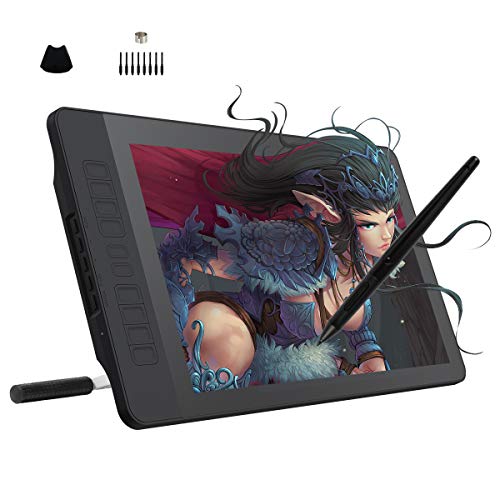
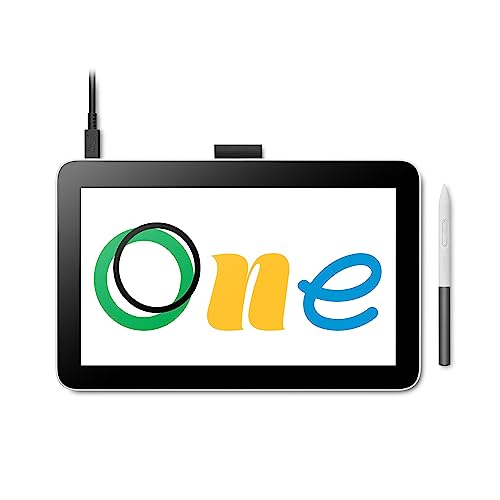
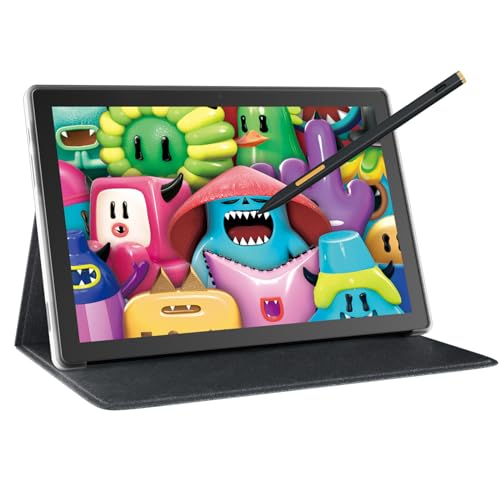
Which brands make the best cheap drawing tablets?
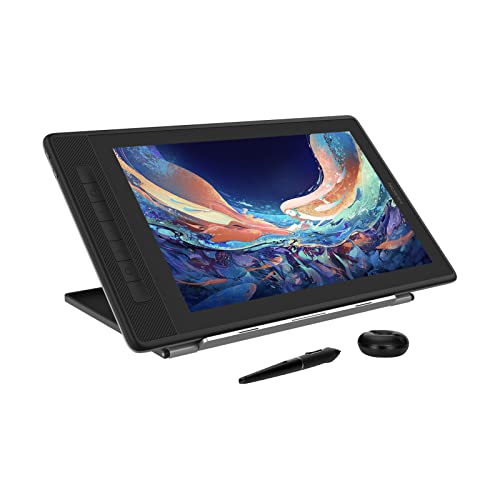
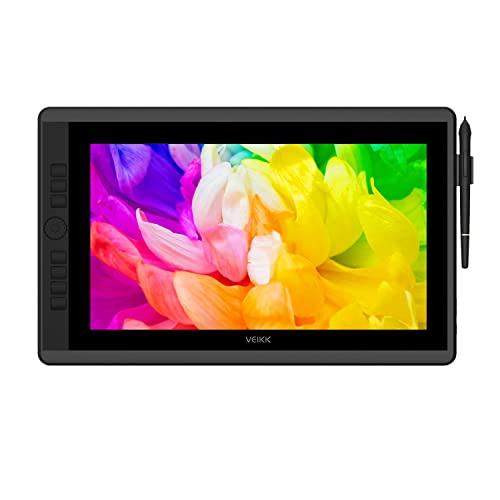
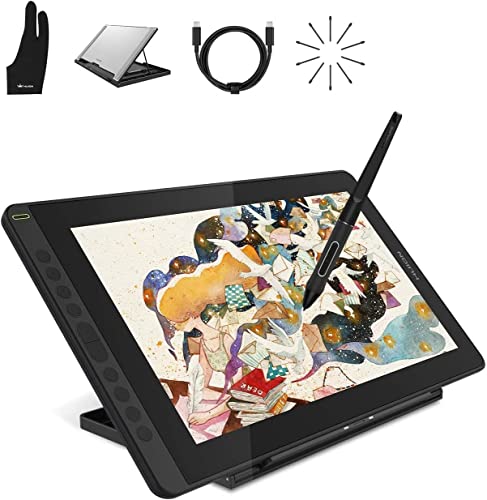
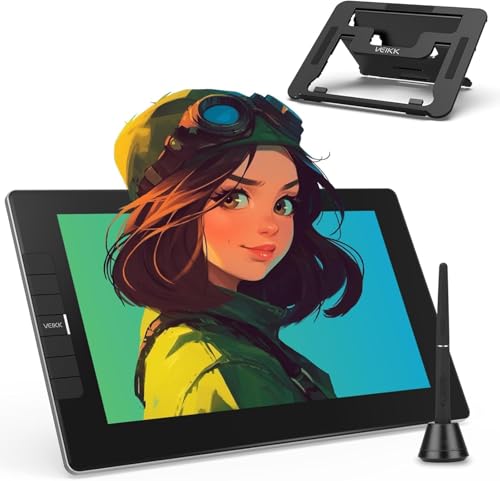
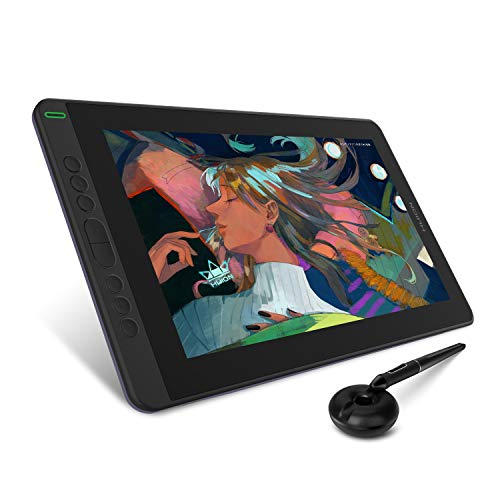
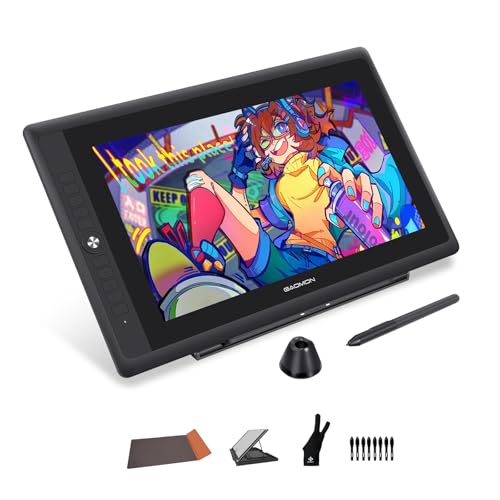
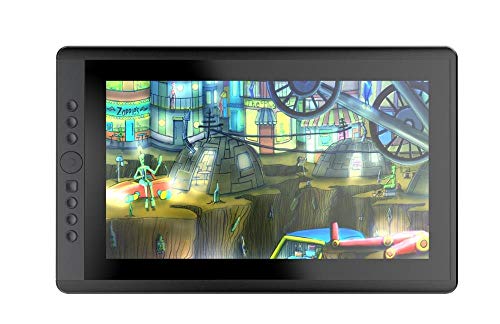
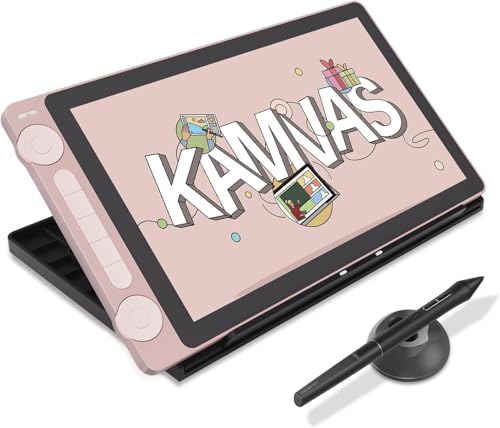
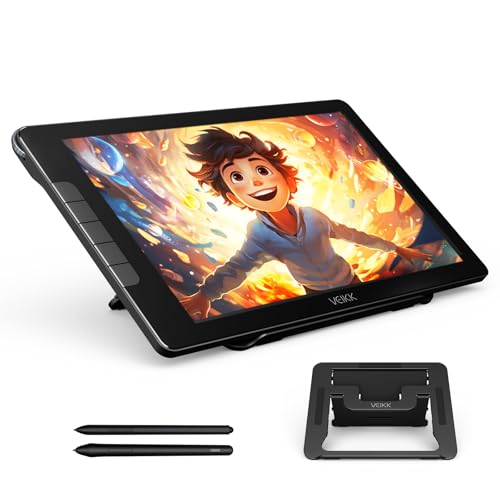
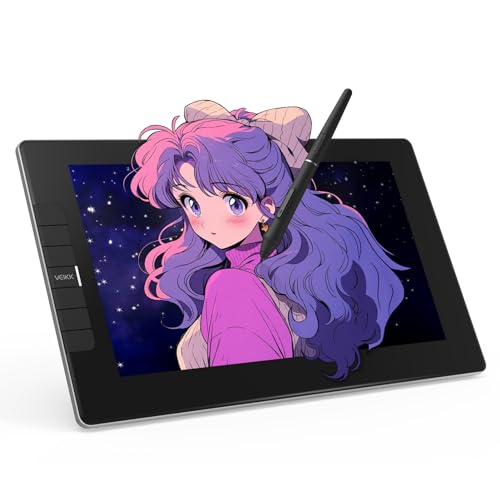
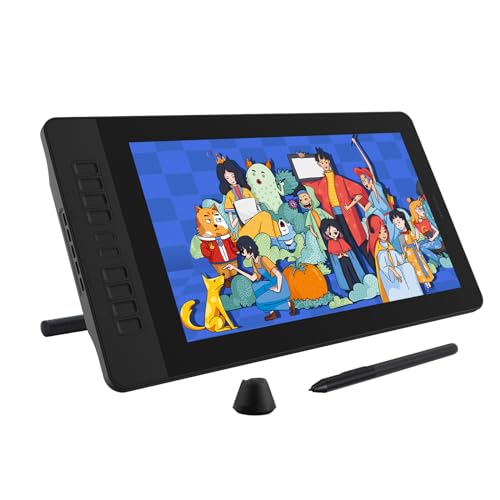
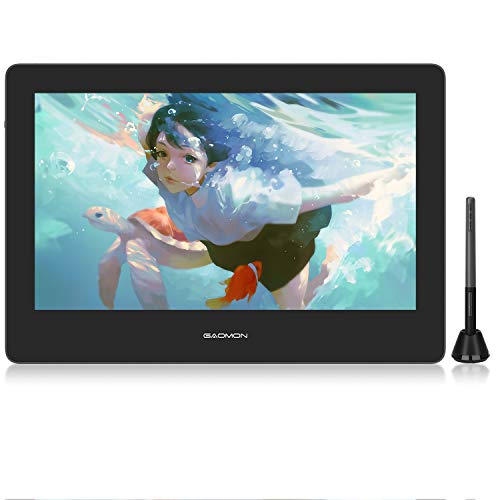
The best cheap drawing tablet brands with screen are as follows:
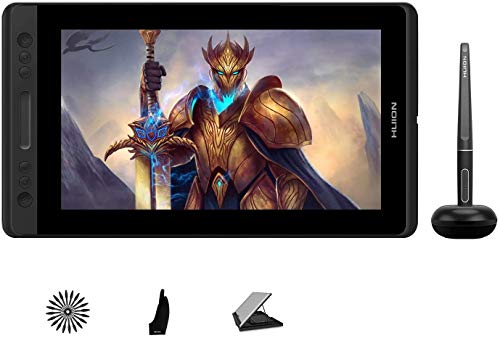
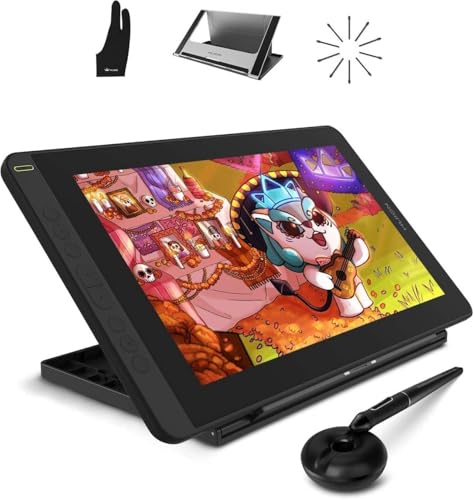
- HUION (Average overall score: 7.3)
- VEIKK (Average overall score: 7.2)
- UGEE (Average overall score: 7.1)
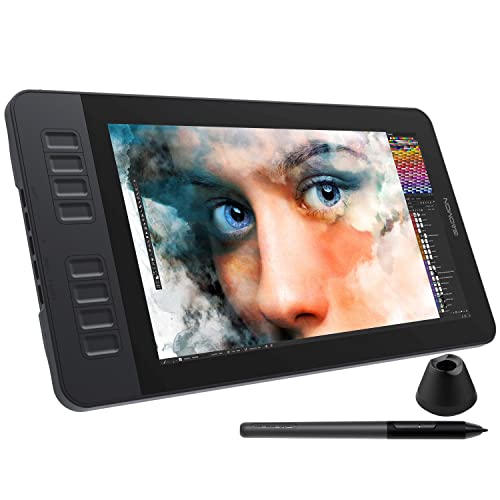
- GAOMON (Average overall score: 7.1)
The chart below compares cheap drawing tablet brands with screen by average overall score.
[horizontal-chart-14204362162375130125065583002704254415222353928011]


What should you expect from a cheap drawing tablet?
You should expect a cheap drawing tablet to cover the basics well rather than trying to match premium creative hardware. In this part of the market, it is normal to get solid pressure sensitivity, a battery-free pen, and enough drawing control for learning, sketching, note-taking, and casual editing.
What usually stays modest is the size, the build quality, and the refinement around the experience. You may get a smaller active area, fewer shortcut controls, simpler stands or cable bundles, and on display models more noticeable parallax or lower color quality.
Cheap tablets can still be very good value if your expectations are realistic. The goal at this price is not high-end polish, but a stable and usable drawing experience that lets you learn or work casually without overspending.
How accurate are pens on cheap drawing tablets?
Pens on cheap drawing tablets are often accurate enough for beginner illustration, handwriting, and light editing, but they usually do not feel as refined as the pens on more expensive tablets. Many budget models still offer 8192 pressure levels and a battery-free stylus, which is enough for basic control and visible line variation.
Where the cheaper pens tend to show their limits is in lighter stroke registration, tilt handling, edge precision, and the overall smoothness of detailed slow work. For casual drawing that may not be a major problem, but more demanding artists usually notice the difference.
So the real question is not whether cheap pens work, because they usually do. It is whether their tracking and pressure behavior stay consistent enough for the kind of detail and comfort you expect over longer sessions.
What active area is common on cheap drawing tablets?
Cheap drawing tablets most commonly use small to medium active areas, because that is where brands can keep prices low without making the tablet too cramped for normal use. In practice, that usually means compact screenless tablets and smaller display models rather than broad desktop work surfaces.
That size range is often enough for note-taking, beginner sketching, casual design work, and photo editing, especially if you are working on one monitor and do not need wide arm movement. It also helps keep the tablet lighter and easier to place on a smaller desk.
Very large active areas are less common in the cheap segment because they raise both cost and physical size quickly. If you want a more spacious studio feel, you usually need to move above the lowest price tier.
What compatibility is common on cheap drawing tablets?
Cheap drawing tablets commonly support Windows and macOS, and many also add at least partial Android compatibility through USB-C. That covers the main needs for note-taking, sketching, editing, and beginner creative work, which is why broad desktop compatibility is common even at lower prices.
Where budget models can become less flexible is in driver polish, multi-monitor behavior, and support for less common systems such as ChromeOS or Linux. Mobile support may also be narrower than the brand marketing makes it sound.
The key thing to check is not only whether a platform is listed, but how complete the support really is. A cheap tablet can still be a good buy, but the real-world experience is often strongest on a normal Windows or Mac setup.
What compromises are common on cheap drawing tablets?
The most common compromises on cheap drawing tablets are the following:
- Smaller work areas: Budget tablets often keep the drawing surface compact to control both cost and overall size.
- Simpler build quality: You may get lighter materials, less rigid stands, or a chassis that feels less premium over time.
- Less refined pen behavior: Pressure support can still be good, but lighter stroke control, tilt handling, and edge precision are often weaker than on better tablets.
- Weaker display hardware on screen models: Cheaper pen displays may have more parallax, lower brightness, and narrower color coverage.
- Fewer controls and accessories: Shortcut keys, dials, stands, adapters, and bundled extras are often more limited at the low end.
- Less polished software: The hardware may be usable, but the driver experience and setup flexibility can still lag behind stronger brands or pricier models.