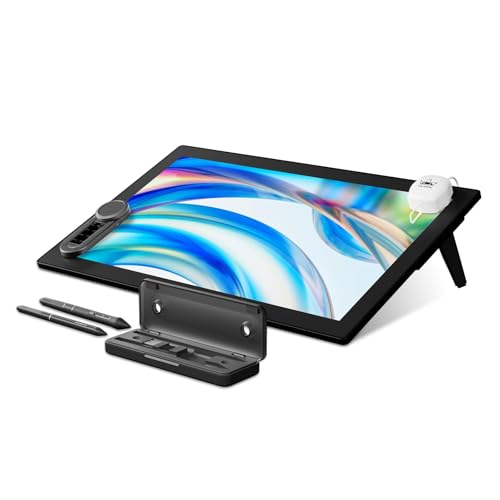
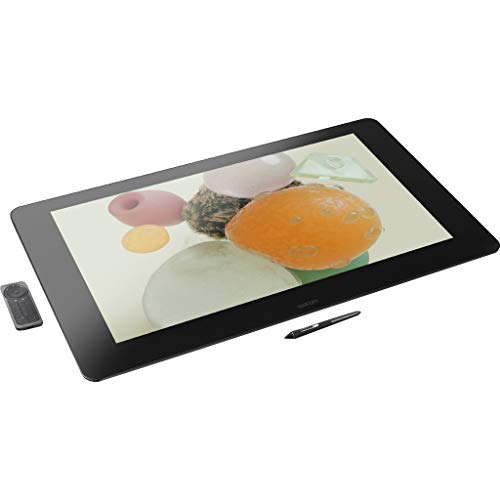
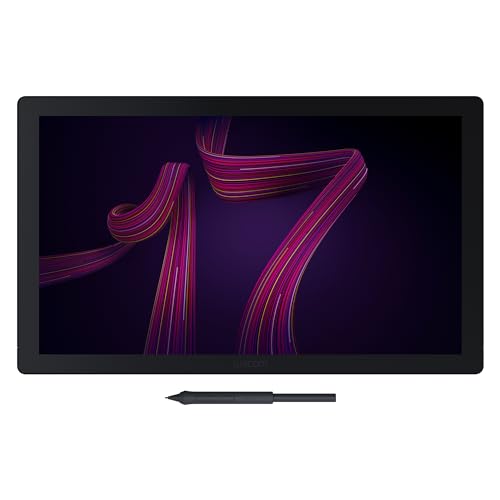
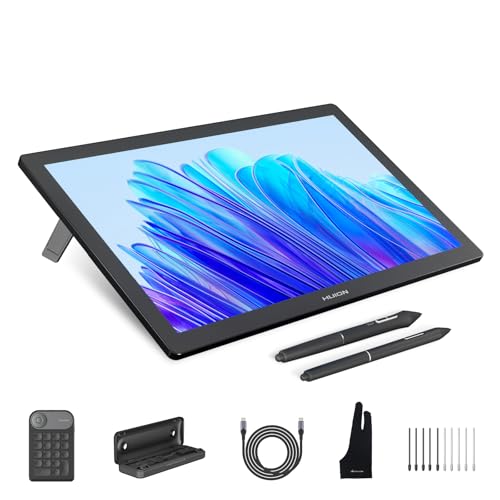
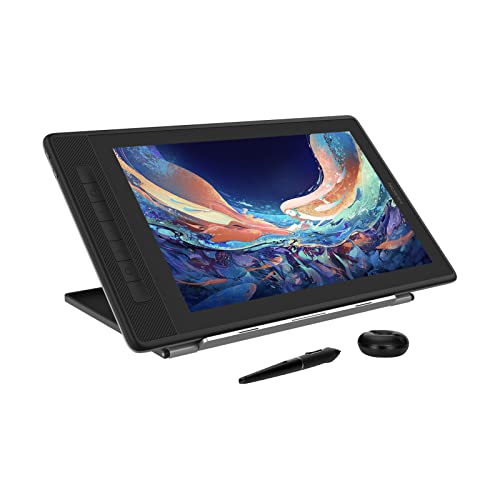
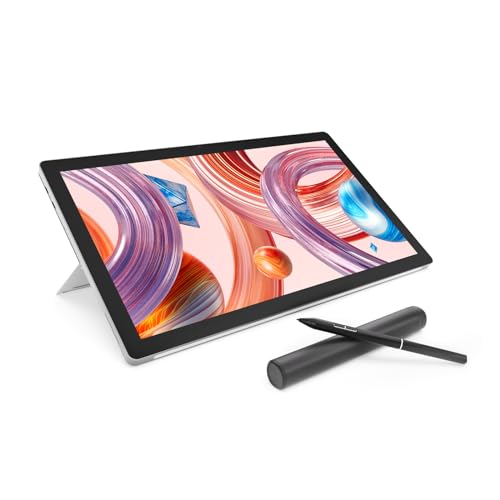
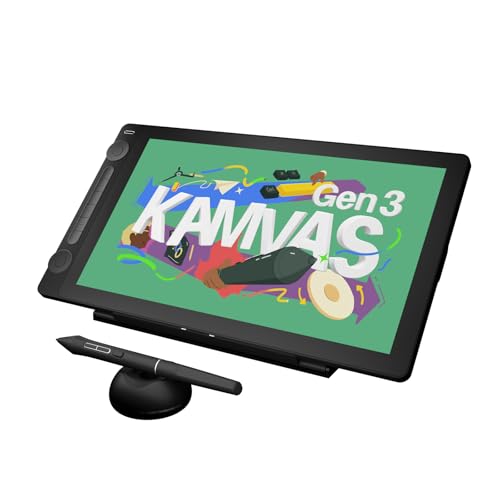
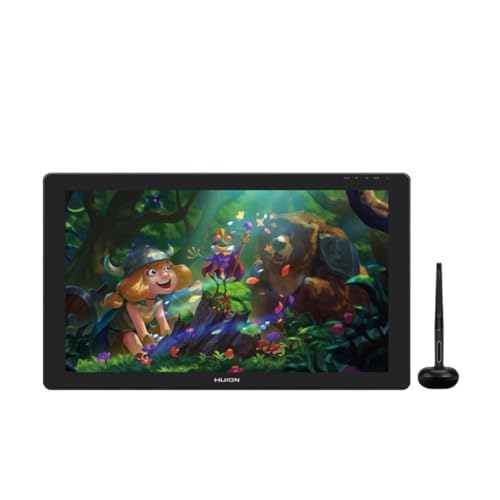
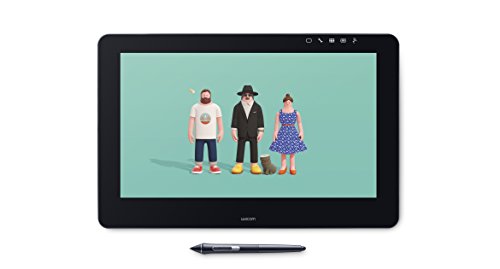
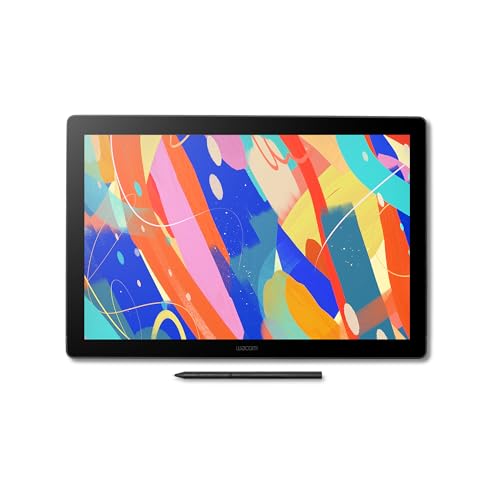
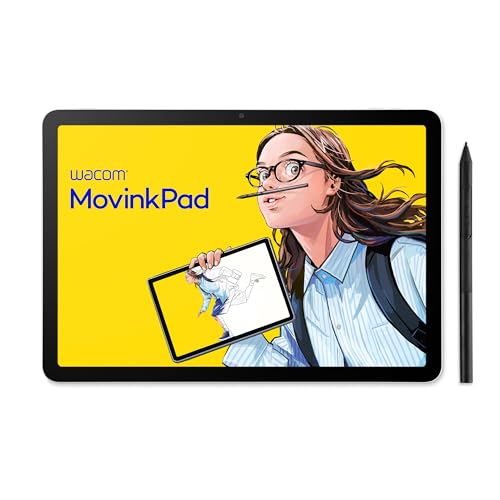
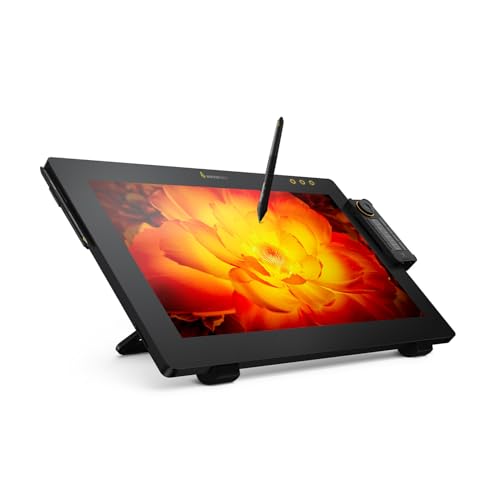
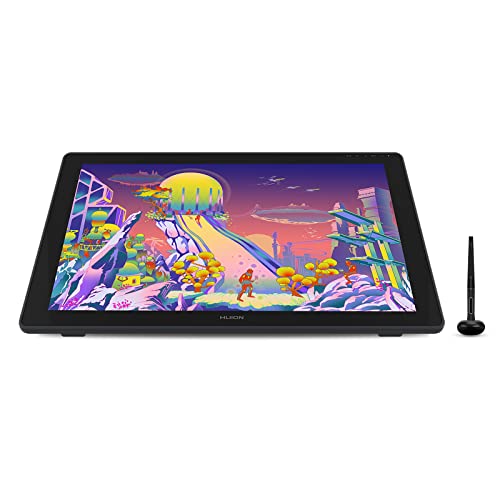
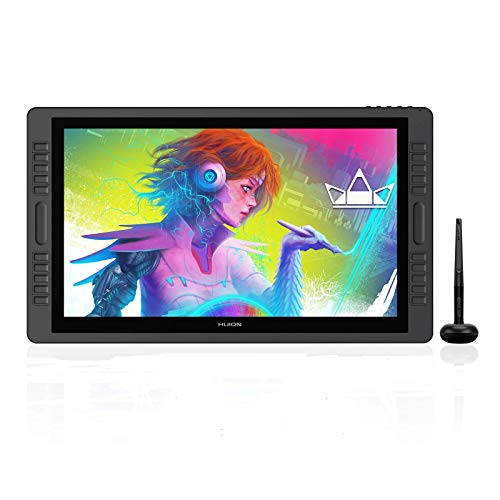
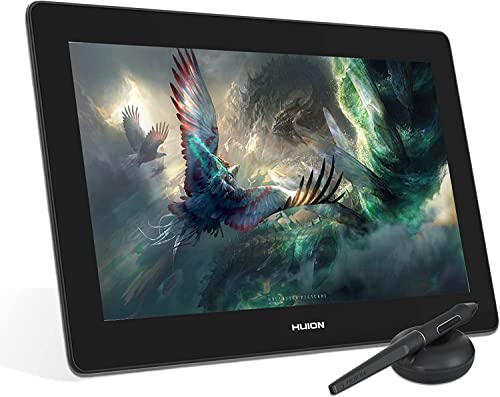
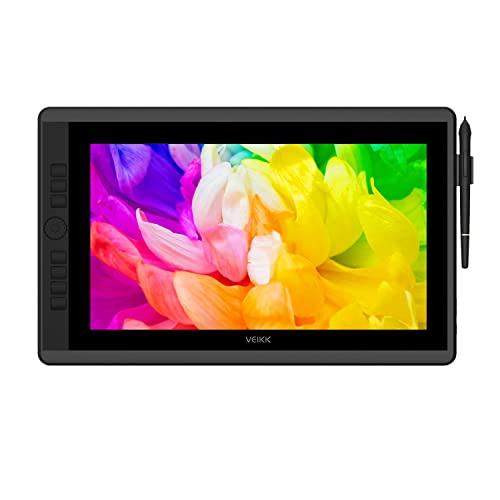
Which brands make the best drawing tablets with pen?
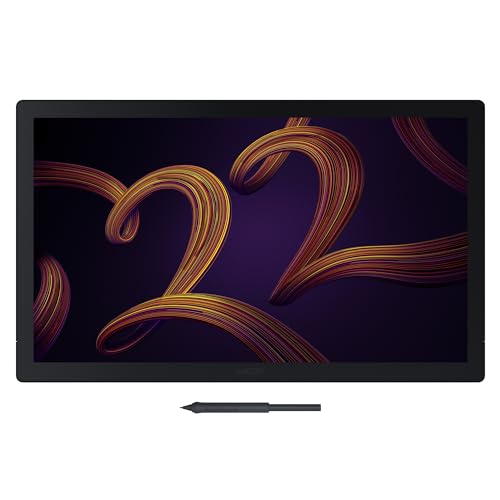
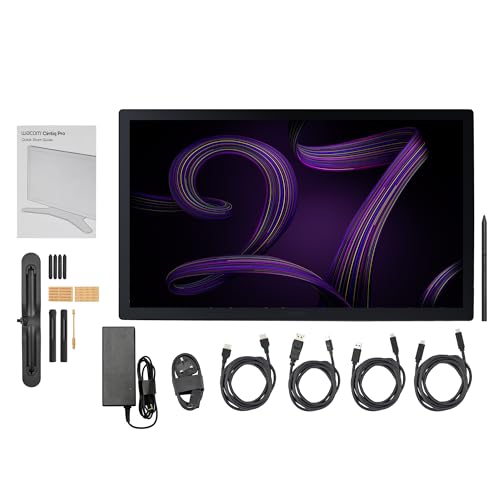
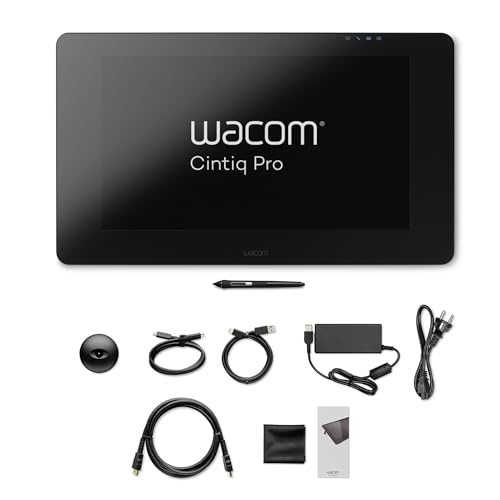
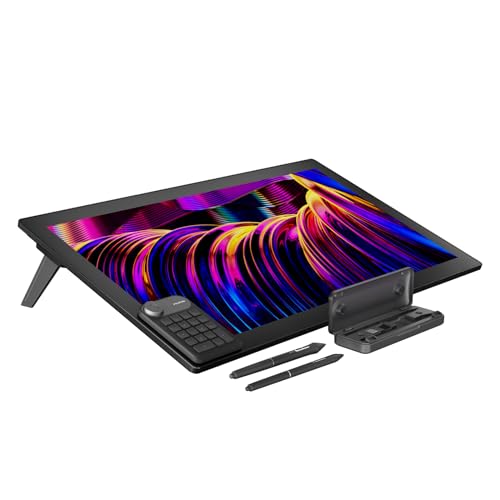
The best drawing tablet brands with pen are as follows:
- HUION (Average overall score: 7.8)
- Wacom (Average overall score: 7.8)
- XP Pen (Average overall score: 7.3)
- GAOMON (Average overall score: 7)
The chart below compares drawing tablet brands with pen by average overall score.
[horizontal-chart-05884825278629367354044102723396428447863749909568]
What pen features matter most on a drawing tablet?
The pen features that matter most on a drawing tablet are the following:
- Pressure sensitivity: This affects how naturally the line gets thicker or thinner as you press harder or softer.
- Initial activation force: Lower activation force helps the tablet register lighter strokes, which matters a lot in sketching and shading.
- Tilt support: This lets the pen react to angle changes, which is useful for more brush-like strokes and softer shading techniques.
- Pen resolution and tracking: Higher precision and stable tracking help the cursor stay accurate, especially in slower detailed work.
- Button layout and ergonomics: Pen buttons should be easy to reach without accidental presses, and the pen should feel balanced over longer sessions.
- Battery-free design: A passive EMR pen is usually more convenient because it stays lighter and does not need charging in normal use.
How accurate and responsive is a drawing tablet pen?
A good drawing tablet pen is usually both accurate and responsive now, especially on stronger models that combine 8192 or more pressure levels with pen resolution around 5080 LPI and report rates near 200 RPS or above. In real use, that helps the cursor stay close to your motion and makes line transitions feel smoother.
Responsiveness also depends on how well the pen and tablet work together at light pressure. A pen that registers subtle strokes cleanly will feel much more natural for shading, sketching, and slower detailed work than one that only responds well once you press harder.
Specifications still need to be backed up by stable drivers and clean tracking. The best pens are not just sensitive on paper, but predictable in everyday drawing sessions.
Does a drawing tablet pen need charging?
Most modern drawing tablet pens do not need charging, because the stronger models usually rely on battery-free EMR technology. This is one of the biggest practical advantages of dedicated drawing tablets, since the pen stays lighter and is always ready to use.
Some older or simpler tablets may still use rechargeable or battery-powered pens, but that is much less attractive now because it adds weight, maintenance, and the risk of interruption during longer sessions.
If you care about comfort, reliability, and convenience, a battery-free pen is usually the better choice. It removes one more thing you need to think about while drawing.
What pressure sensitivity is common on drawing tablets with pen?
Pressure sensitivity on drawing tablets with pen is now commonly 8192 levels, and that has become the normal standard across much of the market. Some higher-end models go beyond that on paper, but the real difference usually comes more from calibration, driver quality, and how well lighter pressure is recognized than from a bigger headline number.
For most artists, 8192 levels are already enough for smooth line variation, shading, and brush control. The more important question is whether the tablet feels consistent at the start of a stroke and stays predictable across the full pressure range.
So while pressure sensitivity matters, it should not be judged in isolation. Pen resolution, report rate, tilt support, and initial activation force all help determine how natural the pen really feels.
The graph below shows the distribution of pen pressure levels among drawing tablets with pen.
[vertical-chart-10264329854327005605047467206111497706480303404882]
How much do drawing tablets with pen cost?
Drawing tablets with pen usually cost about £30 to £1,000, with many of the strongest value options sitting between £90 and £430. Basic screenless tablets occupy the low end, while larger pen displays with better lamination, color performance, and build quality sit much higher.
The pen itself does not usually drive the whole price, because battery-free styluses and 8192 pressure levels are common now. What pushes the cost up is the rest of the package: screen size, active area, display quality, build refinement, connectivity, and overall driver polish. For many buyers, the value sweet spot sits in the mid-range rather than at either extreme.
The graph below shows how prices are distributed across drawing tablets with pen.
[vertical-chart-06370794922750430020058612747418631157900645375560]
What should you consider while choosing a drawing tablet with pen?
When choosing a drawing tablet with pen, consider the following factors:
- Pen feel and activation: A pen should register light strokes cleanly and feel stable through slow detailed movement, not just advertise high pressure numbers.
- Pressure and tilt support: These matter if you want smoother line variation, shading control, and more natural brush behavior.
- Battery-free design: A passive EMR pen is usually more comfortable because it stays lighter and does not need charging.
- Tablet type: Decide whether you want a screenless tablet for value and portability or a pen display for more direct visual feedback.
- Active area and ergonomics: The tablet should fit your desk and drawing style, because a cramped surface or awkward stand quickly becomes tiring.
- Driver and software quality: Stable mapping, shortcut customization, and clean app support matter just as much as the pen hardware itself.

- Display quality on screen models: If you choose a pen display, check parallax, brightness, and color coverage instead of focusing only on screen size.