
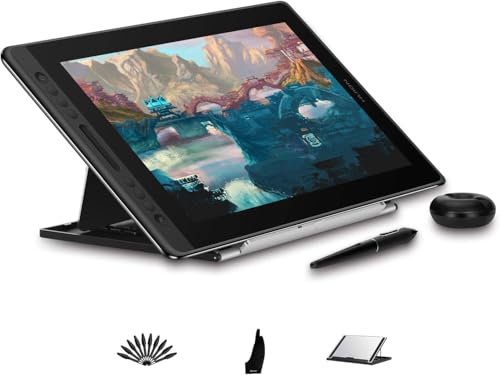
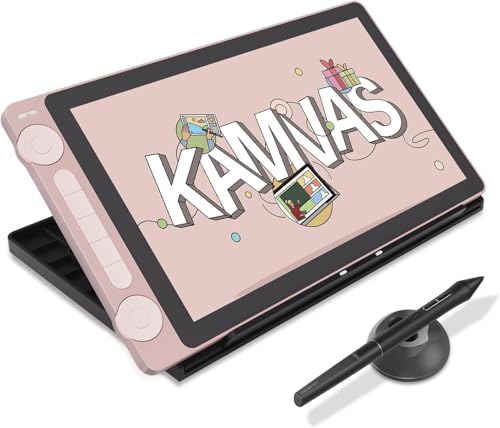
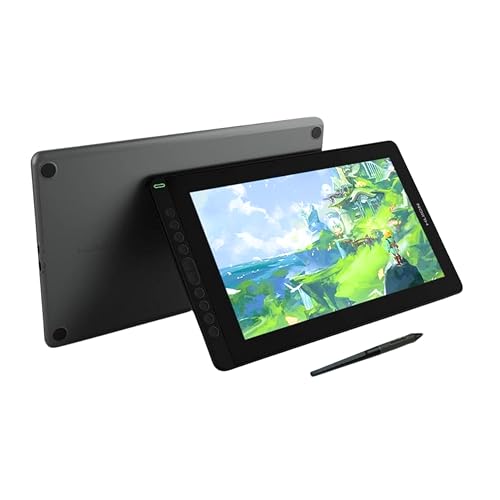
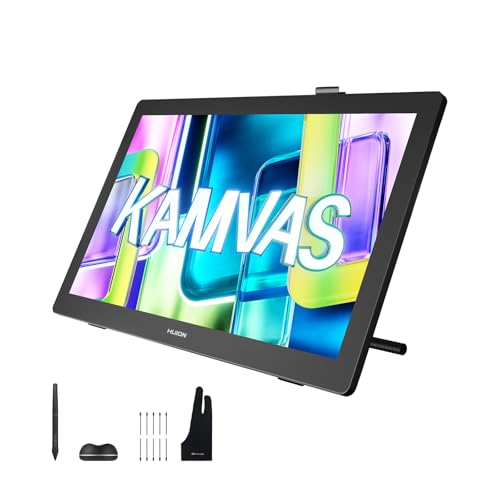
Are Huion drawing tablets good?
Huion drawing tablets have an average overall score of 7.8, ranking #1 among drawing tablet brands, and a user rating of 9.1, placing them at #4 based on user reviews.
Huion is strongest if you want a wide choice of affordable pen tablets and pen displays without paying Wacom-level prices. Its Inspiroy and Kamvas lines cover everything from small beginner tablets to larger drawing displays, so the brand is often attractive to students, hobby artists, and value-focused creators.
The trade-off is that Huion is more value-driven than prestige-driven. Driver behavior, bundled accessories, and overall polish can vary more from model to model, so buyers should pay closer attention to the exact generation they are considering.
The chart below compares drawing tablet brands by average overall score.
[horizontal-chart-08051336327100176140083205511039624666222915896643]
What are the main advantages of Huion drawing tablets?
The main advantages of Huion drawing tablets are as follows.
- Aggressive value: Huion often offers larger active areas or larger displays at lower prices than Wacom, which makes the brand appealing if you want to move into a bigger drawing setup without paying premium-brand money.
- Strong display value: The Kamvas range gives buyers many pen-display options from compact 11.6-inch units to much larger desktop screens, so Huion is easy to shortlist if drawing directly on the screen matters most.
- Wide beginner-to-mid-range coverage: Huion has many affordable Inspiroy and Kamvas models, which helps beginners and hobby artists find a useful step-up path inside one brand.
- Good feature density: Even mid-priced Huion tablets often include laminated displays, shortcut keys, dials, or battery-free pens with tilt support, so the feature set can feel generous for the price.
- Large choice in sizes: Huion offers compact travel-friendly tablets, medium desk models, and larger studio displays, making it easier to match the tablet to your workspace and drawing style.
What are the main disadvantages of Huion drawing tablets?
The following disadvantages are the main trade-offs on Huion drawing tablets.
- Less consistent polish: Huion has many models and refreshes, so the user experience can vary more than on a tighter premium lineup, and some tablets feel much more refined than others.
- Driver confidence can be lower: Many Huion tablets work well, but professionals who depend on flawless multi-app workflows may still be more cautious than they would be with Wacom, especially on older systems or niche software.
- Resale and prestige are lower: Huion is a respected value brand, but it does not hold the same studio status or second-hand confidence as Wacom in many markets, which matters if you upgrade often.
- Top-end range is thinner: Huion offers large and advanced pen displays, but its premium identity still leans more toward value than toward reference-level studio positioning.
- Naming can be confusing: The lineup includes many closely related Inspiroy and Kamvas variants, plus older versions that remain widely listed online, so exact model and generation checks matter.

Who makes Huion drawing tablets?
Huion drawing tablets are made by Shenzhen Huion Animation Technology Co., Ltd., a Chinese company that focuses on pen tablets, pen displays, and related digital-art hardware. The brand built its reputation by offering artist-focused devices at lower prices than the traditional market leader.
Today, Huion is best known for its Inspiroy pen tablets and Kamvas display tablets. That combination has made it especially popular with students, hobby artists, and buyers who want more screen size per dollar than premium brands usually offer.
What are the main Huion drawing tablet series?
The main Huion drawing tablet series are as follows.
- Inspiroy: This is Huion's core pen-tablet family without a built-in display. It includes compact beginner models, larger tablets for desk use, and several variants with dials or extra shortcut controls.
- Inspiroy Dial / Keydial: These are more workflow-focused extensions of the pen-tablet range. They target users who want physical dials, shortcut keys, or hybrid layouts that speed up zooming, brush changes, and other repetitive editing actions.
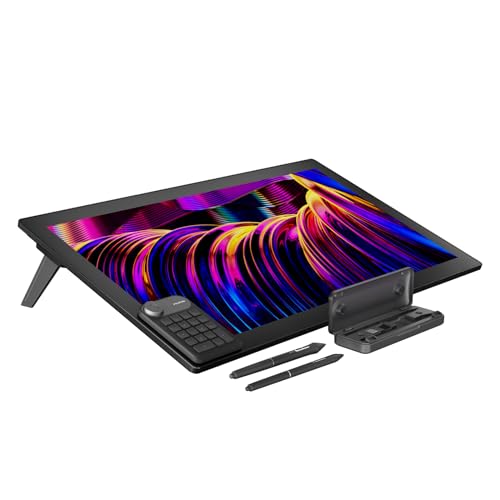
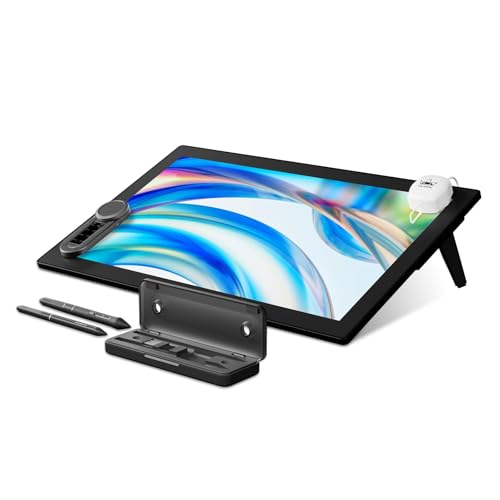
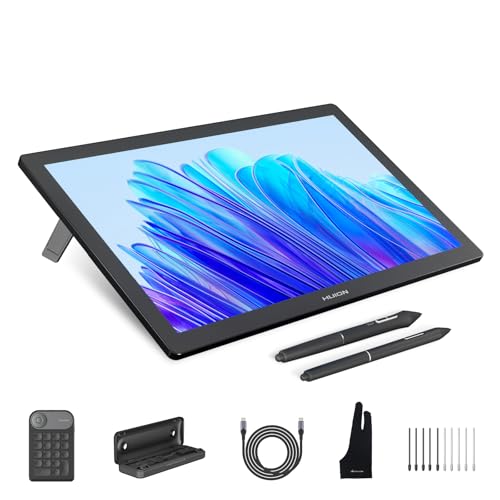
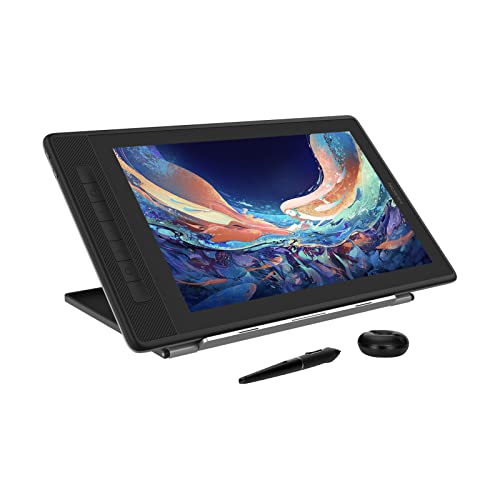
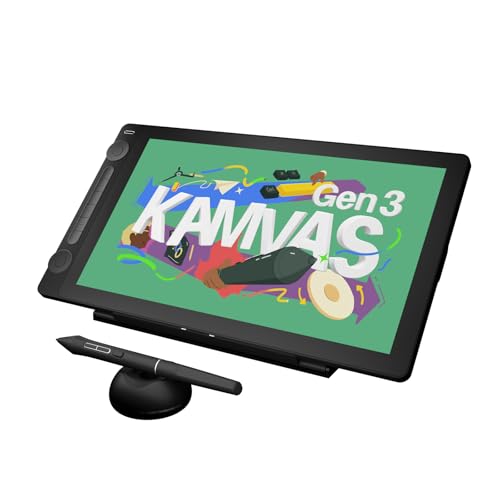
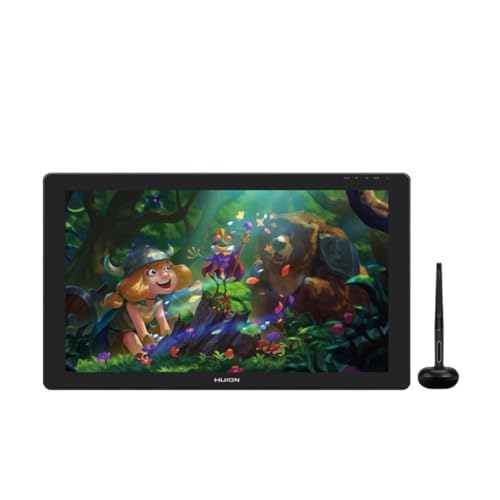
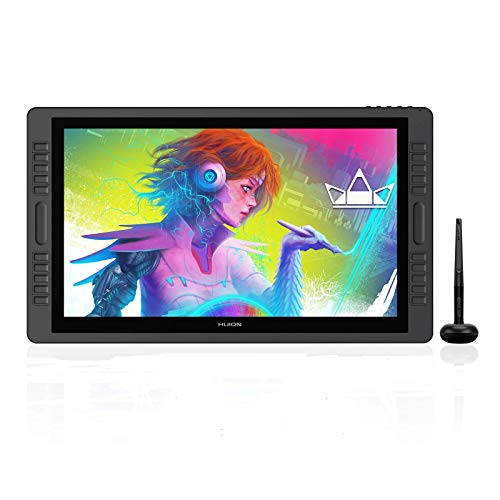
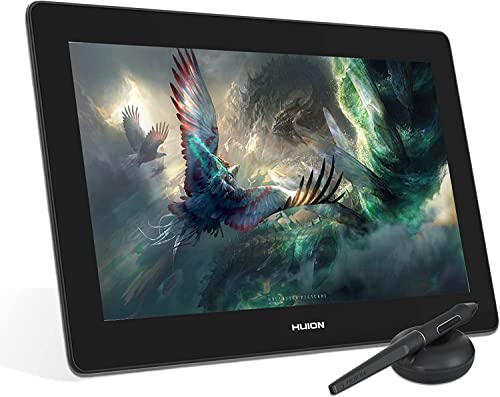
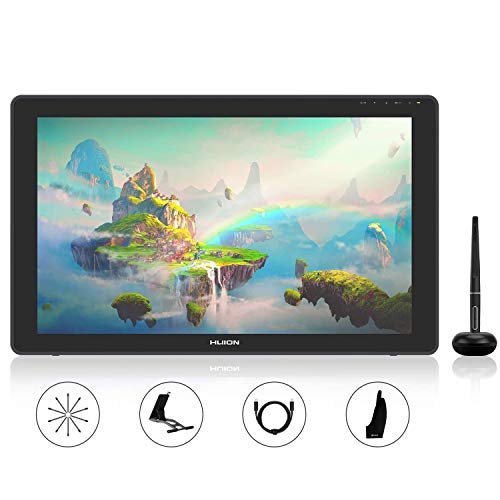
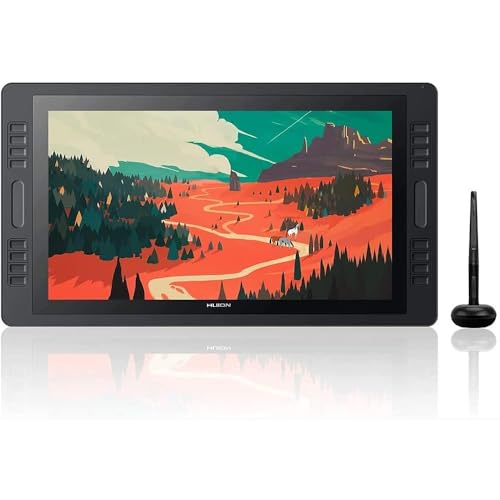
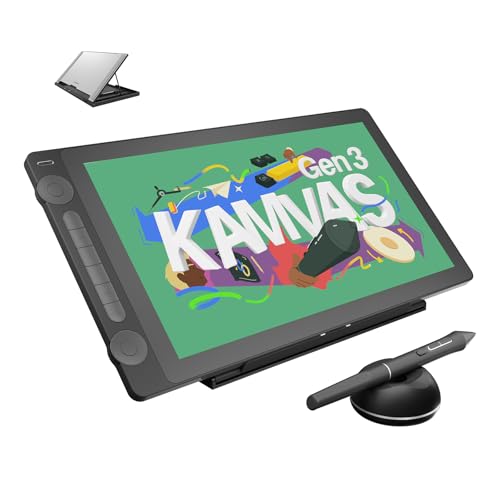
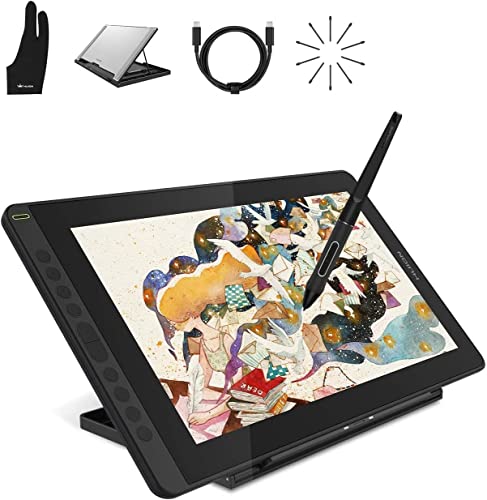
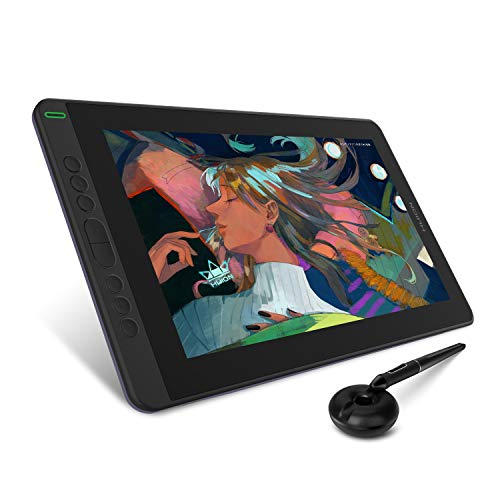
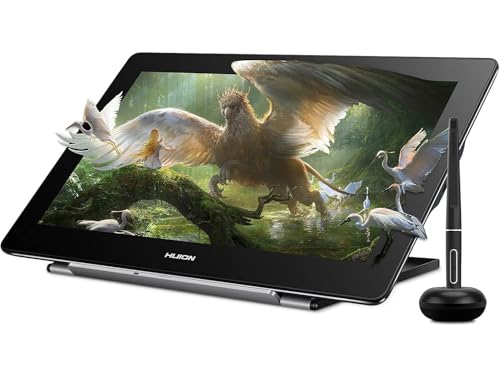
- Kamvas: This is Huion's main pen-display family. It covers compact 12-inch and 13-inch displays, mid-size creator models, and larger desktop screens for artists who want to draw directly on the panel.
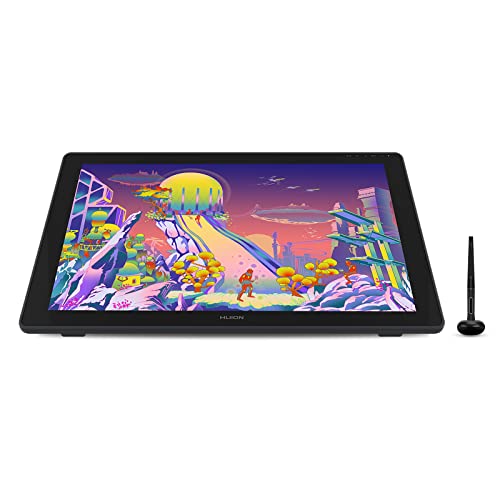
- Kamvas Pro: This is the higher-end display family within the Kamvas range. It usually aims at better panels, larger sizes, or more advanced studio use than the entry and mid-tier Kamvas models.
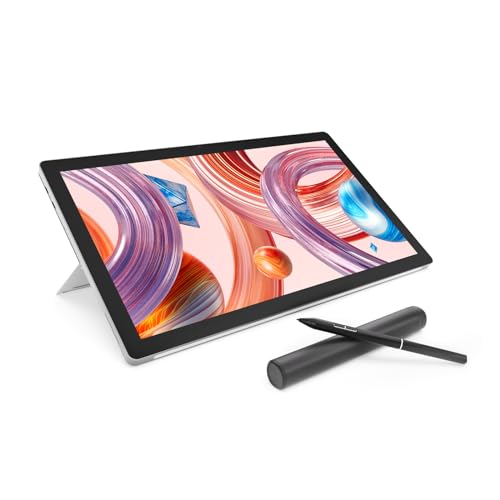
- Kamvas Studio: These are Huion's all-in-one drawing computers with built-in PC hardware. They suit buyers who want a self-contained drawing workstation instead of a tablet that must stay connected to another computer.
- Kamvas Slate: This is the portable Android-based branch of the lineup. It fits users who want a more mobile sketching device rather than a traditional desktop pen display.
How much do Huion drawing tablets cost?
Huion drawing tablets usually cost about £30 to well over £1,700, with many of the brand's most popular pen tablets and smaller displays sitting in the affordable to mid-range part of the market. That is a big part of Huion's appeal: it gives buyers access to larger work areas and screen-based drawing without immediately pushing them into premium-brand pricing.
The biggest price jumps come when you move from compact Inspiroy tablets into larger Kamvas displays with better panels, more screen space, and more desk-focused studio use. For many buyers, the strongest value sits roughly between £30 and £430, because that range already covers a lot of capable beginner and hobby-artist options before the larger premium displays start driving the price much higher.
The graph below shows how prices are distributed across Huion drawing tablets.
[vertical-chart-13443184440758232204066596527530766631640440727144]
Huion drawing tablets compare with Wacom models mainly as the lower-cost alternative. Huion usually gives you more screen size or more bundled hardware for the price, while Wacom more often leads on pen feel, software confidence, and long-term professional reputation.
That means Huion is often the better fit for students, hobby artists, and buyers building a larger display setup on a tighter budget. Wacom is more attractive if you use drawing tools professionally and want the safer choice for color-critical, deadline-heavy, or multi-app creative workflows.
What should you consider while choosing the best Huion drawing tablet?
When choosing the best Huion drawing tablet, keep the following checks in mind.
- Tablet style: Decide first whether you want a screenless Inspiroy tablet or a Kamvas display, because the workflow, desk space, and price difference between those two branches is larger than most spec-sheet differences inside each branch.
- Screen size and workspace: On Huion displays, the jump from compact 11.6-inch and 13-inch models to larger desk displays changes both comfort and budget, so size should be chosen around your workspace rather than prestige alone.
- Model generation: Huion sells many close variants and refreshes, so it is important to compare the exact generation, laminated-vs-non-laminated design, and shortcut layout instead of assuming every Kamvas or Inspiroy model behaves the same way.
- Driver tolerance: If you depend on a highly polished professional workflow, software reliability matters almost as much as pen specs, and that is one of the main reasons some buyers still pay more for premium brands.
- Value target: Huion is strongest when you want a lot of hardware for the money, so it helps to decide early whether you are shopping for the cheapest workable tablet, the best mid-range display, or a larger creative setup.
- Connectivity and setup: Check cable needs, power requirements, stand support, and compatibility with your operating system before buying, especially on larger display models.