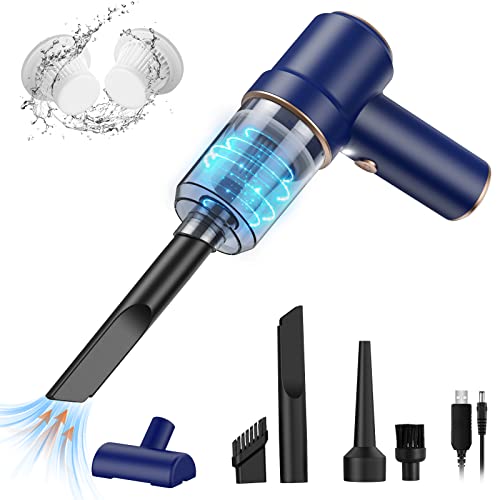
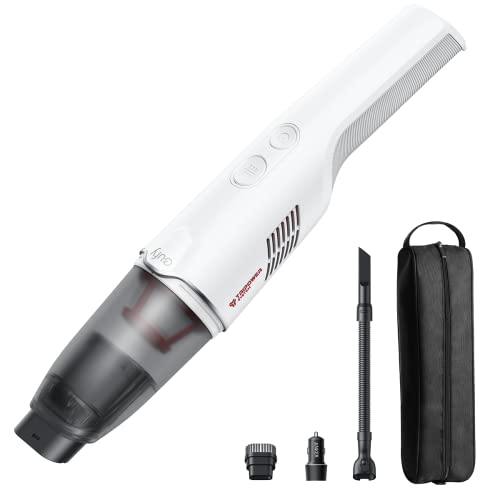
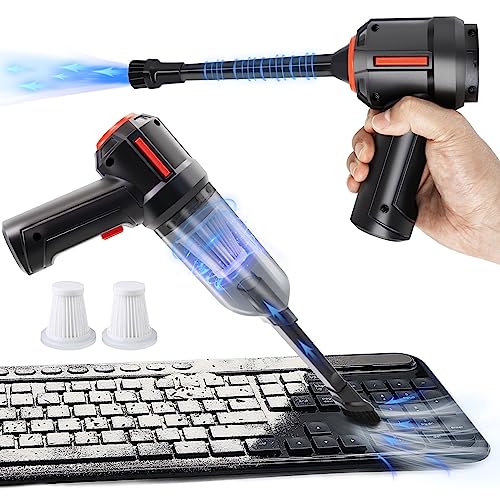
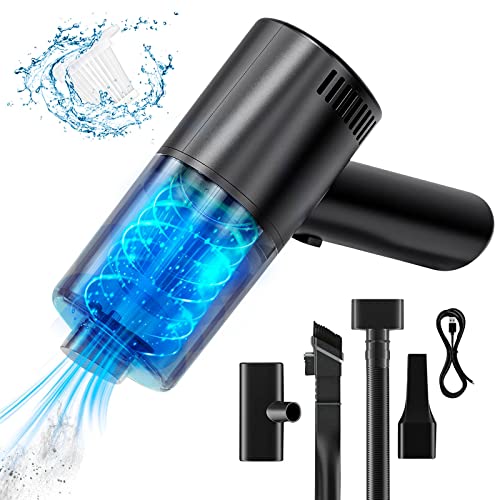
Which brands make the best desktop vacuum cleaners?
The best desktop vacuum cleaner brands by average overall score are as follows:
- URAQT (Average overall score: 7.8)
- Brigii (Average overall score: 7.5)
- Cecotec (Average overall score: 7.4)
The chart below compares the best desktop vacuum cleaner brands by average overall score.
[horizontal-chart-16835835057538659423094908061222112127591971504161]
What makes a portable vacuum cleaner suitable for desktop cleaning?
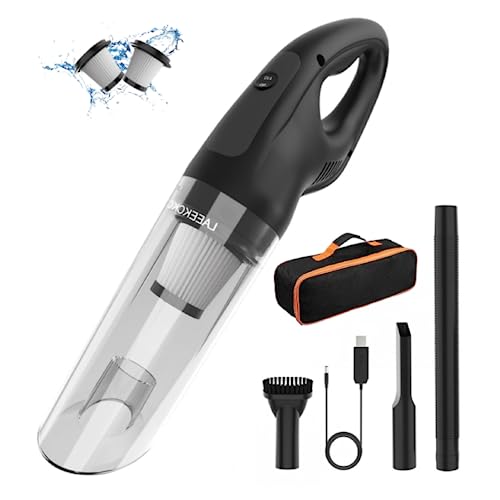
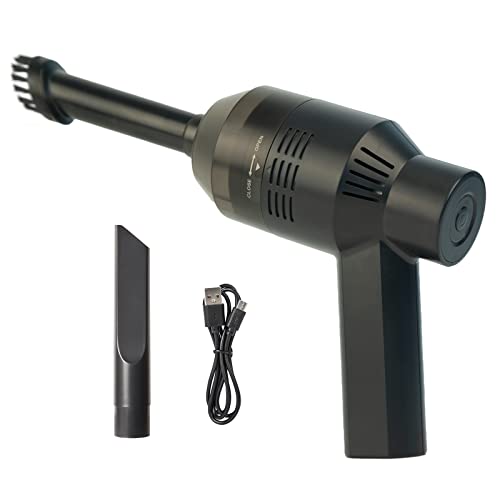
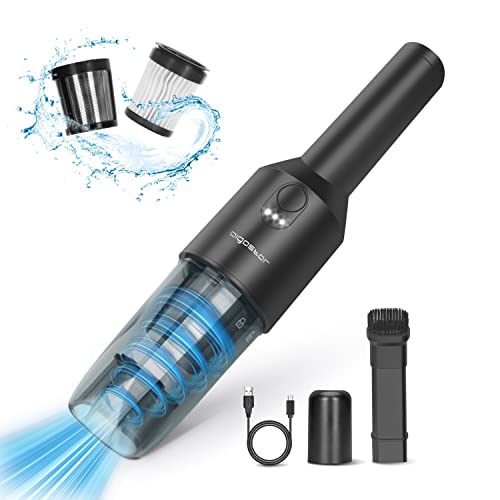
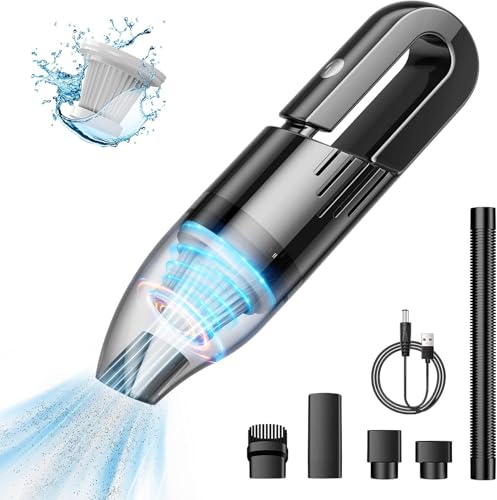
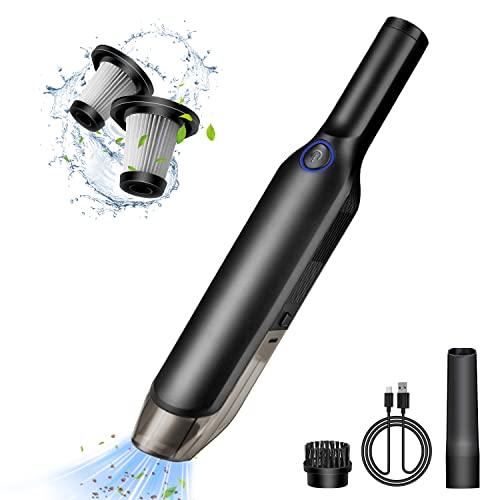
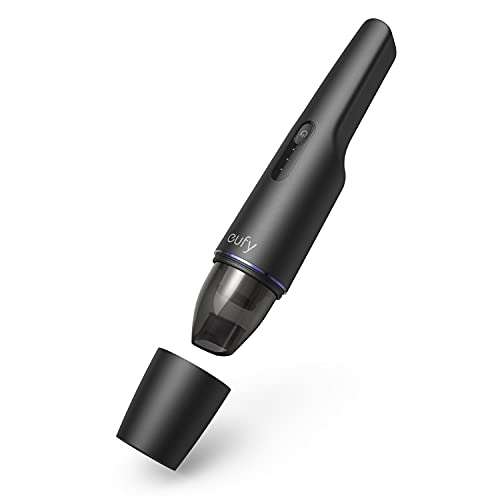
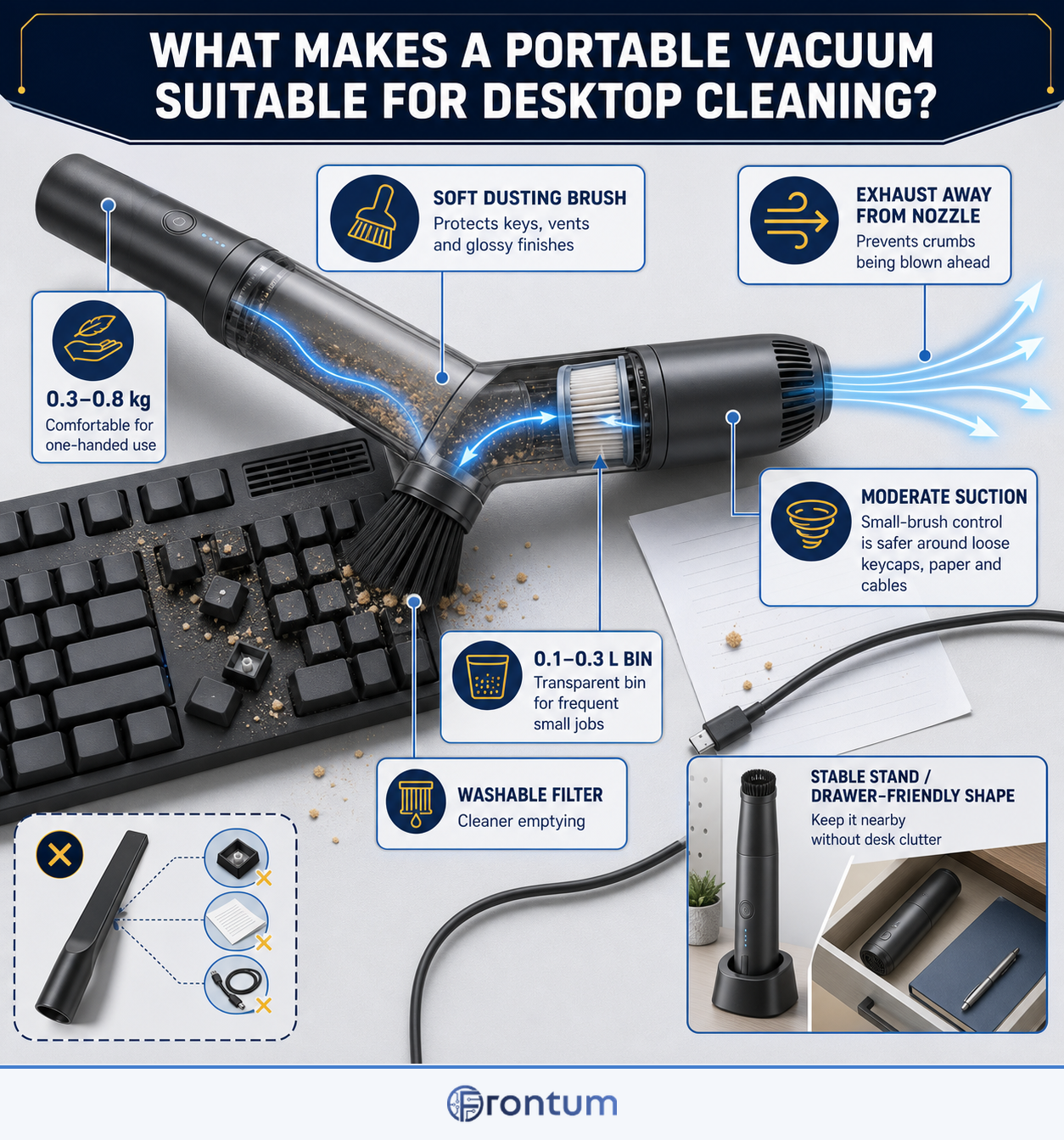
A portable vacuum is suitable for desktop cleaning when it is light, compact, quiet and fitted with tools that control airflow around delicate surfaces. A body near 0.3–0.8 kg is comfortable for one-handed use, while a soft dusting brush protects keys, vents and glossy finishes.
The exhaust should point away from the nozzle so it does not scatter crumbs before pickup. Moderate suction through a small brush is usually more useful than maximum pressure through a hard crevice tip, especially around loose keycaps, paper and cables.
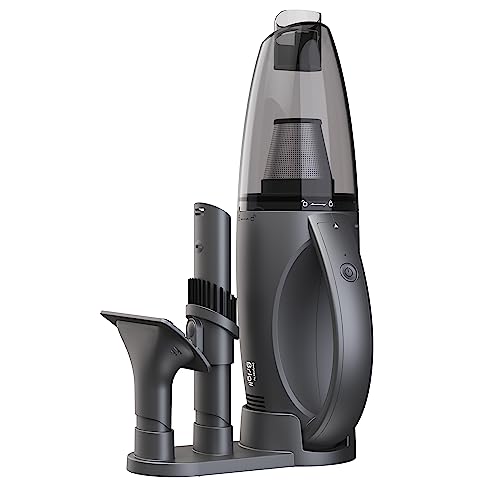
Clean storage and emptying complete the design. A stable stand or drawer-friendly shape keeps the vacuum nearby, while a transparent 0.1–0.3 L bin and washable filter make frequent small jobs easier without exposing the desk to collected dust.

How quiet should a desktop vacuum cleaner be?
A desktop vacuum cleaner should ideally operate around 65–70 dB in its normal mode; about 75 dB is still workable for short jobs, while 80 dB or more is clearly intrusive in a shared office. Compare figures only at similar distances and power settings.
Sound character also matters. A small high-speed motor can produce a sharp tone even when its stated dB level looks acceptable, and blocked filters or narrow nozzles add turbulence, so listen for rattling and high-pitched whine as well as checking the number.
The chart below shows the operating-noise distribution of desktop vacuum cleaners.
[vertical-chart-18338700164757313007100357473269868299332470191337]
Is USB charging useful for a desktop vacuum cleaner?
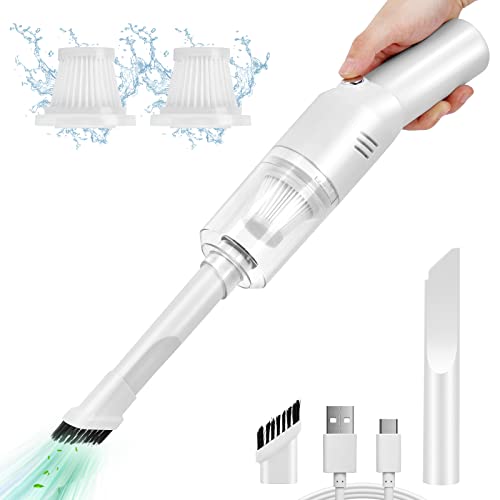
USB charging is useful for a desktop vacuum because it can share power with common desk adapters and reduces the need for another bulky charger. USB-C is preferable when the port accepts a standard cable and a clearly stated input profile.
The connector alone does not guarantee fast charging. A low-power USB input can take many hours to restore the battery, so look for a full-charge time near four hours or less and check whether the supplied cable or adapter is required to reach it.
Port placement affects daily use. A socket on the side or rear should remain accessible in the stand without forcing a sharp cable bend, and a charge indicator should distinguish charging, full and fault states.
A proprietary barrel charger can still be acceptable when it is faster and replaceable. Choose USB for convenience, not as a substitute for verified charging time, battery support or electrical safety.
What dust capacity should a desktop vacuum cleaner have?
A desktop vacuum cleaner should have about 0.1–0.3 L of dust capacity. The lower end suits keyboard dust and crumbs, while roughly 0.2–0.3 L reduces emptying during craft work or repeated cleaning without making the body awkward to store.
Usable capacity ends at the fill line and may be reduced by a filter that projects into the bin. Emptying before debris reaches that point helps preserve airflow through a compact filter.
Prefer transparent walls and one-touch release, but make sure opening the container does not drop the filter or direct collected dust back toward the desk.
How much do desktop vacuum cleaners cost?
Desktop vacuum cleaners generally cost about £20-£90, with many useful compact models between roughly £30 and £60. Cheaper devices can handle crumbs, but motor noise, weak hinges, slow charging and unavailable replacement filters often reveal where costs were cut.
Around £50-£100 can bring quieter operation, better seals, cleaner emptying or a convenient charging stand. Spending more should add a measurable benefit such as longer battery life, a replaceable pack or genuinely effective filtration rather than decorative lighting and surplus nozzles.
The chart below shows the price distribution of desktop vacuum cleaners.
[vertical-chart-10077634214053197810024181269002024211350466231655]
What should you consider while choosing a desktop vacuum cleaner?
Before buying a desktop vacuum cleaner, consider the following factors:
- Weight and storage size: Aim for roughly 0.3–0.8 kg and check the complete dimensions with the everyday nozzle attached. The grip, exhaust and bin release still need clearance in the intended drawer, shelf or charging position.
- Noise in normal mode: Prefer about 65–70 dB for use near other people, with 75 dB as a reasonable upper target for brief cleaning. Compare the same mode and distance, and avoid a sharp motor tone that becomes tiring despite a moderate stated figure.
- Nozzle and exhaust design: Choose a soft brush for keyboards and screens plus a narrow nozzle for gaps. The exhaust should point away from loose debris, paper and cables rather than scattering them before pickup.
- Runtime and charging: About 15–25 minutes is sufficient for repeated desktop jobs, and a full charge near four hours or less keeps the vacuum ready. If USB is used, confirm the connector, required power profile and whether a common replacement cable works.
- Bin capacity and emptying: A practical target is 0.1–0.3 L with transparent walls and a visible fill line. The release should keep the filter secure and empty downward without sending dust back toward the work surface.
- Filtration and maintenance: A washable pre-filter reduces consumable cost but must dry fully before refitting. Check that filters, airways and the bin separate without small screws or fragile clips.
- Replacement support: Verify that filters, charging leads and batteries or complete replacement bodies are available for the exact model. A low purchase price is poor value if a worn cable or clogged filter makes the vacuum disposable.