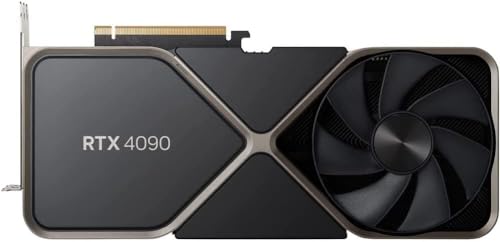
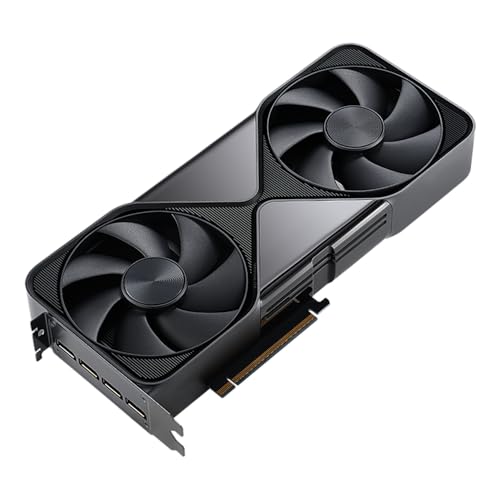
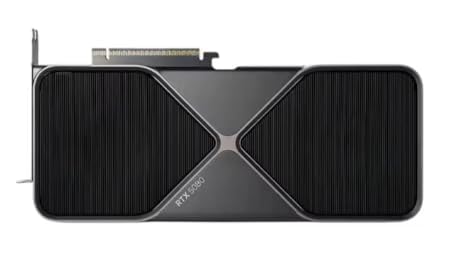
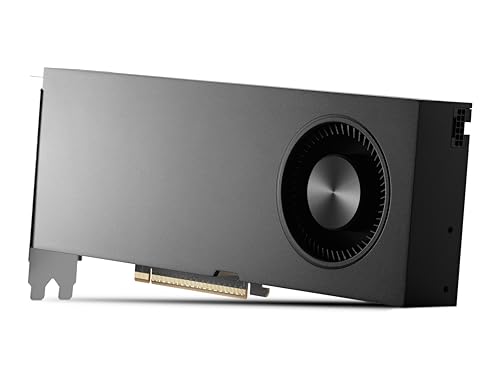
Are Nvidia graphics cards good?
Nvidia graphics cards have an average overall score of 8, ranking #11 among comparable graphics card brands, and a user rating of 9.2, placing them at #11 in user reviews.
The main reason many buyers choose Nvidia is the feature stack around the hardware. GeForce RTX cards combine strong gaming performance with ray tracing, DLSS, CUDA support, and mature NVENC or NVDEC media tools, so the brand stays relevant for both gaming and creator workloads.
The trade-off is that Nvidia cards are often priced aggressively, and the brand name covers everything from very old GT or GTX cards to workstation RTX Pro hardware. Nvidia makes the most sense when you want the software ecosystem and the right exact tier, not when you are shopping by brand name alone.
The chart below ranks graphics-card brands by average overall score and shows where Nvidia stands.
[horizontal-chart-01283165569734514194056266735364375113281044803281]
What are the main advantages of Nvidia graphics cards?
The main advantages of Nvidia graphics cards are as follows:
- Strong feature ecosystem: Nvidia is still the clearest choice if DLSS, frame generation, ray tracing maturity, CUDA acceleration, and broad creator-software support are part of the reason for buying. That matters in games, AI tools, rendering, and editing workflows where the software stack itself can decide the value of the card.
- Wide tier coverage: Nvidia covers everything from entry GeForce cards up to very expensive halo and workstation products. Buyers can stay inside one ecosystem whether they want a practical 1080p gaming GPU, a premium 4K card, or a professional RTX A or RTX Pro model.
- Mature media engine support: NVENC and NVDEC are major advantages for streaming, recording, editing, and playback-heavy systems. Newer Nvidia cards are especially attractive when H.264, H.265, AV1, or creator export speed matters alongside gaming performance.
- Strong upper-tier path: Nvidia usually has the clearest premium ladder once you move into RTX 4070, 4080, 4090, 5080, and 5090 territory. Buyers who want heavy ray tracing, high-refresh 1440p, or 4K flagship performance generally have many clear Nvidia options.
- Large partner ecosystem: Asus, MSI, Gigabyte, Zotac, Palit, Gainward, Inno3d, PNY, Galax, and others all sell Nvidia-based cards. That gives buyers meaningful variation in cooler size, acoustics, factory tuning, compact formats, and price even at the same GPU tier.
- Broad resale and market familiarity: Nvidia cards are usually easy to compare, easier to resell, and very visible in both new and used markets. That helps buyers who care about future resale value or who want a card family that is easy to understand through reviews and market history.
What are the main disadvantages of Nvidia graphics cards?
The main disadvantages of Nvidia graphics cards are as follows:
- Higher pricing on many tiers: Nvidia often asks buyers to pay more than direct AMD or Intel rivals, especially once ray tracing, DLSS, or halo branding enter the comparison. The extra ecosystem value is real, but it does not always mean the cleanest raster value per euro.
- Some consumer tiers stay conservative on VRAM: Nvidia can be weaker than Radeon on memory-per-price in the mainstream and upper-mainstream part of the market. That becomes more noticeable when buyers want longer 1440p life, heavier textures, or broader creator headroom without stepping into much pricier classes.
- Huge spread under one brand name: A very old GT or GTX card, a current GeForce RTX card, and a workstation RTX Pro model can all sit under the Nvidia umbrella. That makes brand-only shopping risky, because the real buying logic depends much more on exact generation and branch.
- Heavy power draw at the top end: Nvidia's strongest halo cards can become extremely demanding in PSU, connector, airflow, and case-size terms. Buyers who move into 4090 or 5090 territory are not only paying more, they are often building around a much more difficult power and thermal class.
- Software advantage can become a tax: CUDA, DLSS, and creator support are genuine strengths, but buyers sometimes pay for them even when they mainly want straightforward raster gaming. If those features are not part of your real use case, the Nvidia premium can be hard to defend.
- Premium partner markups get steep fast: ROG, Suprim, Aorus, AMP Extreme, and other top-tier board-partner versions can push Nvidia cards deep into prestige pricing. At that point, the practical gain over a more modest version of the same GPU is often much smaller than the price jump.
Who makes Nvidia graphics cards?
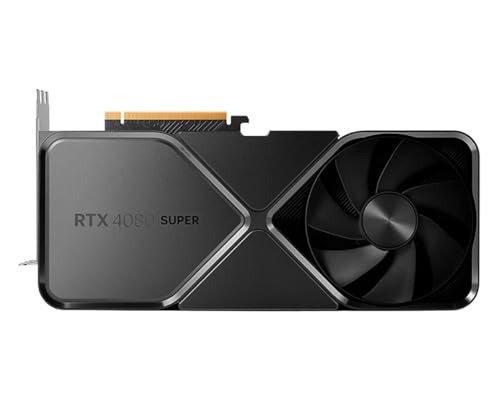
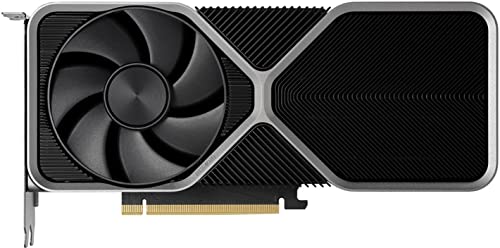
Nvidia graphics cards are made by Nvidia, the US semiconductor company headquartered in Santa Clara, California. Nvidia designs the GeForce, RTX Pro, RTX A, and related GPU architectures, and it also sells some Nvidia-branded cards directly rather than relying only on partner branding.
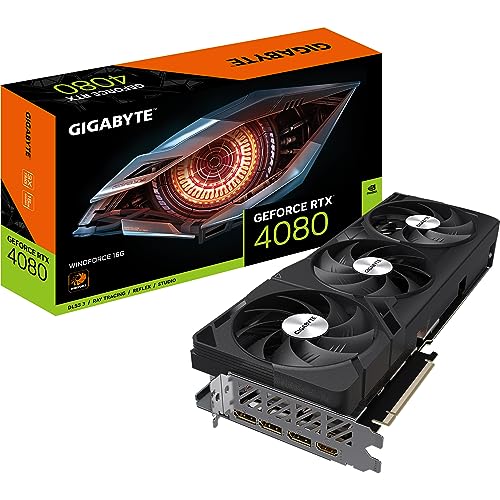
The wider Nvidia graphics-card market is larger than the Nvidia-branded slice alone. Many cards based on Nvidia GPUs are also sold by board partners such as Asus, MSI, Gigabyte, Zotac, PNY, Gainward, Palit, Galax, and several others, which is why the GeForce ecosystem extends far beyond products carrying only the Nvidia name itself.
That distinction matters when comparing cards. Nvidia is the chip designer and platform owner, while many retail graphics cards based on Nvidia GPUs are built and tuned by add-in-board partners with their own coolers, factory clocks, and price positioning.
What are the main Nvidia graphics card series?
The main Nvidia graphics card series are as follows:
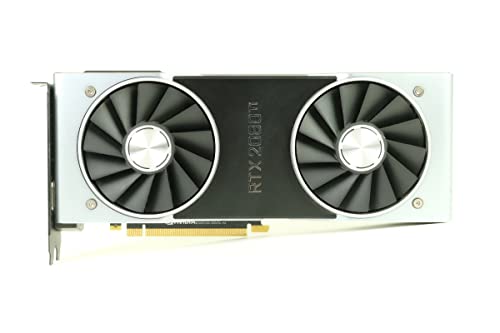
- GeForce RTX: GeForce RTX is Nvidia's core modern gaming and creator family. It covers the mainstream through flagship part of the brand and is the most important branch for buyers shopping current Nvidia cards.
- GeForce GTX and GeForce GT: These older GeForce families are still common in legacy systems and used-market searches. They matter mainly as older budget or midrange options rather than as the best modern first-choice Nvidia cards.
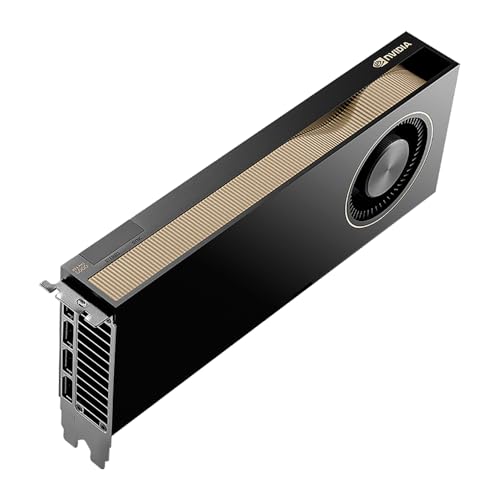
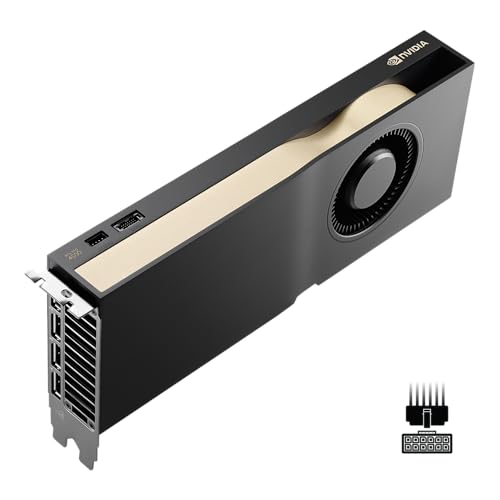
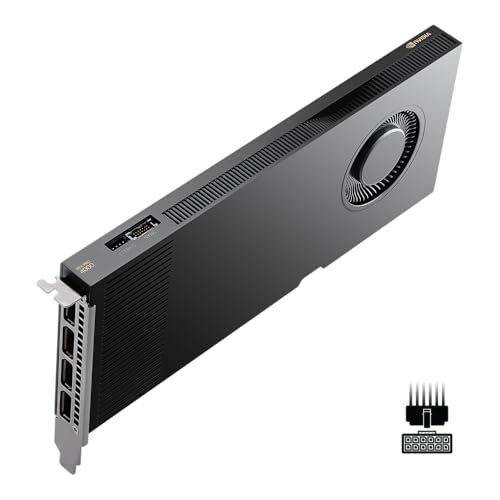
- Quadro, RTX A, and RTX Pro: These are Nvidia's professional graphics branches for workstation, enterprise, and specialized creator workloads. They often carry much higher prices and target a different buyer than standard GeForce gaming cards.
- GeForce MX and mobile-focused variants: MX, Laptop, and Max-Q style names cover lighter mobile or mobile-adjacent Nvidia graphics products. Buyers should compare them carefully because their pricing and role differ a lot from normal desktop GeForce cards.
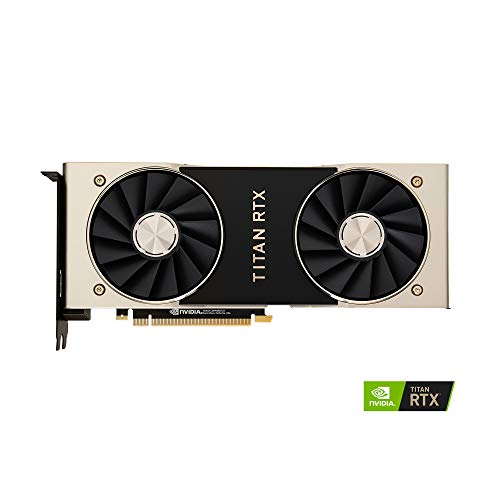
- Titan and halo-oriented legacy branches: Titan cards sit between consumer and prosumer territory and represent some of Nvidia's older halo-class approaches. They still matter in second-hand comparisons, but they are not the center of the current Nvidia buying story.
How much do Nvidia graphics cards cost?
Nvidia graphics card prices range from about £70 for older or very basic models to well above £1,700 for flagship GeForce and professional cards. Most buyers looking at current Nvidia gaming cards will end up much closer to roughly £260-£1,000.
Around £260-£390, Nvidia is mostly about entry RTX gaming and modest 1080p-focused upgrades. Around £430-£690, you start seeing stronger 1440p cards and better overall balance. From about £770 upward, the focus shifts to higher-end 4K, heavier ray tracing, more VRAM, and larger coolers, while the very top end is mainly for halo GeForce or workstation buyers.
This chart visualizes Nvidia graphics card prices.
[vertical-chart-14860599122241497276131101159890036271692670053531]
How do Nvidia graphics cards compare with AMD models?
Nvidia graphics cards usually compare with AMD models as more feature-led alternatives built around ray tracing strength, DLSS support, and a broader creator-software ecosystem. AMD often competes more aggressively on raw raster value and VRAM per euro, while Nvidia more often wins buyers who care about software ecosystem depth and premium rendering extras.
In practical buying terms, Nvidia looks strongest when CUDA-heavy creator workflows, DLSS, or stronger ray tracing support matter enough to justify paying more. AMD often looks stronger when price efficiency, straightforward gaming value, or higher memory capacity at a given budget matters more than Nvidia's ecosystem advantages.
Nvidia makes the most sense when your workloads or games actually benefit from its premium features. AMD makes more sense when you want more price discipline or stronger raster-oriented value, so the right comparison is usually model against model rather than brand reputation alone.
What should you consider while choosing the best Nvidia graphics card?
You should consider the following factors when choosing the best Nvidia graphics card:
- GPU branch and generation: Separate modern GeForce RTX cards from older GTX or GT models and from professional RTX A or RTX Pro hardware. The Nvidia name covers all of them, but they solve very different problems and should not be compared as if they belong to one simple ladder.
- Resolution and frame-rate target: Start with the workload. A card for stable 1080p is a very different buy from one meant for 1440p high refresh, 4K gaming, Blender rendering, or heavier CUDA work.
- VRAM and memory subsystem: 8 GB can still be enough for lighter modern gaming, but 12 GB and 16 GB are safer for stronger 1440p, heavier textures, and creator work. Memory bus width and bandwidth also matter because two Nvidia cards with similar branding can behave very differently once the workload becomes heavier.
- Nvidia feature stack: Check whether you actually need DLSS, frame generation, ray tracing, CUDA, NVENC, NVDEC, or AV1 support. Those features are some of Nvidia's biggest advantages, but they matter only if they match the way you really use the card.
- Power, connectors, and case fit: Nvidia cards range from compact boards around 115 W to very large models above 450 W. That affects PSU sizing, 8-pin versus 12VHPWR or 12V-2x6 power connections, cooler thickness, and whether the card will physically fit your case.
- Board-partner cooling quality: Two cards with the same Nvidia GPU can differ a lot in noise, temperatures, and sustained boost behavior. Heatsink size, fan quality, and overall cooler design matter much more than factory OC marketing.