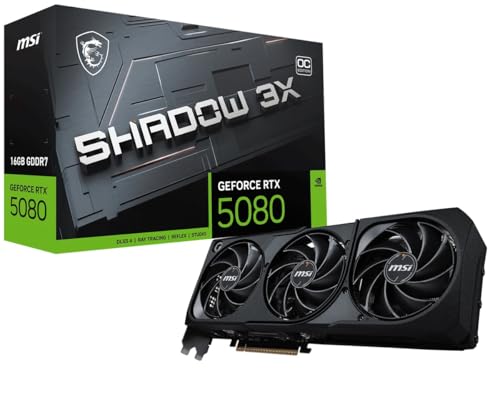
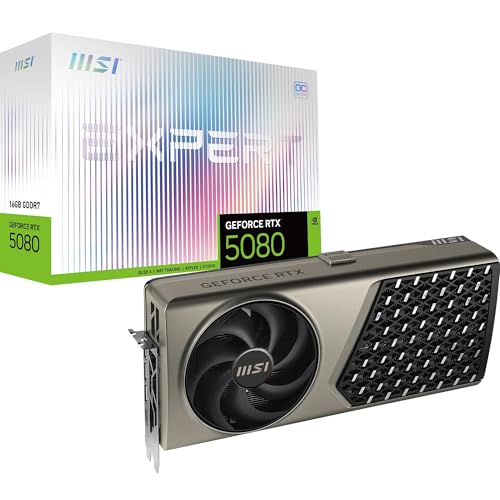
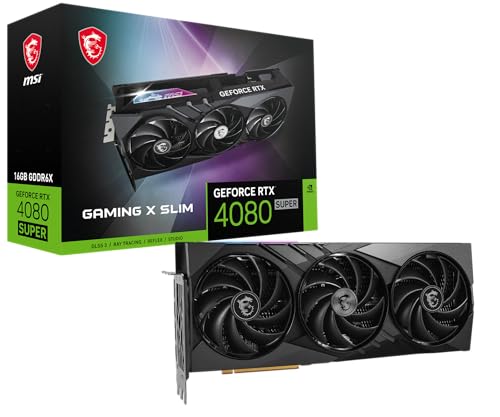
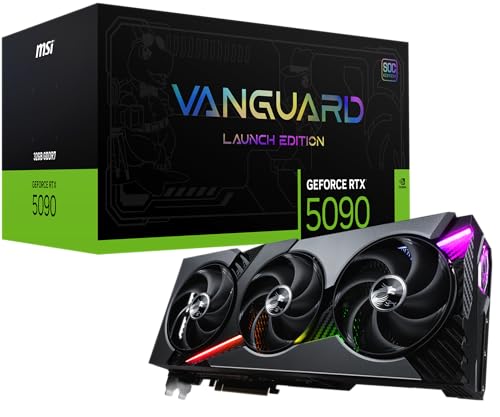
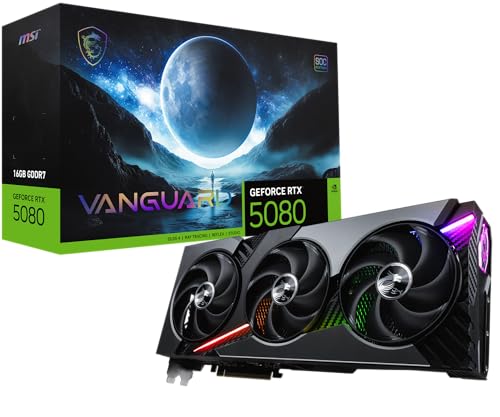
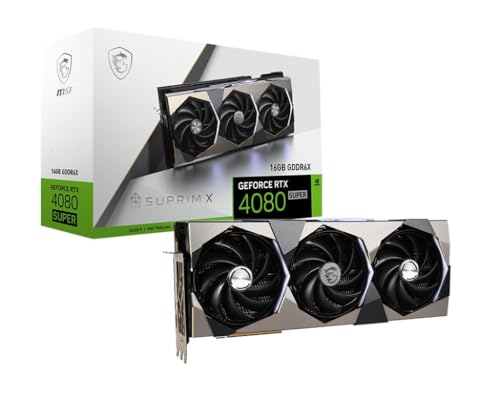
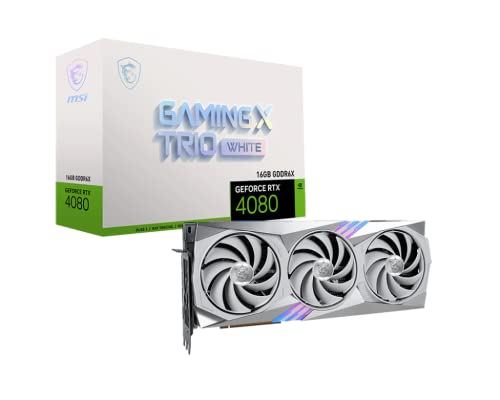
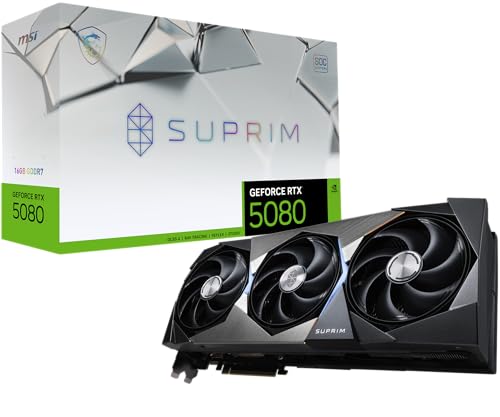
Are MSI graphics cards good?
MSI graphics cards have an average overall score of 8.7, ranking #2 among comparable graphics card brands, and a user rating of 9.4, placing them at #3 in user reviews.
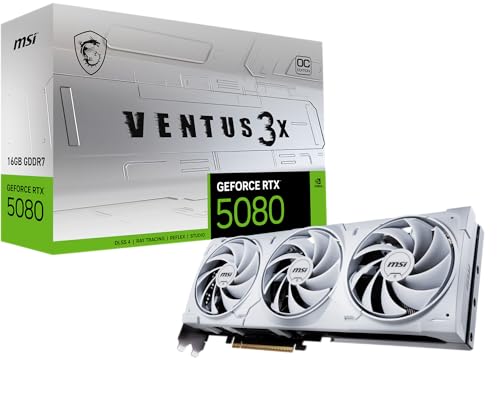
MSI is especially attractive when the buyer wants wide product-family coverage, from simpler Ventus cards up through Gaming and premium Suprim models, without leaving one brand ecosystem.
The main caution is that MSI pricing can climb quickly once you move into the more visible premium families. That is why the best MSI card depends not only on the GPU itself, but also on whether the MSI version is priced sensibly against rival partner cards using the same chip.
What are the main advantages of MSI graphics cards?
The main advantages of MSI graphics cards are as follows:
- Very broad lineup: MSI covers cheap legacy cards, practical mainstream models, upper-mainstream gaming tiers, and premium halo products. That gives buyers strong range whether they are shopping for a used 1080p upgrade or a flagship GeForce.
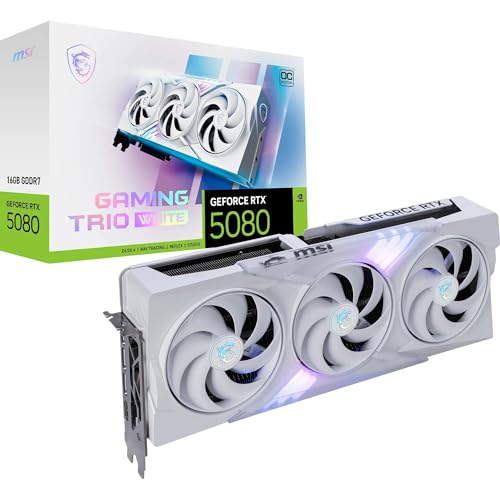
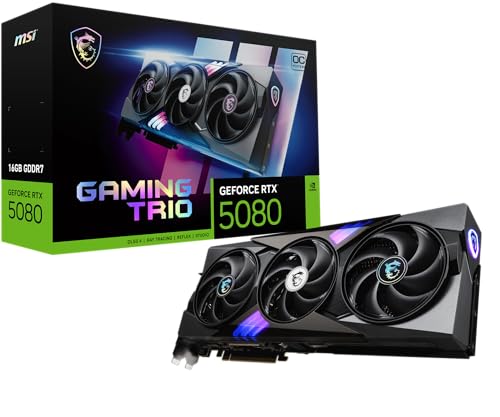
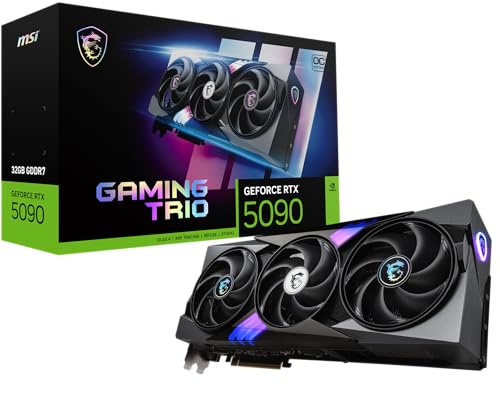
- Recognizable product families: Ventus, Gaming, Gaming Trio, Gaming Slim, and Suprim create a fairly readable internal structure. Buyers can often identify whether the card is a value-oriented mainstream design or a more premium branch before even checking the full specification.
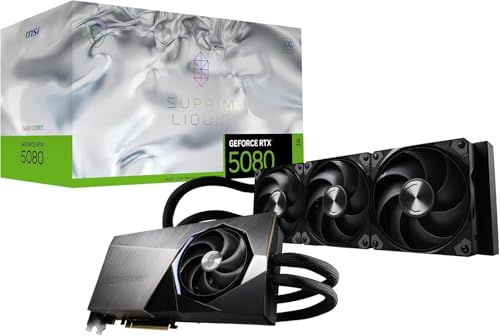
- Strong high-end cooler presence: Suprim and the stronger Gaming lines give MSI real visibility in the premium segment. Buyers who want quieter flagship cooling, bigger heatsinks, and ambitious upper-tier card designs often have serious MSI options.
- Healthy current-generation visibility: MSI is present across many relevant modern GeForce and Radeon tiers, including cards with 8 GB, 12 GB, 16 GB, 24 GB, and above. That keeps the brand relevant from affordable mainstream cards to halo-class products.
- Large used-market footprint: MSI has been active across many generations, so buyers can also find a wide second-hand catalog. That helps if the goal is a cheaper upgrade path without leaving a familiar board-partner ecosystem.
- Good mix of gaming and cleaner visual options: MSI is mostly gaming-led, but its range still includes slimmer, simpler, or less aggressive families that can fit more restrained builds as well as bold enthusiast systems.
What are the main disadvantages of MSI graphics cards?
The main disadvantages of MSI graphics cards are as follows:
- Premium families can get expensive fast: Suprim and some top Gaming-tier cards can climb deep into prestige pricing. Buyers need to separate real need from partner-brand temptation, because the price jump is often larger than the practical gain.
- Very wide spread under one brand: MSI sells everything from cheap old GT, GTX, and Radeon products to top-end GeForce and Radeon flagships. That makes brand-only shopping risky, because the MSI logo alone does not tell you whether the card is basic, old, or genuinely premium.
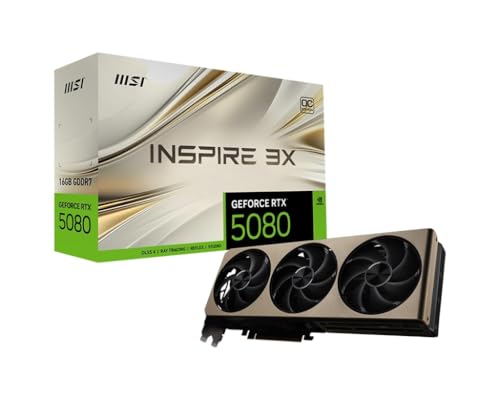
- Family overlap can confuse casual buyers: Ventus, Gaming, Gaming Trio, Gaming Slim, Suprim, Shadow, Inspire, Mech, Armor, and Aero do not all sit in the same class. Without checking carefully, buyers can easily compare the wrong MSI families against each other.
- Large premium coolers can be awkward: MSI's strongest premium cards are often long, thick, and heavy. That can create fit and support issues in compact or mid-size cases even when the GPU tier itself looks attractive.
- Flagship prestige is not always clean value: Once prices move far into the upper halo segment, MSI's most expensive cards are often about maximum finish, cooler ambition, and branding as much as sensible efficiency per euro.
- Legacy-market tail weakens brand consistency: MSI's large used-market footprint is useful, but it also means older cards often sit beside modern ones in the same brand family. Buyers need to judge age and exact generation first rather than relying on MSI's modern premium reputation.
Who makes MSI graphics cards?
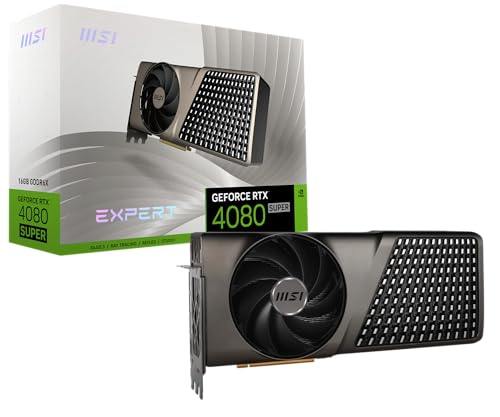
MSI graphics cards are made by MSI, usually as board-partner versions built around GPUs from Nvidia and, in some parts of the catalog, AMD. MSI does not create the underlying GPU architecture, but it does shape the final retail product through its cooler design, factory tuning, physical layout, and branding families such as Ventus, Gaming, and Suprim.
That is why an MSI graphics card is best understood as MSI's version of a broader GPU tier rather than as a unique chip platform of its own. The real buying question is how MSI's specific cooler and product family compares with rival partner versions of the same core GPU.
What are the main MSI graphics card series?
The main MSI graphics card series are as follows:
- Ventus: Ventus is one of MSI's most common mainstream graphics-card branches and usually represents the more practical, value-aware side of the brand.
- Gaming series: Gaming is one of MSI's core identities and usually covers better cooling, broader retail visibility, and stronger mainstream-to-enthusiast positioning than Ventus.
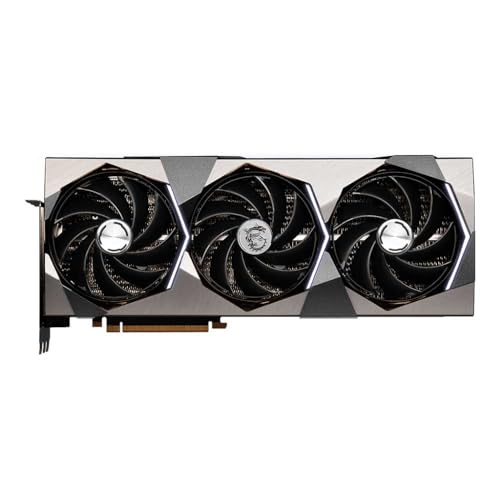
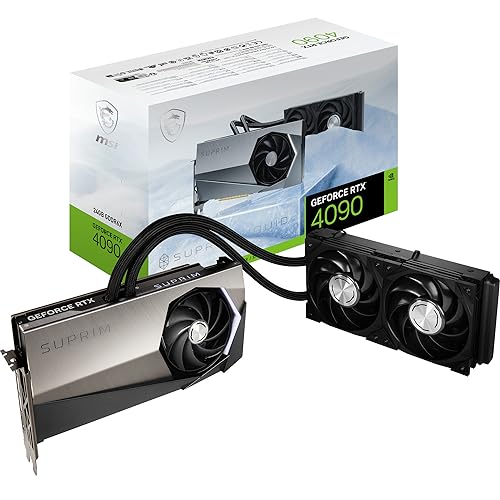
- Suprim: Suprim is MSI's premium enthusiast branch, usually built around larger coolers, more upscale materials, and flagship-level board-partner positioning.
- Aero and creator-leaning branches: Aero and related creator-oriented MSI variants sit on the cleaner or more specialized side of the lineup rather than the purely gaming-first side.
- Older specialist and legacy branches: Armor, Mech, Shadow, and other older or smaller MSI families still appear in the wider market, but they matter more as supporting brand branches than as the center of current MSI buying.
How much do MSI graphics cards cost?
MSI graphics cards usually cost about £130 to £860, with many practical mainstream and upper-midrange options sitting closer to roughly £220-£650.
The lower part of the range includes older value cards and simpler Ventus-style options, while the middle of the range is where many of MSI's most sensible purchases sit, especially when balanced Gaming or mainstream MSI variants keep pricing under control.
At the top end, the buyer is often paying not just for the GPU tier itself, but also for MSI's premium cooler execution and higher-visibility families such as Suprim. The key is to check whether the MSI version is actually worth its markup versus competing partner cards using the same GPU.
This chart visualizes MSI graphics card prices.
[vertical-chart-15753458051767199143064755210006391259963426209600]
How do MSI graphics cards compare with Asus models?
MSI graphics cards usually compare with Asus models as direct board-partner rivals with broad lineup coverage, strong premium visibility, and many versions of the same underlying GPUs. In most cases, the real comparison is not MSI chip against Asus chip but MSI cooler and product family against Asus cooler and product family.
In practical terms, MSI competes through branches such as Ventus, Gaming, and Suprim, while Asus answers with Dual, TUF Gaming, ProArt, and ROG Strix. The better choice depends much more on the exact card and its pricing than on the brand name alone.
That means MSI is not automatically better just because a certain series is popular. If the Asus version is cooler, quieter, or priced better for the same GPU tier, it can easily be the smarter buy, and the reverse is equally true.
What should you consider while choosing the best MSI graphics card?
You should consider the following factors when choosing the best MSI graphics card:
- Series family: MSI cards span Ventus, Gaming, Gaming X Trio, Gaming X Slim, Suprim, Aero, Shadow, Mech, Armor, and older specialist branches. Choose the family first, because that usually tells you whether you are looking at a practical mainstream card, a stronger gaming model, or a premium enthusiast design.
- GPU tier underneath the brand: MSI makes cards across many Nvidia and AMD GPU classes. Start with the actual chip and performance target first, because the MSI badge does not change what class of GPU you are buying.
- Cooler quality and acoustics: MSI often earns its reputation through cooler execution, but the differences between Ventus, Gaming, and Suprim still matter a lot. Heatsink size, fan tuning, and overall thermal behavior usually matter more than a small factory overclock.
- Physical size and case fit: Premium MSI cards can be large, thick, and heavy. Check case length, slot clearance, radiator conflicts, and airflow before assuming a specific Gaming X Trio or Suprim card will fit comfortably.
- Markup versus competing partner cards: MSI premium models can get expensive quickly. Sometimes the cooler and finish justify the premium, but sometimes the markup is mostly brand positioning. Compare carefully against Asus, Gigabyte, Sapphire, XFX, or other partner alternatives on the same GPU.
- Use-case alignment: A Ventus card, a Suprim card, and a creator-leaning Aero card are not aimed at the same buyer. Match the MSI branch to the actual build instead of defaulting to the most expensive series.