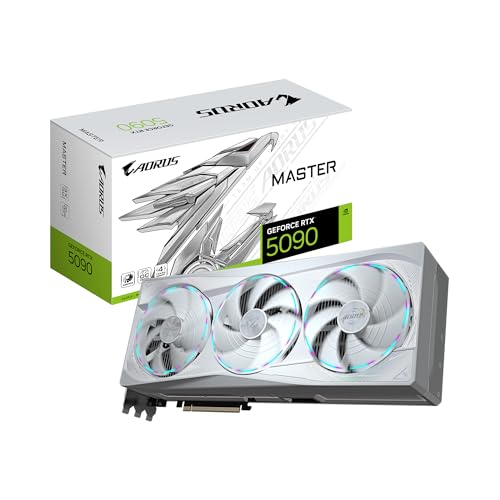
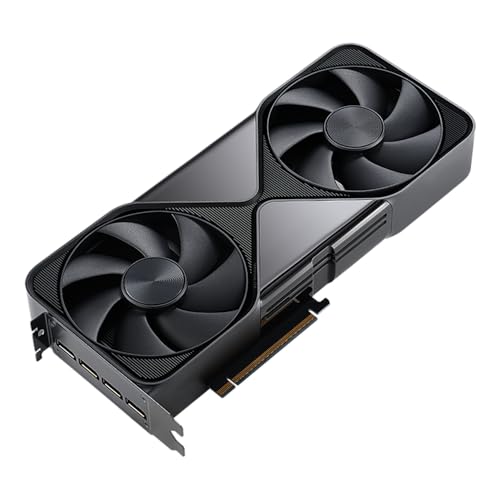
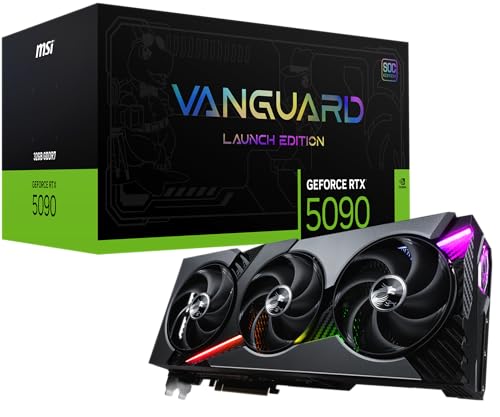
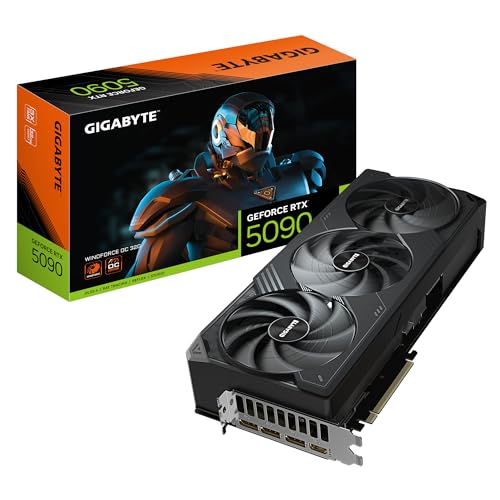
What makes a graphics card good for gaming?
The factors that make a graphics card good for gaming are as follows:
- GPU performance tier: The card should match the way you play, whether that means steady 1080p 60-144 fps, stronger 1440p settings, or realistic 4K ambitions.
- VRAM and memory subsystem: 8 GB can still work for mainstream gaming, but 12 GB and 16 GB are safer once higher textures, heavier AAA games, or 1440p and 4K enter the picture.
- Cooling and sustained clocks: A gaming card is much better when the cooler can hold boost speeds through long sessions instead of becoming hot, loud, or unstable.
- Modern feature support: Ray tracing, DLSS, FSR, XeSS, frame generation, and current API support all affect how well the card ages in modern games.
- Power and build fit: A card is not a smart gaming upgrade if it needs more PSU headroom, case clearance, or airflow than the system can provide.
- Price versus real gain: A good gaming GPU should give a clear improvement for the money rather than just adding a higher label or a bigger cooler.
The graphics settings that matter most for gaming performance are as follows:
- Resolution and render scale: Moving from 1080p to 1440p or 4K is usually the biggest overall performance hit because pixel count rises so quickly.
- Ray tracing and path tracing: These effects can cut frame rate heavily and often change which GPU tier feels comfortable.
- Texture quality and VRAM pressure: Texture settings matter most on 8 GB cards, where higher-resolution assets can create stutter or force lower settings sooner.
- Upscaling and frame generation: DLSS, FSR, and XeSS can turn a borderline result into a smooth one, especially at 1440p and 4K.
- Shadows, reflections, and volumetric effects: These settings often create some of the biggest quality-versus-performance tradeoffs in modern AAA games.
- Frame-rate cap and refresh target: A 60 fps target, a 120 fps target, and a 240 Hz esports target ask very different things from the same card.
How much do the best gaming graphics cards cost?
The best gaming graphics cards usually cost about £300-£1,300. That is where most meaningful gaming upgrades sit, from strong mainstream 1080p and 1440p cards to serious high-end models. Much cheaper cards are often older entry-level models, while the very highest prices belong to halo products that go well beyond what most players need.
Around £300-£400, you are usually looking at solid mainstream cards for 1080p and lighter 1440p gaming. Around £400-£800, the market becomes much stronger for higher settings, better longevity, and smoother 1440p play. Around £800-£1,300, you move into faster high-end cards for tougher 1440p, stronger ray tracing, and more comfortable 4K gaming. Above that, you are mostly paying for flagship territory rather than for a normal gaming upgrade.
This chart visualizes gaming graphics-card prices.
[vertical-chart-12410264512336454985093183462267965068813344720901]
What frame rates can gaming graphics cards deliver?
Gaming graphics cards can deliver anything from about 60 fps at 1080p on lower-mainstream models to 120-240 fps at 1080p, roughly 80-165 fps at 1440p, or around 60-120 fps at 4K on stronger cards, depending on the game and settings.
A lower gaming tier is usually best for 1080p 60-120 fps and lighter 1440p use. Midrange and upper-midrange cards are more comfortable around 1440p high settings and high-refresh play, while stronger high-end cards are where tougher 4K gaming and heavier ray tracing become much more realistic.
Game type changes the result dramatically. Esports games can run far above 144 fps on hardware that may only manage 60-90 fps in newer AAA titles at ultra settings, and enabling ray tracing can cut those numbers again. Upscaling and frame generation can recover a lot of that lost performance, but the safest buying target is still the monitor resolution and frame rate you actually want to hold consistently.
What should you consider while choosing a graphics card for gaming?
You should focus on the following factors when choosing a graphics card for gaming:
- Resolution and refresh target: Start with the monitor you actually use. A card for 1080p 60-120 Hz gaming can live comfortably in a very different class than a card meant for 1440p 144 Hz or 4K 120 Hz. If you play competitive shooters, average frame rate and 1% lows matter more than cinematic settings.
- GPU tier versus game type: Esports games, story-driven AAA titles, heavy ray-traced games, and modded open-world games do not stress a GPU in the same way. A mainstream 8 GB card can still be fine for lighter 1080p gaming, while modern 1440p or 4K AAA use is much safer on 12 GB, 16 GB, or higher depending on the class.
- VRAM and memory bus: Memory size is not enough by itself. An 8 GB card on a narrow 128-bit bus and a 12 GB or 16 GB card on a wider bus can feel very different once textures, ray tracing, or higher resolutions are involved. Check both capacity and memory subsystem before assuming two cards belong to the same tier.
- Ray tracing and upscaling support: If you care about ray tracing, frame generation, or upscaling technologies such as DLSS, FSR, or XeSS, buy enough tier headroom to use those features comfortably. A card that technically supports modern features is not automatically strong enough to use them well at your target settings.
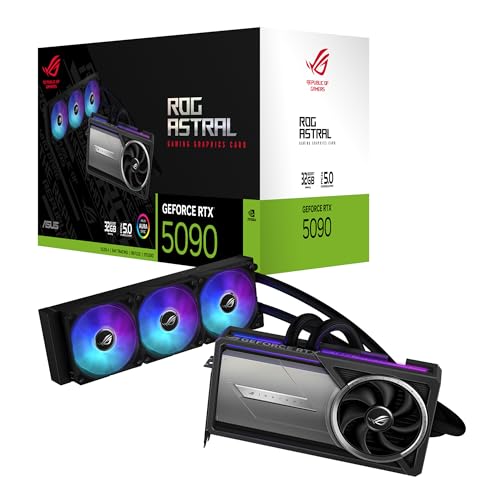
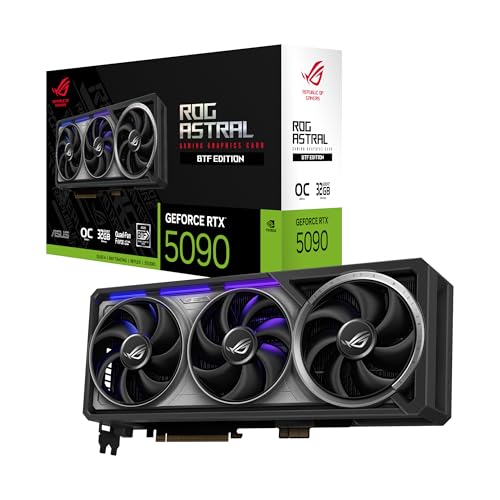
- Power, size, and cooling: Gaming cards range from compact sub-150 W models to very large 350-600 W flagships. That changes PSU requirements, PCIe power cabling, noise level, case clearance, and airflow planning immediately. A fast card that overheats or barely fits is not the right gaming upgrade.
- Price discipline: Gaming GPUs are easy to overbuy. Decide early whether you need a budget 1080p card, a balanced 1440p card, or a premium 4K tier, then compare only inside that bracket. Paying a huge premium for the highest label usually makes less sense than buying the strongest tier your monitor and game library can consistently use.