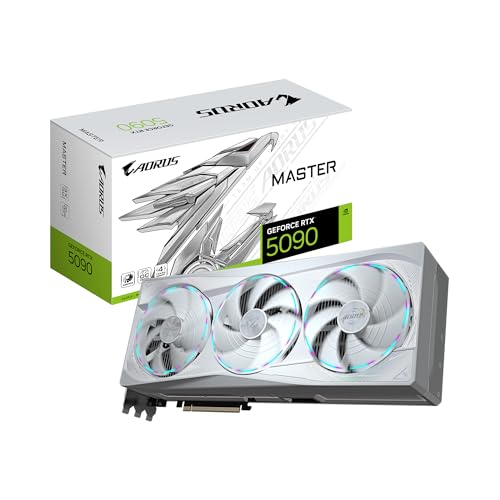
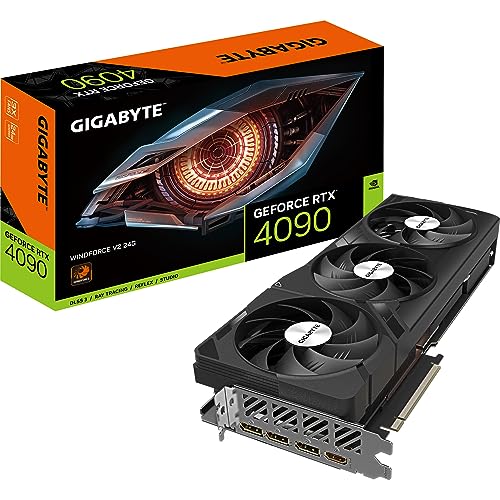
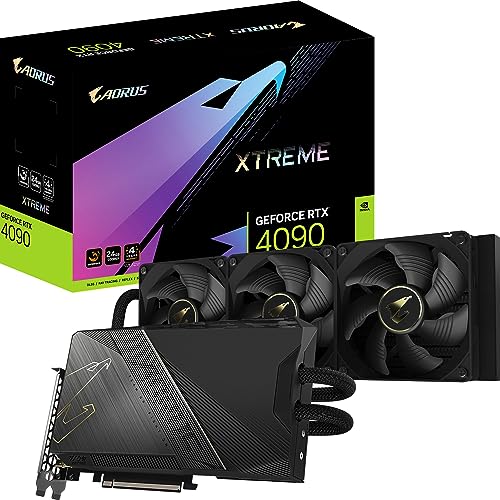
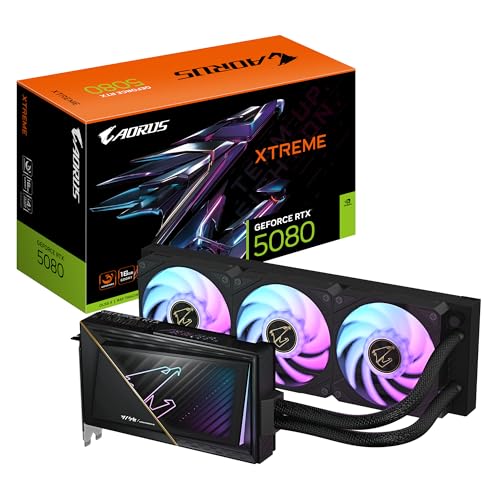
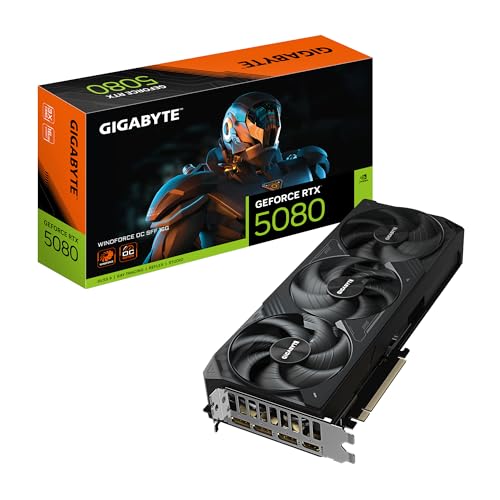
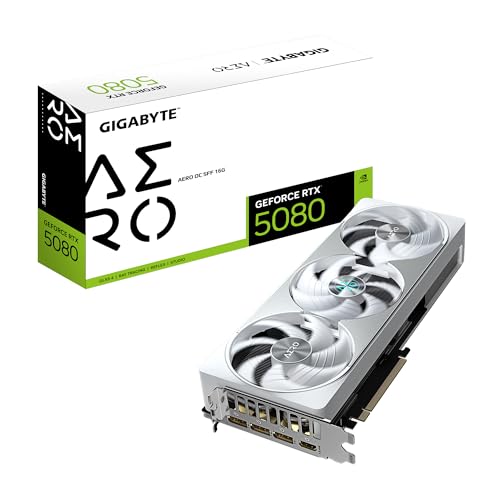
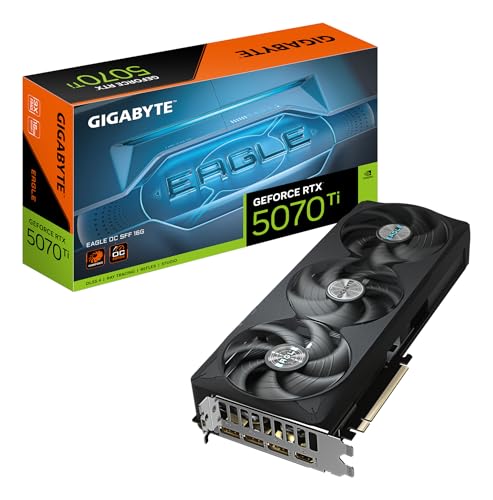
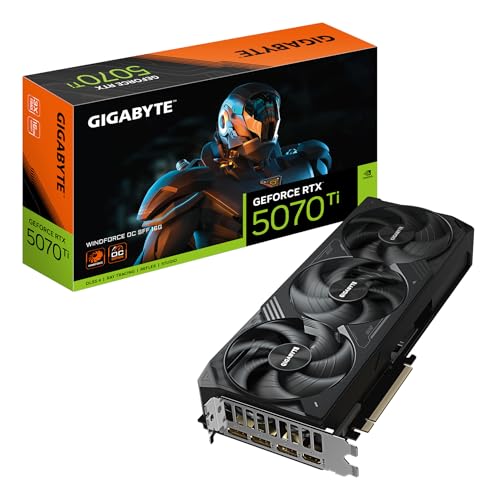
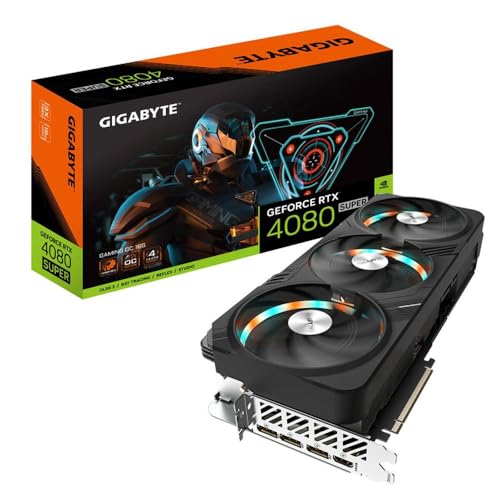
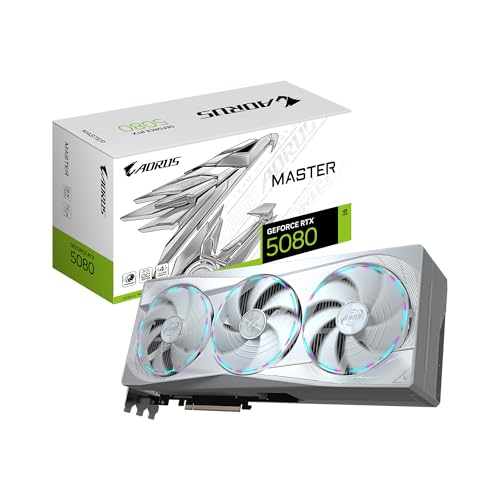
Are Gigabyte graphics cards good?
Gigabyte graphics cards have an average overall score of 8.7, ranking #1 among comparable graphics card brands, and a user rating of 9.3, placing them at #5 in user reviews.
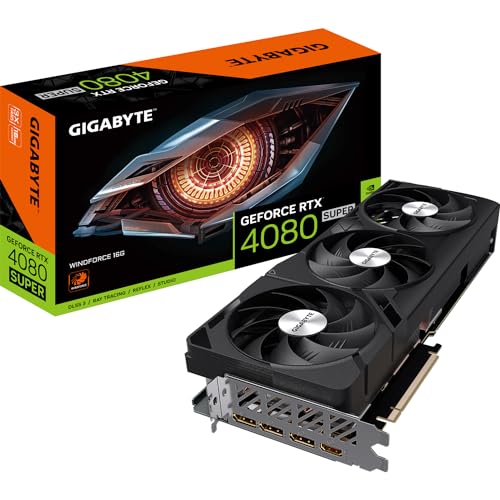
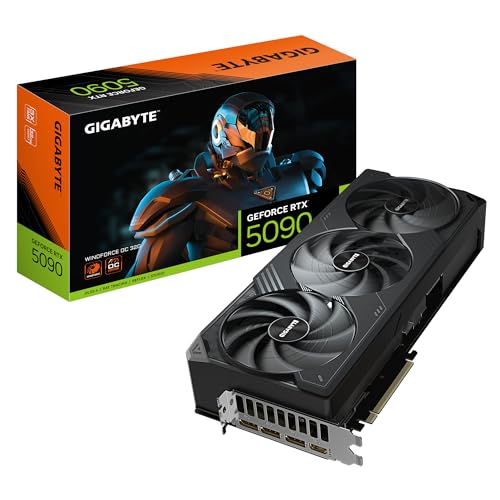
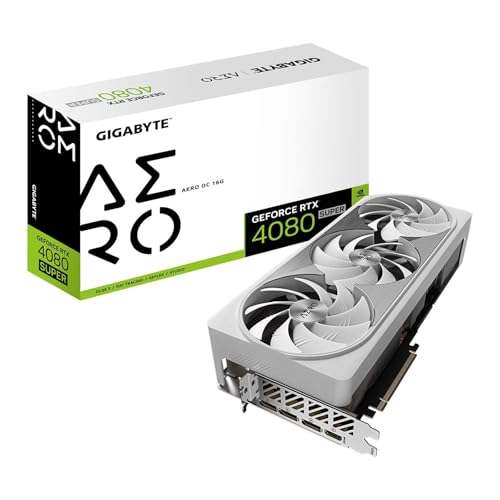
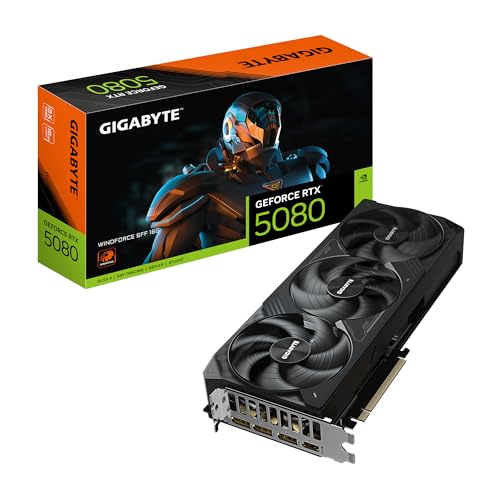
Gigabyte is especially attractive when the buyer wants real choice across budget, mainstream, and premium series, including Windforce, Gaming OC, Aero, and Aorus models.
The main caution is that the Gigabyte name covers a very wide spread, from basic older cards to premium halo products. That is why the best Gigabyte card depends not only on the GPU underneath, but also on the exact Gigabyte family and whether its pricing is sensible against competing partner cards.
What are the main advantages of Gigabyte graphics cards?
The main advantages of Gigabyte graphics cards are as follows:
- Large lineup depth: Gigabyte covers cheap used cards, practical mainstream models, stronger upper-tier products, and premium halo variants. Buyers can stay inside the same board-partner brand whether they want a basic older GPU or a serious flagship.
- Readable family map: Windforce, Eagle, Gaming OC, and Aorus usually signal the intended price and cooler tier clearly enough for buyers to sort the range quickly. That makes the lineup easier to navigate than a brand with less structure.
- Good mainstream-to-premium spread: Gigabyte does not rely only on halo models. It has a strong presence in value and upper-mainstream tiers as well, which makes the brand more relevant to ordinary buyers than a prestige-only partner would be.
- Strong current-generation visibility: Gigabyte is active across many important GeForce and Radeon classes, including mainstream 8 GB cards up through 16 GB, 24 GB, and higher upper-tier products. That keeps the brand visible through most of the market that matters.
- Real high-end branch through Aorus: Aorus gives Gigabyte a premium branch for buyers who want larger coolers, more aggressive styling, and upper-end partner positioning instead of only simple value cards.
- Healthy used-market presence: Because Gigabyte has been present through many generations, buyers also get a wide second-hand catalog. That creates flexibility for lower budgets while keeping the brand relevant on the retail side too.
What are the main disadvantages of Gigabyte graphics cards?
The main disadvantages of Gigabyte graphics cards are as follows:
- Huge spread under one name: A cheap old GT or Radeon card and a premium Aorus flagship share the Gigabyte logo but solve completely different problems. Buyers who shop too loosely by brand can easily compare the wrong things.
- Premium families can get expensive fast: Aorus and some stronger Gaming OC cards can push well beyond sensible mainstream territory. At that point, buyers need to separate real need from prestige, styling, and partner-brand markup.
- Family overlap can be confusing: Windforce, Eagle, Gaming OC, Aorus, Aero, Vision, Turbo, and older specialist names do not all represent the same tier or purpose. Without careful checking, a simple value card can look more premium than it really is.
- Flagship value weakens in halo territory: Once Gigabyte cards move far into upper-end pricing, the practical return for the extra spend usually shrinks. Some of the most expensive options are more about presentation and cooler ambition than about clean buying logic.
- Large premium designs can create fit issues: Gigabyte's strongest upper-tier cards are often long, thick, and heavy. That means the best-looking Gaming OC or Aorus card may still be the wrong purchase in a smaller case or modest airflow setup.
- Old used-market tail can distort impressions: Gigabyte has a broad second-hand catalog, which is useful, but it also means many weak legacy cards remain visible beside modern products. Buyers need to judge generation first rather than assuming the brand is consistently strong across its whole history.
Who makes Gigabyte graphics cards?
Gigabyte graphics cards are made by Gigabyte, usually as board-partner versions built around GPUs from Nvidia and, in some parts of the catalog, AMD. Gigabyte does not define the underlying GPU architecture itself, but it does control the cooler design, factory tuning, physical layout, and branding families such as Gaming OC, Aorus, Windforce, and Eagle.
That is why a Gigabyte graphics card is best understood as Gigabyte's version of a broader GPU tier rather than as a unique chip platform of its own. The key buying question is how Gigabyte's specific family and cooler design compares with rival board-partner versions of the same core GPU.
What are the main Gigabyte graphics card series?
The main Gigabyte graphics card series are as follows:
- Windforce: Windforce is one of Gigabyte's most common mainstream graphics-card branches and usually represents the more practical, value-aware side of the brand.
- Gaming OC: Gaming OC is one of Gigabyte's core gaming identities and usually covers stronger mainstream-to-enthusiast cooling and higher retail visibility than the simpler value branches.
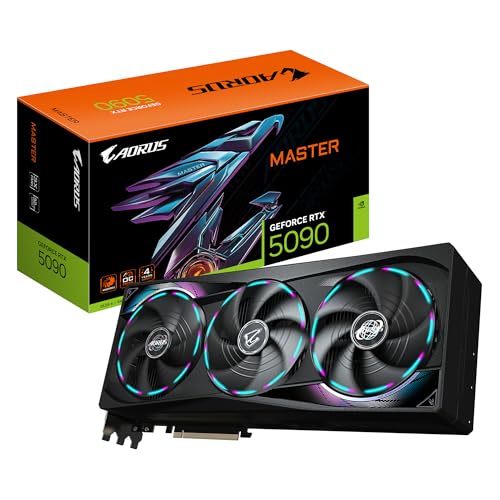
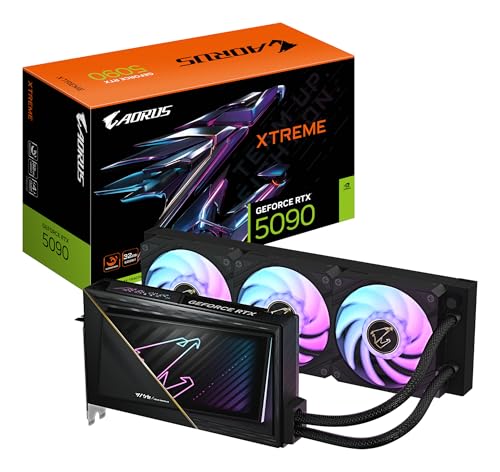
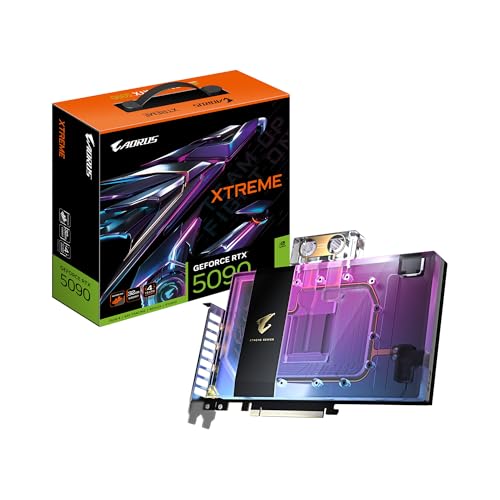
- Aorus: Aorus is Gigabyte's flagship gaming branch, usually built around more premium cooler execution, more aggressive styling, and higher-end enthusiast positioning.
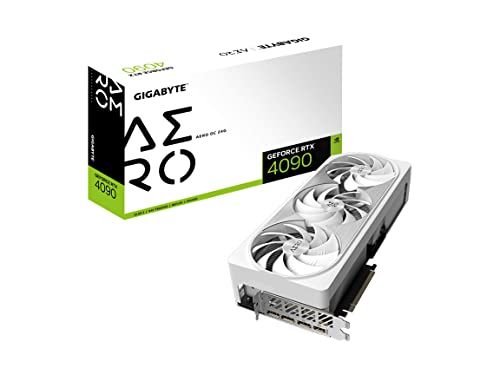
- Aero and creator-leaning branches: Aero and related cleaner-design Gigabyte variants sit more on the creator or workstation-adjacent side than on overt gaming-first branding.
- Older specialist and legacy branches: Eagle, Vision, Turbo, and other older or more specialized Gigabyte sub-lines still matter around the edges of the market, but they are supporting branches rather than the core of current Gigabyte buying.
How much do Gigabyte graphics cards cost?
Gigabyte graphics cards usually cost about £130 to £860, with many practical mainstream and upper-midrange options sitting closer to roughly £220-£650.
The lower part of the range includes older value cards and simpler Windforce-style options, while the middle of the range is where many of the brand's most sensible choices sit, especially when Gaming OC and balanced Gigabyte variants stay priced competitively.
At the top end, the buyer is often paying not just for the GPU tier itself, but also for Gigabyte's more premium cooling and Aorus-style series positioning. The key is to check whether the Gigabyte version is actually worth its markup versus competing partner cards using the same GPU.
This chart visualizes Gigabyte graphics card prices.
[vertical-chart-04025431044149505471065728216925721626923995197878]
How do Gigabyte graphics cards compare with MSI models?
Gigabyte graphics cards usually compare with MSI models as direct board-partner rivals with broad lineup coverage, recognizable premium families, and many versions of the same underlying GPUs. In practice, the real comparison is rarely Gigabyte chip against MSI chip and much more often Gigabyte cooler and product family against MSI cooler and product family.
Gigabyte tends to compete through families such as Windforce, Gaming OC, and Aorus, while MSI answers with Ventus, Gaming, and Suprim. The better choice depends much more on the exact model and its pricing than on the brand name alone.
That means Gigabyte is not automatically better just because the card sits in a visible product family. If the MSI version is quieter, cooler, or priced better for the same GPU tier, it can easily be the smarter buy, and the reverse is equally true.
What should you consider while choosing the best Gigabyte graphics card?
You should consider the following factors when choosing the best Gigabyte graphics card:
- Series family: Gigabyte cards span Windforce, Gaming OC, Aorus, Aero, Eagle, Vision, Turbo, and older specialist branches. Choose the family first, because that usually tells you whether you are looking at a practical mainstream model, a stronger gaming design, or a more premium enthusiast card.
- GPU tier underneath the brand: Gigabyte makes cards across many Nvidia and AMD GPU classes. Start with the actual chip and performance target first, because the Gigabyte badge does not change what class of GPU you are buying.
- Cooler quality and acoustics: Gigabyte often looks strongest when cooler execution and price stay balanced, but the differences between Windforce, Gaming OC, and Aorus still matter a lot. Fan tuning, heatsink size, and overall thermal behavior usually matter more than a small factory overclock.
- Physical size and case fit: Premium Gigabyte cards can be large, thick, and heavy. Check case length, slot clearance, radiator conflicts, and airflow before assuming a specific Gaming OC or Aorus card will fit comfortably.
- Markup versus competing partner cards: Gigabyte premium models can get expensive quickly. Sometimes the extra cooling and polish justify the premium, but sometimes the markup is mostly product-family positioning. Compare carefully against MSI, Asus, Sapphire, XFX, or other partner alternatives on the same GPU.
- Use-case alignment: A Windforce card, an Aorus card, and a creator-leaning Aero card are not aimed at the same buyer. Match the Gigabyte branch to the actual build instead of defaulting to the most expensive series.