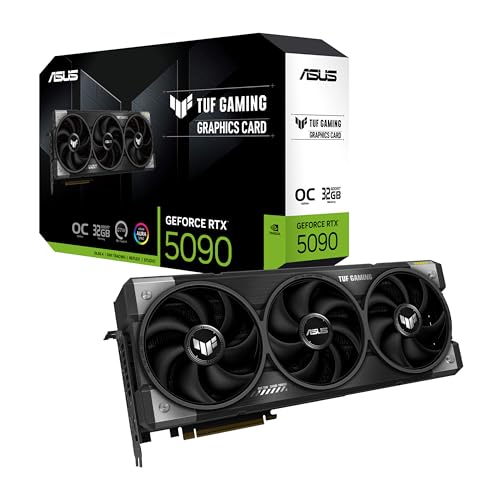
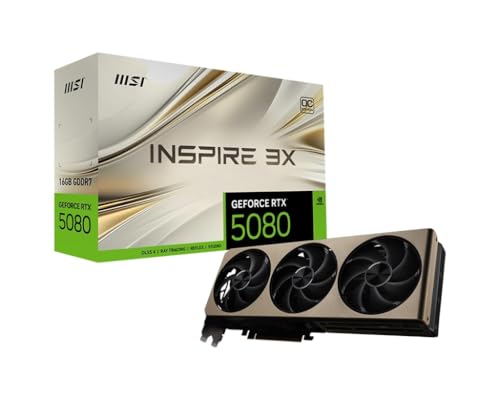
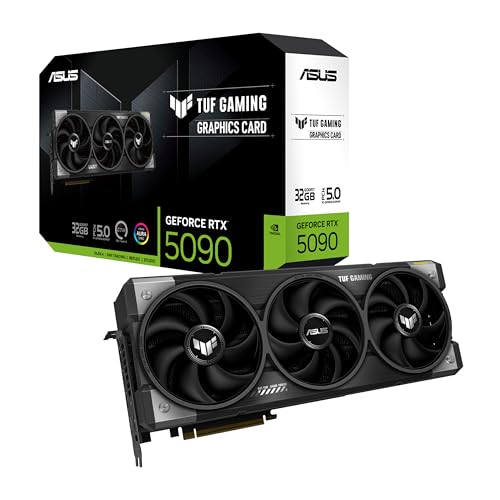
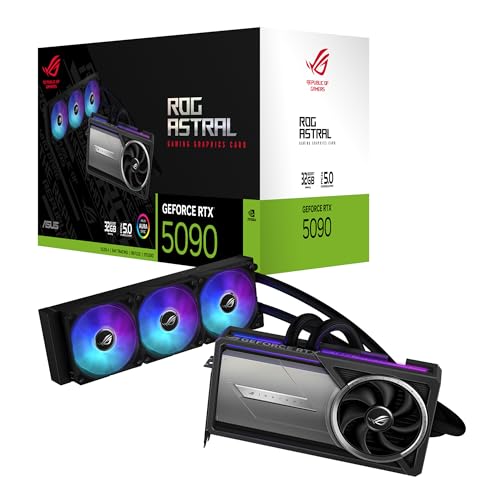
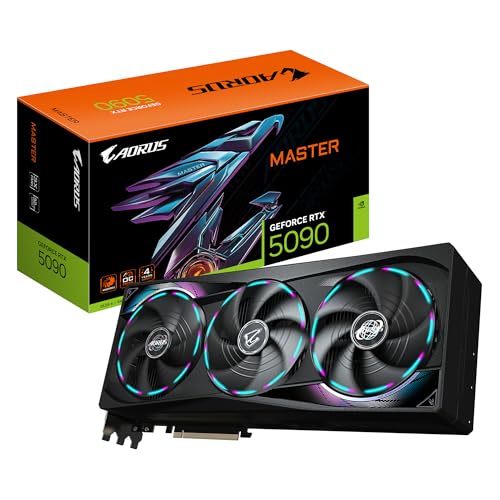
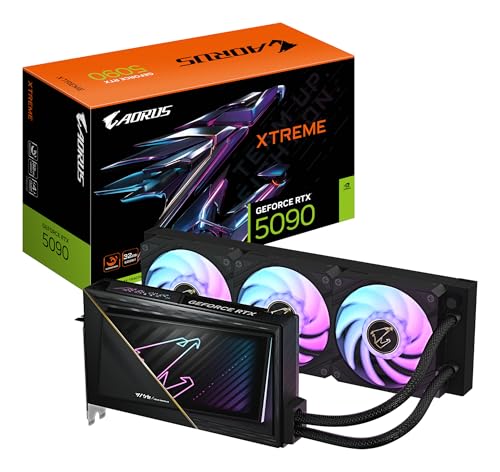
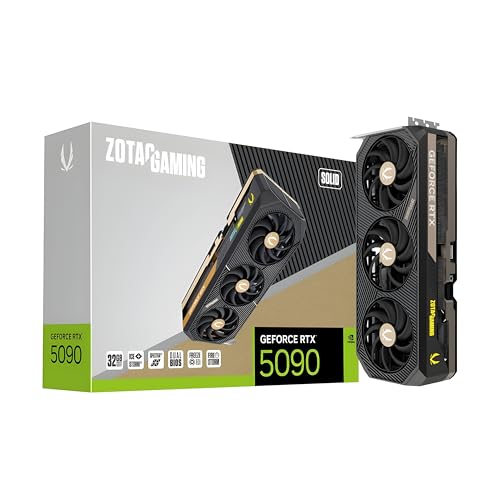
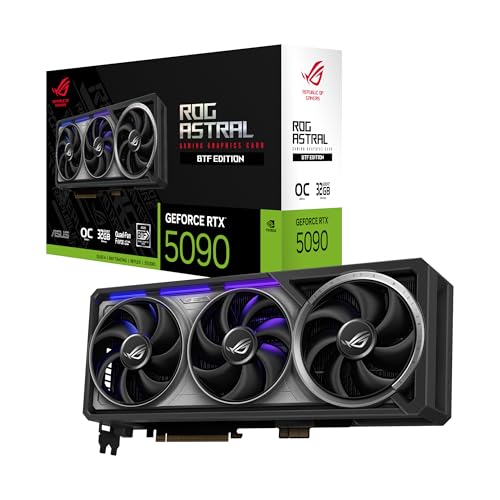
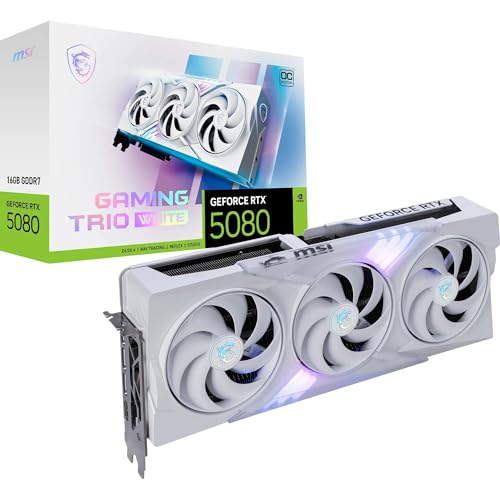
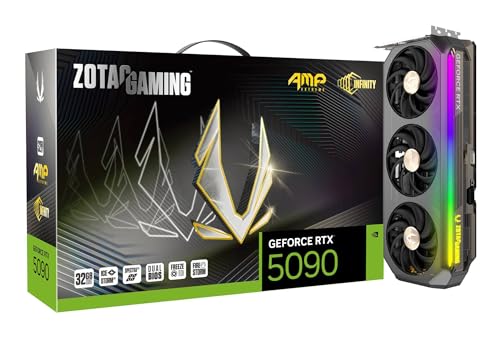
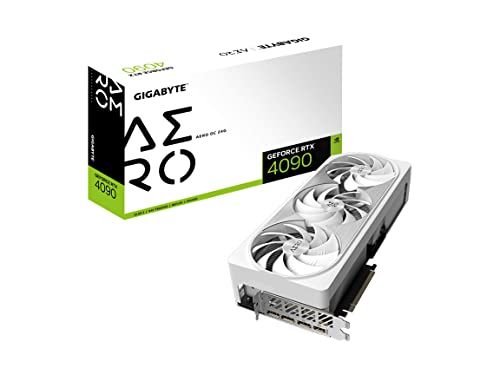
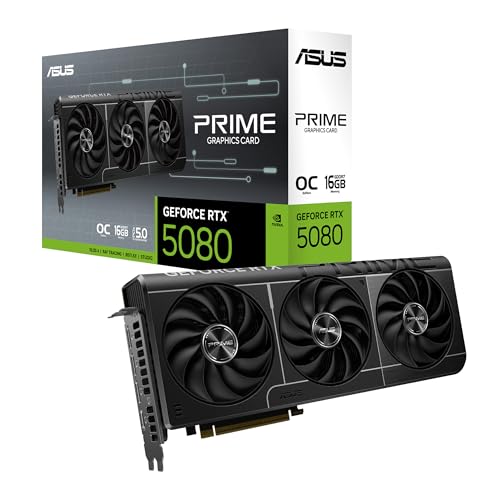
Which brands make the best RTX graphics cards?
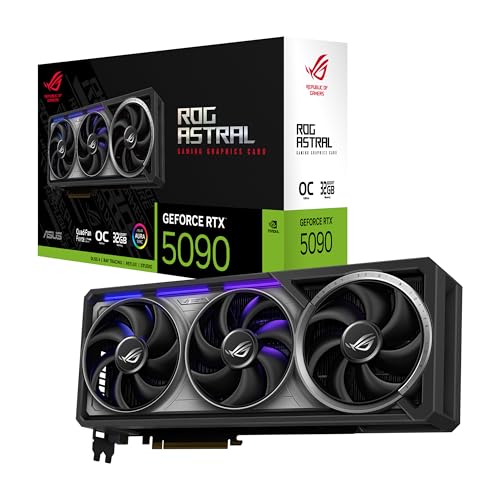
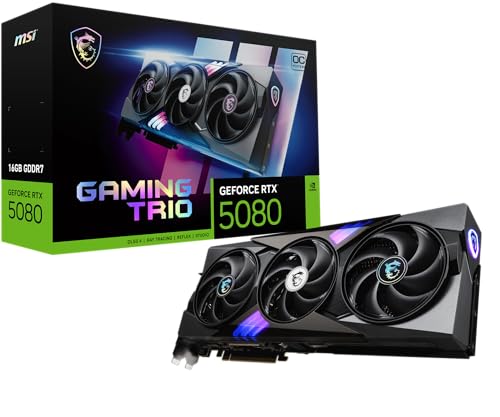
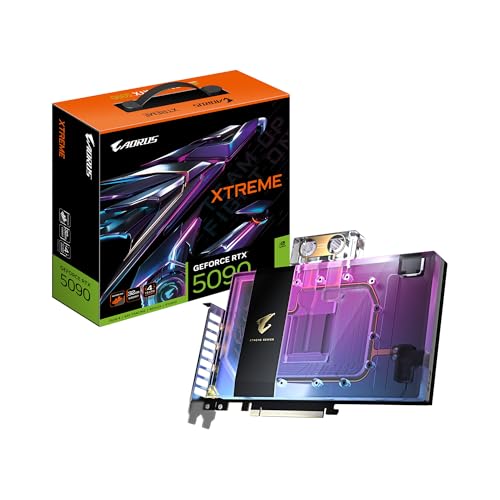
The brands that make the best RTX graphics cards are as follows.
- GIGABYTE (Average overall score: 8.7)
- MSI (Average overall score: 8.7)
- ASUS (Average overall score: 8.7)
The chart below ranks RTX graphics-card brands by average overall score.
[horizontal-chart-11251300086013977283037076370660463476101119066026]
What does RTX mean on a graphics card?
RTX on a graphics card means the GPU belongs to one of Nvidia's ray-tracing-enabled product families and is designed to support real-time ray tracing together with AI-assisted features such as DLSS. In practical terms, RTX is the label that marks Nvidia cards built around the modern GeForce RTX and related RTX professional ecosystems rather than the older GTX-only era.
RTX does not describe one single performance level. An RTX 3050, RTX 4070, RTX 5090, RTX A-series card, and RTX Pro workstation model can all carry the RTX name while targeting very different budgets and workloads. The label tells you the card is part of Nvidia's newer feature stack, but the exact tier still determines how much ray tracing, VRAM, and raw speed you actually get.
How good is ray tracing on RTX graphics cards?
Ray tracing is generally one of the main strengths of RTX graphics cards, but the experience depends heavily on the GPU tier, the resolution target, and whether you use DLSS. Higher-tier RTX cards handle ray-traced lighting, reflections, and shadows much more comfortably, while entry-level RTX models can support the feature but often need more careful settings control.
RTX cards look strongest in games where you want a clear visual upgrade and are willing to balance that against frame rate. At 1080p and 1440p, many midrange and upper-midrange RTX cards can make ray tracing practical when the rest of the settings are chosen sensibly. At 4K, the ray-tracing load rises sharply, so stronger cards and upscaling support become much more important.
Ray tracing on RTX cards is therefore good when you buy the right tier for the workload instead of assuming that every RTX badge delivers the same result. The feature is real across the family, but the higher you go in the stack, the easier it becomes to use heavier effects without sacrificing too much smoothness.
How does DLSS affect RTX graphics cards?
DLSS affects RTX graphics cards by raising frame rates and making demanding settings more practical, especially when ray tracing or higher resolutions are part of the goal. It is one of the main reasons RTX cards can stay competitive in visually heavy games even when the raw workload would otherwise be punishing.
DLSS matters most when you want better balance between image quality and smoothness. On midrange RTX cards, it can make 1440p or ray-traced gaming feel more realistic without forcing a major visual downgrade. On stronger cards, it can help preserve higher refresh rates or make 4K and heavier effects easier to justify.
DLSS does not replace GPU tier, VRAM, or cooling quality, so it should be treated as a performance helper rather than a magic fix. The better the base RTX card is, the more useful DLSS becomes as a way to extend settings headroom instead of simply rescuing an otherwise overstretched GPU.
How much do the best RTX graphics cards cost?
RTX graphics cards usually cost from about £220 for entry models to around £1,700 for top consumer cards, while professional RTX hardware can go much higher. For most buyers, the important range is roughly £260-£1,000, where the mainstream and upper-tier GeForce RTX cards sit.
Around £260-£390, RTX is mostly about entry 1080p gaming and basic access to features such as ray tracing and DLSS. Around £430-£770, you start seeing the stronger 1440p cards with more comfortable ray-tracing headroom. From about £860 upward, RTX moves into high-end 4K, bigger coolers, more power draw, and much faster GPUs rather than small step-up gains.
This chart visualizes RTX graphics card prices.
[vertical-chart-10113337877116371800177819219714945954950913758071]
What can RTX graphics cards handle in real use?
RTX graphics cards can handle the following workloads well:
- 1080p and 1440p gaming: Many RTX cards are a strong fit for high-settings 1080p or balanced 1440p gaming, especially when DLSS is available to protect frame rate.
- 4K and heavier ray tracing on upper tiers: Stronger RTX tiers are the ones that make 4K, heavier ray-traced lighting, and higher refresh targets realistic rather than theoretical.
- Streaming and video work: NVENC, NVDEC, and AV1 support on newer generations make RTX attractive for recording, streaming, playback, and faster export workflows.
- GPU-accelerated creator software: CUDA-aware rendering, AI tools, 3D work, and editing applications are common reasons to choose RTX instead of an older GTX-class card.
What should you consider while choosing an RTX graphics card?
You should consider the following factors while choosing an RTX graphics card:
- RTX generation and tier: RTX 2060-class, 3060-class, 4070-class, and 5090-class cards all share the RTX name, but they belong to completely different performance classes. Decide first whether you need entry 1080p, balanced 1440p, high-end 4K, or workstation-level RTX before comparing models.
- Ray tracing and DLSS target: If ray tracing is one of the main reasons to buy RTX, make sure the GPU tier is strong enough that DLSS or frame generation act as quality helpers rather than emergency rescue tools. Lower RTX tiers support the feature set, but they do not all handle the same ray-tracing load well.
- VRAM and memory bandwidth: 8 GB can still fit lighter RTX use, while 12 GB or 16 GB is a safer zone for stronger 1440p, heavier mods, creator work, or longer ownership. At the upper end, 24 GB or more matters mostly for flagship or professional workloads, and bus width or bandwidth still affects how well the card uses that memory.
- Media and creator support: Many buyers choose RTX for NVENC, NVDEC, CUDA acceleration, AV1 support on newer generations, and better compatibility in editing, rendering, streaming, or AI software. Check the exact media engine and software support instead of assuming every RTX card gives the same creator value.
- Power, cooling, and size: Strong RTX cards often become large two-and-a-half-slot, three-slot, or even larger boards with much higher power draw. PSU headroom, connector type, case clearance, and support brackets matter just as much as the GPU tier.
- Display target and outputs: Match the card to the monitor setup you actually plan to use. High-refresh 1440p, ultrawide resolutions, 4K, and multi-monitor setups all place different demands on the RTX tier and on the DisplayPort or HDMI outputs available.