What is an Android tablet?
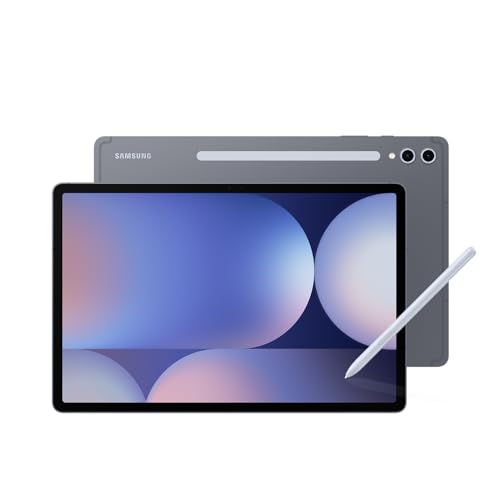
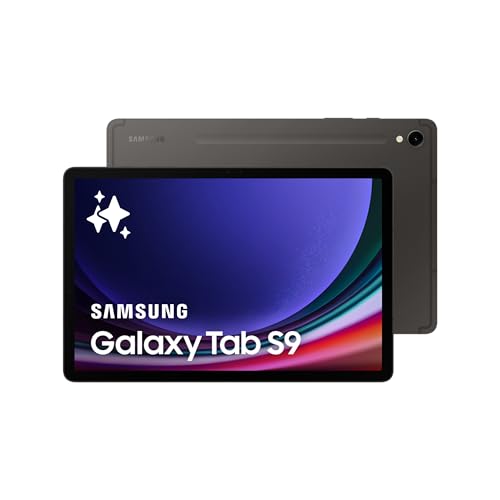
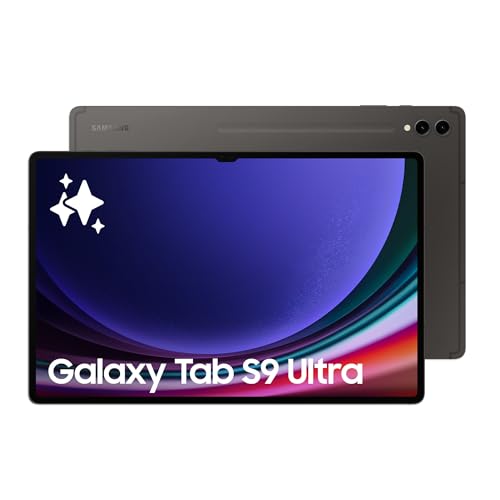
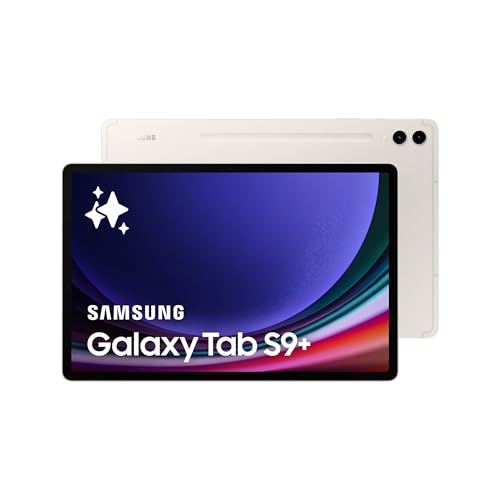
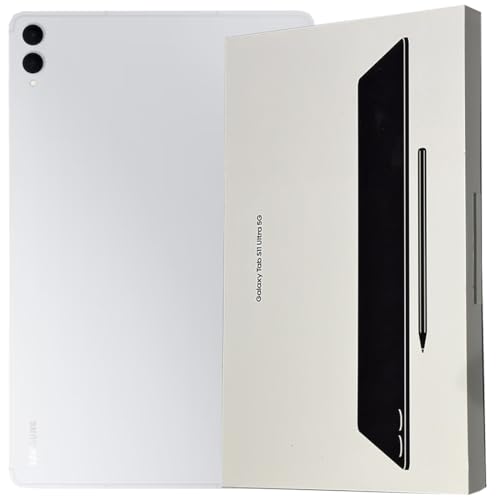
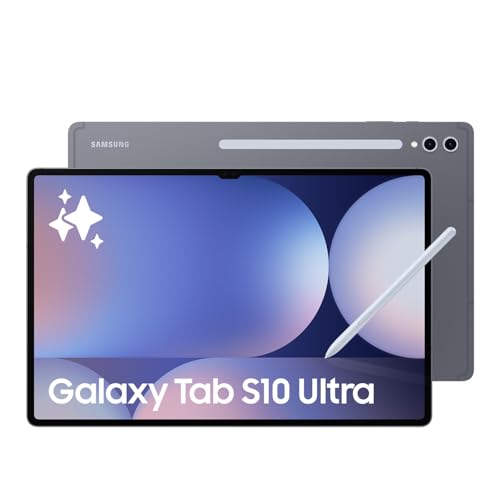
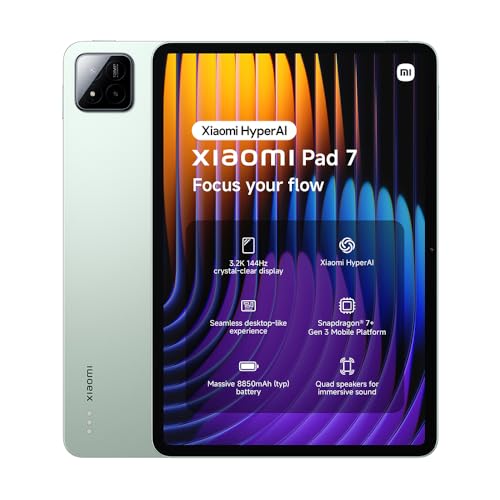
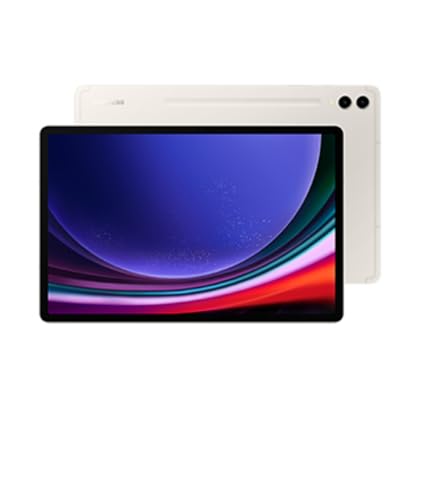
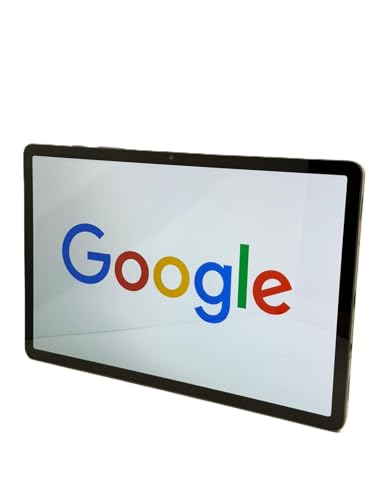
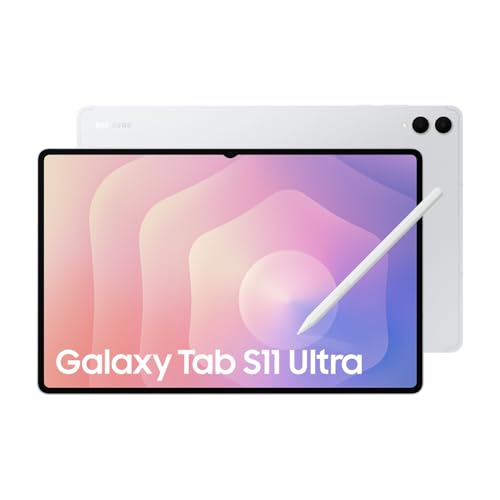
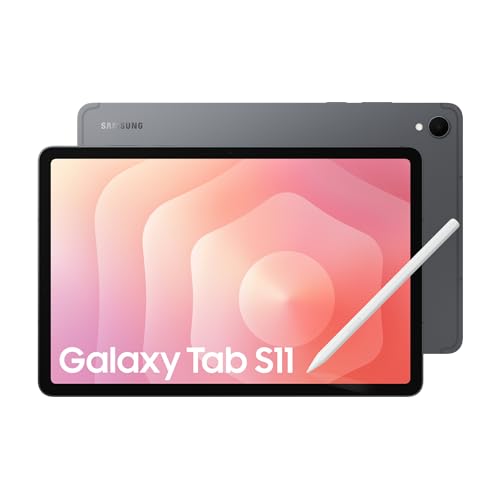
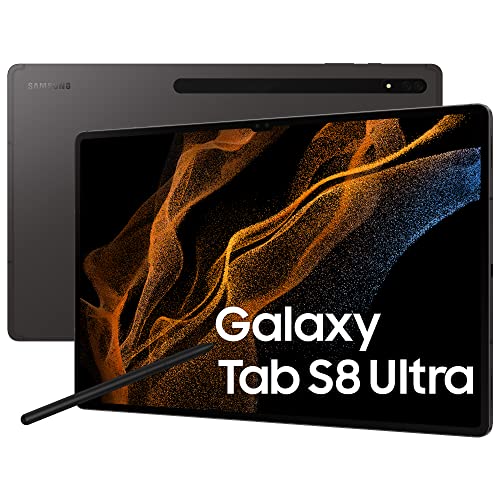
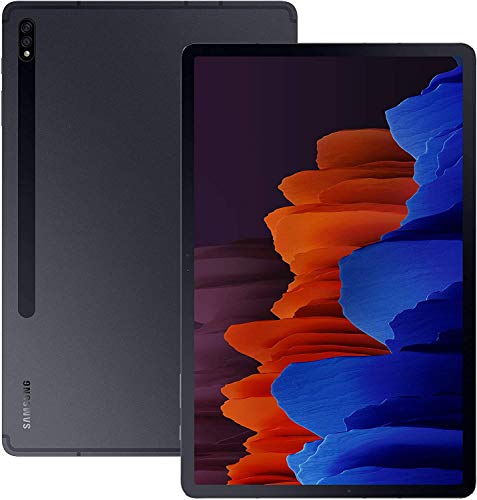
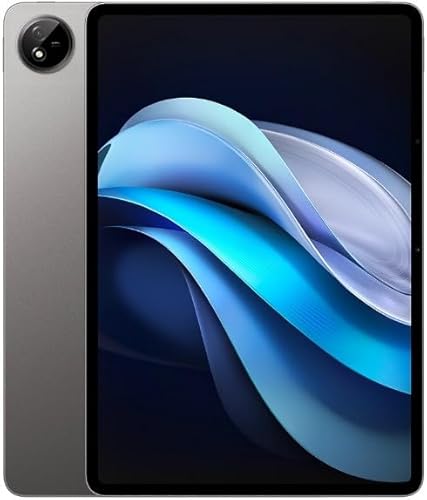
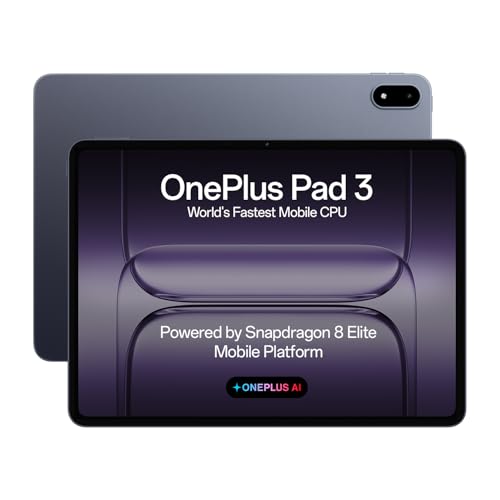
An Android tablet is a portable touchscreen device that runs on Google’s Android operating system. You can use it for web browsing, streaming, reading, gaming, and running Android apps, and it works in a similar way to a smartphone but with a larger display and stronger battery life. Most models connect through Wi-Fi, while some support SIM cards for 4G or 5G networks, so you can use data on the go.
The following chart shows how tablets are split across the main operating systems.
[pie-chart-02171182586425231473146847727268754966940960751012]
What versions of Android do tablets use today?
Today, Android tablets mainly use Android 14, Android 15, or Android 16 on newer models, while older or cheaper tablets still appear with Android 12 or Android 13. In the current tablet data, Android 15 and Android 16 are the most visible numbered versions, but many rows are also stored more broadly as just Android when the exact release is not listed clearly.
Some brands also layer their own software on top, so you may see names such as HyperOS or HarmonyOS in the wider tablet market. When you compare Android tablets, the important thing is not only the version number itself but also how many future updates the brand promises and whether the tablet is still early enough in its software lifecycle to stay secure for several years.
Are Android tablets good?
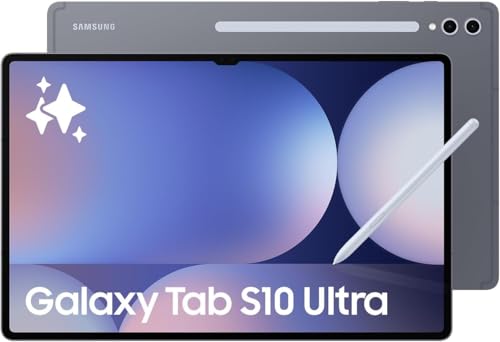
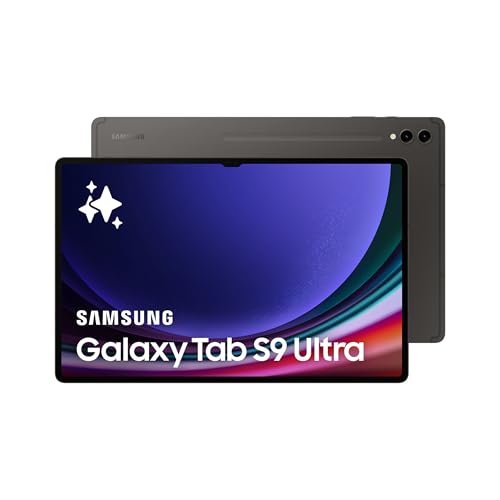
Android tablets are generally a good choice if you want wide app support, flexible hardware options, and more price variety than you usually get from premium-only tablet ecosystems. They range from basic media and browsing devices to high-end models with strong processors, sharp displays, stylus support, and keyboard compatibility.
You get access to the Google Play Store with millions of apps, so you can use your tablet for games, streaming services, productivity tools, or reading. Many Android tablets also support accessories such as keyboards, pens, and external storage, so you can turn them into portable workstations or creative tools.
Battery life and performance depend on the model. Some cheaper tablets run basic apps well but struggle with heavier tasks, while premium Android tablets have strong CPUs and GPUs that handle multitasking and demanding games smoothly.
Which brands make the best Android tablets?
The best Android tablet brands are as follows.
- Samsung (Overall score: 8.9 points)
- Vivo (Overall score: 8.6 points)
- ZTE (Overall score: 8.4 points)
Android tablet brands are ranked by overall score in the following chart.
[horizontal-chart-11397727925818169801044586436697003005961609285602]
How much do Android tablets cost?
Android tablets cost anywhere from less than £90 to more than £850, depending on brand, hardware, and features.
You can buy basic models for under £130 that focus on simple tasks such as web browsing, email, or streaming. Mid-range devices usually range from £170 to £430, which gives you faster processors, sharper displays, and larger storage.
High-end Android tablets reach £600 to £1,100 and compete directly with premium iPads. These models usually have AMOLED displays, powerful chipsets, and high RAM configurations.
Prices across Android tablets are distributed in the following chart.
[vertical-chart-17890067544326165158071622228763450957941260187846]
How powerful are processors in Android tablets?
Processors in Android tablets are powerful and vary from entry-level chips to high-performance SoCs used in flagship models.
Basic tablets use processors that handle web browsing, video playback, and light apps, while high-end devices run chips comparable to those in premium smartphones. These processors can support gaming, heavy multitasking, and advanced creative apps.
Top Android tablets use octa-core processors with high clock speeds, advanced GPU units, and efficient architectures. Qualcomm Snapdragon, MediaTek Dimensity, and Samsung Exynos are common, while some brands also use custom chips. These processors deliver smooth performance in demanding tasks such as 3D gaming, video editing, and split-screen use.
How much RAM and storage do Android tablets have?
Android tablets have between 2 GB and 16 GB of RAM, and storage usually ranges from 32 GB to 1 TB.
Entry-level tablets often come with 3 GB or 4 GB of RAM and 32 GB or 64 GB of storage, which is enough for light apps and streaming. If you use your tablet for gaming, creative work, or multitasking, you will need 8 GB or more of RAM and at least 128 GB of storage.
Many Android tablets include a microSD card slot, so you can expand storage up to 1 TB or even more depending on the model. This helps if you download large apps, offline videos, or files for work. Premium tablets often use faster UFS storage, which loads apps and files quicker than older eMMC storage.
How long does the battery last on Android tablets?
The battery on Android tablets lasts between 8 and 14 hours on average, depending on the model and how you use it.
Basic tablets usually reach closer to 8 hours, while premium models with bigger batteries and better optimization reach up to 12–14 hours on a single charge. You can expect variations because gaming, streaming, and multitasking drain power faster than browsing or reading.
Battery capacity in Android tablets usually ranges from 5000 mAh to over 10,000 mAh, which directly affects runtime. Tablets with 10,000 mAh batteries handle heavy use longer, so you can watch movies or work without frequent charging. Smaller and budget tablets with around 5000–7000 mAh last less, especially if they use less efficient processors or displays with higher refresh rates.
Fast charging is common in newer tablets, which shortens charging time from empty to full. Some models reach 50% charge in under an hour, while others need more time because of lower charging speeds.
How good are the displays on Android tablets?
The displays on Android tablets are generally very good, with wide variation depending on the model and price range. Many tablets use LCD panels, while higher-end models use AMOLED technology, which produces deeper blacks and higher contrast.
Screen sizes usually range from around 8 inches to over 12 inches, so you can pick between compact portability and a more immersive viewing experience.
Resolution plays a key role in how sharp the display looks. Budget tablets may have HD or Full HD screens, which are fine for basic tasks, while premium tablets reach 2K or even 4K resolutions for detailed images and text. Brightness levels also differ across models; mid-range and flagship tablets often reach 500 nits or more, which helps with outdoor visibility.
What to consider while choosing the best Android tablet?
When choosing the best Android tablet, you should consider the following key hardware specifications and features.
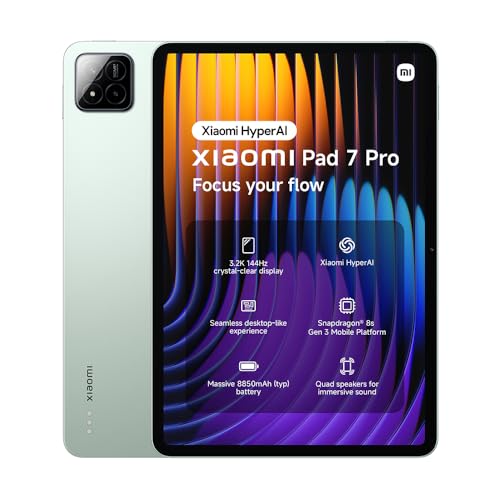
- Display quality: The screen serves as your primary interface with the device and directly affects your viewing experience. Look for tablets with at least 1080p resolution to avoid grainy images, as 720p displays appear dull and lack sharpness. IPS panels deliver better color reproduction and wider viewing angles compared to standard LCD screens, which benefits media consumption and gaming. Higher refresh rates like 144Hz create smoother scrolling and more responsive touch interactions.
- Processing power and RAM: A capable processor handles multitasking and app performance effectively. Quad-core or octa-core processors from manufacturers like Qualcomm and MediaTek provide adequate performance for most tasks, while flagship chips like the Snapdragon 8 Gen 2 unlock high-end mobile gaming capabilities. Pair the processor with at least 4GB of RAM for smooth app switching, though 8GB or more delivers better multitasking performance.
- Storage: Consider your storage needs based on planned usage patterns. Start with at least 64GB for basic use, but 128GB or more suits most users who install multiple apps and store media files. MicroSD card support adds flexibility by allowing storage expansion up to several terabytes. Avoid tablets with only 32GB of storage as this severely limits app installation and media storage.
- Operating system updates: Choose tablets running recent Android versions to access the latest features and security patches. Devices with Android 13 or older miss out on newer capabilities and may face app compatibility issues as developers target newer OS versions. Manufacturers that provide regular updates extend the tablet's useful life and maintain security standards.
- Battery: Long battery life supports extended usage without frequent charging breaks. Target tablets that deliver at least 8-10 hours of typical usage, though actual performance varies based on screen brightness, app usage, and processing demands. Fast charging capabilities reduce downtime when the battery does run low.
- Connectivity: Modern tablets should include dual-band Wi-Fi for faster internet speeds and Bluetooth for connecting peripherals like keyboards and headphones. GPS adds navigation capabilities, while some models offer cellular connectivity for internet access away from Wi-Fi networks. USB ports enable file transfer and accessory connections.
- Durability: The tablet's construction affects both durability and user experience. Premium materials and solid build quality resist daily wear and damage better than flimsy plastic designs. Some tablets feature IP ratings that indicate dust and water resistance, which protects the device in various environments. Consider the tablet's weight and thickness as these factors affect portability and comfort during extended use.